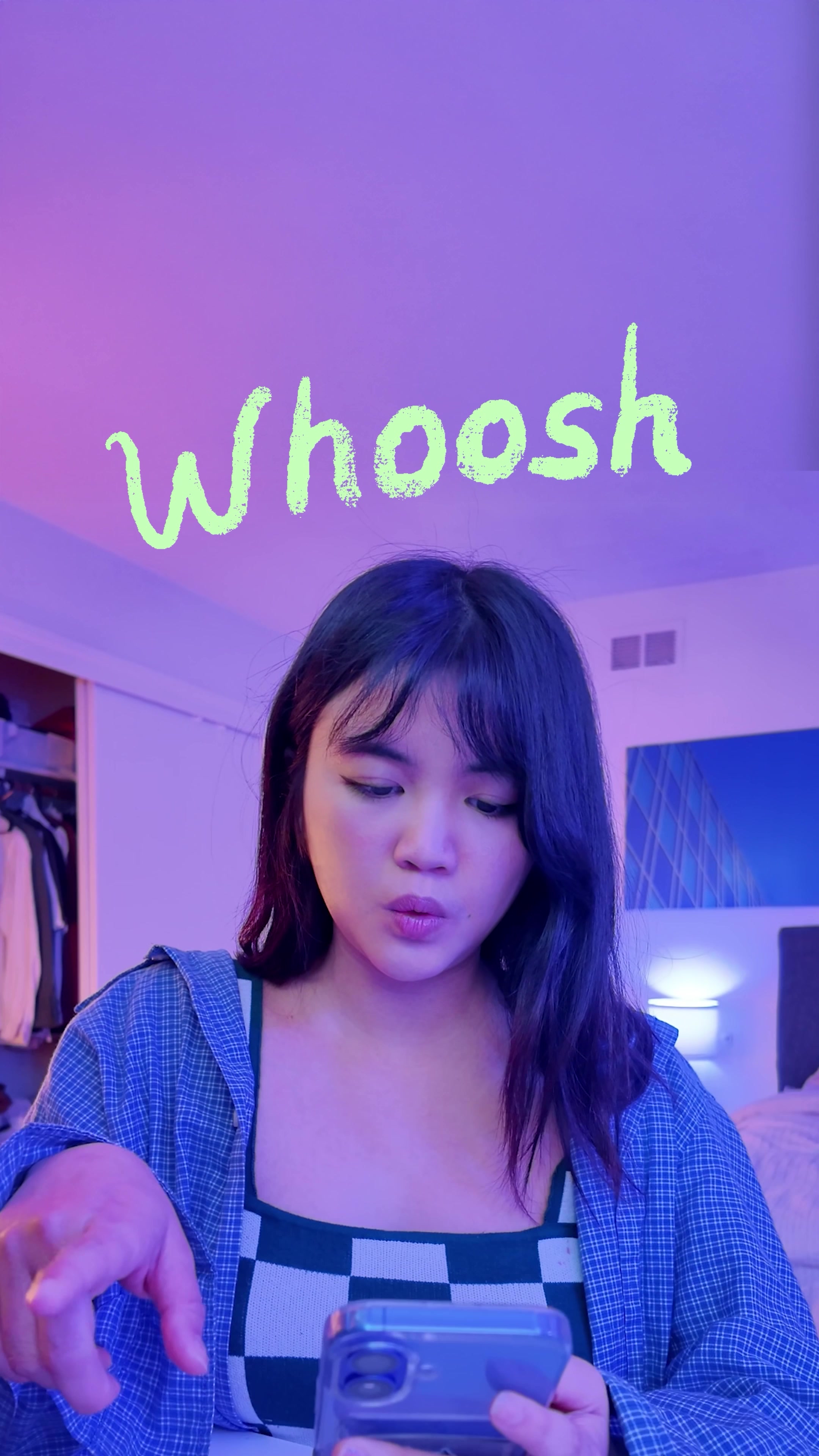
Viral Hooks
Trending short videosRapid fire sound design tips
I

@itsashleyboston

Instagram · Speaker address
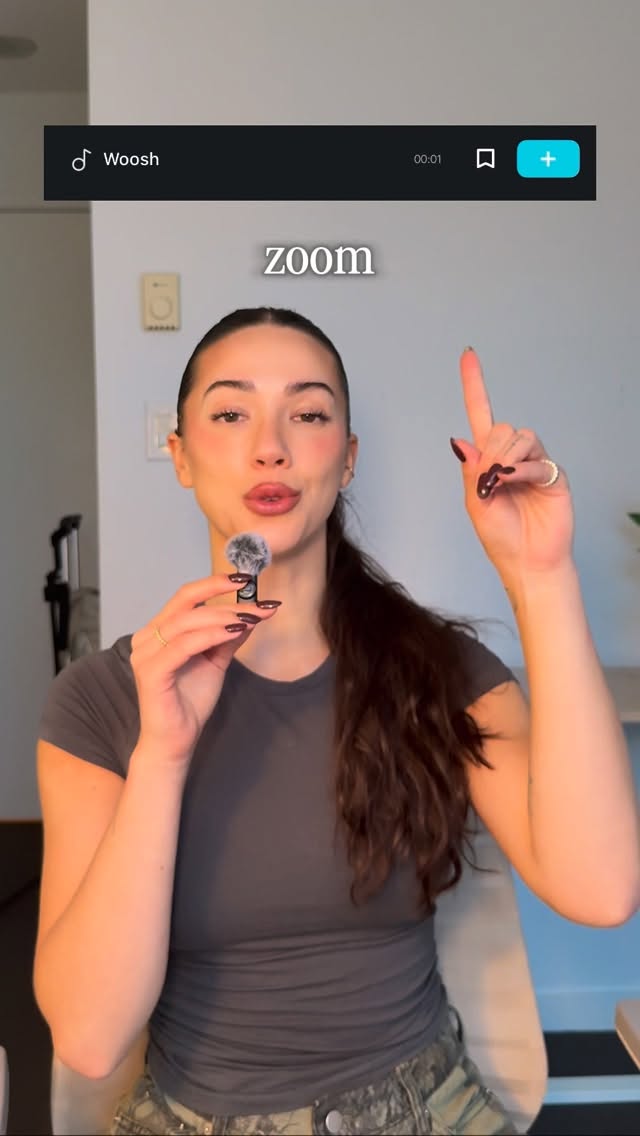
@itsashleyboston Your content competes with everyone else in your industry if your reels sound amateur, you look amateur. here's what premium service providers use to make their content feel polished: ✅whoosh = zoom in/out ✅ pop/click = pop ups ✅ riser = suspense & impact ✅ camera shutter = transitions ✅ glitch = energy + sound design = the difference between "DIY vibes" and "this person knows what they're doing" Comment “BROLL” and I’ll send you my free training on how to create viral content that got me 4,000 followers in 3 weeks.
View original on Instagram

The edit1 shot · 11 text
Shots Text0:12

Performance

Views
1.4M
Likes
35.3K
Comments
1K
Engagement
2.6%
Length · 6 Jan 2026
0:12

Video #20313 · Speaker address

Rapid fire sound design tipsfrom @itsashleyboston

[01]

Overview

The creator directly addresses the camera to deliver a rapid-fire list of essential sound effects for video editing. She lists specific audio cues like whooshes, pops, risers, and glitches, explaining exactly what visual actions they should be paired with to elevate the production value of short-form content.

[02]

Simple outline

  1. 1Introduce specific tool
  2. 2State exact use case
  3. 3Demonstrate tool effect
  4. 4Repeat rapid-fire sequence

[03]

Related videos

[04]

Classification

Concepts
Rapid Fire ListicleTutorial / How To
Elements
Dynamic Word-by-Word CaptionsGraphic Overlay

[05]

Hook analysis

What stops the scroll in the first 3 seconds

Title hook · 35%

Woosh use zoom out

Verbal hook · 50%

Yes Whoosh to zoom in or out.

Visual hook · 15%

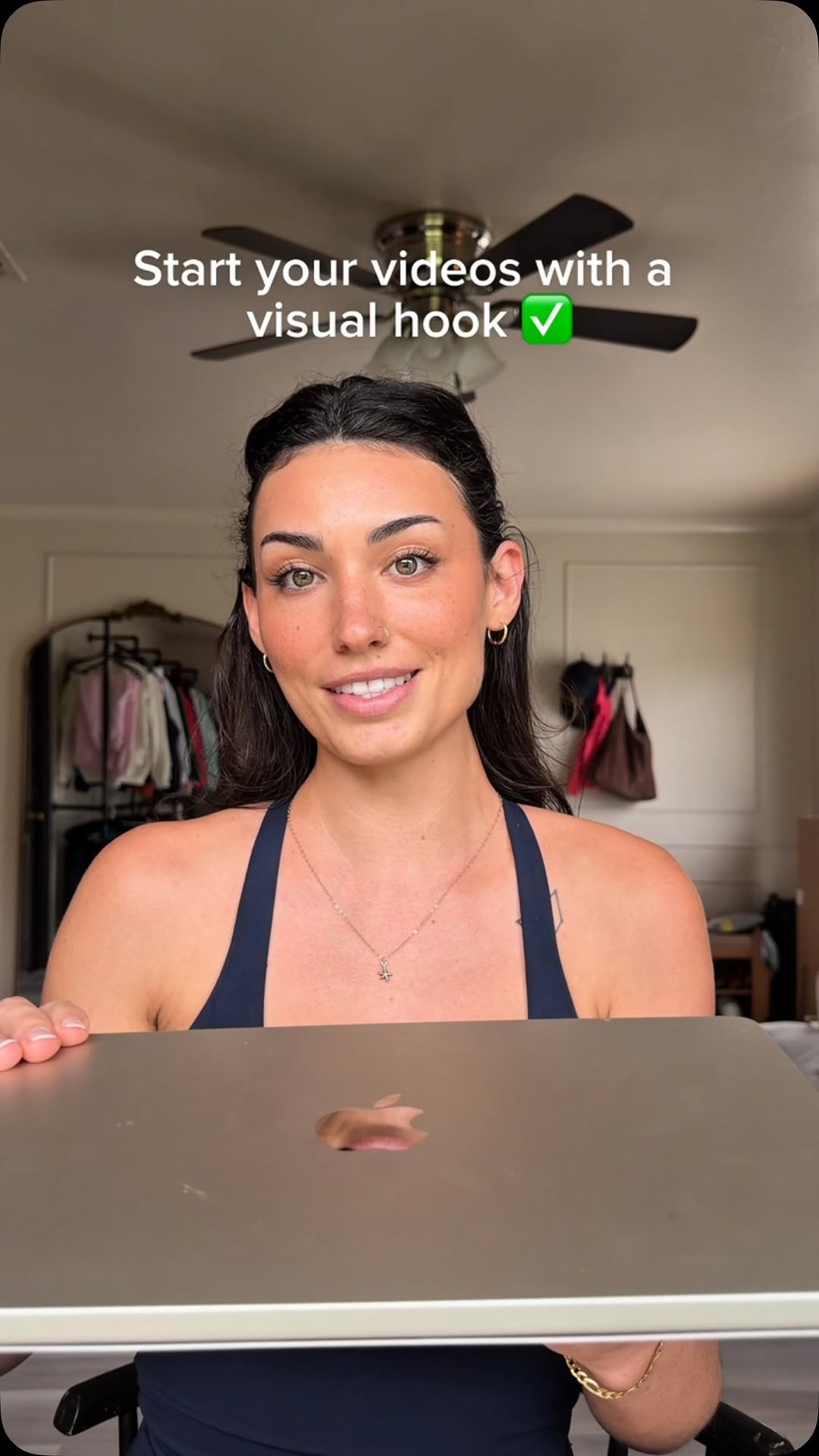
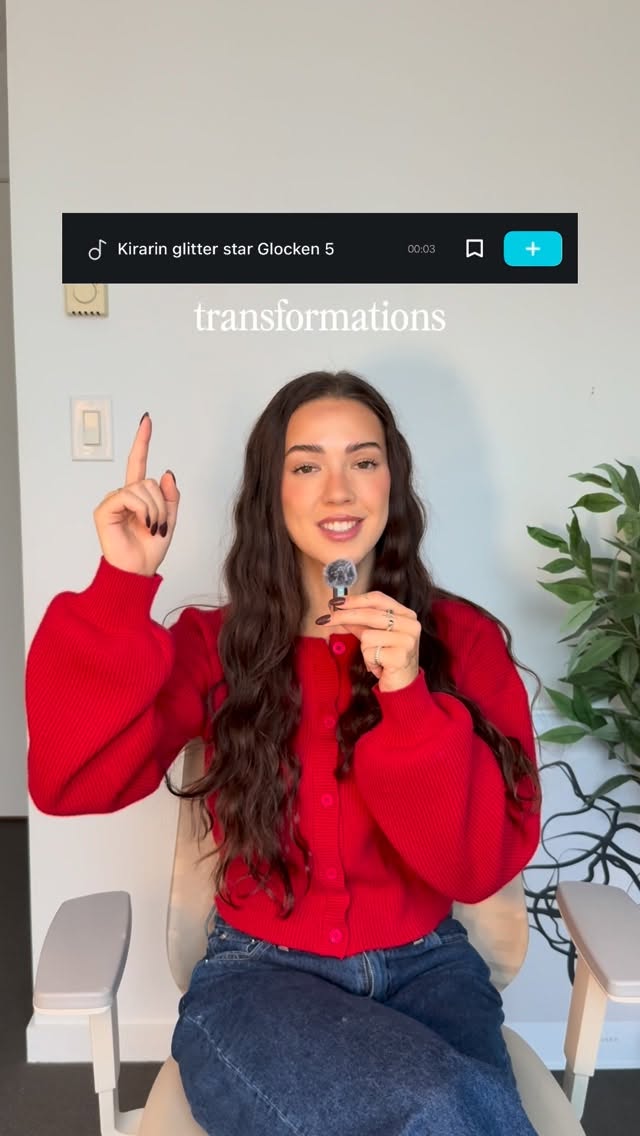
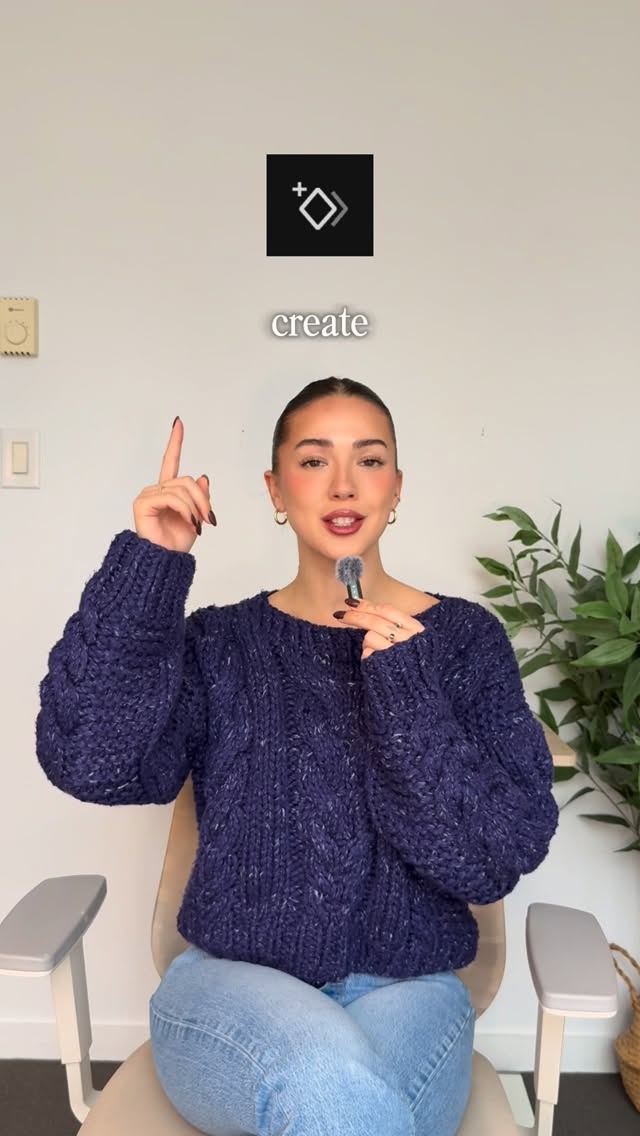
Speaker holding a mini microphone close to her face while a stylized audio player UI graphic overlay appears on screen.

[07]

Hook and payoff

The promise the opener makes, and how the video pays it back

Hook

Immediate launch into the first item without preamble, establishing a fast-paced, high-value rhythm that demands attention.

Payoff

The completion of a comprehensive, actionable toolkit that the viewer can immediately apply to their own projects.

[08]

Narrative framework

The structural pattern this video runs on

Framework

The Rapid-Fire Utility Mapping

Systematically pairing specific tools or elements with their exact functional outcomes to provide immediate, actionable value in a fast-paced sequence.

  1. 1

    The Initial Pairing

    Introduces the first tool and its primary use case, setting the structural template for the rest of the video.

  2. 2

    The Secondary Application

    Reinforces the pattern with a second tool, proving the video will be a dense list of actionable tips.

  3. 3

    The Tension Builder

    Introduces a tool specifically designed for emotional or psychological impact, elevating the perceived value of the list.

  4. 4

    The Transition Element

    Provides a structural tool that helps connect different parts of a project, adding practical utility.

  5. 5

    The Final Impact

    Concludes the list with a high-energy tool, leaving the viewer feeling empowered and energized.

Themes

  • Professionalizing content
  • Attention to detail
  • Auditory engagement

Techniques

  • Dynamic text overlays
  • UI graphic overlays
  • Mini microphone usage
  • Rapid pacing

Trends

  • Creator education
  • High-retention editing styles
  • Sound design emphasis

Post caption

Your content competes with everyone else in your industry if your reels sound amateur, you look amateur. here's what premium service providers use to make their content feel polished: ✅whoosh = zoom in/out ✅ pop/click = pop ups ✅ riser = suspense & impact ✅ camera shutter = transitions ✅ glitch = energy + sound design = the difference between "DIY vibes" and "this person knows what they're doing" Comment “BROLL” and I’ll send you my free training on how to create viral content that got me 4,000 followers in 3 weeks.
Text overlays

  • informational · beginning

    Woosh

  • informational · beginning

    use zoom out

  • informational · beginning

    pop! (tapping the mouth wit

  • informational · beginning

    click (camera shutter sound

  • informational · beginning

    ups

  • informational · middle

    RISER_01

  • informational · middle

    add suspense

  • informational · middle

    click (camera shutter sound

  • informational · middle

    for transitions

  • informational · end

    Glitch sound that matches th

  • informational · end

    impact

Transcript

Yes Whoosh to zoom in or out. Use Pop and Click for pop ups. Use Riser to add suspense. Use Camera Shutter for transitions. Use Glitch to add energy and impact.

Rapid fire sound design tips | Viral Hooks