@johnbucog
Instagram · Talking Head Edit
@johnbucog How to EDIT #content #editing #creator

@johnbucog
Instagram · Talking Head Edit
@johnbucog How to EDIT #content #editing #creator
Performance
Video #15042 · Talking Head Edit
[01]
The creator delivers a high-energy tutorial on the fundamentals of video editing. He introduces his 'triangle of editing' concept—sound, pacing, and motion—and breaks down how to use fast and slow clips for rhythm, add sound for depth, and organize footage. He concludes with tips on color grading and captions before ending with a call to 'export and post'.
[02]
[03]
 151.3KVideo editing tutorial with quick cuts@johnbucog · Tutorial / How To
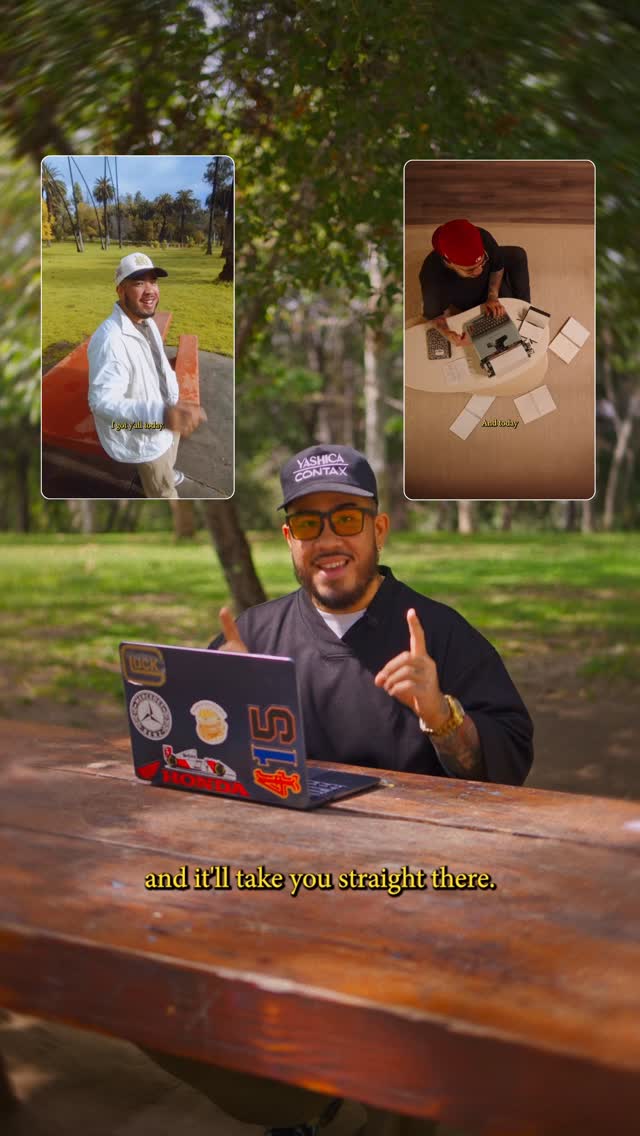 2.3M30.4×Tutorial on seamless video editing.@omgadrian · Tutorial / How To
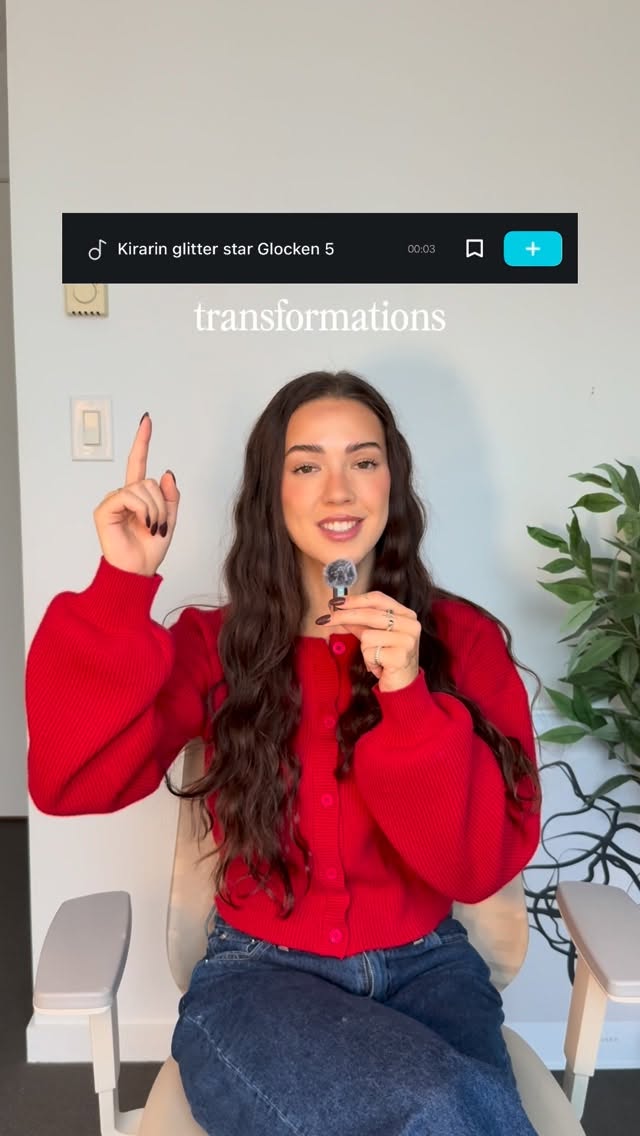 86.8K19.1×Rapid fire sound effect tips@itsashleyboston · Rapid Fire Listicle
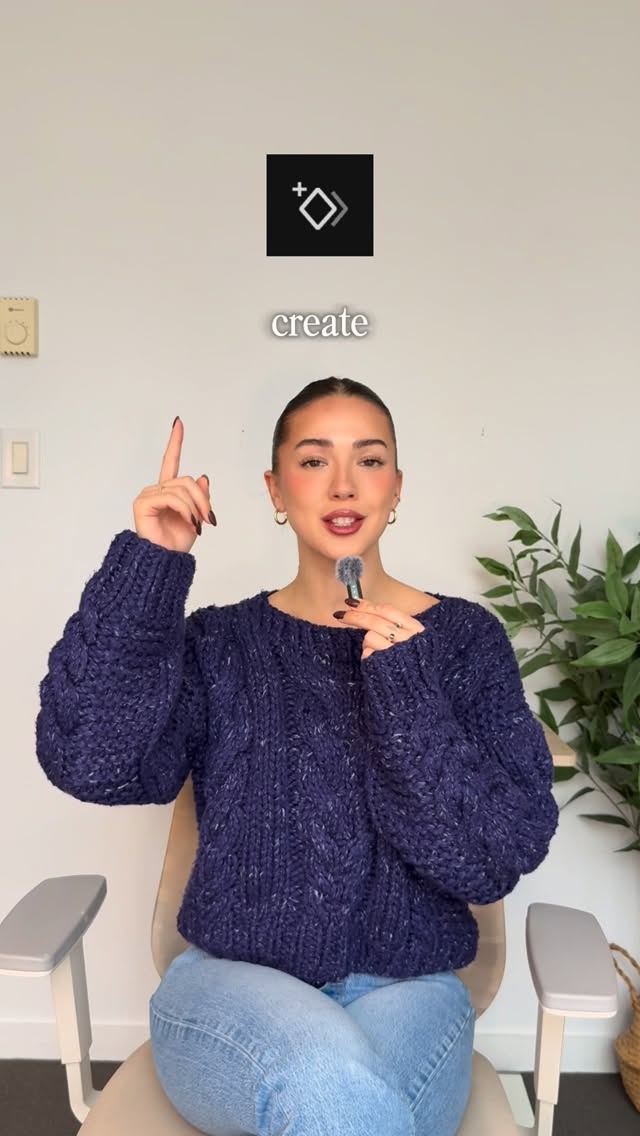 220.7K40.8×Rapid fire video editing tips@itsashleyboston · Rapid Fire Listicle
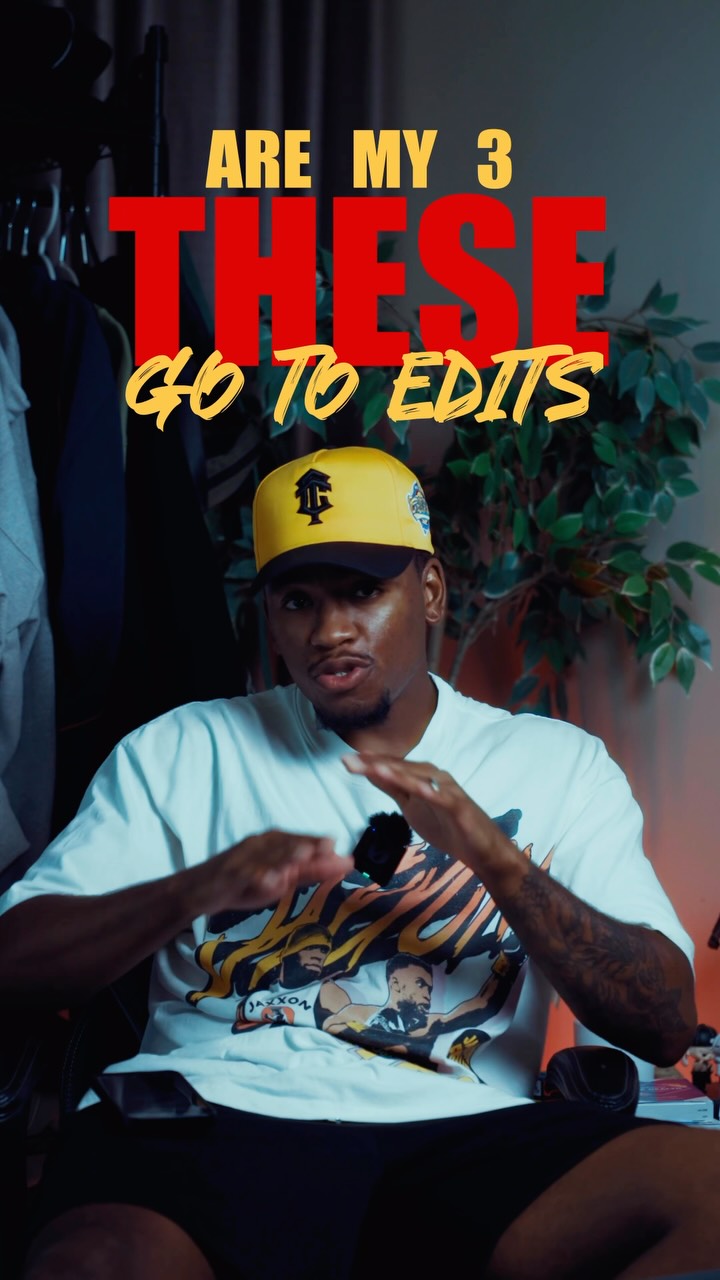 659.8KCreator shares three favorite edits@kalylsfilms · Tutorial / How To
 58.1KCinematic video production step-by-step@johnbucog · Breakdown
 67.8KRecreating a cool video effect@byrvm_contentcreation · Tutorial / How To
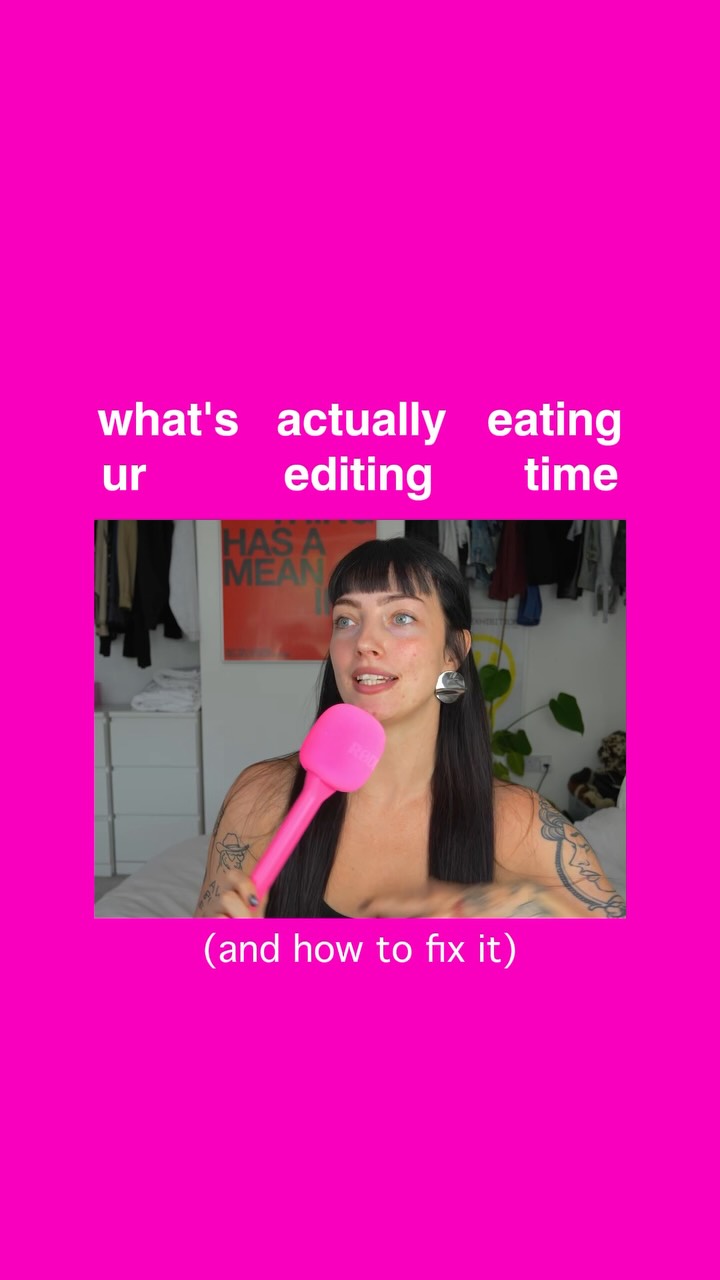 126.4K33.6×Three-step guide for faster editing@floofysocials · Tutorial / How To
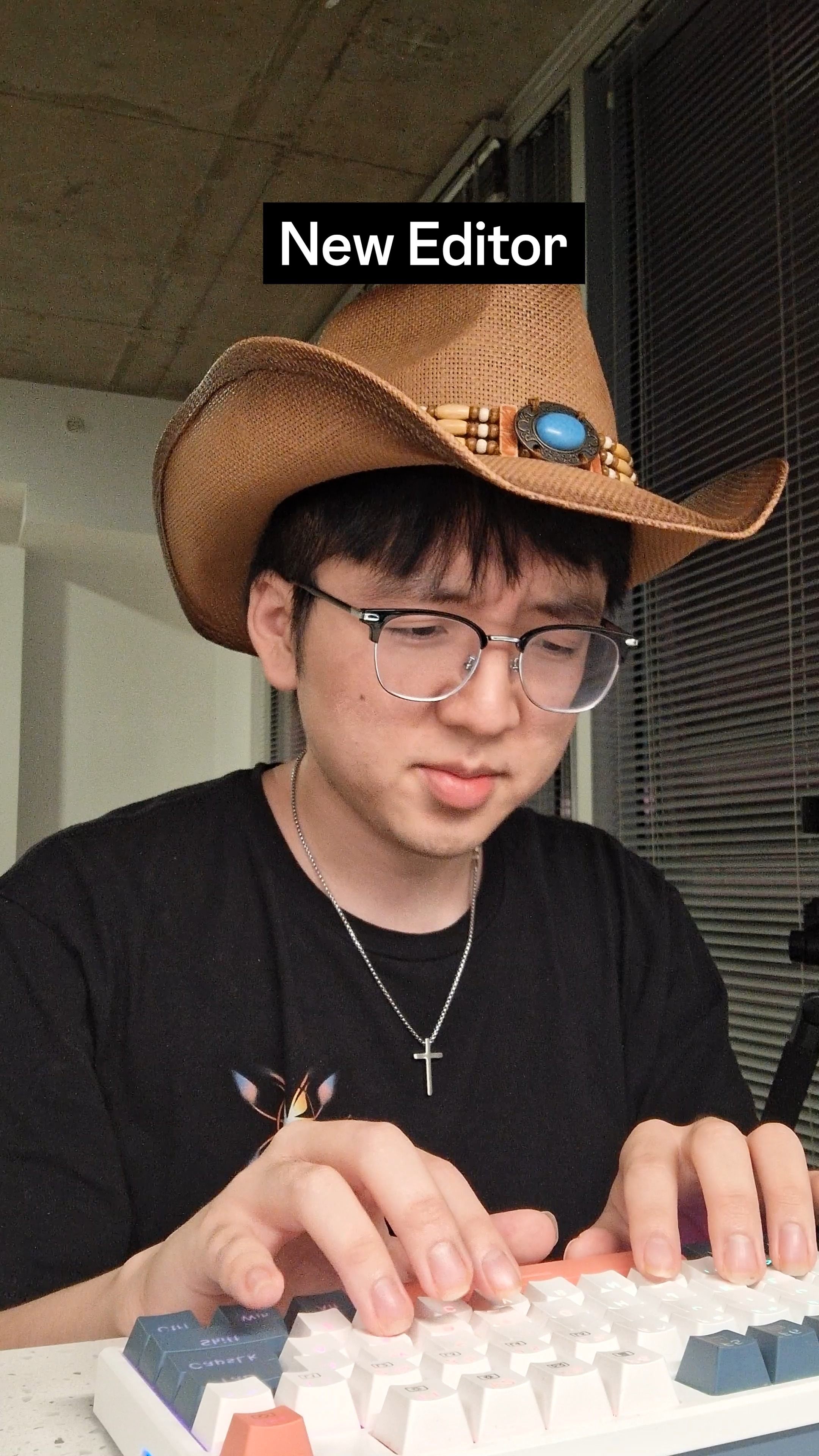 926.1K19.8×Skit teaches video editing trick@ginyboi · Tutorial / How To
 478K9.8×How to make frame jump effect@artzenmedia · Tutorial / How To
 58.7KRapid fire editing tutorial list@happywithmeg · Rapid Fire Listicle
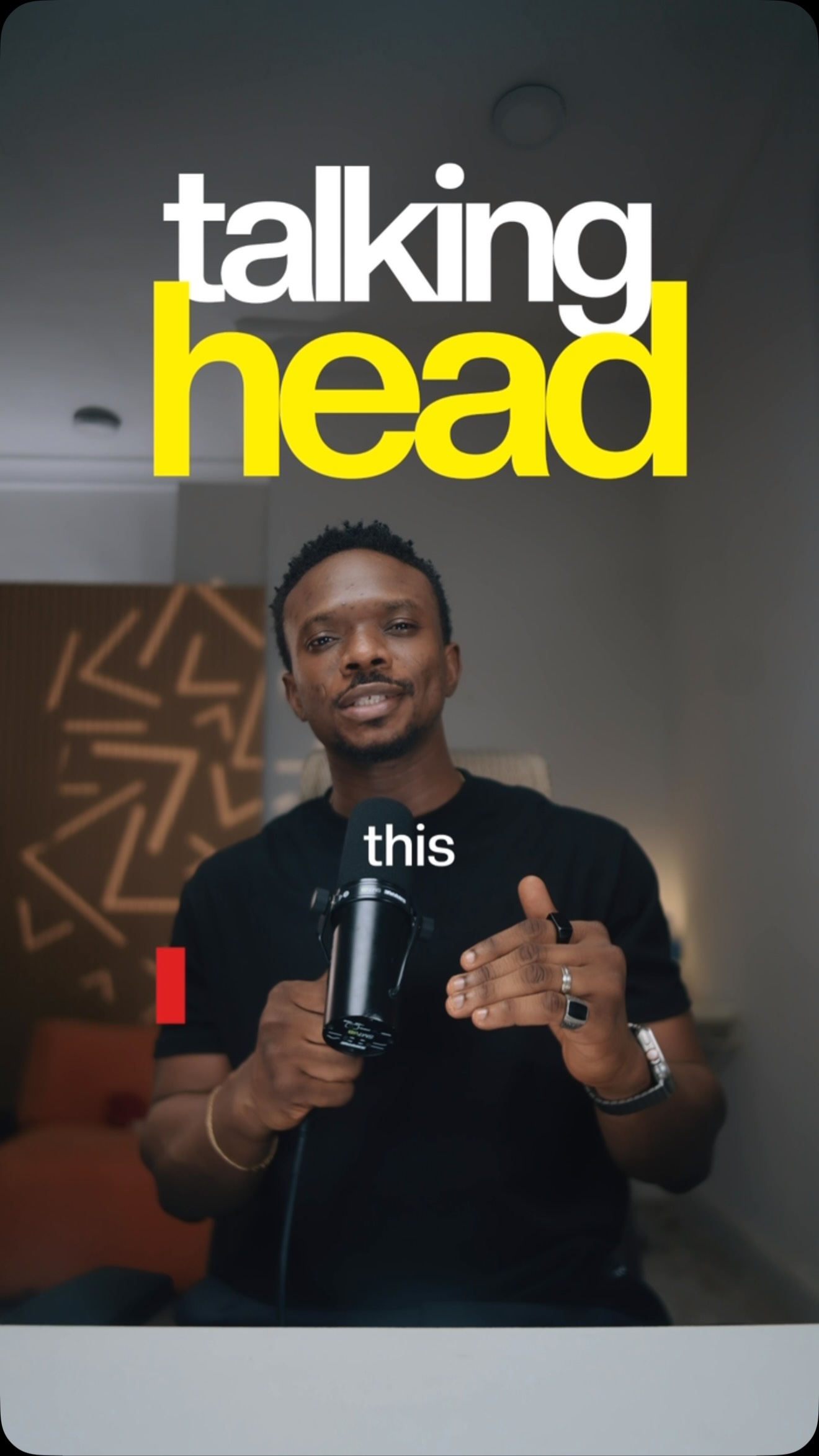 130.7KNumbered tips for video editing@samadsmett · Tutorial / How To
[04]
[05]
What stops the scroll in the first 3 seconds
Title hook · 35%
SO YOU EDIT
Verbal hook · 30%
So you wanna learn how to edit.
Visual hook · 35%
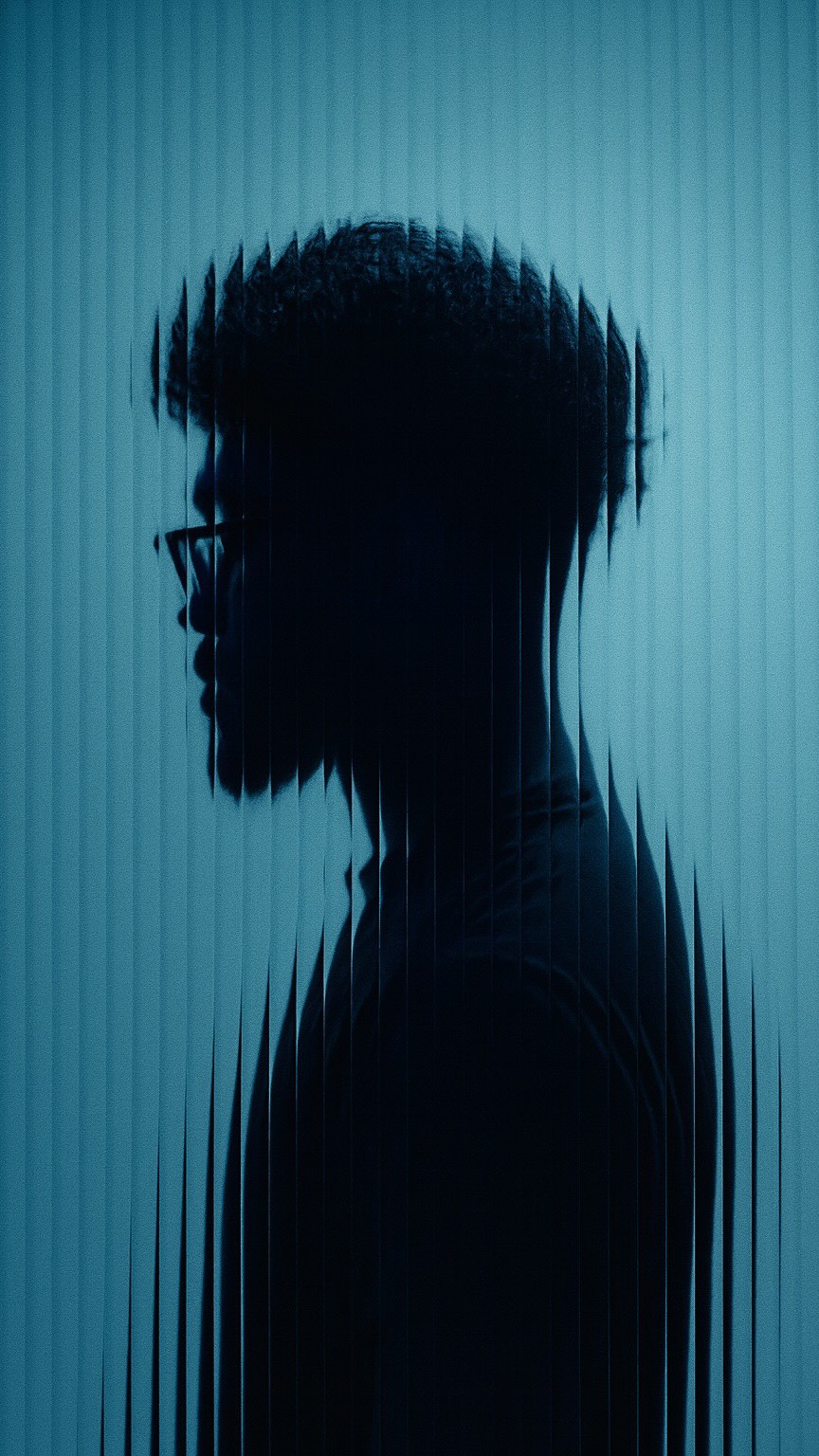
The creator's face is fragmented into multiple moving pieces that float around his head, creating a dynamic and visually interesting collage effect that immediately signals the topic of editing.
[06]
Steal this for your own video
SO YOU WANNA LEARN
[07]
The promise the opener makes, and how the video pays it back
Hook
A direct address to the viewer that states the video's core value proposition and qualifies the target audience.
Payoff
The Final Command: Conclude with a short, empowering, and actionable instruction that signals the end of the lesson and encourages immediate application.
[08]
The structural pattern this video runs on
Framework
The Manifesto Breakdown
A rapid-fire educational format that introduces a proprietary framework, breaks down its core components, adds secondary practical tips, and concludes with a simple call to action.
The Core Manifesto
Introduce a proprietary, named concept or framework that forms the central thesis of the lesson.
The Component Deconstruction
Systematically break down and explain each element of the core framework, often linking them together to show their relationship.
The Purpose Reframe
Elevate the topic from a simple technical skill to a higher-level purpose or art form, adding a layer of meaning and motivation.
The Workflow Accelerators
Provide a series of quick, practical tips that supplement the core framework, focusing on efficiency and polish.
The Optional Garnish
Briefly address a popular but non-essential element of the topic, classifying it as an optional extra to demonstrate comprehensive expertise.
How to EDIT #content #editing #creator
title · beginning
SO YOU
title · beginning
EDIT
informational · beginning
understand
title · beginning
TRIANGLE OF EDITING
title · beginning
PACING
title · beginning
AND MOTION.
contextual · beginning
down.
informational · middle
PACING
informational · middle
MOTION
informational · middle
CLIPS mixed in
informational · middle
CONTRAST
informational · middle
RHYTHM
informational · middle
SOUNDS to HIT those MOMENTS
informational · middle
without it, your Edit feels FLAT. NO DEPTH.
informational · middle
you're NOT just EDITING
informational · middle
YOU'RE TELLING
contextual · end
IT
informational · end
EVERYTHING.
title · end
COLOR GRADE
contextual · end
GOOD
contextual · end
KEEP
informational · end
AND CAPTIONS?
contextual · end
THAT'S JUST
call-to-action · end
EXPORT
call-to-action · end
POST
So you wanna learn how to edit. First, understand what I call the triangle of editing, sound, pacing, and motion. Let me break it down. To build pacing, you need motion. Fast clips mix in the slow ones. Contrast equals rhythm. Then add sound to hit those moments. Without it, your edit feels flat. No depth. Remember, you're not just editing, you're telling a story. Organize your clips, it speeds up everything. Then color grade. Make it pop, go stylized, or keep it clean. And captions? That's just a plus. Export and post.