@samadsmett
Instagram · Talking Head Edit
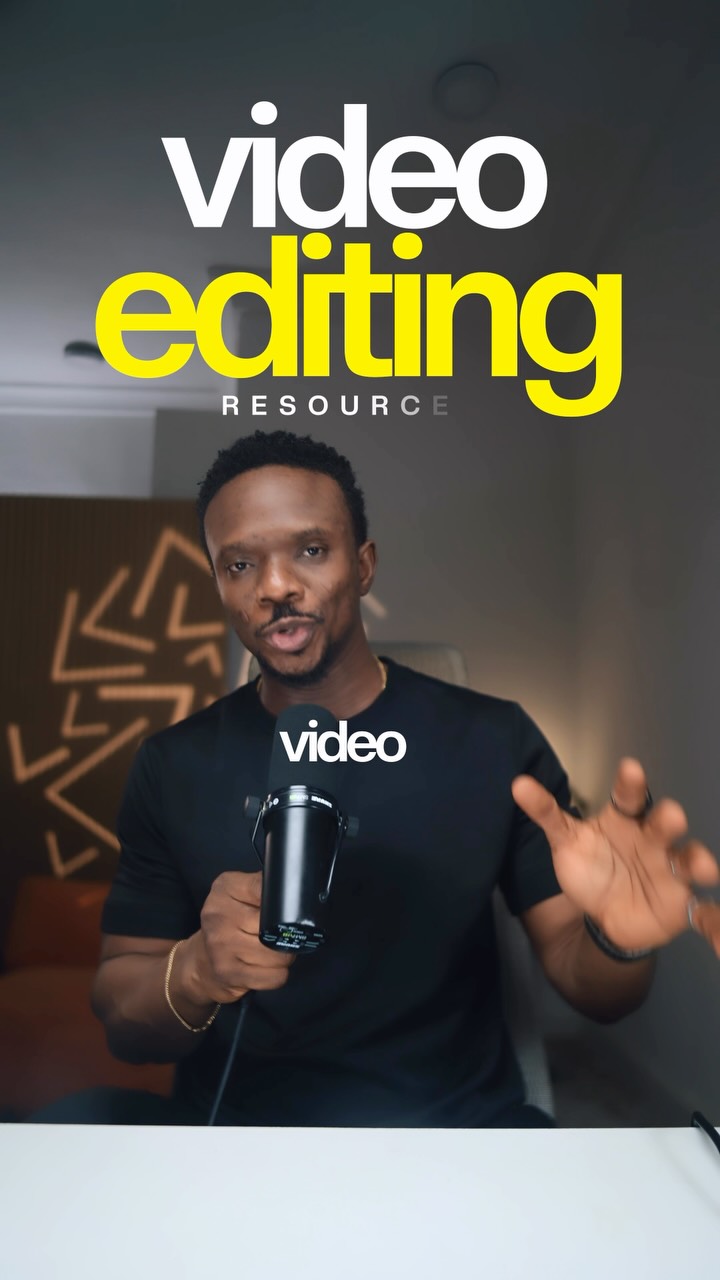
@samadsmett These are all the resources you need to get started with Video Editing - Software - Sound Effects - Footage - Better Audio Follow for editing breakdown and tools like this

@samadsmett
Instagram · Talking Head Edit
@samadsmett These are all the resources you need to get started with Video Editing - Software - Sound Effects - Footage - Better Audio Follow for editing breakdown and tools like this
Performance
Video #46779 · Talking Head Edit
[01]
The creator presents a list of essential resources for beginner video editors, breaking it down into four categories. He first discusses software options for both mobile and desktop, then moves on to sound effects, recommending a specific website and offering a free pack. Next, he lists websites for free stock footage, and finally, suggests a tool for enhancing audio quality, concluding with a call-to-action to follow his account for more tutorials.
[02]
[03]
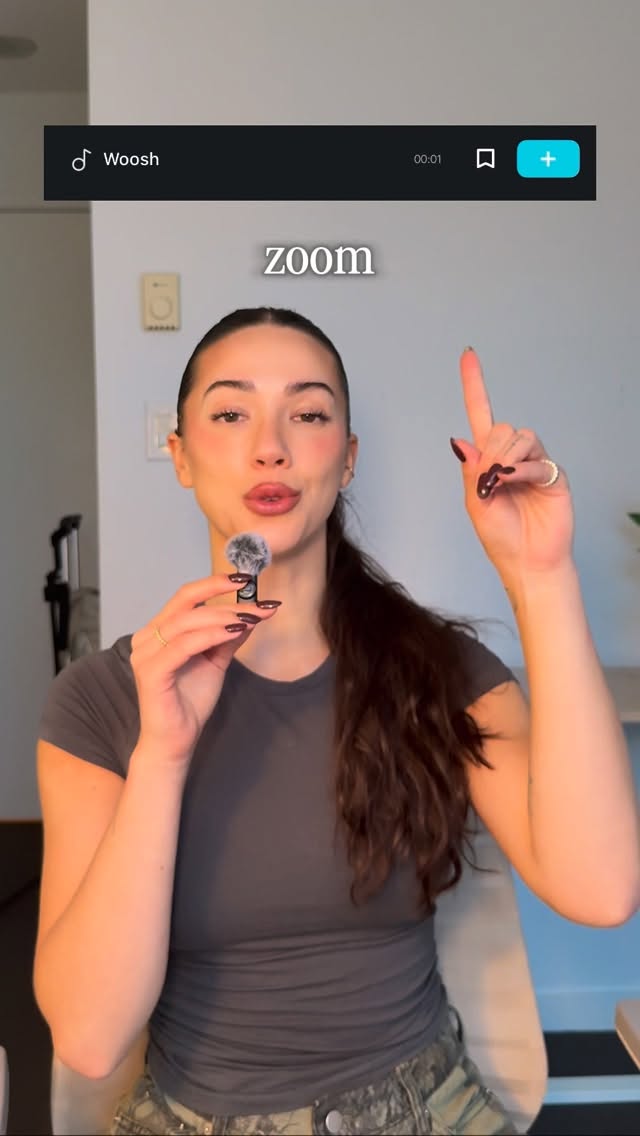 1.4MRapid fire sound design tips@itsashleyboston · Rapid Fire Listicle
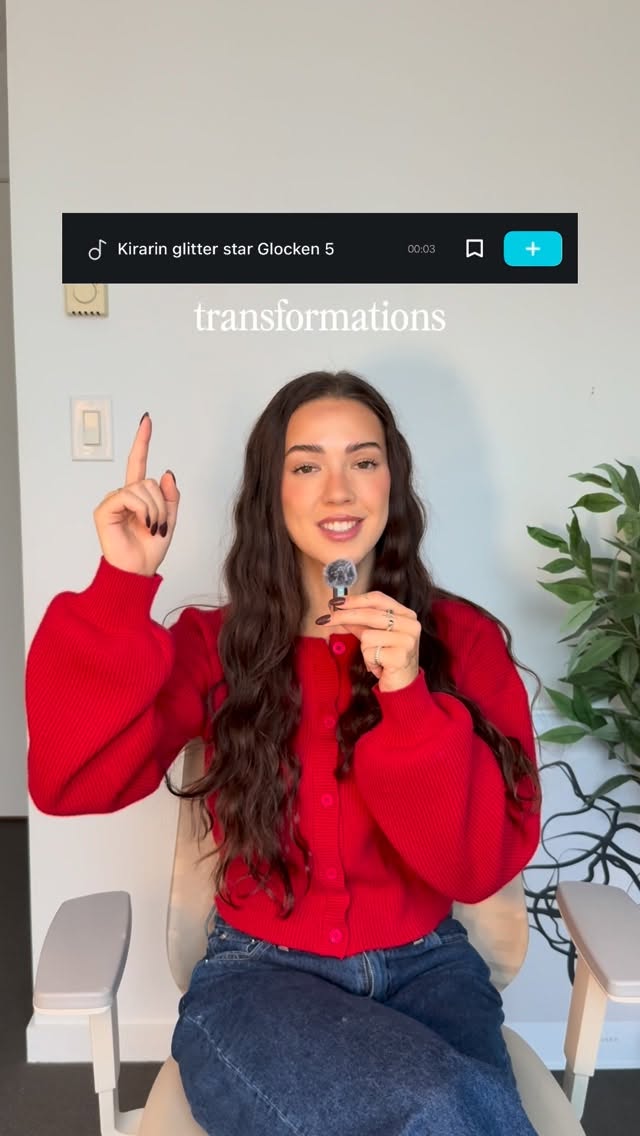 86.8K19.1×Rapid fire sound effect tips@itsashleyboston · Rapid Fire Listicle
 58.7KRapid fire editing tutorial list@happywithmeg · Rapid Fire Listicle
 2M9×Fast-paced video editing tutorial@johnbucog · Tutorial / How To
 220.7K40.8×Rapid fire video editing tips@itsashleyboston · Rapid Fire Listicle
 151.3KVideo editing tutorial with quick cuts@johnbucog · Tutorial / How To
 659.8KCreator shares three favorite edits@kalylsfilms · Tutorial / How To
 198.5K85.6×Rapid list of video recommendations@seanwerbowskii · Rapid Fire Listicle
 167.8K11.9×Two free tools for animations@samadsmett · Tutorial / How To
 58.1KCinematic video production step-by-step@johnbucog · Breakdown
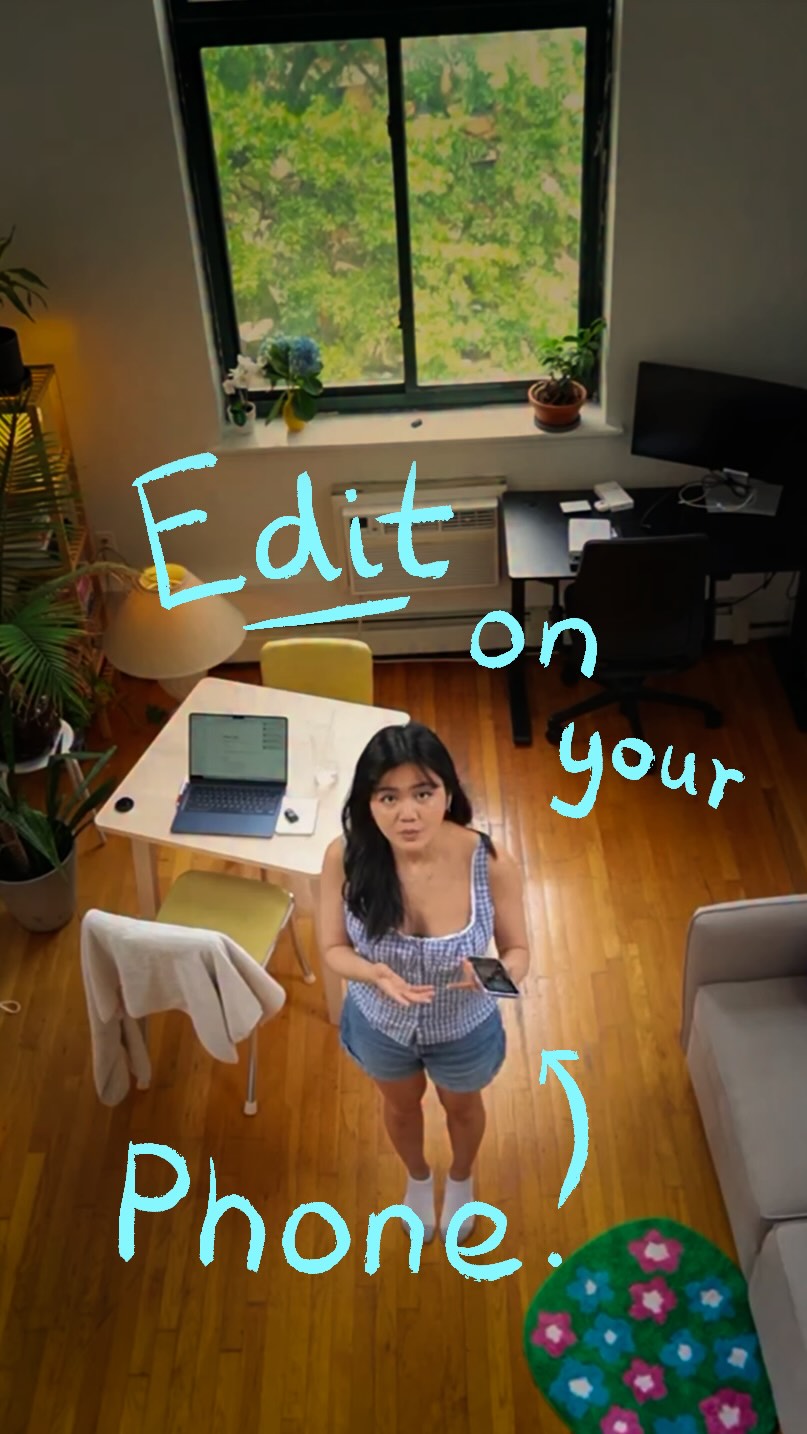 5.7M23.2×Creator demos new video app@covacut · Tutorial / How To
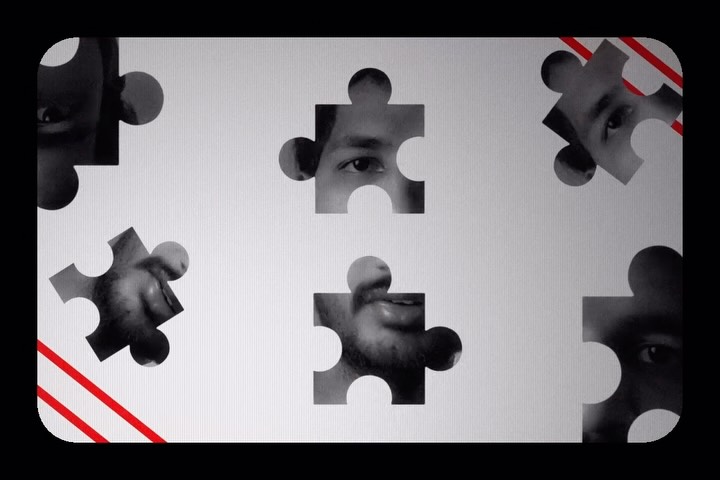 113.2K13.8×Rapid fire list of video effects@adarshxdesign · Rapid Fire Listicle
[04]
[05]
What stops the scroll in the first 3 seconds
Title hook · 45%
video editing
Verbal hook · 50%
If you're just getting into video editing, these are all the resources you need.
Visual hook · 5%
A direct-to-camera shot of the speaker holding a microphone, combined with a large, bold, high-contrast text overlay ('video editing') that immediately establishes the topic.
[06]
Steal this for your own video
If you're just getting into , these are all the you need.
[07]
The promise the opener makes, and how the video pays it back
Hook
Directly addresses a specific beginner audience and promises a comprehensive list of all the necessary resources to get started.
Payoff
Presents the creator themselves as the final, ongoing resource for skill development (tutorials), converting the viewer's initial interest into a long-term follow.
[08]
The structural pattern this video runs on
Framework
The Resource Funnel
Systematically providing a curated list of free or accessible resources to solve a common beginner's problem, culminating in a call-to-action that positions the creator as the ultimate resource.
The Foundational Tool
Identifies the primary software or platform required to perform the core task and presents options for different user environments (e.g., mobile vs. desktop).
The First Enhancement Layer
Introduces the first category of assets or add-ons that improve the quality of the core work, providing both built-in and external resource options.
The Engagement Incentive
Offers a high-value, free digital asset in exchange for a specific engagement action (e.g., a comment), creating a direct value exchange with the viewer.
The Practice Assets
Provides sources for the raw materials or content needed to practice and apply the skills using the foundational tool.
The Pro-Level Polish
Introduces a more advanced tool or technique for refining the final output, elevating the quality from beginner to intermediate.
These are all the resources you need to get started with Video Editing - Software - Sound Effects - Footage - Better Audio Follow for editing breakdown and tools like this
title · beginning
video editing
title · beginning
RESOURCES
informational · beginning
what are you going to edit on?
informational · middle
myinstants.com
call-to-action · middle
comment sound
informational · end
mixkit
informational · end
pexels
informational · end
pixabay
informational · end
Adobe Podcast
call-to-action · end
follow
Best getting into video editing. These are all the resources you need. The software. What are you going to edit on? These are your options for both mobile and desktop. It's all about mastering one of this. For sound effect, there are inbuilt sound in this editing softwares. But if you want all the training sound effect in one place, go to myinstants.com. I also have a pack which I can send to you for free every coming sound. Now, to practice your editing, you need stop footage. This website, mischeat pixels, Pixabay, lets you download them for free. Now, for better audio, use Adobe broadcast to remove the noise or enhance your audio. For editing tutorials, give me a follow. I break down editing steps in my videos with free tools like this.