Video #49879 · Split screen
Creator demos AI sound effect toolfrom @covacut
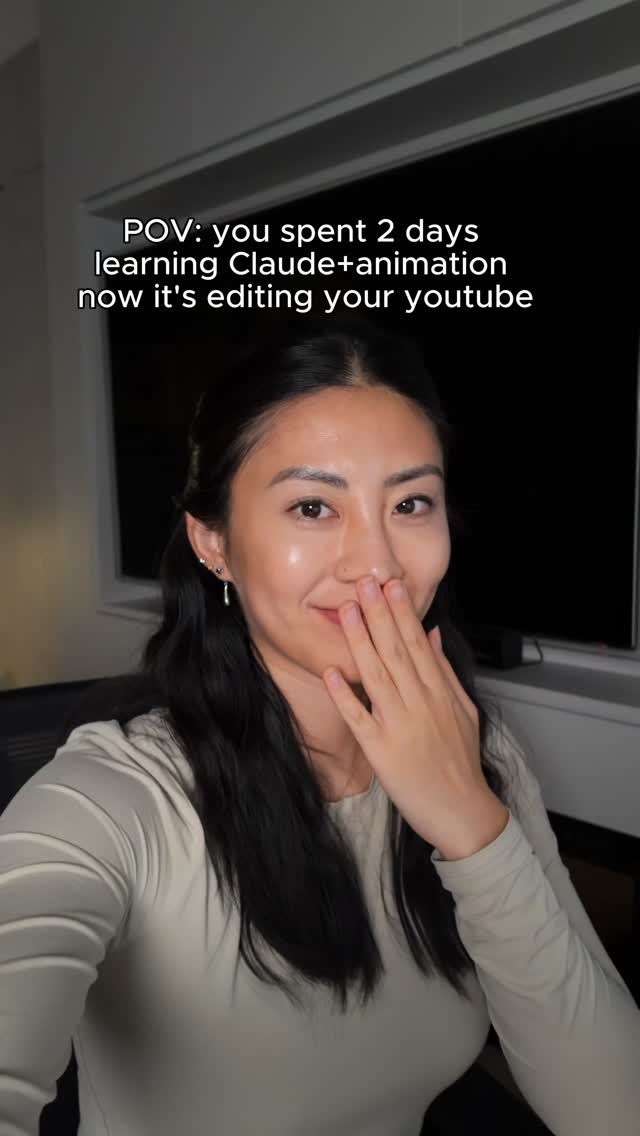
The creator explains that as an impatient person, she dislikes adding sound effects to videos. She introduces the new Adobe Premiere Pro iPhone app as a solution, promising to demonstrate its features in 30 seconds. She then shows two methods for adding sounds: selecting from the pre-made sound library and using the AI text-to-sound generation feature, which she demonstrates by performing a 'whoosh' sound to create a matching effect and sync it to her video.
- 1State relatable pain point
- 2Introduce a novel solution
- 3Demonstrate the solution's process
- 4Reveal the successful outcome
ConceptsTutorial / How ToProduct Demo
ElementsScreen RecordingHandwritten Graphic OverlayMood LightingB-Roll CutawayImage OverlayText Overlay
[05]
Hook analysis
What stops the scroll in the first 3 seconds
Title hook
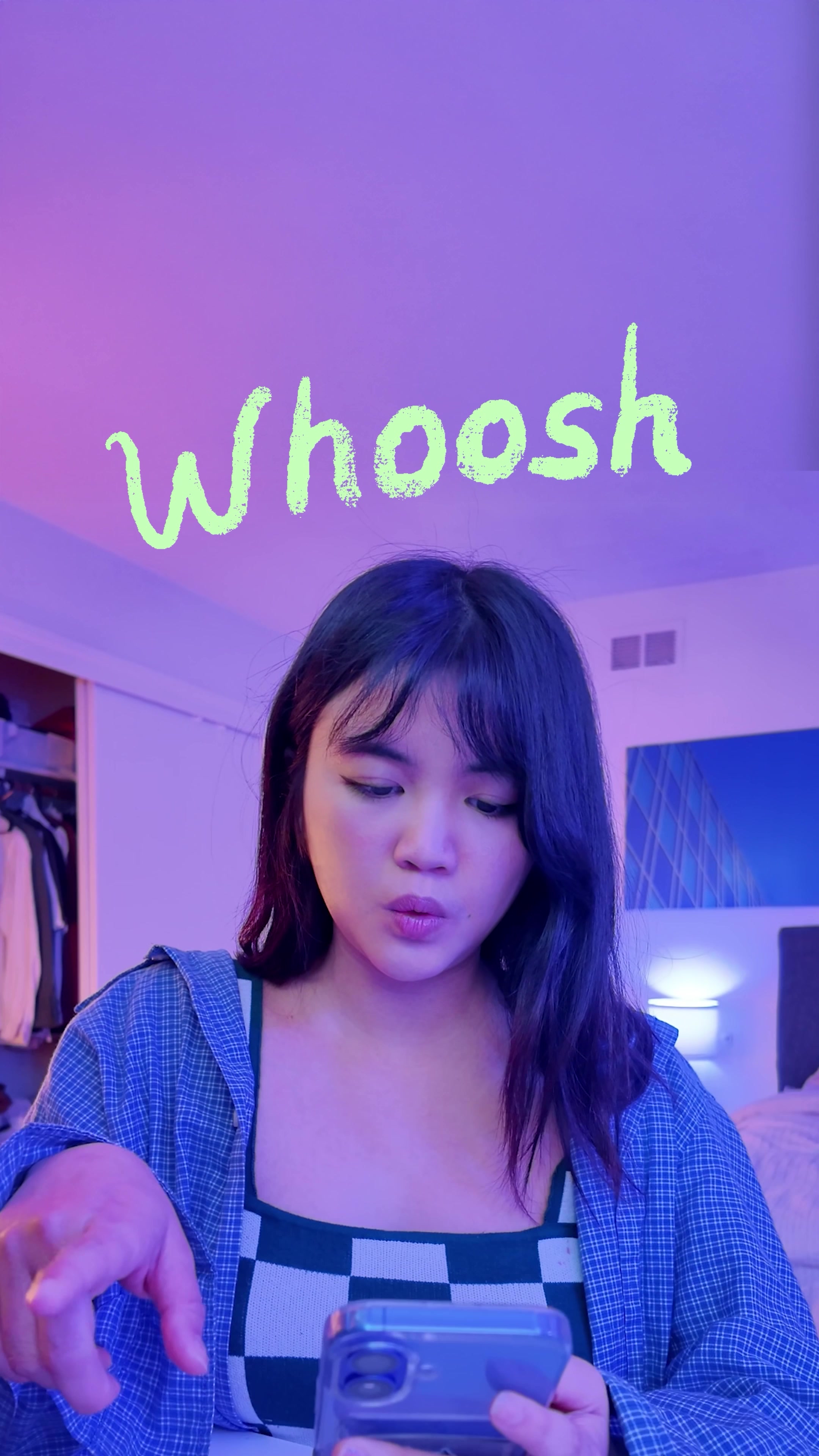
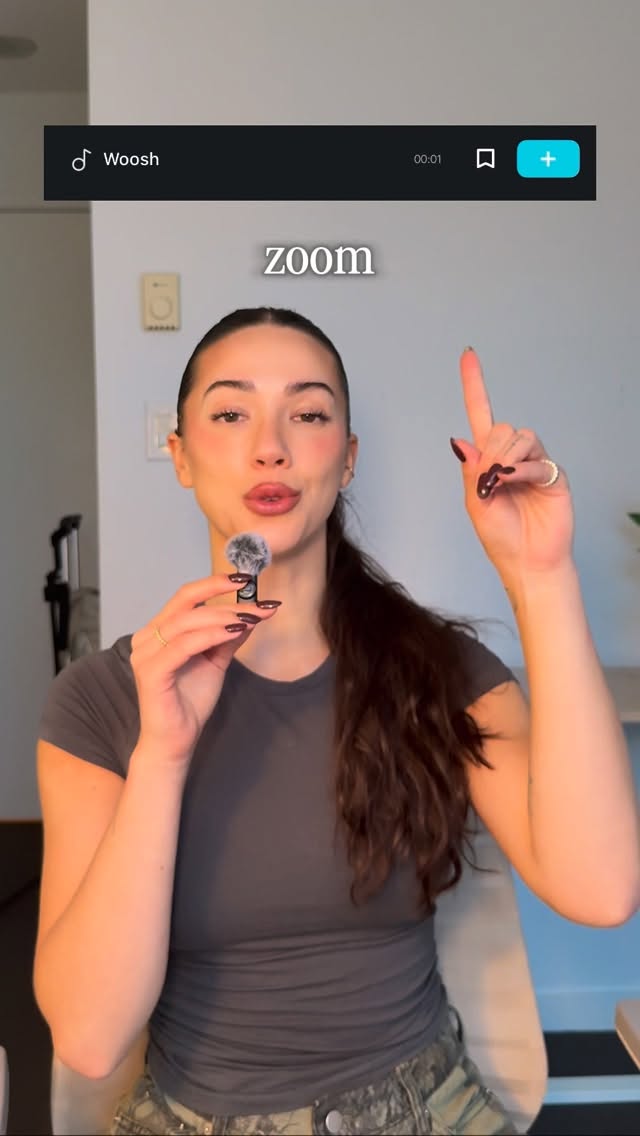
Whoosh
Verbal hook
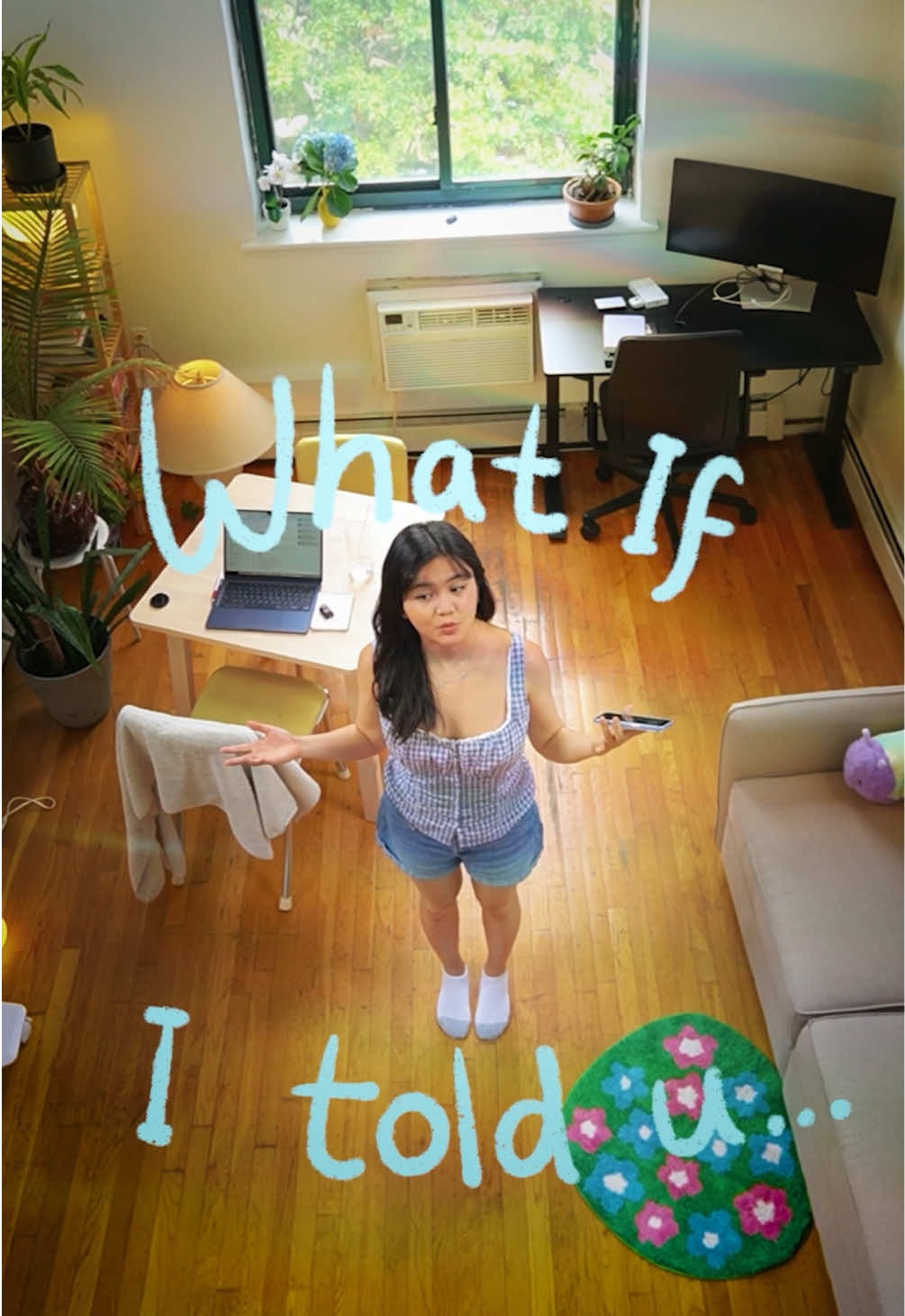
So I'm an impatient person and I hate adding sound effects.
Visual hook
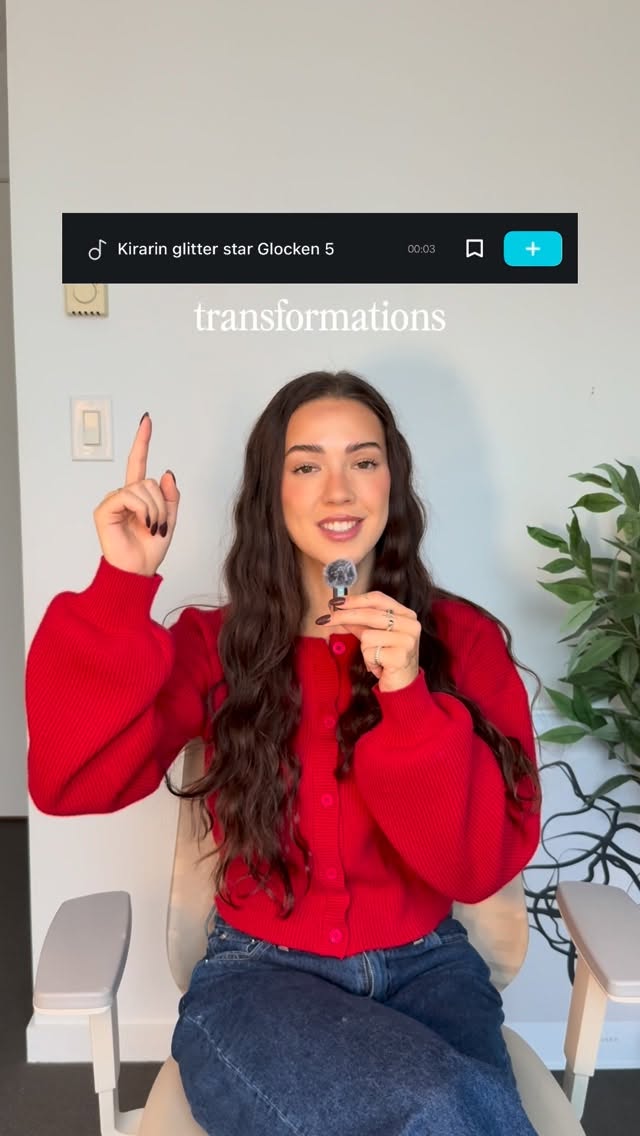
A creator is shown in a room with vibrant purple and blue mood lighting. The video uses rapid cuts between the creator making sound effects, illustrative text appearing on screen, and screen recordings of a mobile app interface.
[07]
Hook and payoff
The promise the opener makes, and how the video pays it back
Hook
The Relatable Frustration: Immediately connects with the audience by voicing a common, niche-specific problem or annoyance, establishing the creator as an 'insider'.
Payoff
The Effortless Conclusion: Summarizes the process with a simple, conclusive statement, reinforcing the idea that the complex problem has been made easy and accessible.
[08]
Narrative framework
The structural pattern this video runs on
Framework
The 30-Second Solution
A rapid, time-constrained demonstration that solves a common and frustrating problem for a specific audience using a novel tool or technique, presented as a quick tutorial.
- 1
The Game-Changing Reveal
Presents a new tool, product, or method as the direct and powerful solution to the previously stated problem.
- 2
The Timed Challenge
Establishes a short, specific time limit for the demonstration (e.g., '30 seconds'), creating urgency and promising a quick, high-value payoff for the viewer's attention.
- 3
The Two-Path Solution
Briefly outlines two distinct methods for achieving the result, typically a simple/standard method and a more advanced/impressive one, catering to different user levels.
- 4
The Live Walkthrough
Provides a step-by-step screen recording or demonstration of the more advanced method, showing the user interface and the creator's inputs to make the process transparent and replicable.
- 5
The Proof of Concept
Shows the final, polished result of the demonstration, proving the tool's effectiveness and delivering on the initial promise.
Themes
- Efficiency
- AI in creativity
- Mobile editing
- Creator tools
Techniques
- Screen recording
- Text overlay
- Mood lighting
Trends
Post caption
so... not only is Premiere on your iPhone, it can generate sound effects!
i’ve used Premiere since day one for my videos, and I’m so excited to collab with
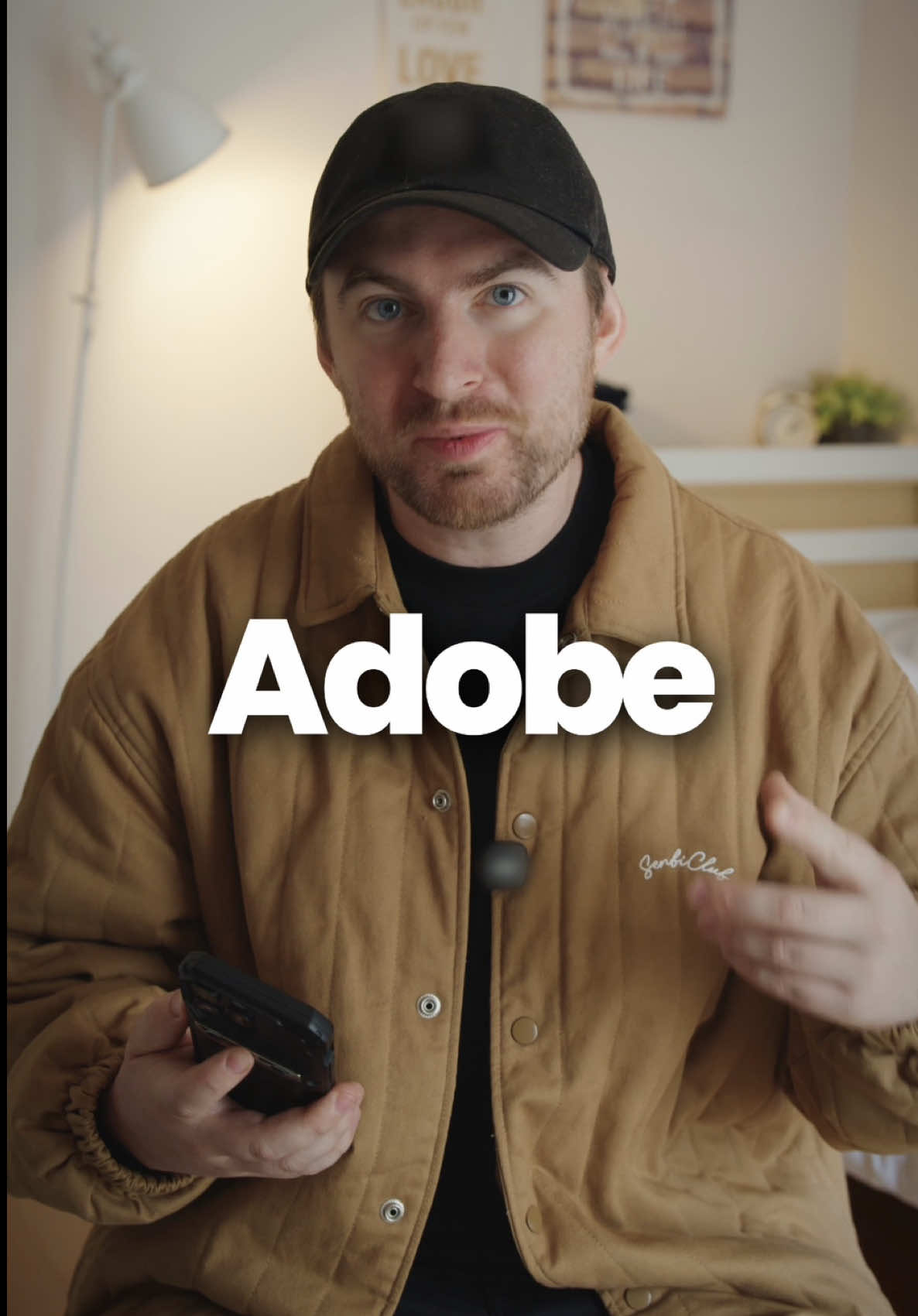
@Adobe Video and share this update with you!
link in my bio to try it for yourself
#adobepartner
Text overlays
contextual · beginning
Whoosh
contextual · beginning
*whoosh*
contextual · beginning
beep
contextual · beginning
*beeping*
title · beginning
Impatient person
contextual · beginning
effects
branding · middle
Premiere Pro
informational · middle
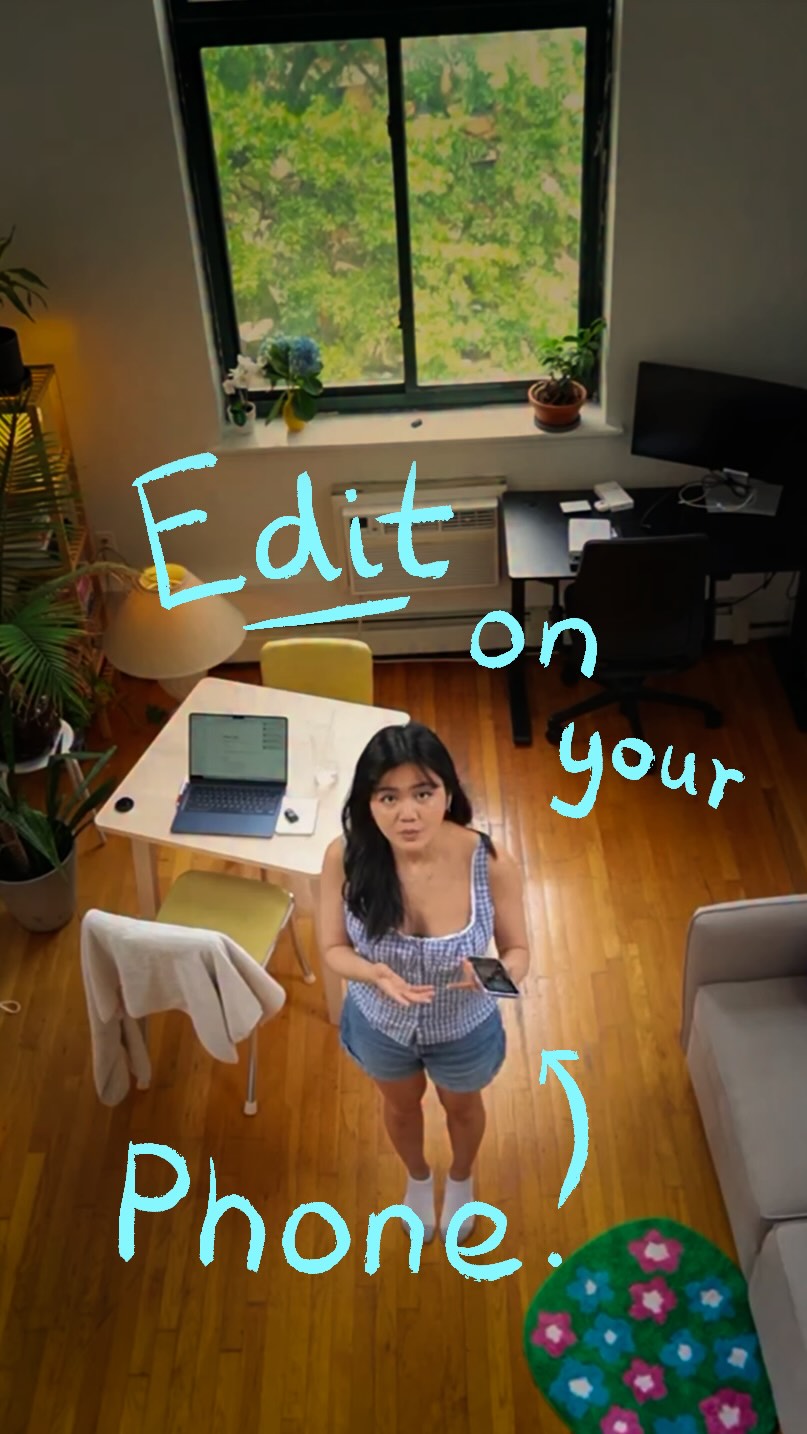
is on your iPhone
contextual · middle
give me 30s
branding · middle
#adobepartner
informational · middle
1. Sound Library
informational · middle
2. Generate Sound
contextual · end
Happy Creating ♡
Transcript
No I'm an impatient worse, and I hate adding sound effects. But now that Premiere Pro is on your iPhone, it can do that for you. Give me thirty seconds to show you how. First, you can select from the sound library with a bunch of pre made sound effects, or you can generate your own sounds. Type in a simple description, then you can even perform your sound. This allows you to sync it with the video. And that's it. Have a great day.