@kalylsfilms
Instagram · Talking Head Edit
@kalylsfilms Comment ‘Learn’ and I’ll send you a link to join my waitlist! Teaching you everything I know about content! 🔥🎥 #kalylsfilms - #cinematic #filmmaking #cinematography

@kalylsfilms
Instagram · Talking Head Edit
@kalylsfilms Comment ‘Learn’ and I’ll send you a link to join my waitlist! Teaching you everything I know about content! 🔥🎥 #kalylsfilms - #cinematic #filmmaking #cinematography
Performance
Video #49000 · Talking Head Edit
[01]
The creator presents a list of his three go-to video editing techniques. He introduces each technique—split frame, flicker effect, and masking—explains why he uses it, and shows multiple B-roll examples of the effect in action before concluding with a call-to-action.
[02]
[03]
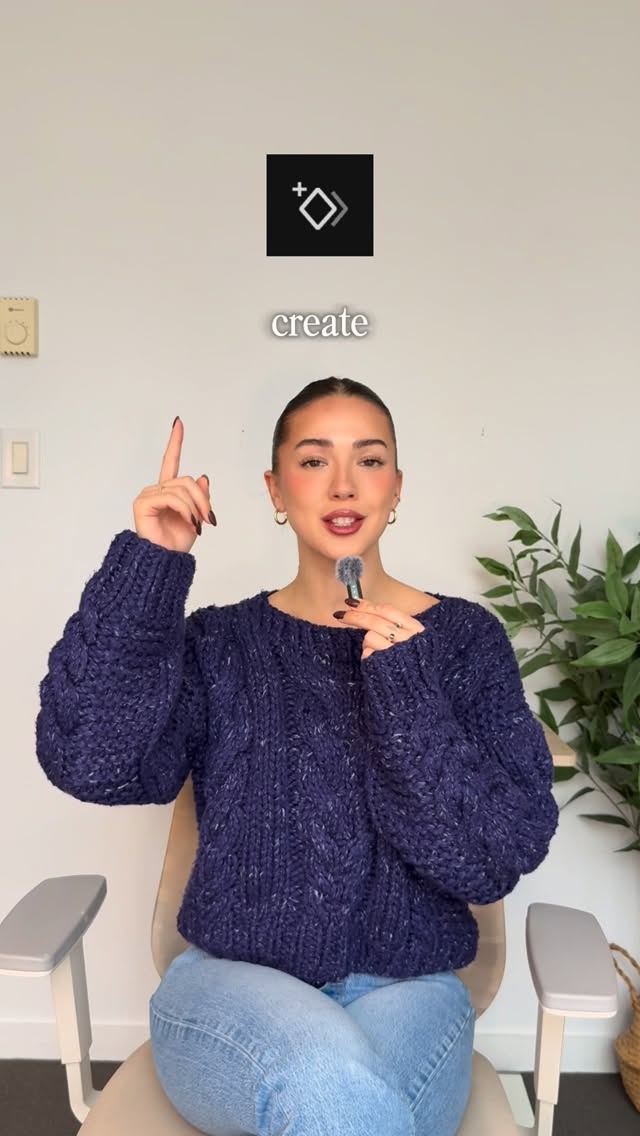 220.7K40.8×Rapid fire video editing tips@itsashleyboston · Rapid Fire Listicle
 67.8KRecreating a cool video effect@byrvm_contentcreation · Tutorial / How To
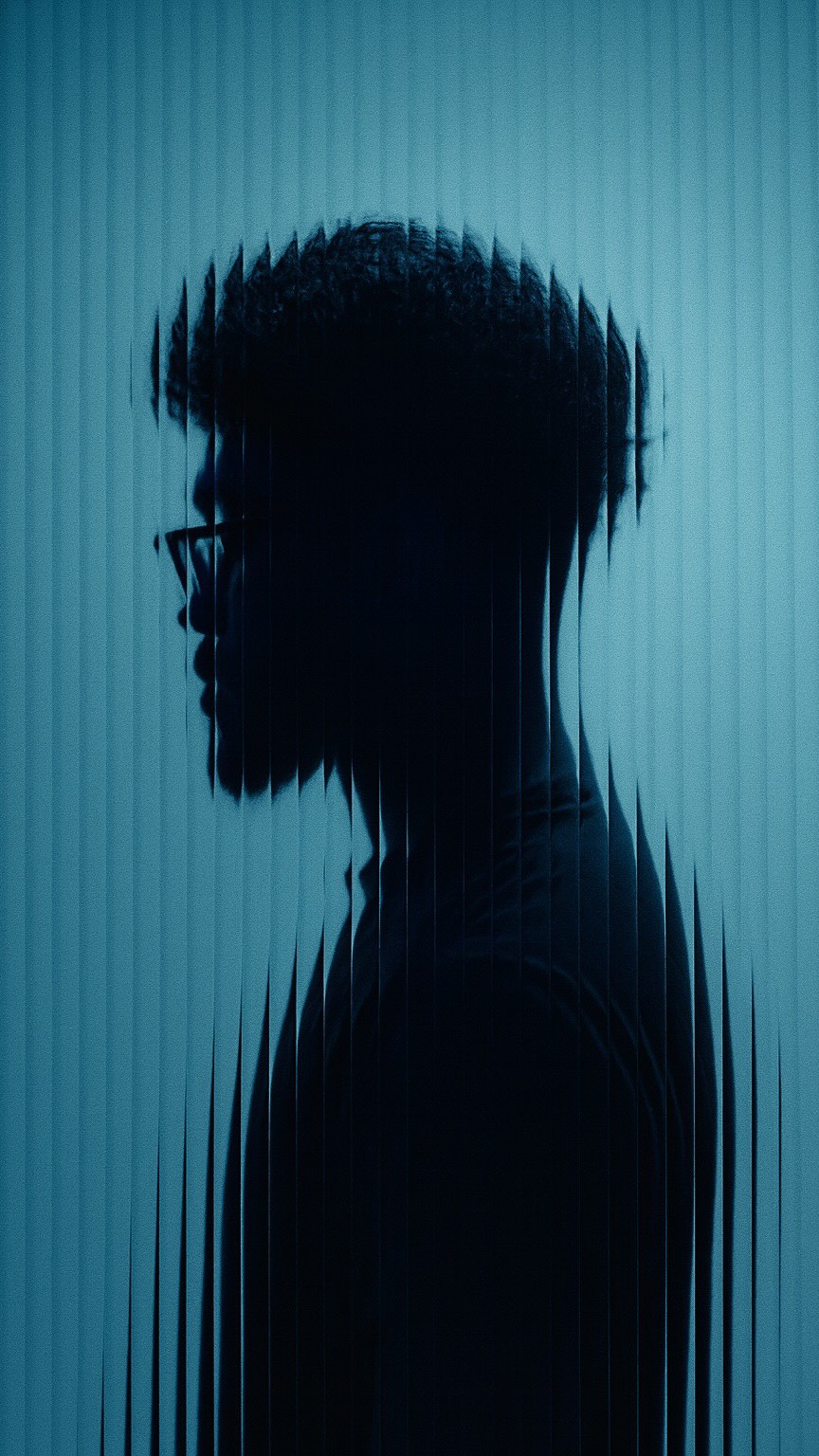 2M9×Fast-paced video editing tutorial@johnbucog · Tutorial / How To
 478K9.8×How to make frame jump effect@artzenmedia · Tutorial / How To
 2.3M30.4×Tutorial on seamless video editing.@omgadrian · Tutorial / How To
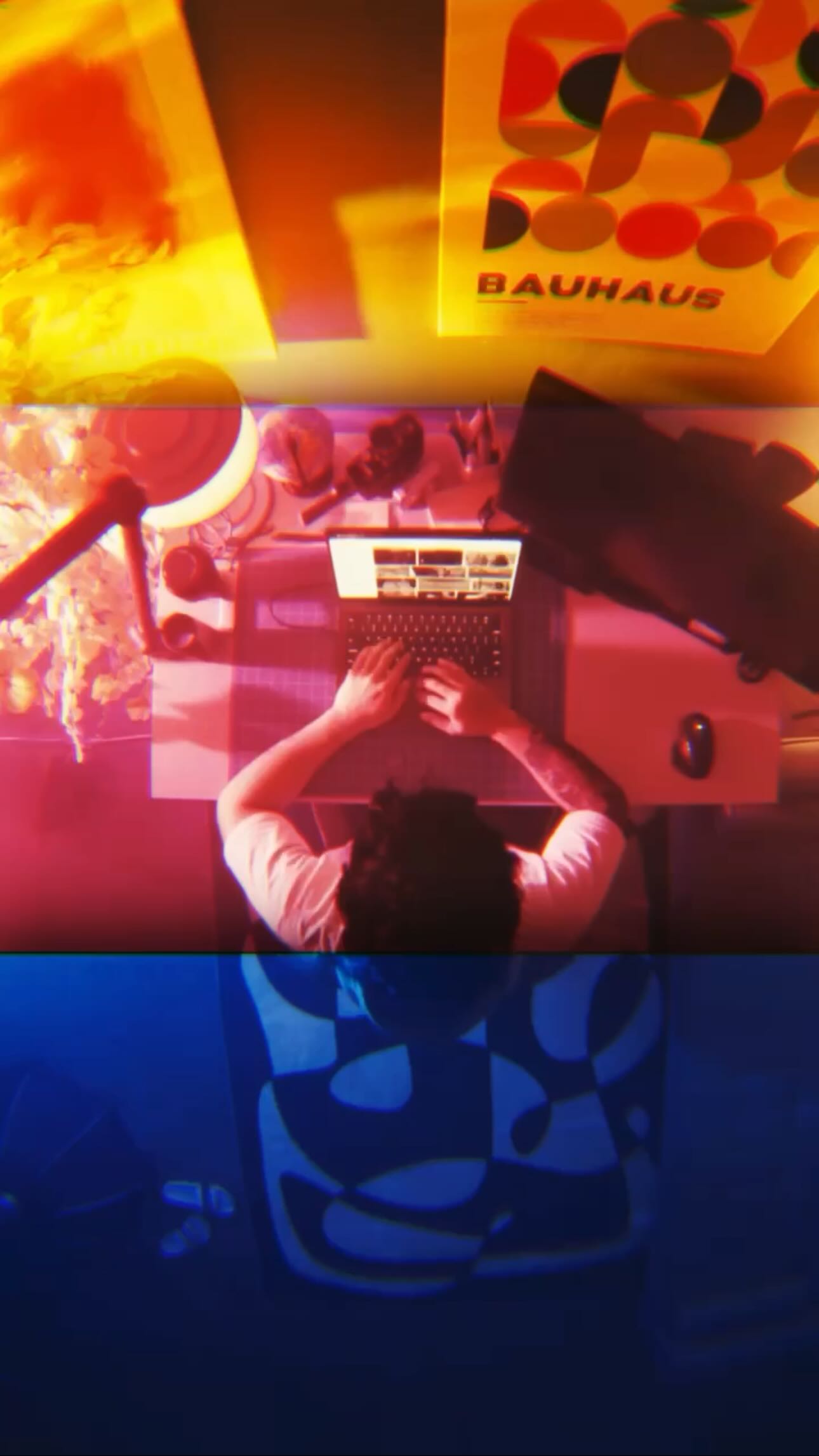 330.3K1.3×Viral transition tutorial, three shots@johnbucog · Tutorial / How To
 113.2K13.8×Rapid fire list of video effects@adarshxdesign · Rapid Fire Listicle
 86.8K19.1×Rapid fire sound effect tips@itsashleyboston · Rapid Fire Listicle
 214.3K251.9×CapCut visual hook editing tutorial@itsashleyboston · Tutorial / How To
 58.1KCinematic video production step-by-step@johnbucog · Breakdown
 947.2K29.2×Final video vs behind scenes@yahoo · Behind The Scenes
 58.7KRapid fire editing tutorial list@happywithmeg · Rapid Fire Listicle
[04]
[05]
What stops the scroll in the first 3 seconds
Title hook
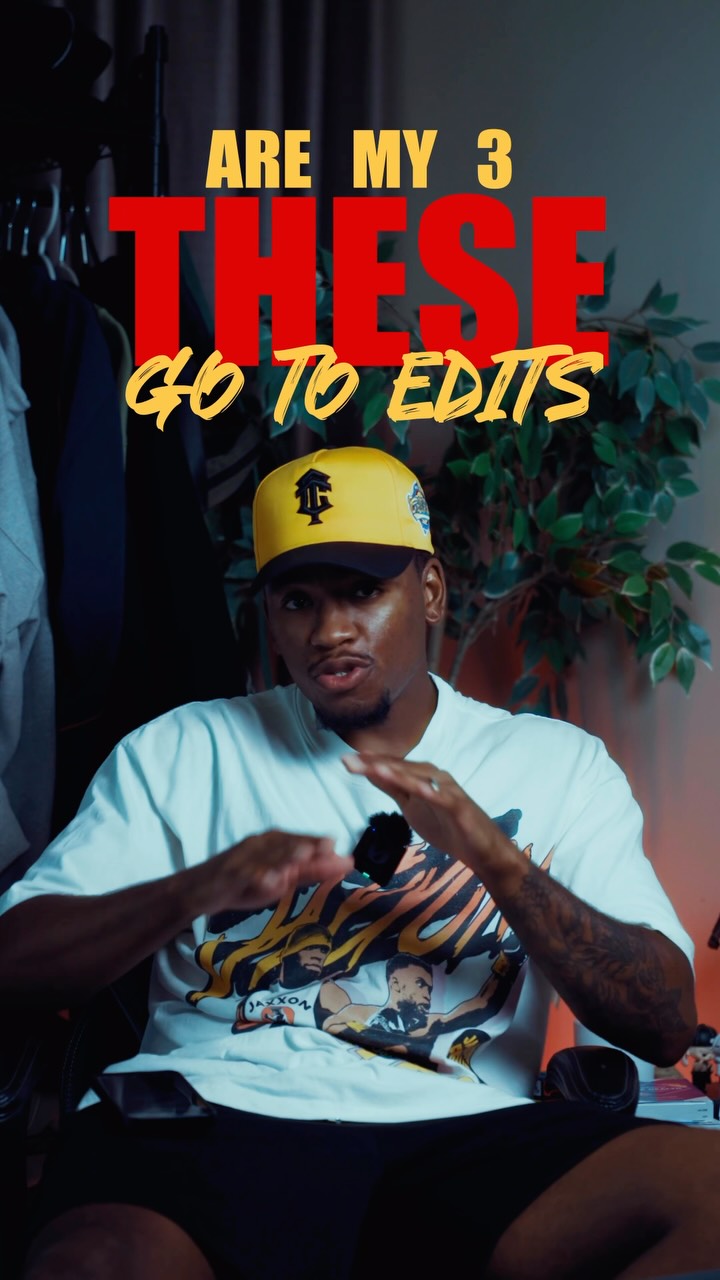
THESE
Verbal hook
These are my three go to edits that I absolutely live by.
Visual hook
A man in a stylized room uses expressive hand gestures while large, bold red text appears on screen, creating immediate visual interest and pattern interruption.
[07]
The promise the opener makes, and how the video pays it back
Hook
An authoritative declaration of a curated list of personal favorites or 'go-to' items, promising insider knowledge and high-value content.
Payoff
The viewer receives a concise, actionable, and visually-proven list of expert-level techniques, feeling empowered with new knowledge and primed to follow for more.
[08]
The structural pattern this video runs on
Framework
The Expert's Toolkit Showcase
The creator establishes authority by presenting a curated, numbered list of their personal 'go-to' techniques. Each item is introduced, visually demonstrated with multiple examples, and then justified with a concise explanation of its specific value and application.
The Authoritative Premise
The creator opens by stating they will share a specific number of their most-used, personally-vetted items or techniques, establishing expertise and setting a clear expectation for the viewer.
The Showcase Loop
The creator systematically presents each item in the list by applying a consistent micro-pattern of naming, demonstrating, and justifying its inclusion.
The Expert Sign-Off
The video concludes with the creator stating their name and a direct call to action, reinforcing their brand and encouraging follows for more valuable content.
Comment ‘Learn’ and I’ll send you a link to join my waitlist! Teaching you everything I know about content! 🔥🎥 #kalylsfilms - #cinematic #filmmaking #cinematography
title · beginning
THESE
title · beginning
ARE MY 3 GO TO EDITS
title · beginning
SPLIT FRAME
title · middle
FLICKER EFFECT
title · middle
MASKING
contextual · middle
TEXT GOES HERE
call-to-action · end
FOLLOW
branding · end
KALYLS FILMS
These are my three go to edits that I absolutely live by. Number one, the split frame edit. I do this all of the time. 99% of the time I'm shooting on my tripod, so my shots are always very, very static. And with the split frame edit, it takes that to a whole new level. I just love the way it looks. It's super clean. It takes a very simple shot and just elevates it. Number two, the flicker effect. I absolutely love this effect. I think it's super clean. It's a great way to start your video. Great visual good. Just looks really, really cool. And last but not least, masking. I use a lot of masking when I'm doing my split frame edits, whenever I want to be in front of any sort of text as you can see tier, and it's just super super clean. There are so many different ways you can use yes, so masking is definitely up there. My name is Khalil. Follow worse some more cool stuff.