Viral Hooks
Trending short videosTutorial on seamless video editing.
O

@omgadrian

Instagram · Speaker address

@omgadrian Good edits aren’t just cutting to the beat rhymically. They’re attention grabbing for sure. But more often than not, if you “notice” an edit, something went wrong. So today I’m breaking down my method of how I “hide” my cuts. What part of the editing process should we get in to next? Or any part of the creation process lmk! ⬇️ If you enjoyed this & want written tips that’ll elevate your content sent straight to your inbox weekly, just comment “extra” and ill send it over to you! If you want to dive deeper & level up your content with tips just like this but hours long, comment “college” and I’ll send you all the details. Happy creating 🫡

View original on Instagram

The edit1 shot · 12 text
Shots Text1:15

Performance

Views
2.3M
Likes
182.4K
Comments
17.3K
Engagement
8.8%
Outlier
30.4×
Length · 3 May 2026
1:15

Video #25937 · Speaker address

Tutorial on seamless video editing.from @omgadrian

[01]

Overview

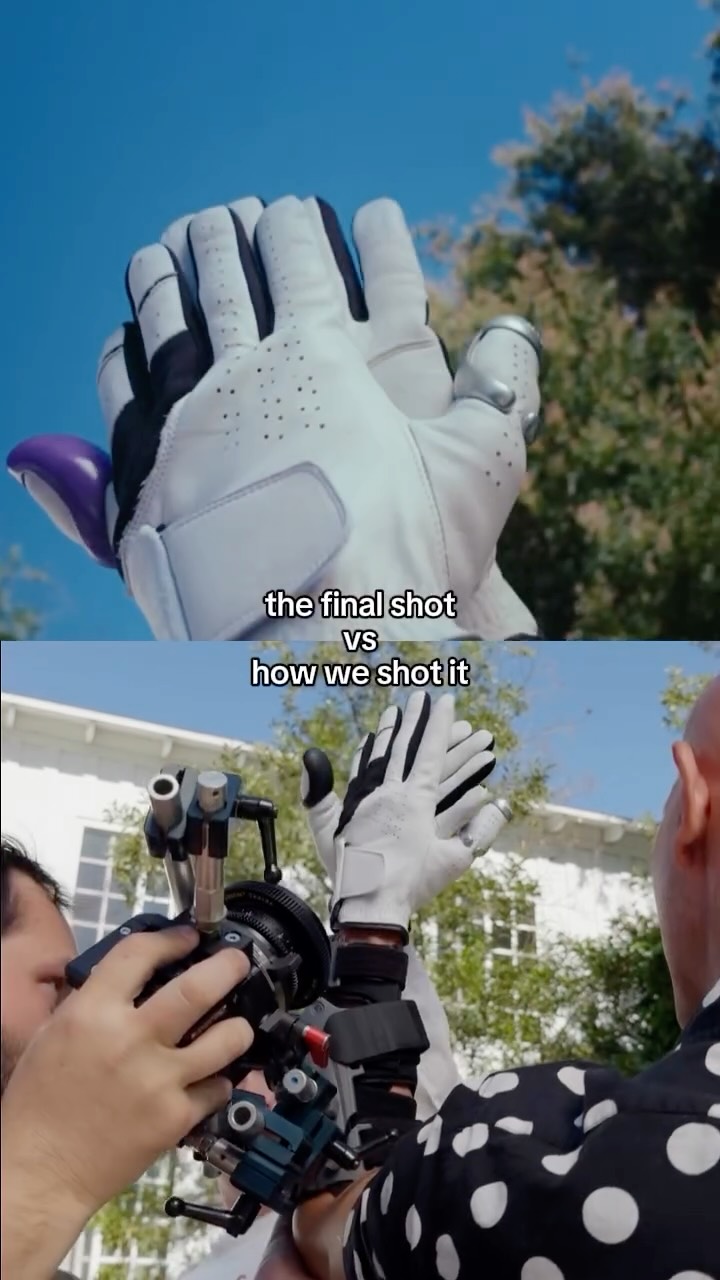
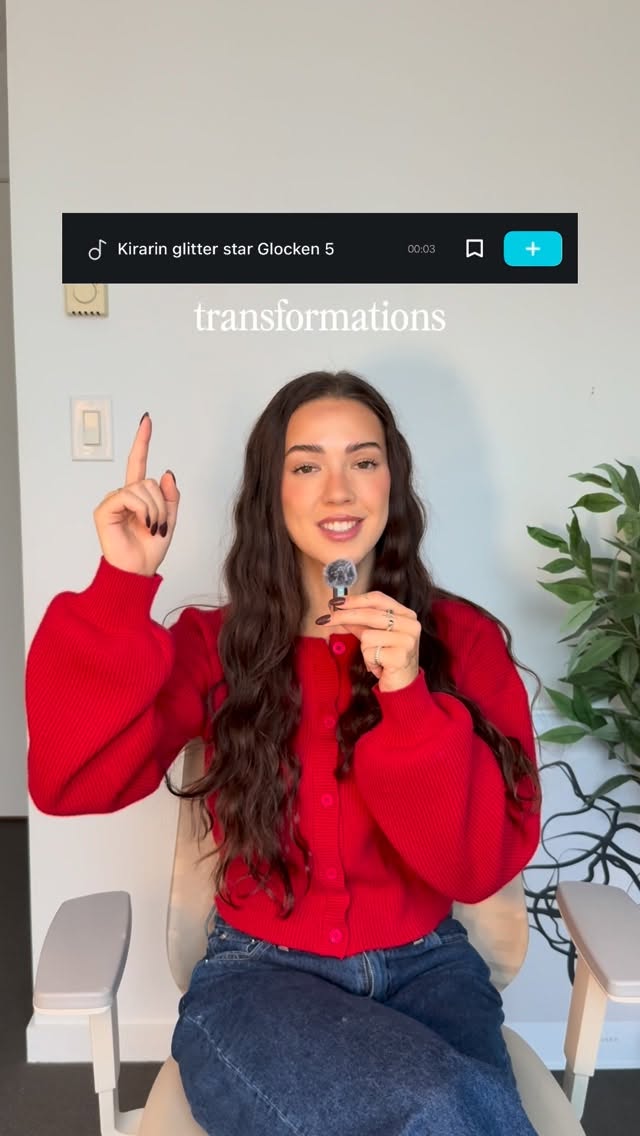
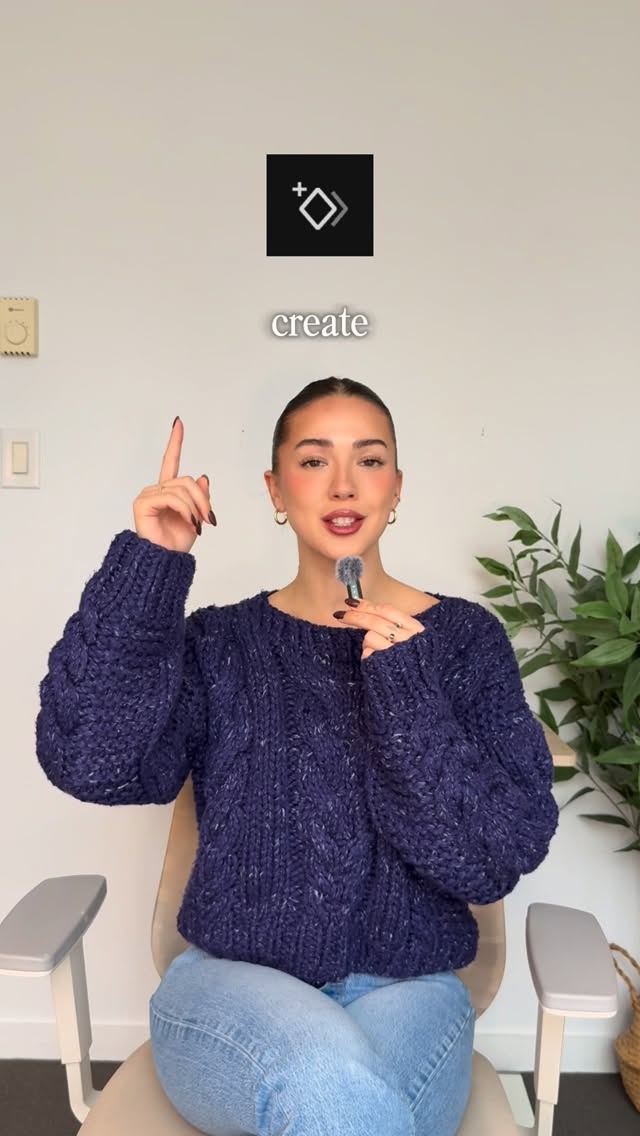
The creator debunks the common misconception that good editing is just cutting to a beat, introducing the concept of 'invisible' edits achieved by cutting on motion. He explains how to plan for these cuts in a shot list, demonstrates the filming process by shooting the same action from two different angles, and then shows the seamless final result. The video concludes with calls-to-action for related content and a more in-depth course.

[02]

Simple outline

  1. 1Challenge common belief
  2. 2Reveal superior method
  3. 3Demonstrate the process
  4. 4Show the final result

[03]

Related videos

[04]

Classification

Concepts
Tutorial / How ToBreakdown
Elements
Title Text HookJump CutRadial Zoom EffectSide-by-Side Visual Aid

[05]

Hook analysis

What stops the scroll in the first 3 seconds

Title hook · 55%

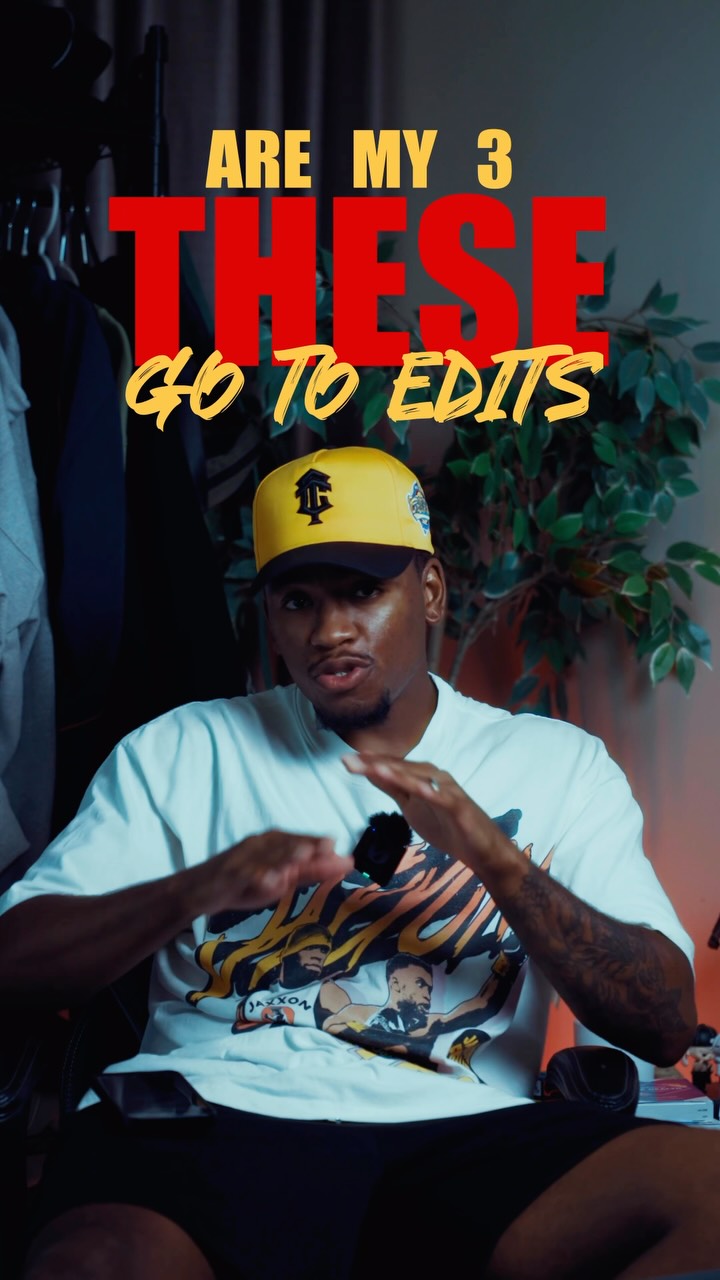
IS JUST CUTTING TO A BEAT

Verbal hook · 40%

Most people think good editing is just cutting to a best.

Visual hook · 5%

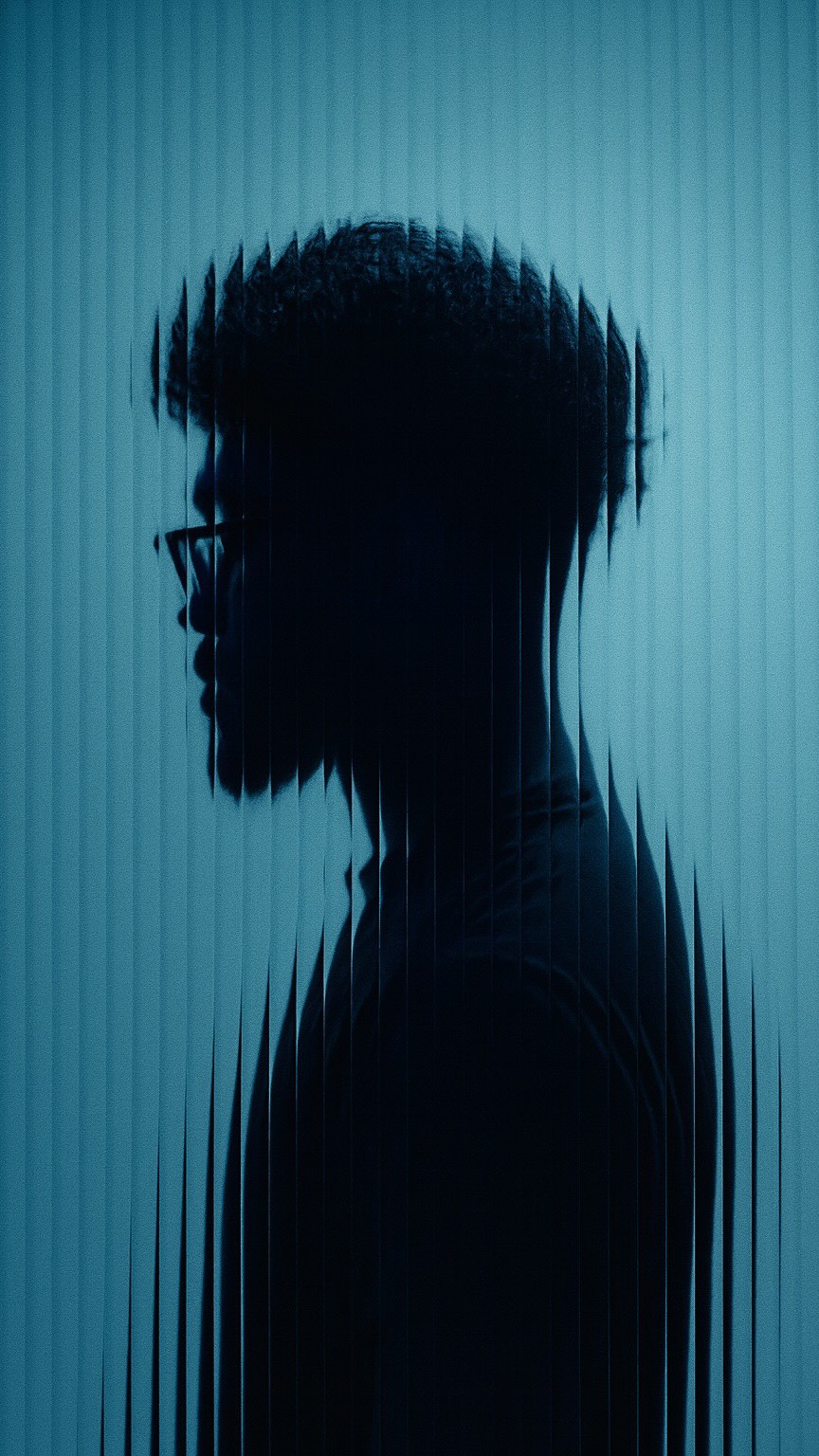
The video opens with a dynamic, wide-angle shot of the speaker, creating a slightly distorted perspective. This is combined with rapid cuts and large text overlays for high visual energy.

[06]

Hook template

Steal this for your own video

Good [craft skill] isn't just [oversimplified belief] — it's [overlooked technique].

  • — Good editing isn't just cutting to a beat — it's cutting on motion so the edit disappears.
  • — Good copywriting isn't just sounding clever — it's mirroring the exact words your buyer already uses.
  • — Good weightlifting isn't just lifting heavy — it's controlling the eccentric so the muscle actually grows.

[07]

Hook and payoff

The promise the opener makes, and how the video pays it back

Hook

Challenge a widely held belief or common practice within a niche to create an immediate knowledge gap and establish authority.

Payoff

Reinforce the value of the demonstrated system and present a tiered call to action, offering both free, related content and a more in-depth paid resource to capture viewers at different stages of interest.

[08]

Narrative framework

The structural pattern this video runs on

Framework

The Expert Demonstration

Debunk a common misconception, introduce a superior methodology, and provide a step-by-step demonstration to prove its effectiveness, culminating in a value-based call to action.

  1. 1

    The Contrarian Hook

    State the common, but flawed, approach to a problem, immediately positioning the creator's perspective as more advanced.

  2. 2

    The Aspirational Standard

    Introduce the 'professional' or 'expert' level outcome that viewers desire, contrasting it with the common approach to build intrigue.

  3. 3

    The Core Principle Reveal

    Unveil the single, core concept or 'secret' that enables the aspirational outcome, providing the video's central thesis.

  4. 4

    The Practical Objection

    Voice the most common question or logistical hurdle a viewer would face when trying to implement the core principle, showing empathy and foresight.

  5. 5

    The Systemic Solution

    Provide the answer to the objection, revealing that the solution lies in a specific system or preparation step (e.g., a checklist, a plan).

  6. 6

    The Live Demonstration

    Execute a transparent, step-by-step walkthrough of the entire process, showing the 'how' in real-time to build trust and provide tangible value.

  7. 7

    The Seamless Result

    Show the final, polished outcome of the demonstrated process, creating a satisfying 'before and after' effect that proves the method's efficacy.

Themes

  • Skill improvement
  • Creative process
  • Pre-production planning

Techniques

  • Cutting on action
  • Shot listing
  • Direct-to-camera

Trends

  • Creator education
  • Short-form tutorial

Post caption

Good edits aren’t just cutting to the beat rhymically. They’re attention grabbing for sure. But more often than not, if you “notice” an edit, something went wrong. So today I’m breaking down my method of how I “hide” my cuts. What part of the editing process should we get in to next? Or any part of the creation process lmk! ⬇️ If you enjoyed this & want written tips that’ll elevate your content sent straight to your inbox weekly, just comment “extra” and ill send it over to you! If you want to dive deeper & level up your content with tips just like this but hours long, comment “college” and I’ll send you all the details. Happy creating 🫡

Text overlays

  • title · beginning

    IS JUST

  • title · beginning

    CUTTING TO

  • title · beginning

    A BEAT

  • title · beginning

    RYTHMIC SYNCED UP

  • title · beginning

    Level up your EDITING

  • title · middle

    THEY'RE INVISIBLE

  • title · middle

    Cutting to MOTION

  • informational · middle

    Hand MOVEMENTS

  • title · middle

    what it looks LIKE

  • call-to-action · end

    HOW TO WRITE SCREENPLAYS

  • call-to-action · end

    HOW TO WRITE BETTER CONTENT

  • call-to-action · end

    COLLEGE

Transcript

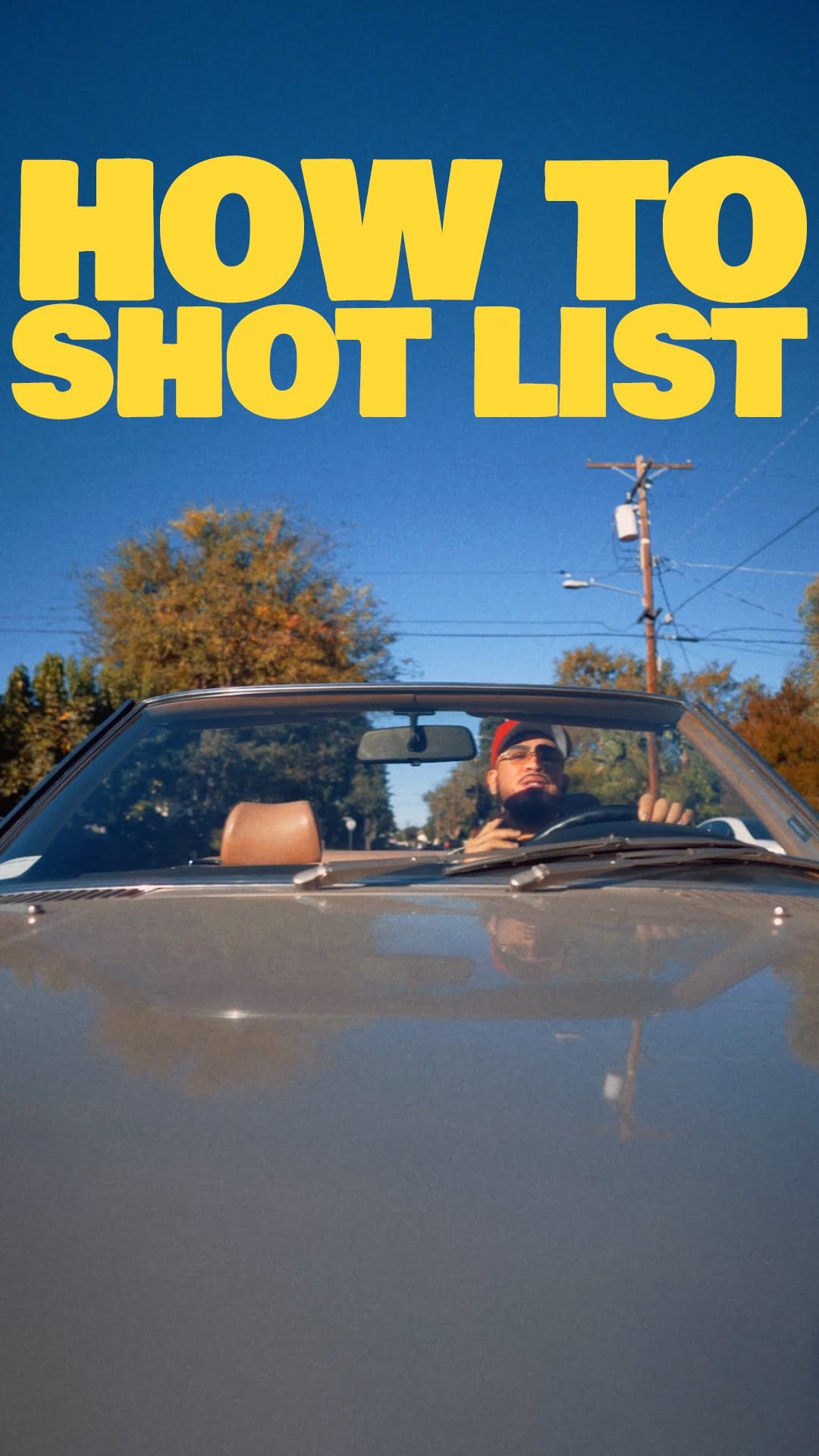
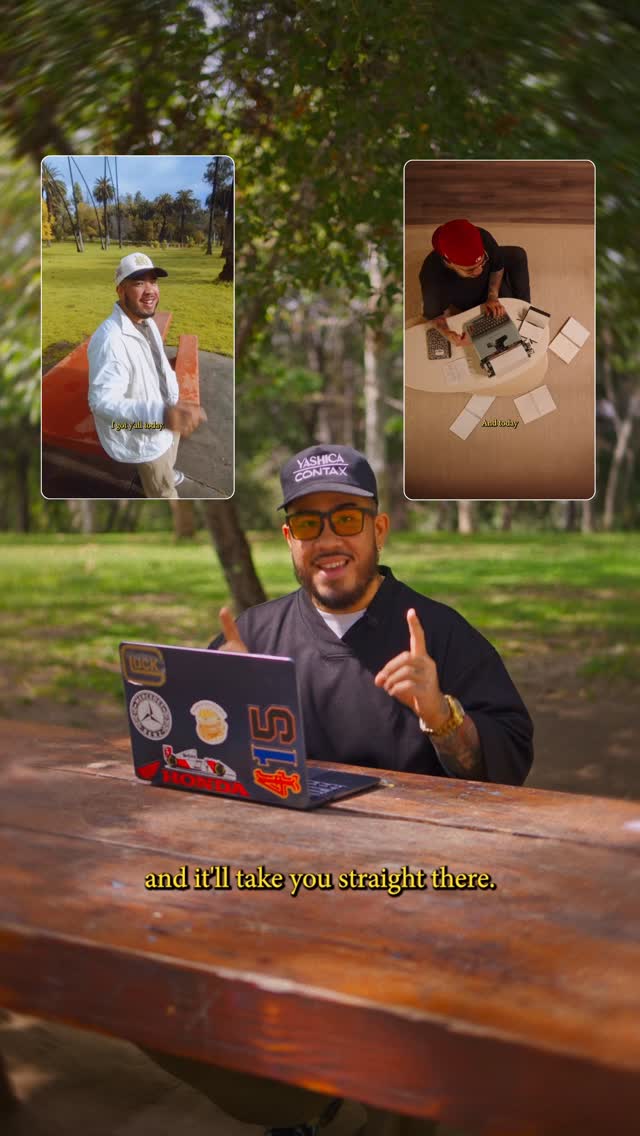
Most people think good editing is just cutting to a best. Rhythmic sync up. Today, we're gonna level up your editing. The best editors, you'll never notice their cuts at all. They're invisible. So I'm gonna show you how to do that. And the way to make your edits feel invisible is by cutting to motion, doing things like head turns or hand movements. Now, I already know what you're thinking. How do you actually do this while you're filming? I write it into my shot list. So better say, you wanna walk head on to this camera angle right here, then stop and say something from a profile angle. This is what you should do. Walk up, stop, look over to my left, stop recording, then place rank camera at a new angle. I'll repeat that same action, walk, stop, look left again, and deliver my line. So now better go see what that looks like. This is what it looks like. Pretty good, ain't it? So by the time I'm in my edit, I already know I have what I need. And if you wanna see videos on how I write or how I shot list, I've got videos on that here. Just click them above and it'll take you straight there. And if you wanna learn more with an even deeper and more in-depth breakdown, just come in college and I'll send you all the info. As always, take care, happy creating, and I'll catch you all next time. Peace.

Tutorial on seamless video editing. | Viral Hooks