Post caption
Comment "Hooks" and we'll send you the full 50+ Hooks offer.
🔁 Share with a creator who still filming from scratch
👣 Follow @thepostprotocol for hooks, formats & prompts that work
#contentcreation #socialmediamarketing #contentcreator #onlinebusiness #hook
Transcript
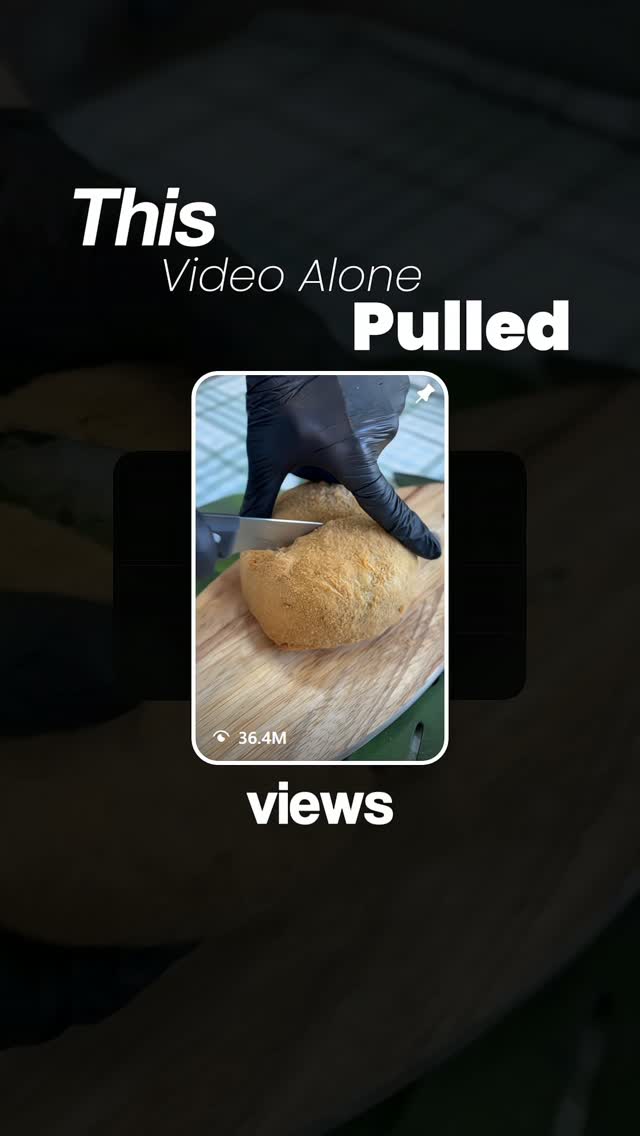
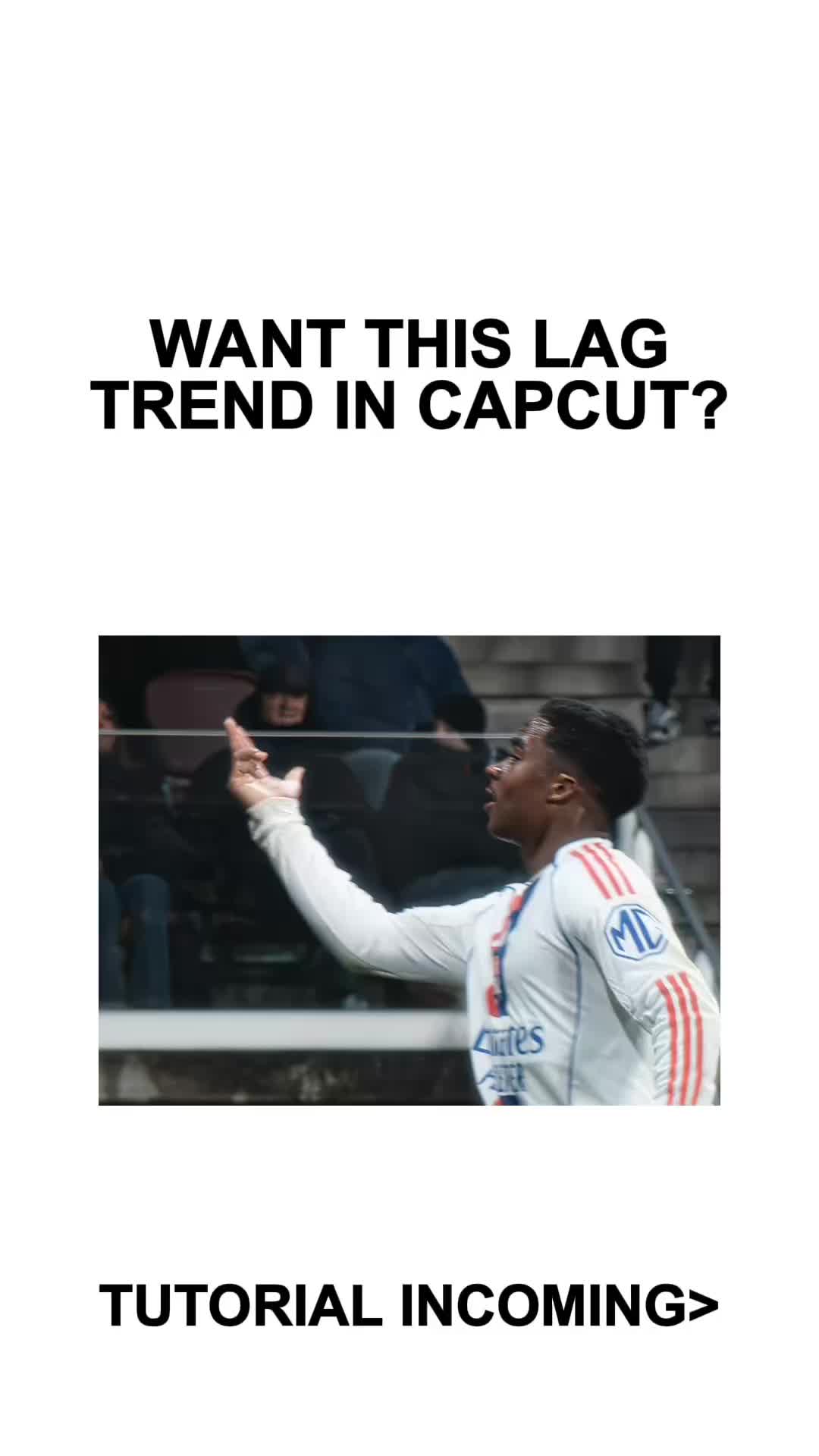
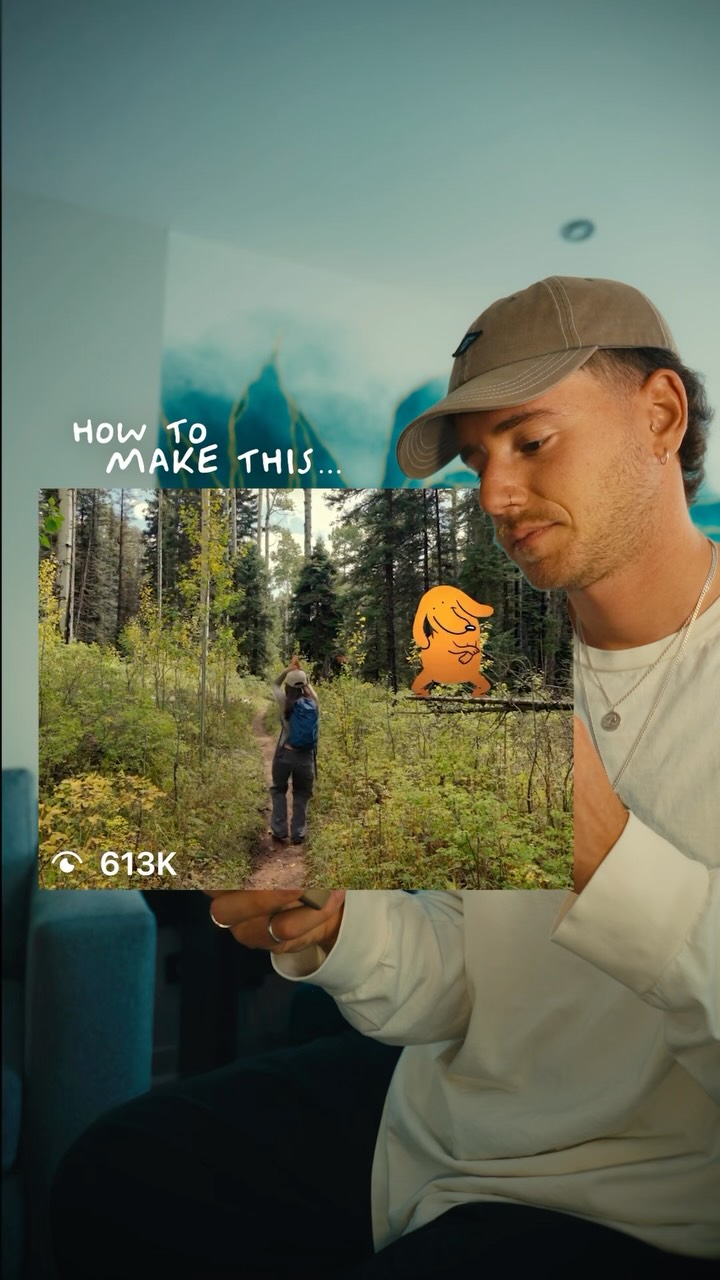
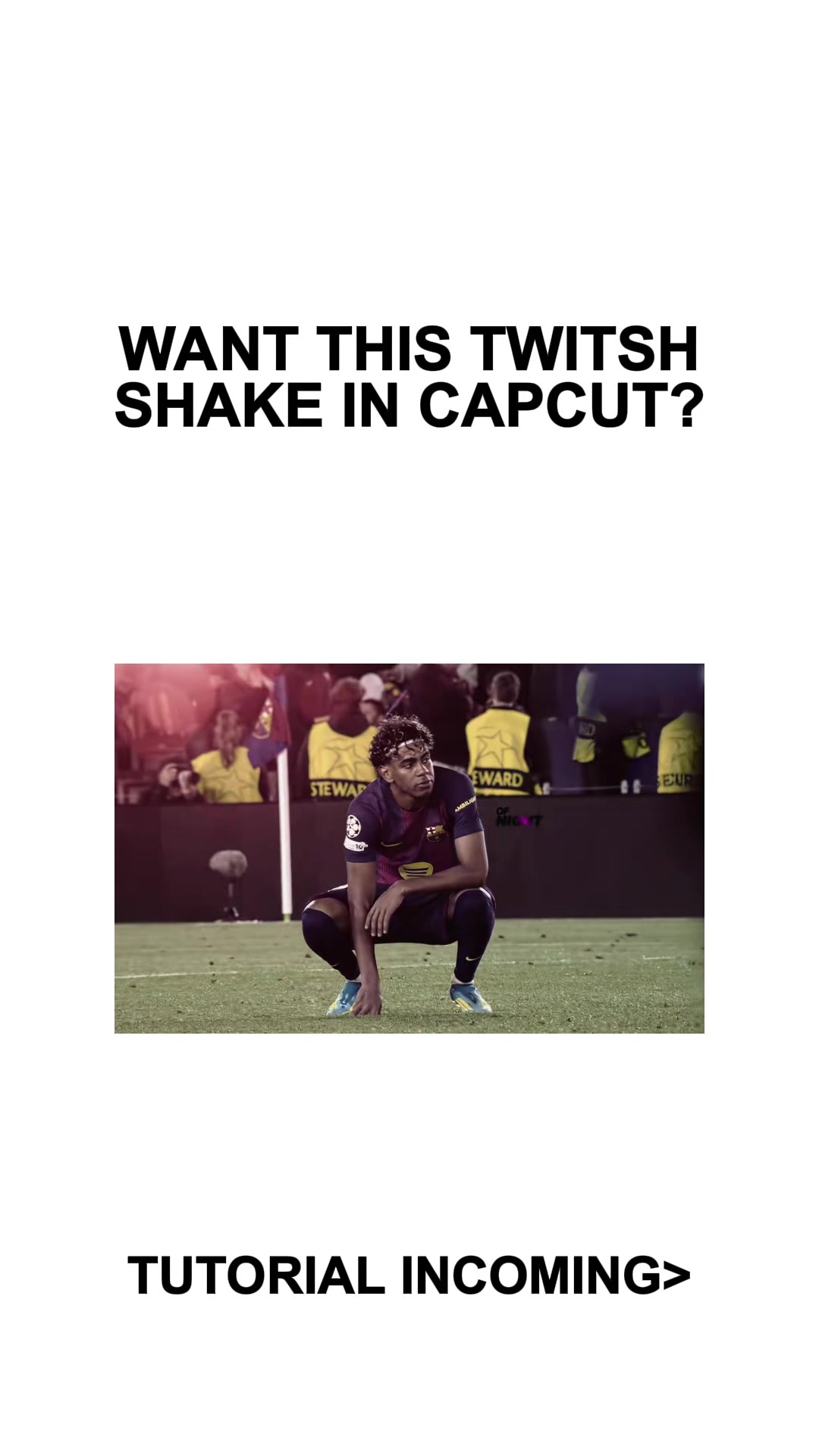
This video alone pulled 36,400,000 views and 182,000 likes, and it was because of a simple interruption that hijacks attention. Here's how you can recreate the same trick for your own brand. Start by opening a new project in your editor. We're using CapCut, but the logic is the same everywhere. Drop in your video and scrub through it until you find the exact moment right before the reveal, the point where curiosity is at its peak. Once you're there, tap on the clip, scroll all the way to the right, and select freeze. This creates a paused frame from that exact moment. With the frozen layer selected, slightly lower the opacity so the pause feels intentional, not abrupt, then confirm. Now deselect the clip and add an overlay and choose the transparent battery notification graphic. At the very start of this overlay, add a keyframe. Slightly scale the graphic down and set its opacity to zero no it's invisible at first. Move a bit forward on the timeline, add a second keyframe, bring the opacity up to 100% and gently scale the graphic up. That small movement is what makes it feel like a real system notification instead of a static image. Deselect the layer, and that's it. This works because the brain expects a payoff, gets interrupted instead, and stays locked in trying to resolve that tension. Viewers hesitate, rewatch, and loop the video. And that's exactly what the algorithm rewards. Comment hooks, and we'll send you the battery notification graphic, along with 50 plus proven viral hooks that work the same way.