@mxtstutorials
TikTok · Screen Recording
@mxtstutorials Lag Trend Tutorial CapCut #CapCut #mxtstutorial #capcuttutorial #capcuthelp #capcutpioneer

@mxtstutorials
TikTok · Screen Recording
@mxtstutorials Lag Trend Tutorial CapCut #CapCut #mxtstutorial #capcuttutorial #capcuthelp #capcutpioneer
Performance
Video #50031 · Screen Recording
[01]
The creator hooks the viewer by showing a popular 'lag' video effect, then provides a step-by-step screen recording tutorial in the CapCut app, using text overlays to instruct the viewer on how to freeze a clip, add an overlay, and adjust blending modes to achieve the final result.
[02]
[03]
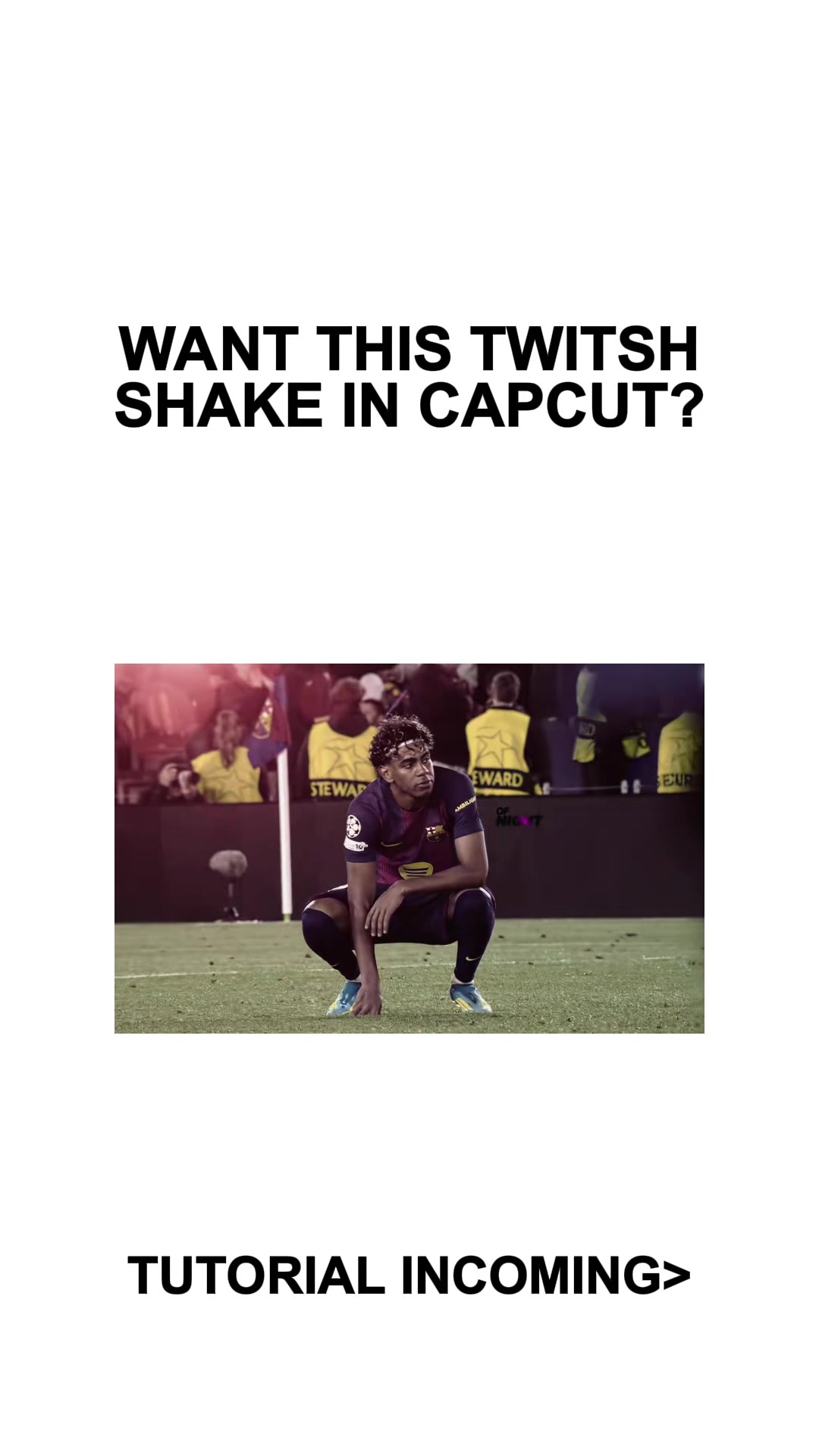 253.2KCapCut twitch shake editing tutorial@mxtstutorials · Tutorial / How To
 214.3K251.9×CapCut visual hook editing tutorial@itsashleyboston · Tutorial / How To
 607.6K3.1×Tutorial for using two effects@misscarolineflett · Tutorial / How To
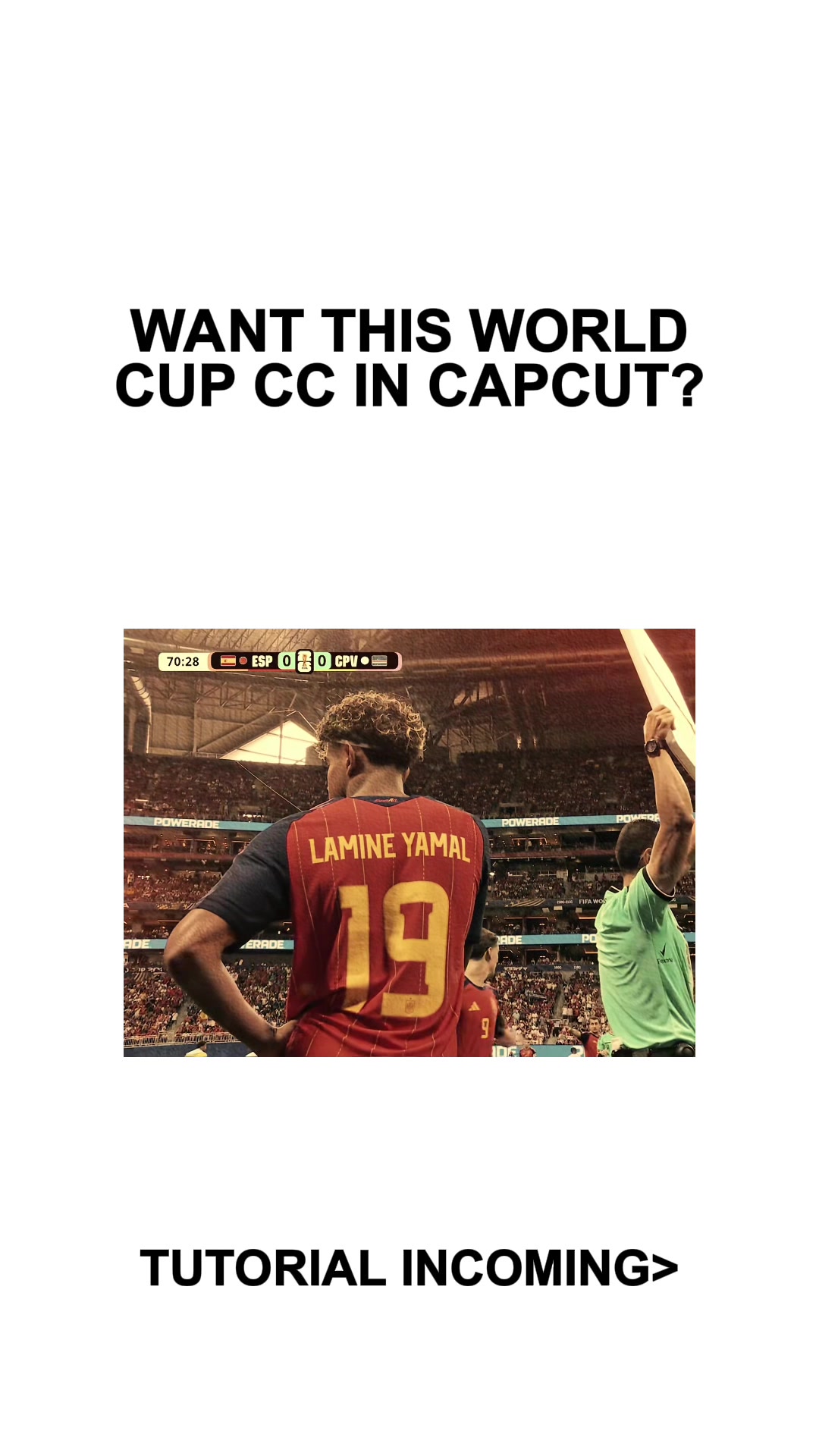 434.2KCapCut video effect tutorial@mxtstutorials · Tutorial / How To
 478K9.8×How to make frame jump effect@artzenmedia · Tutorial / How To
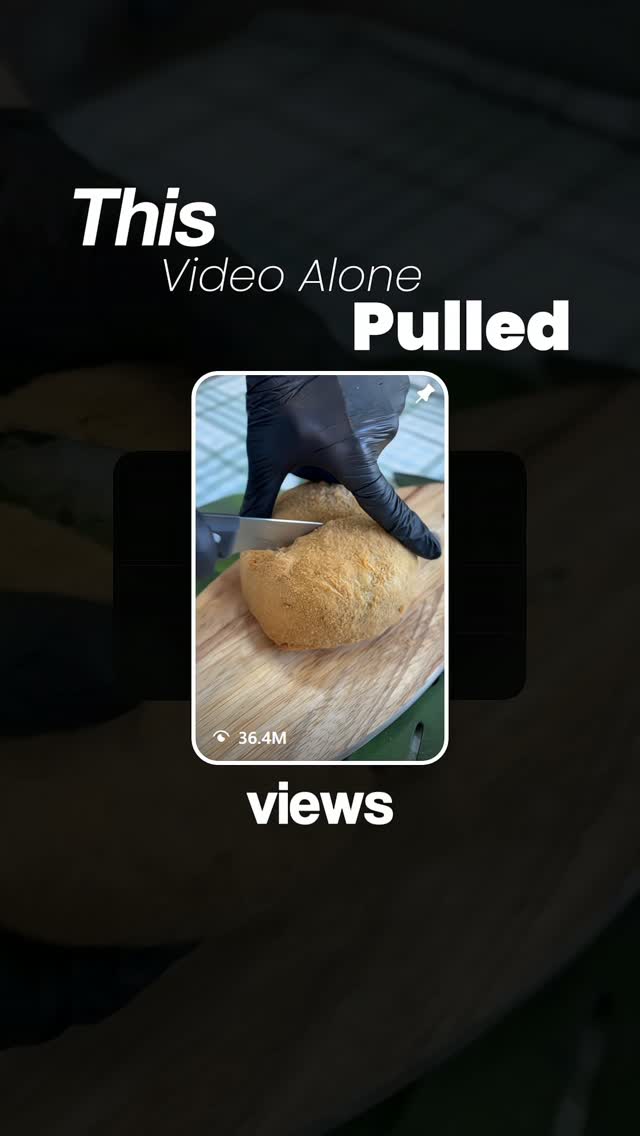 361.4K25.3×Viral video interruption trick tutorial@thepostprotocol · Tutorial / How To
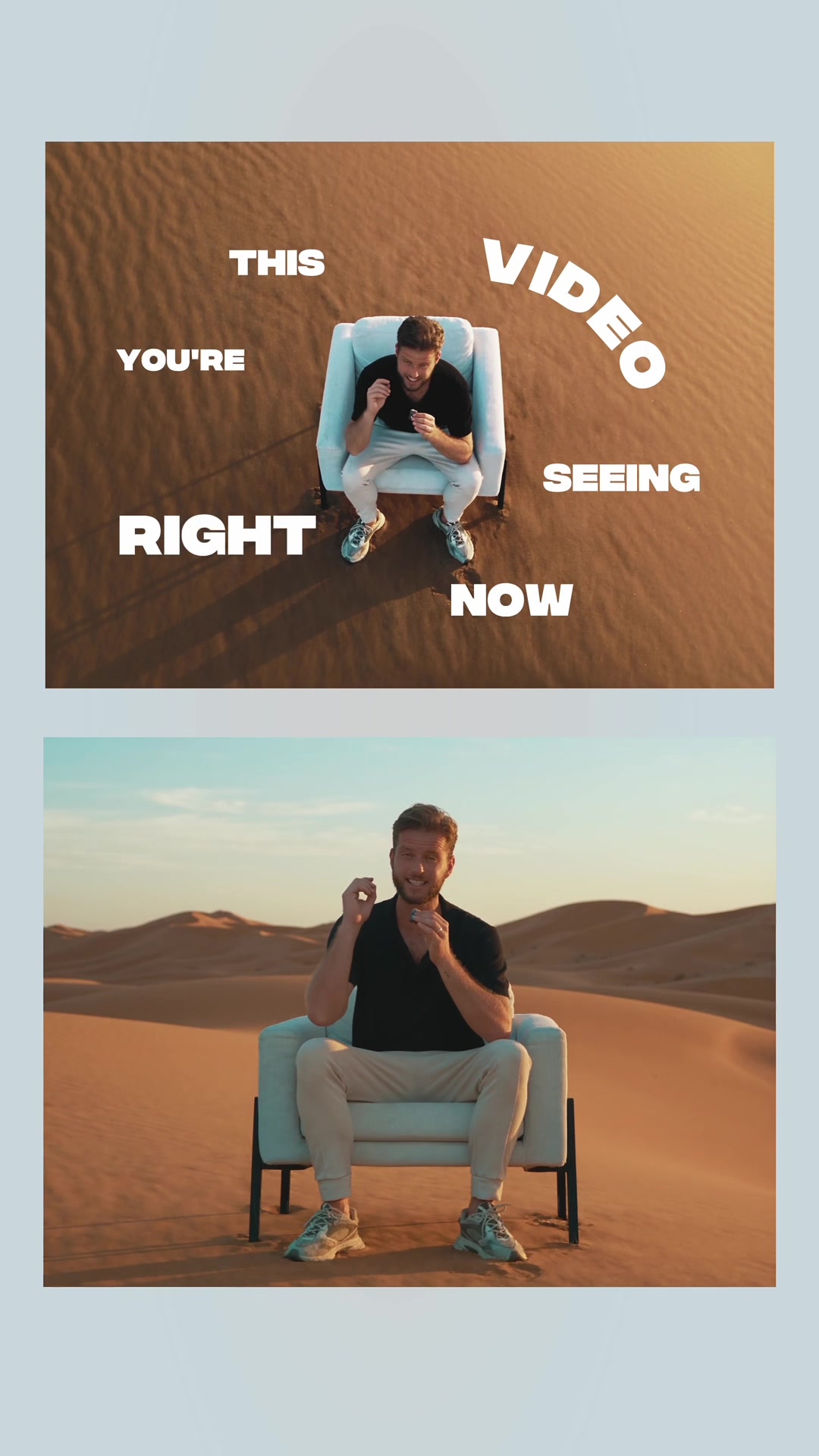 217.7KAI video editing tutorial showcase@byrvm_contentcreation · Tutorial / How To
 83.2KExplains editing problem, demos app solution.@ciggmedia · Product Demo
 67.8KRecreating a cool video effect@byrvm_contentcreation · Tutorial / How To
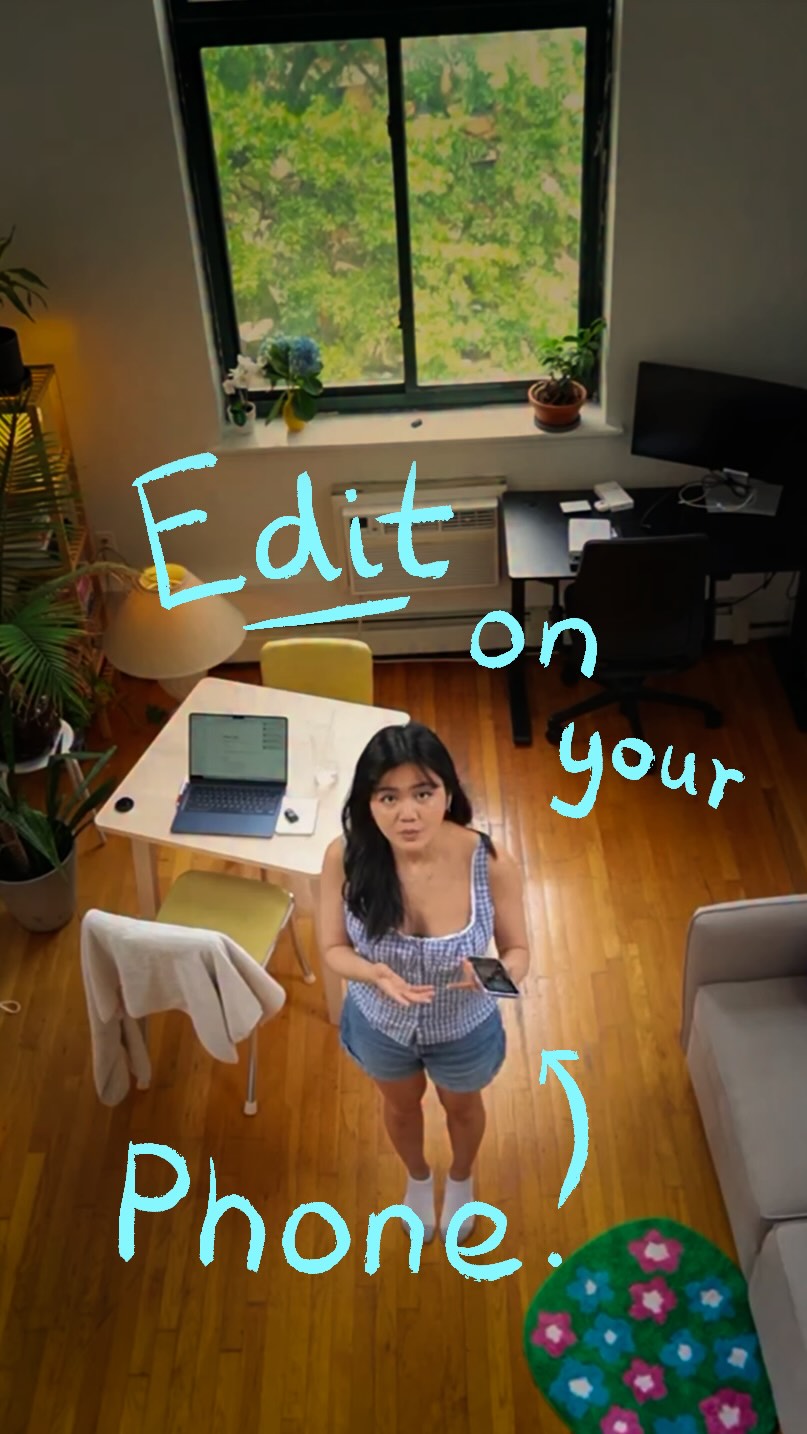 5.7M23.2×Creator demos new video app@covacut · Tutorial / How To
 636.1K23.9×Explains stop motion editing process@cariwilliamson · Tutorial / How To
 151.3KVideo editing tutorial with quick cuts@johnbucog · Tutorial / How To
[04]
[05]
What stops the scroll in the first 3 seconds
Title hook
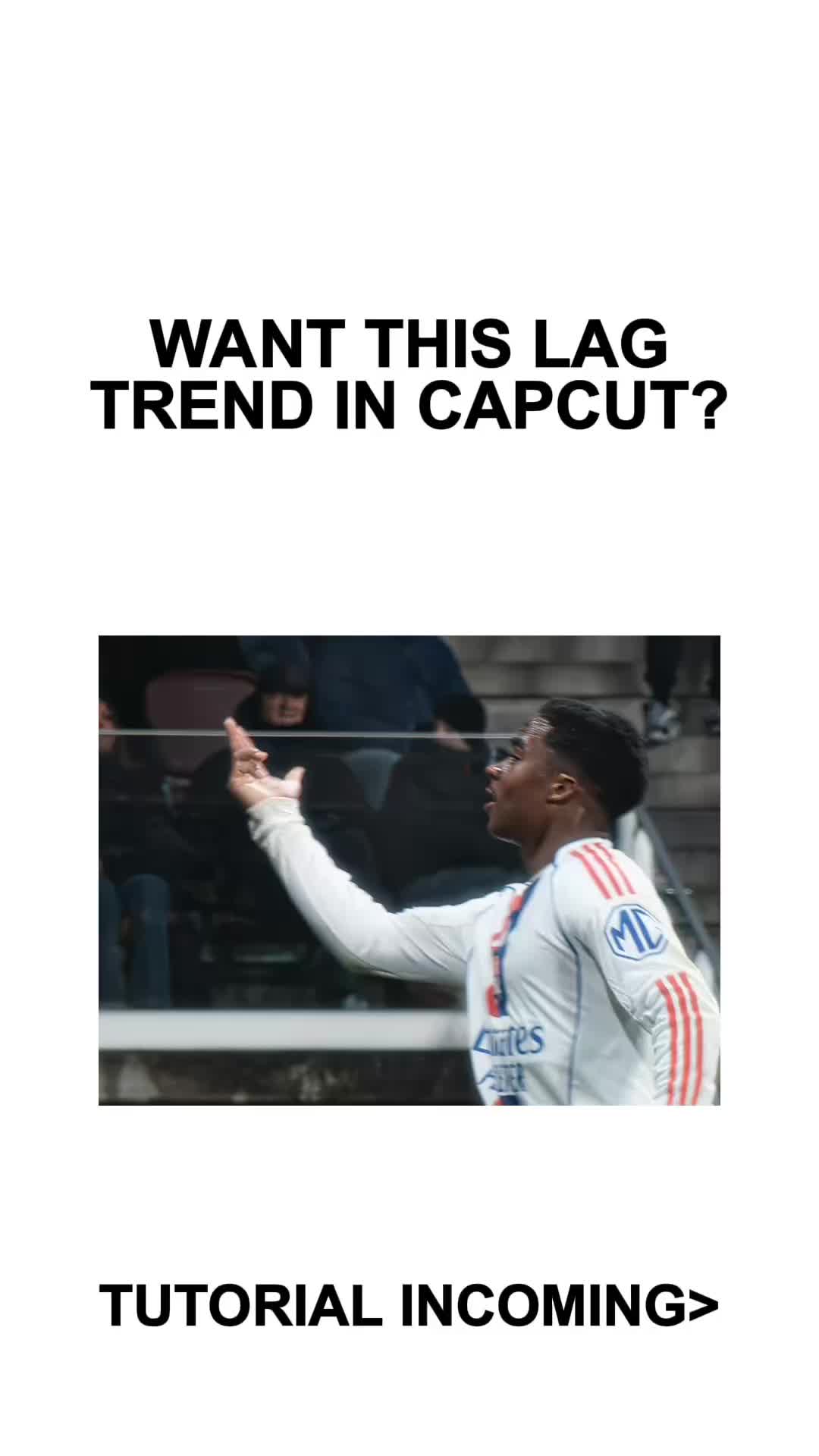
WANT THIS LAG TREND IN CAPCUT?
Visual hook
A dynamic sports clip featuring a soccer player celebrating, with a noticeable glitch/lag effect applied to immediately demonstrate the desired outcome.
[07]
The promise the opener makes, and how the video pays it back
Hook
Present a highly desirable, trendy visual outcome and explicitly ask if the viewer wants to learn how to create it.
Payoff
Display the final, polished result again to validate the tutorial's effectiveness and provide a satisfying conclusion.
[08]
The structural pattern this video runs on
Framework
The Rapid-Fire Effect Tutorial
Hook the viewer with a desirable visual effect, provide the necessary raw asset, and quickly demonstrate the software steps to achieve it.
The Asset Provision
Provide a specific, necessary raw material (like an overlay or soundbite) for the viewer to capture or save immediately, creating an interactive element.
The UI Walkthrough
Show the step-by-step process inside the creation tool using clear, concise text instructions overlaid on screen recordings of the specific actions.
Lag Trend Tutorial CapCut #CapCut #mxtstutorial #capcuttutorial #capcuthelp #capcutpioneer
title · beginning
WANT THIS LAG TREND IN CAPCUT?
contextual · beginning
EASY
contextual · beginning
TUTORIAL INCOMING>
call-to-action · beginning
SCREENRECORD THIS
informational · middle
FREEZE YOUR CLIP AT END
informational · middle
ADJUST THE CLIP TO YOUR AUDIO
informational · middle
ADD THE SCREENRECORD AS OVERLAY
informational · middle
PLACE IT UNDER THE FROZEN CLIP
informational · middle
GO TO SPLICE> LIGHTEN
Because I rank it's no. Because I think it's no. Peace. Because I think it's no. Because I think it's no.