@mxtstutorials
TikTok · Screen Recording
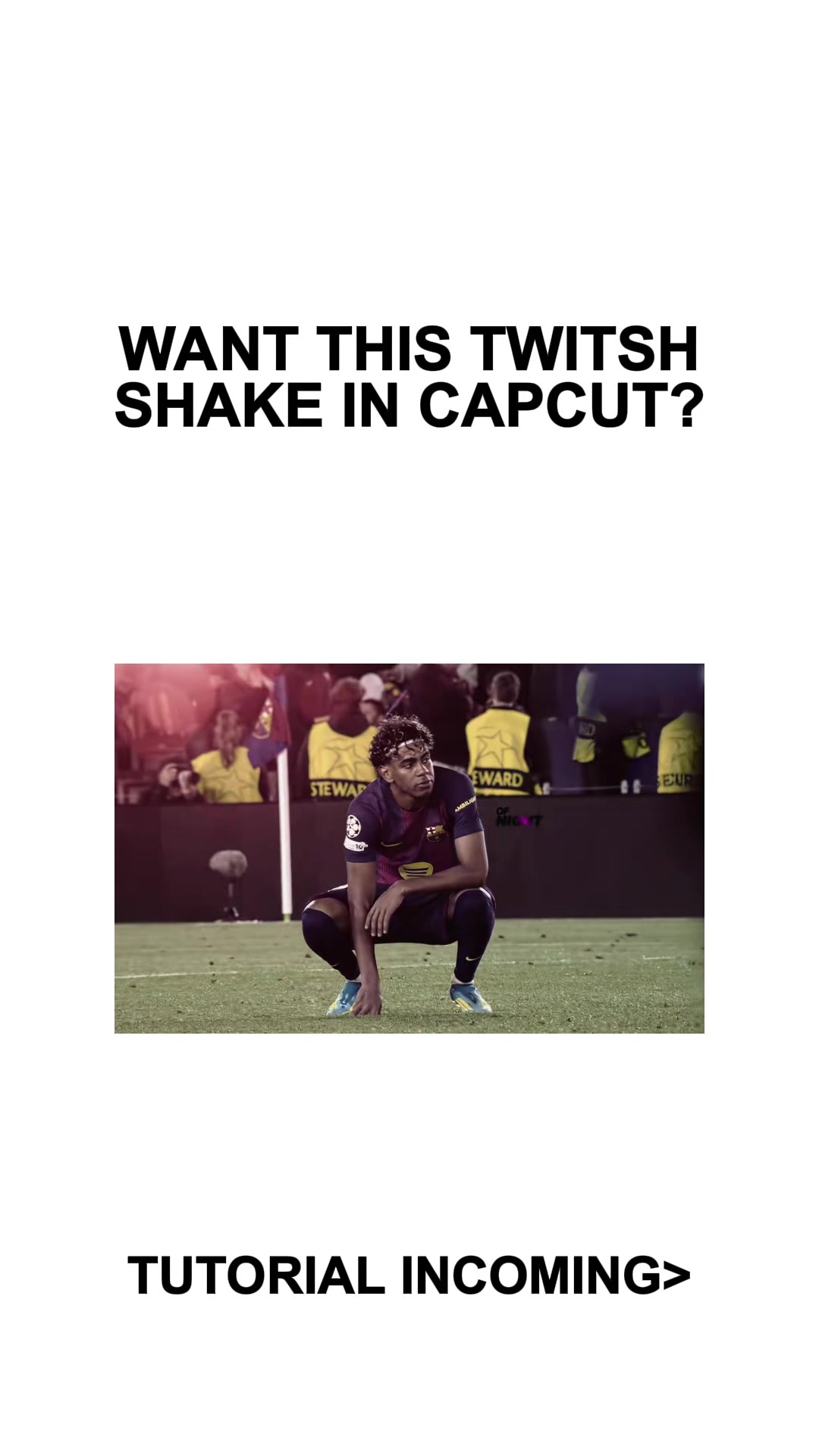
@mxtstutorials Shake Tutorial CapCut #CapCut #mxtstutorial #capcuttutorial #capcuthelp #capcutpioneer

@mxtstutorials
TikTok · Screen Recording
@mxtstutorials Shake Tutorial CapCut #CapCut #mxtstutorial #capcuttutorial #capcuthelp #capcutpioneer
Performance
Video #50032 · Screen Recording
[01]
The creator provides a step-by-step visual tutorial on how to create a 'twitch shake' effect using the CapCut mobile app. The video starts with a preview of the desired effect, then transitions into a screen recording of the CapCut interface, using text overlays to guide the viewer through adding specific transitions, video effects, and keyframes to achieve the final result.
[02]
[03]
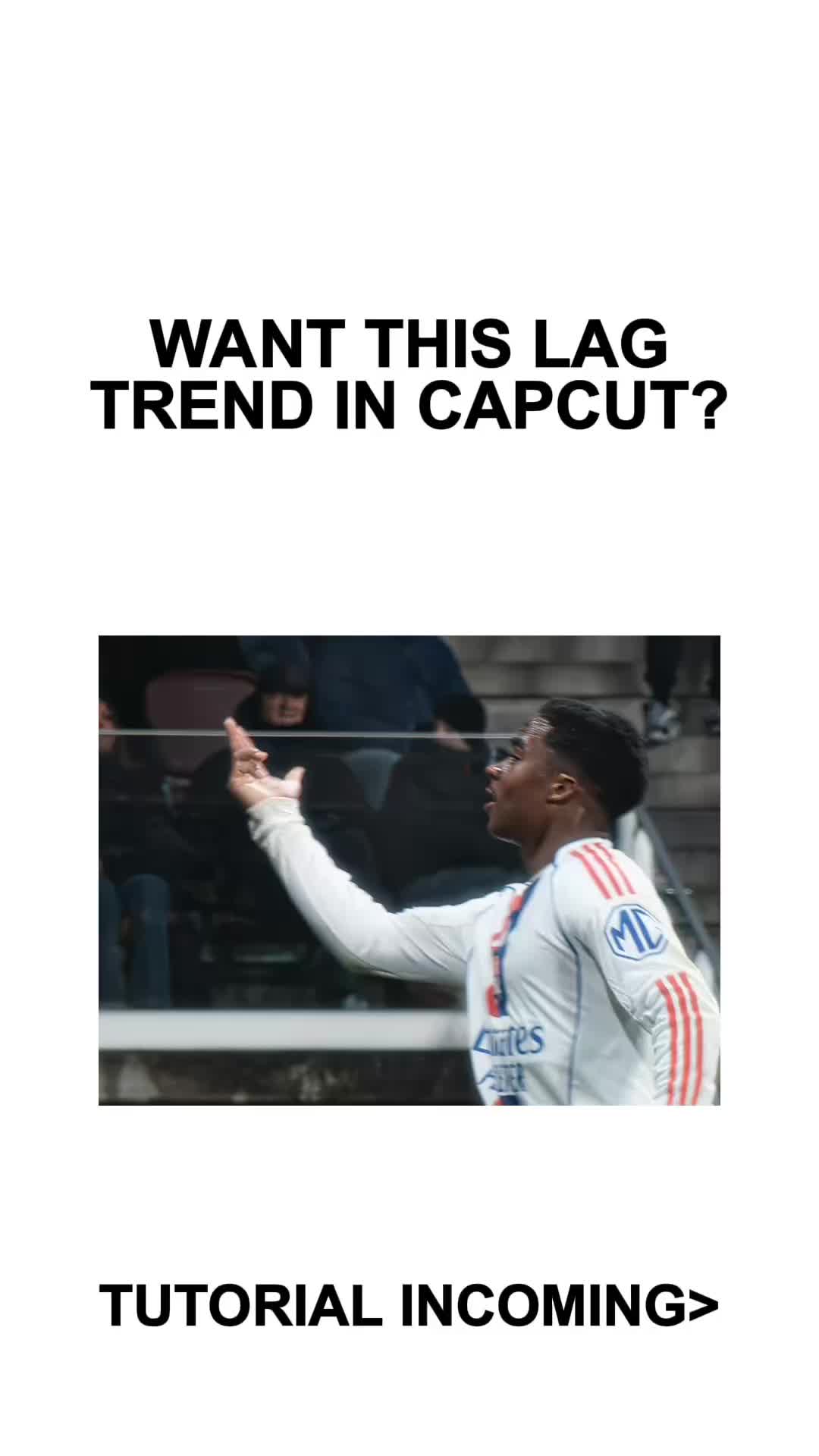 410.3KCapCut lag trend editing tutorial@mxtstutorials · Tutorial / How To
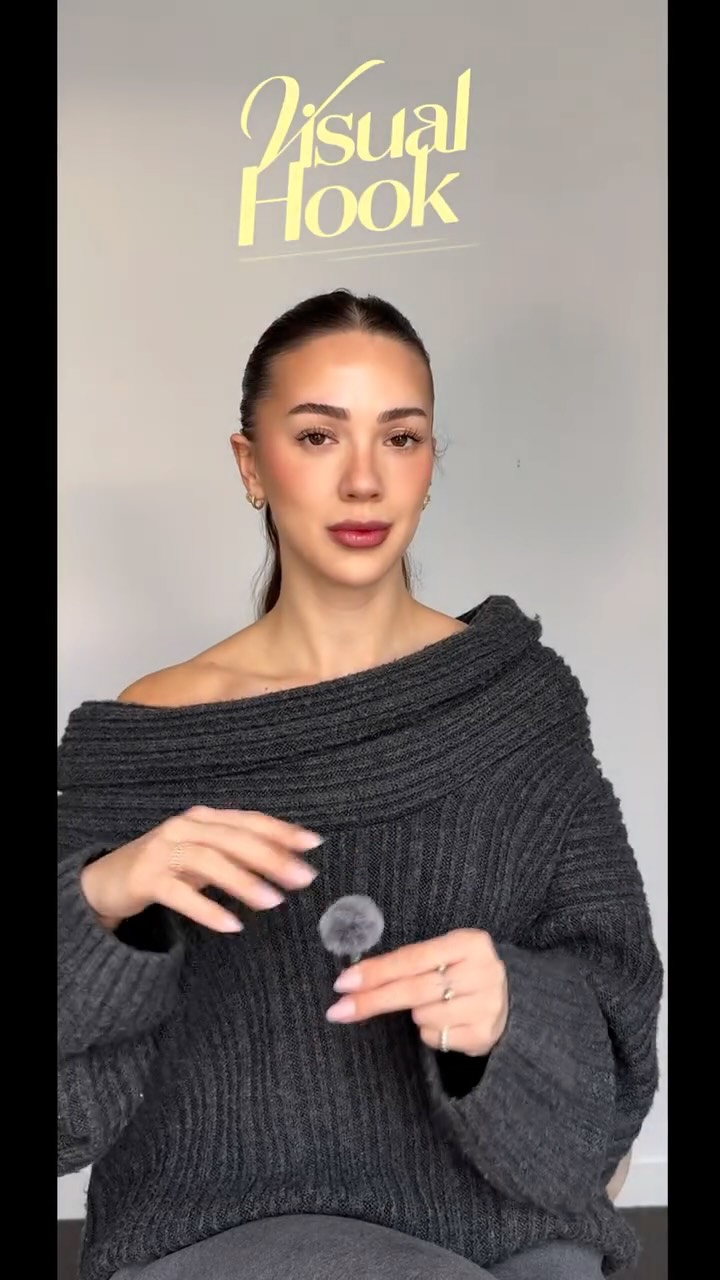 214.3K251.9×CapCut visual hook editing tutorial@itsashleyboston · Tutorial / How To
 607.6K3.1×Tutorial for using two effects@misscarolineflett · Tutorial / How To
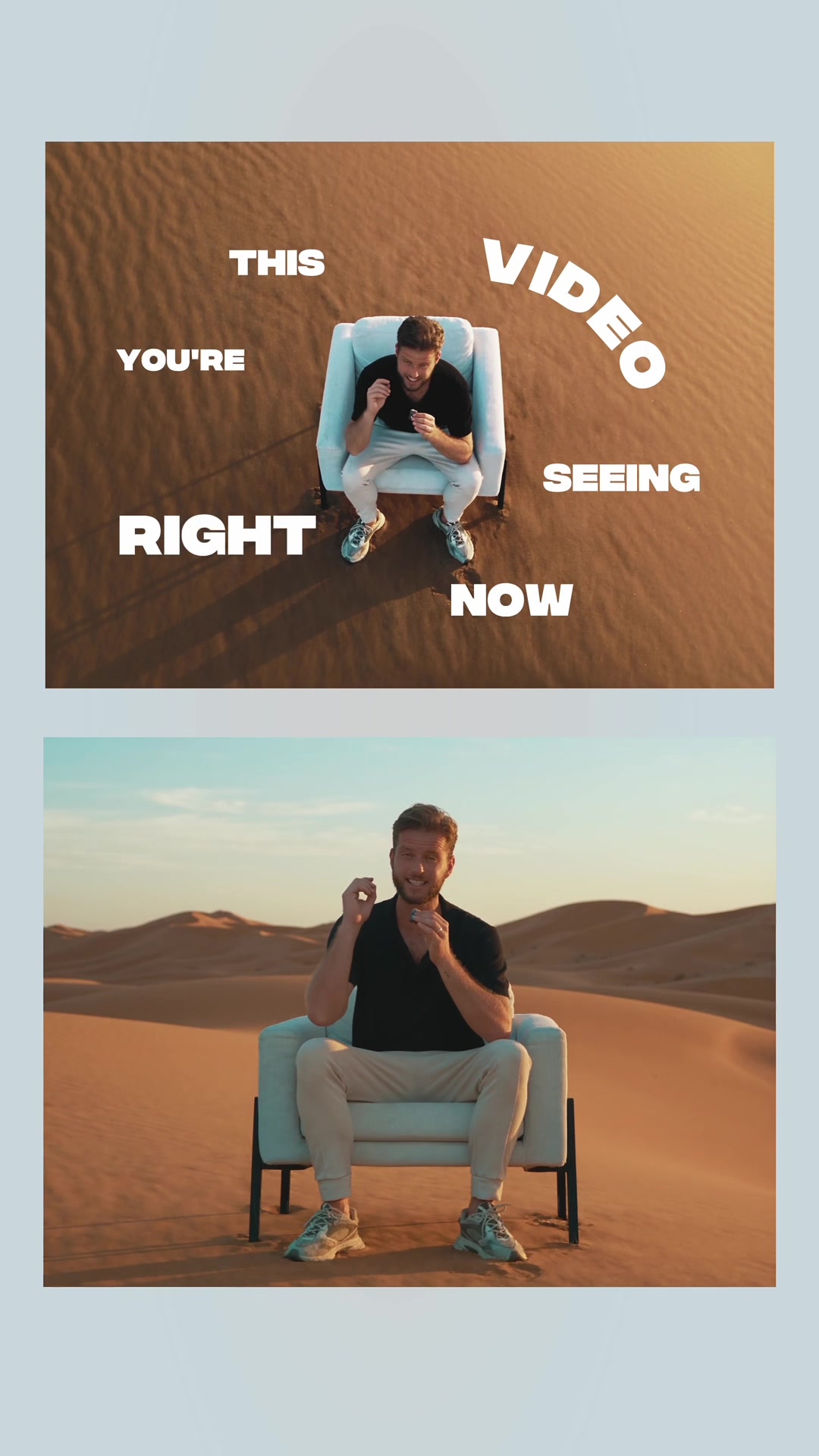 217.7KAI video editing tutorial showcase@byrvm_contentcreation · Tutorial / How To
 478K9.8×How to make frame jump effect@artzenmedia · Tutorial / How To
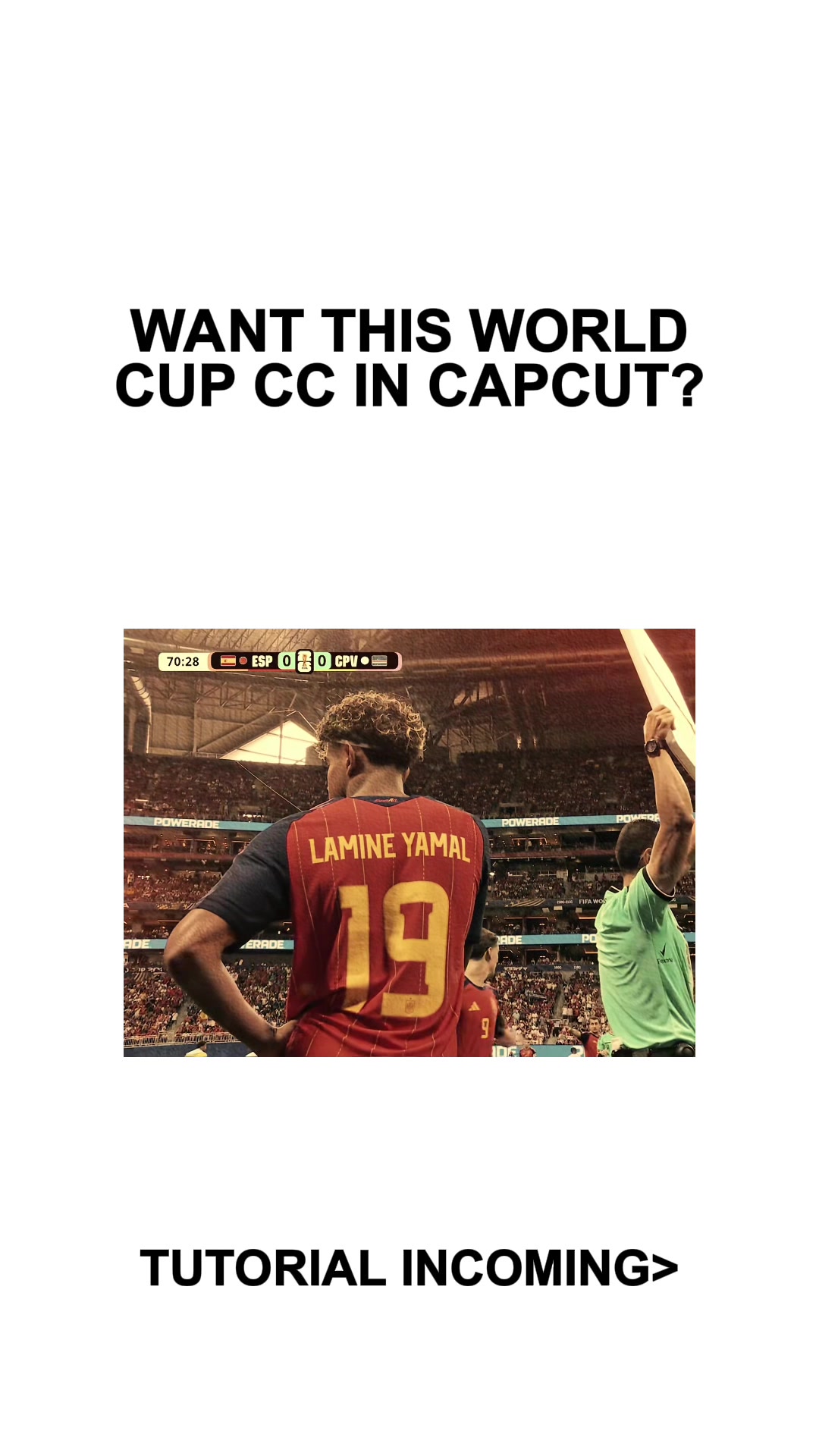 434.2KCapCut video effect tutorial@mxtstutorials · Tutorial / How To
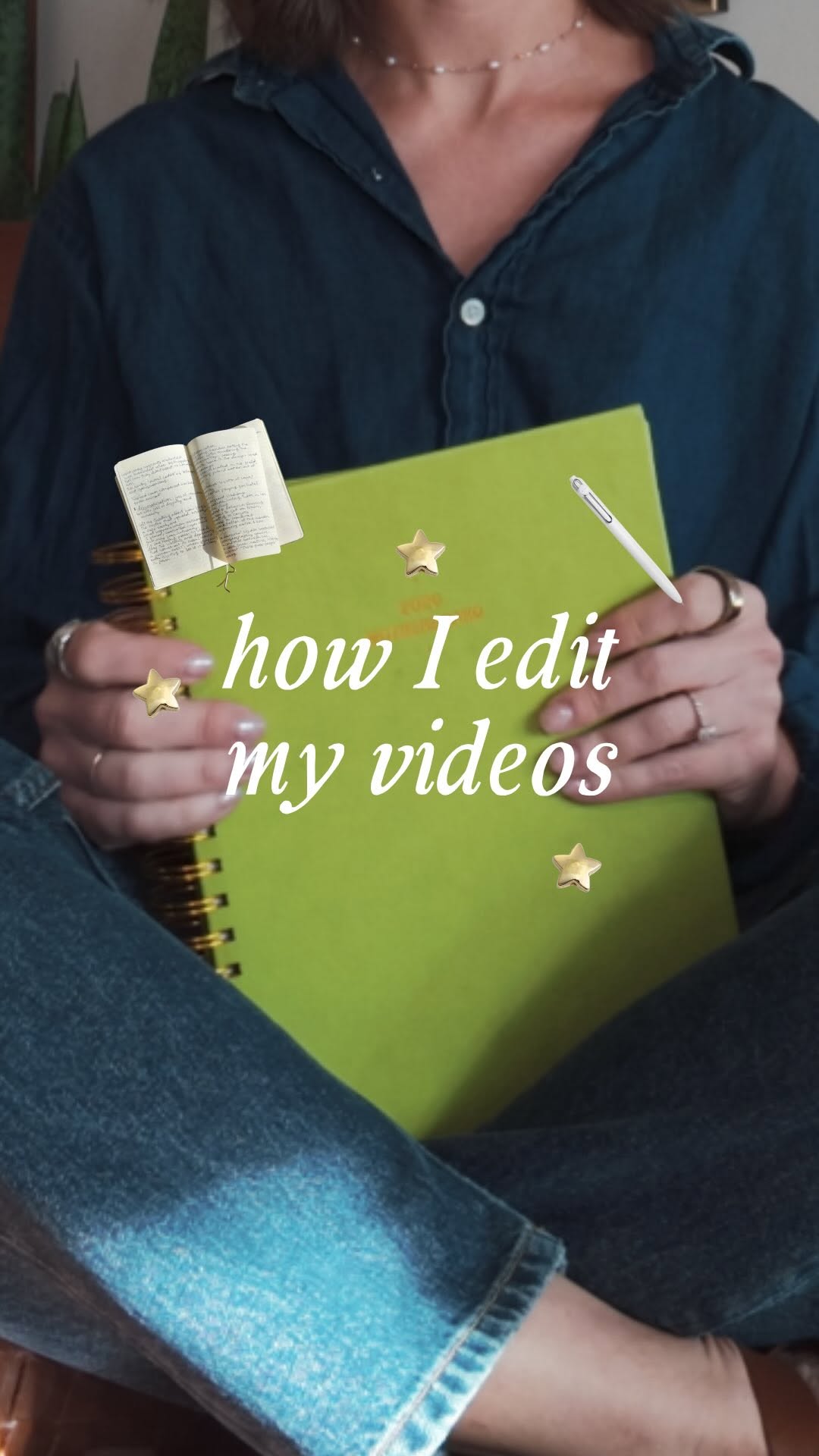 636.1K23.9×Explains stop motion editing process@cariwilliamson · Tutorial / How To
 116.9KHow to make 3D photos@joshglavinfilms · Tutorial / How To
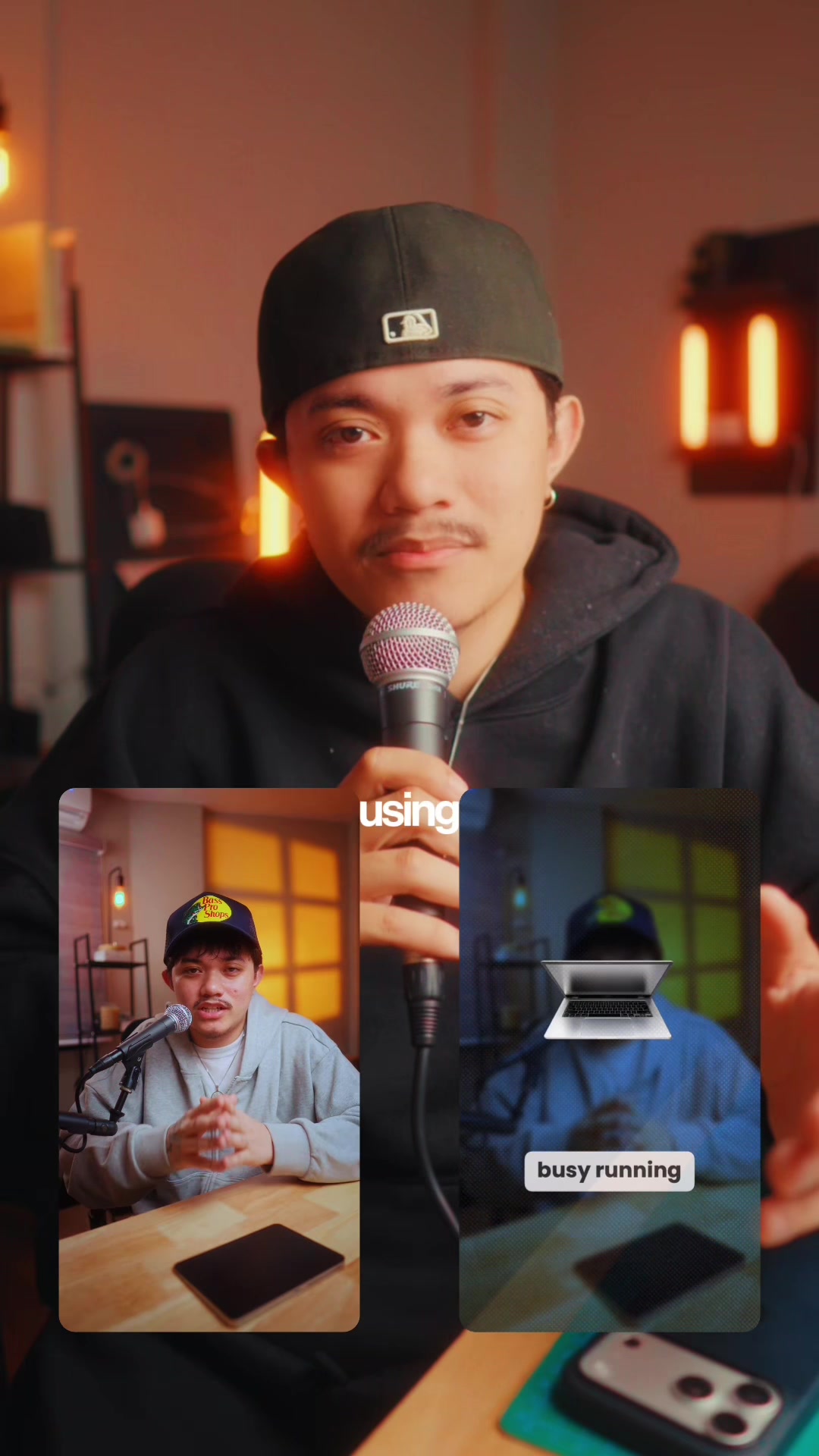 83.2KExplains editing problem, demos app solution.@ciggmedia · Product Demo
 67.8KRecreating a cool video effect@byrvm_contentcreation · Tutorial / How To
 1MHow to animate text tutorial@happywithmeg · Tutorial / How To
 2.9M7×Tutorial for TikTok voice filter@misscarolineflett · Tutorial / How To
[04]
[05]
What stops the scroll in the first 3 seconds
Title hook
WANT THIS TWITSH SHAKE IN CAPCUT?
Visual hook
A stark white background with bold black text and a small, centered video clip of a soccer player celebrating, creating high contrast and immediate context for the desired editing effect.
[07]
The promise the opener makes, and how the video pays it back
Hook
Display the impressive final result with a direct text question to the viewer, creating immediate desire to learn the technique.
Payoff
Show the final, polished result that matches the initial hook, proving the tutorial works and providing a satisfying loop point.
[08]
The structural pattern this video runs on
Framework
The Rapid-Fire Technical Blueprint
Hook the viewer with a highly desirable end-result, then rapidly break down the exact technical steps to achieve it using fast-paced screen recording and precise text instructions.
The Foundation Setup
Establish the starting point or prerequisite state of the project (e.g., cutting a clip).
The Tool Selection
Visually guide the viewer through the interface to the specific tools or effects needed.
The Parameter Calibration
Provide exact numerical values or settings via text overlay to remove all guesswork for the viewer.
The Dynamic Polish
Introduce advanced techniques (like keyframing) to elevate the result from basic to professional.
Shake Tutorial CapCut #CapCut #mxtstutorial #capcuttutorial #capcuthelp #capcutpioneer
title · beginning
WANT THIS TWITSH SHAKE IN CAPCUT?
contextual · beginning
TUTORIAL INCOMING>
informational · middle
FIRST GET A CUT IN HALF CLIP READY
informational · middle
GO TO TRANSITION> RADIAL BLUR (MAX)
informational · middle
GO TO VIDEO EFFECTS> BOUNCING GLOW
informational · middle
PLACE IT UNDER THE CLIP LIKE I DO
informational · middle
GO TO OBJECT> PUT IT ON ALL
informational · middle
ADJUST TO 30 100 10 0 0
informational · middle
ADD A KEYFRAME AT START AND END
informational · middle
MAKE INTENSITY ON SECOND KEYFRAME 0