Post caption
Comment ‘BOOGLEY’ for the full setup! 👇🏼
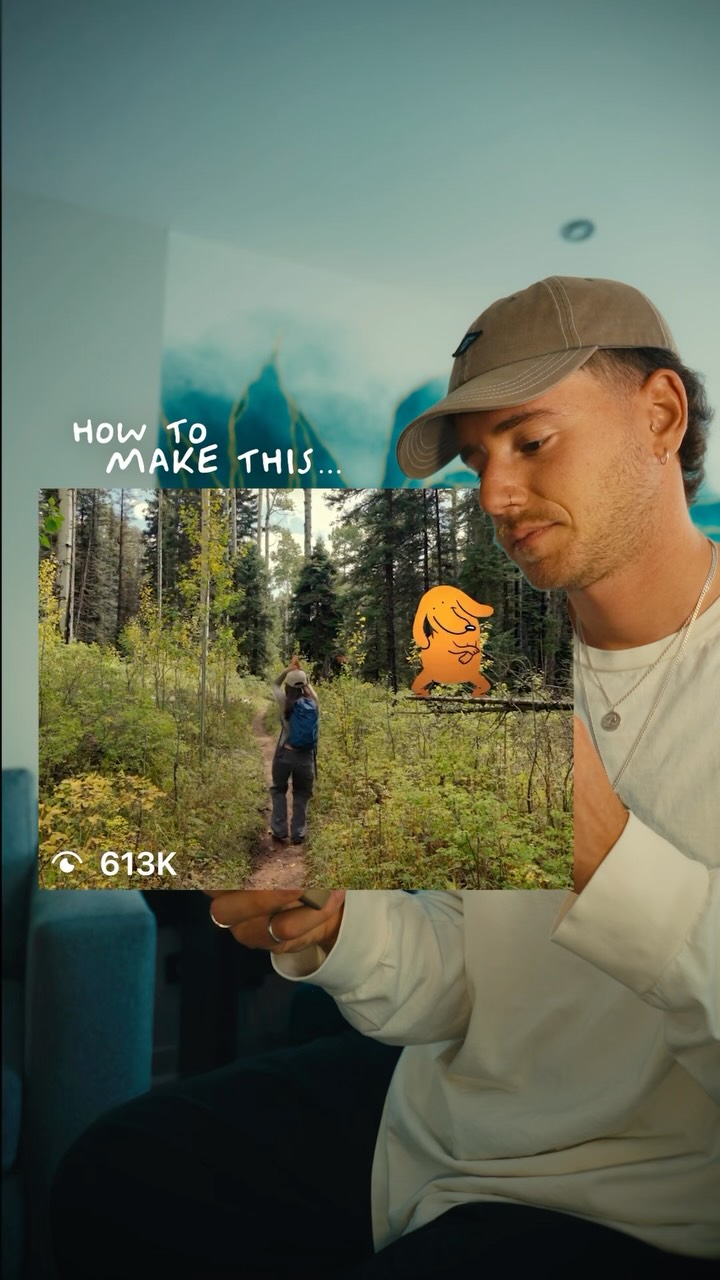
This is how you make the Boogley Trend!
⠀
The shadow is what makes the Boogley feel real 👀
⠀
Use a static shot, download a Neil Sanders sticker from GIPHY and place its feet on a real surface.
⠀
Duplicate and flip it for the shadow. Add Corner Pin and Camera Blur when attaching it to an object, then sync it to Steve Lacy’s “Playground” from 2:49.
⠀
Original reel by @fabianamsolano. Boogley by @theboogley.
⠀
Want better titles or sound design? Comment ‘Text’ or ‘SFX’ for my packs 👇🏼
⠀
Follow @artzenmedia for daily value & share it with your editor friend! ✊🏻
⠀
#breakingreels #premierepro #boogley #videoediting #editingtutorial Boogley trend, sticker effect, realistic shadow, corner pin, camera blur
Transcript
Yo. Why is this dancing dog is on every reel on Instagram right now? This is Breaking Reels, the series where I break down viral cinematic edits I found online so you can make them to this is the boogly trend, and here is how to create it. First, choose a simple shot with enough empty space for your character. Static shots work best. Now good to Giphy, search nail senders, click stickers, and download the one you like. Like. Drop your boobly character above your footage, resize it, and place its feet on an actual surface in your shot. Now tier is what actually sells the effect. Duplicate your character and use your metric color to turn the better copy completely black. Apply vertical flip, move it underneath the character, then lower the opacity and add a little Gaussian blur. Drop Steve Yes' playground underneath, time the character to your music, and you're done. If you like this series, I have a bunch of other episodes on my page, so make sure you follow for more. And comment boogly, and I'll send you the exact better with all the links. Catch you in the next one. Peace.