@johnbucog
Instagram · 10 Shot

@johnbucog How to EDIT LIKE A PRO #content #creator #editing

@johnbucog
Instagram · 10 Shot
@johnbucog How to EDIT LIKE A PRO #content #creator #editing
Performance
Video #12563 · 10 Shot
[01]
The creator provides a tutorial on how to edit videos like a professional, breaking down the process into five steps: choosing music, mastering the sequence, using transitions, adding creative captions, and color grading. The video uses a fast-paced montage of clips and text overlays to illustrate each step.
[02]
[03]
 2M9×Fast-paced video editing tutorial@johnbucog · Tutorial / How To
 58.1KCinematic video production step-by-step@johnbucog · Breakdown
 542.9KHow to make viral captions@johnbucog_ · Tutorial / How To
 67.8KRecreating a cool video effect@byrvm_contentcreation · Tutorial / How To
 478K9.8×How to make frame jump effect@artzenmedia · Tutorial / How To
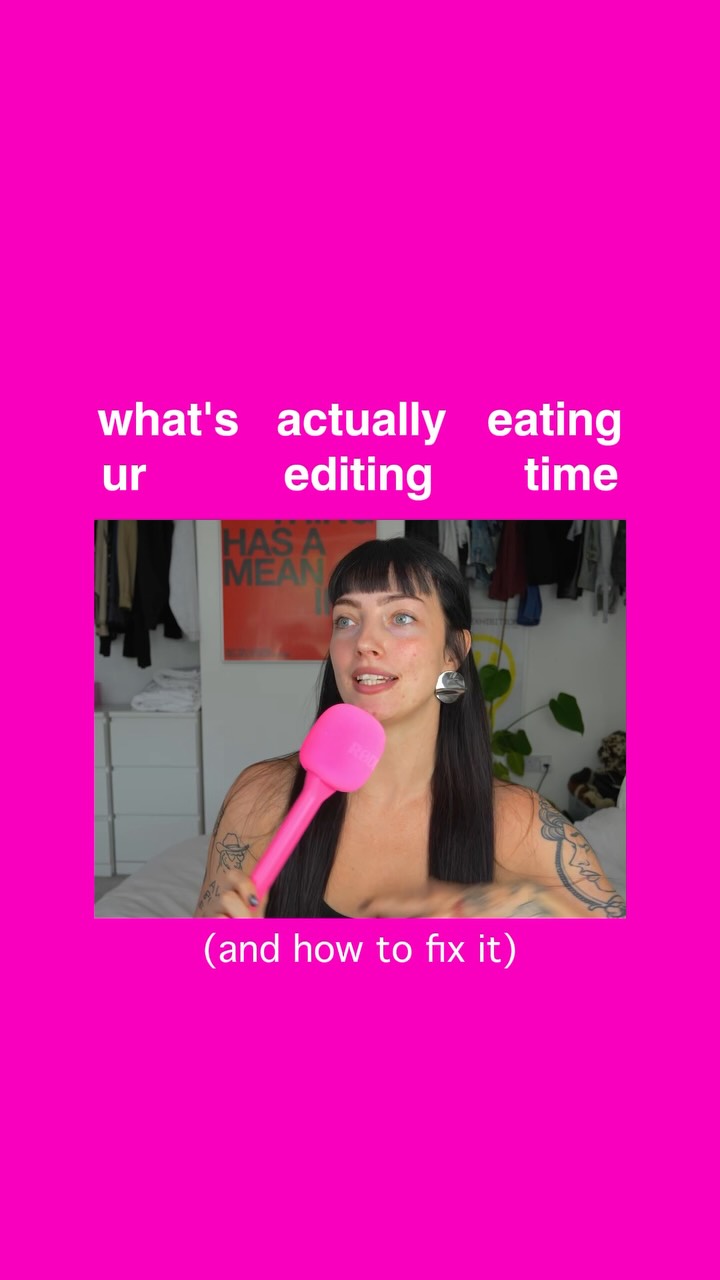 126.4K33.6×Three-step guide for faster editing@floofysocials · Tutorial / How To
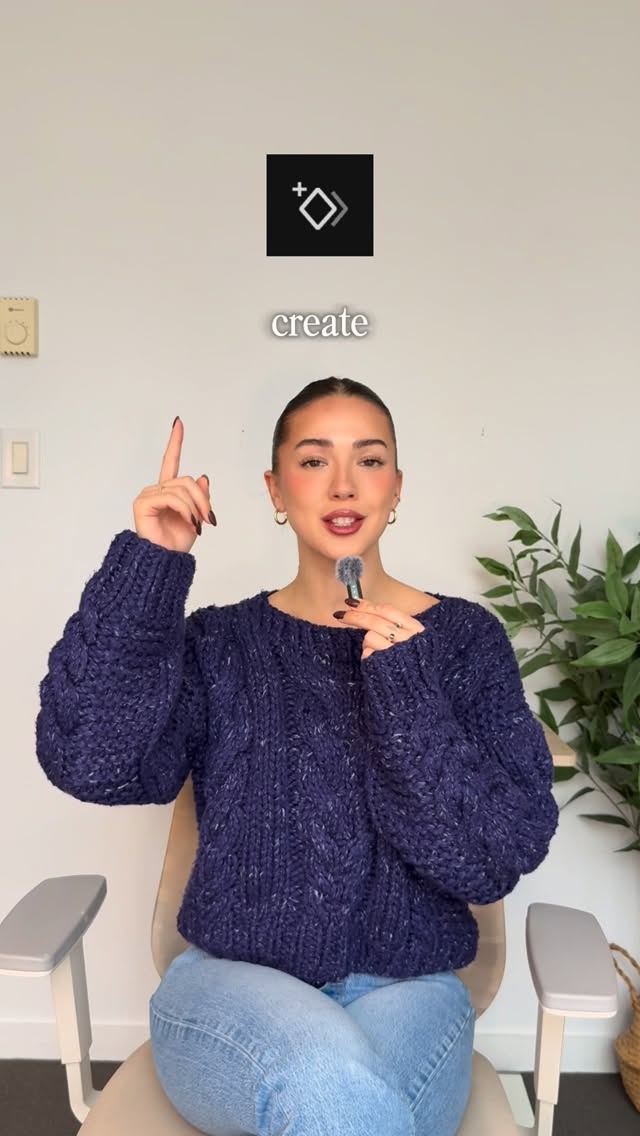 220.7K40.8×Rapid fire video editing tips@itsashleyboston · Rapid Fire Listicle
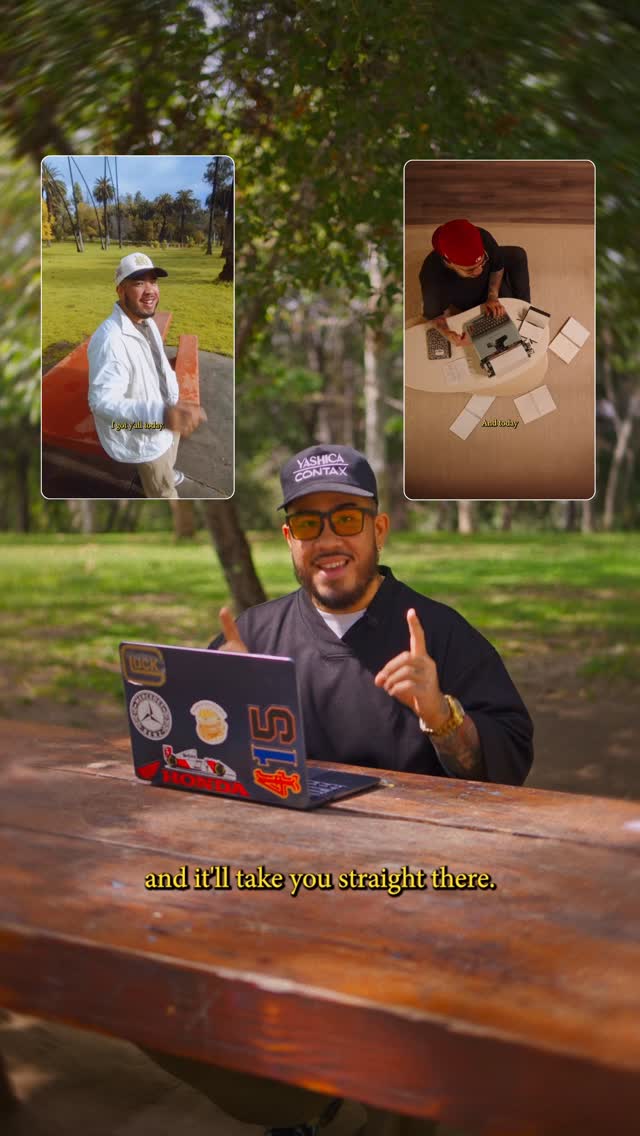 2.3M30.4×Tutorial on seamless video editing.@omgadrian · Tutorial / How To
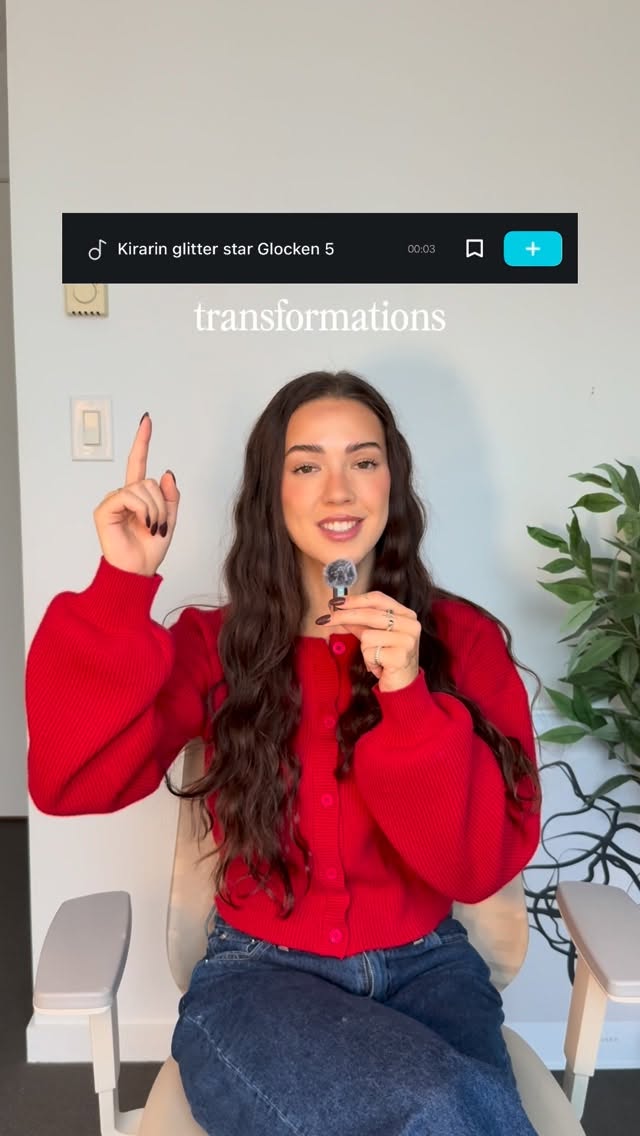 86.8K19.1×Rapid fire sound effect tips@itsashleyboston · Rapid Fire Listicle
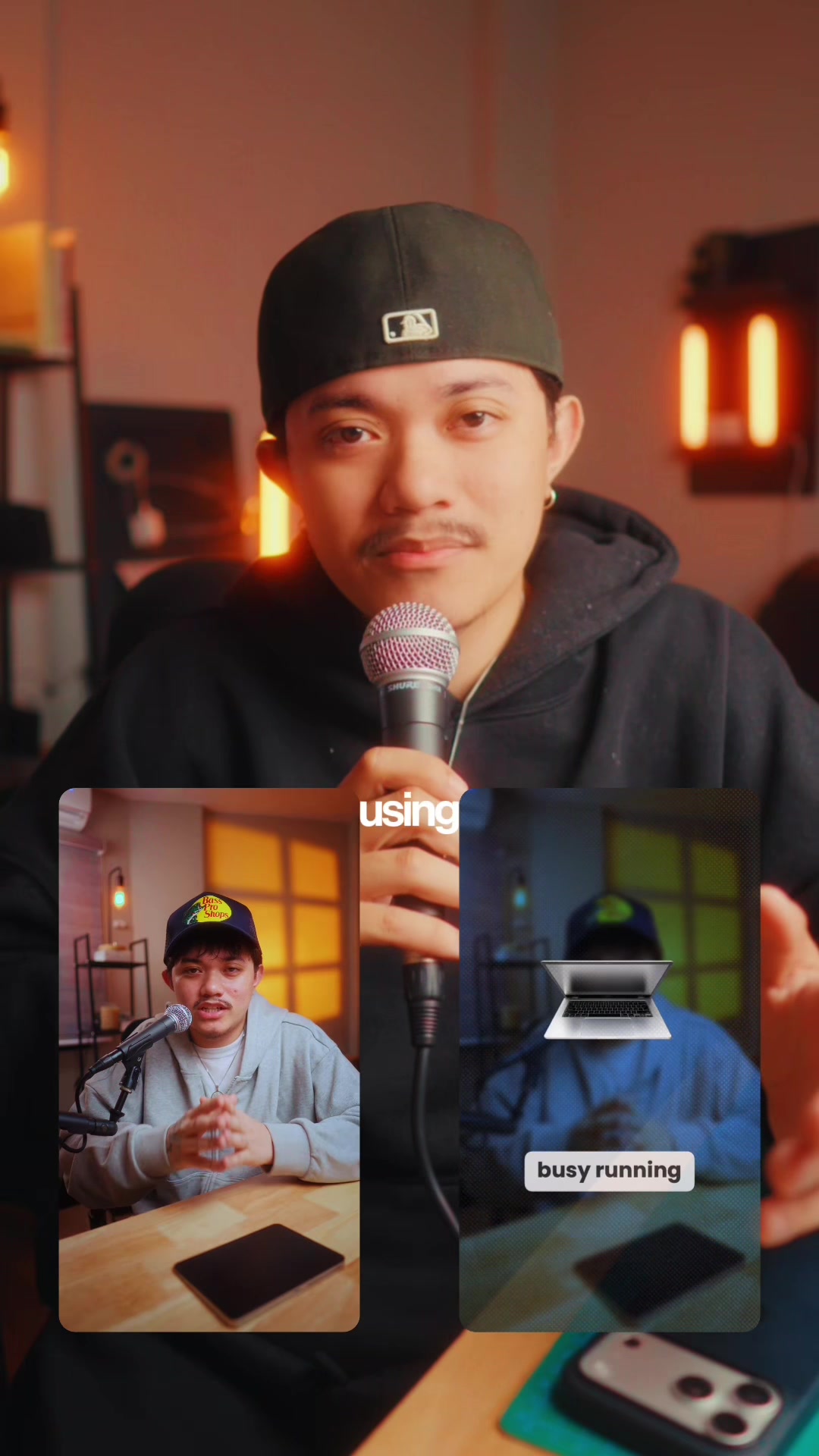 83.2KExplains editing problem, demos app solution.@ciggmedia · Product Demo
 58.7KRapid fire editing tutorial list@happywithmeg · Rapid Fire Listicle
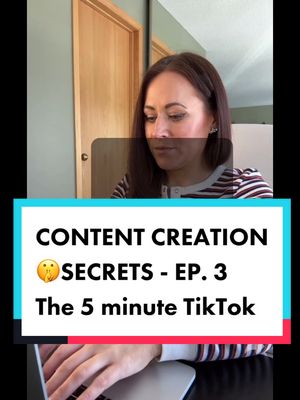 412.8K2.1×Step-by-step TikTok creation guide@misscarolineflett · Tutorial / How To
[04]
[05]
What stops the scroll in the first 3 seconds
Title hook · 15%
VIDEO 17 PART 1.MOV
Verbal hook · 15%
Hi.
Visual hook · 70%
Fast-paced, colorful graphics and text overlays appear quickly, creating a dynamic and attention-grabbing opening.
[06]
Steal this for your own video
Open with a fast-paced montage of visuals, using quick cuts and colorful to preview the transformation.
[07]
The promise the opener makes, and how the video pays it back
Hook
State the desired outcome of the tutorial.
Payoff
Summarize the steps and state the potential outcome.
[08]
The structural pattern this video runs on
Framework
Pro Tip Tutorial
A series of steps are presented to improve a skill.
Step Introduction
Introduce the first step in the process.
Step Demonstration
Visually demonstrate the step being described.
Step Explanation
Explain the importance of the step.
Transition to Next Step
Move to the next step in the process.
Step Introduction
Introduce the next step in the process.
Step Demonstration
Visually demonstrate the step being described.
Step Explanation
Explain the importance of the step.
Transition to Next Step
Move to the next step in the process.
Step Introduction
Introduce the next step in the process.
Step Demonstration
Visually demonstrate the step being described.
Step Explanation
Explain the importance of the step.
Transition to Next Step
Move to the next step in the process.
Step Introduction
Introduce the next step in the process.
Step Demonstration
Visually demonstrate the step being described.
Step Explanation
Explain the importance of the step.
Transition to Next Step
Move to the next step in the process.
Step Introduction
Introduce the next step in the process.
Step Demonstration
Visually demonstrate the step being described.
Step Explanation
Explain the importance of the step.
How to EDIT LIKE A PRO #content #creator #editing
title · beginning
want you to
title · beginning
So like edit
title · beginning
Step 1
informational · middle
choose the perfect music
informational · middle
and brings your edit to life
informational · middle
unmatched
title · middle
Step 2
informational · middle
Master your sequence
informational · middle
Trim
informational · middle
precision
informational · middle
create a flow that captivates
informational · middle
story comes to life
title · middle
Step 3
informational · middle
elevate with transitions
informational · middle
whether it's sleek
informational · middle
bold practical effects
informational · middle
make them smooth
informational · middle
make them dynamic
title · middle
Step 4
informational · middle
Unleash creative captions
informational · middle
Don't
informational · middle
TEXT
informational · middle
let your words the amplify
informational · middle
and become part of the action
title · middle
Step 5
informational · middle
transform with color grading
informational · middle
Luts
informational · middle
experiment with tones
informational · middle
and you give ftag
informational · middle
That's
informational · end
5 steps
informational · end
possibilities
Hi. So you wanna edit like a pro. Step one, choose the perfect music. This sets the tone and brings your edit to life. Get it right, and the energy is unmatched. Step two, master your sequence. Trim your footage with precision rank create a flow that captivates. This is where the story comes to life. Step three, elevate with transitions. Whether it's sleek overlays or bold practical effects, make them smooth, make them dynamic. Step four, unleash creative captions. Don't just add text, let your words amplify the visuals and become part of the action. Step five: Transform with color grading. Dab into LUTs, experiment with tones, and give your footage that cinematic edge. That's how you take your editing game to the next level. Five steps, endless possibilities.