Viral Hooks
Trending short videosCreator explains manual white balance
J

@jessy_barreto

Instagram · Talking Head Edit

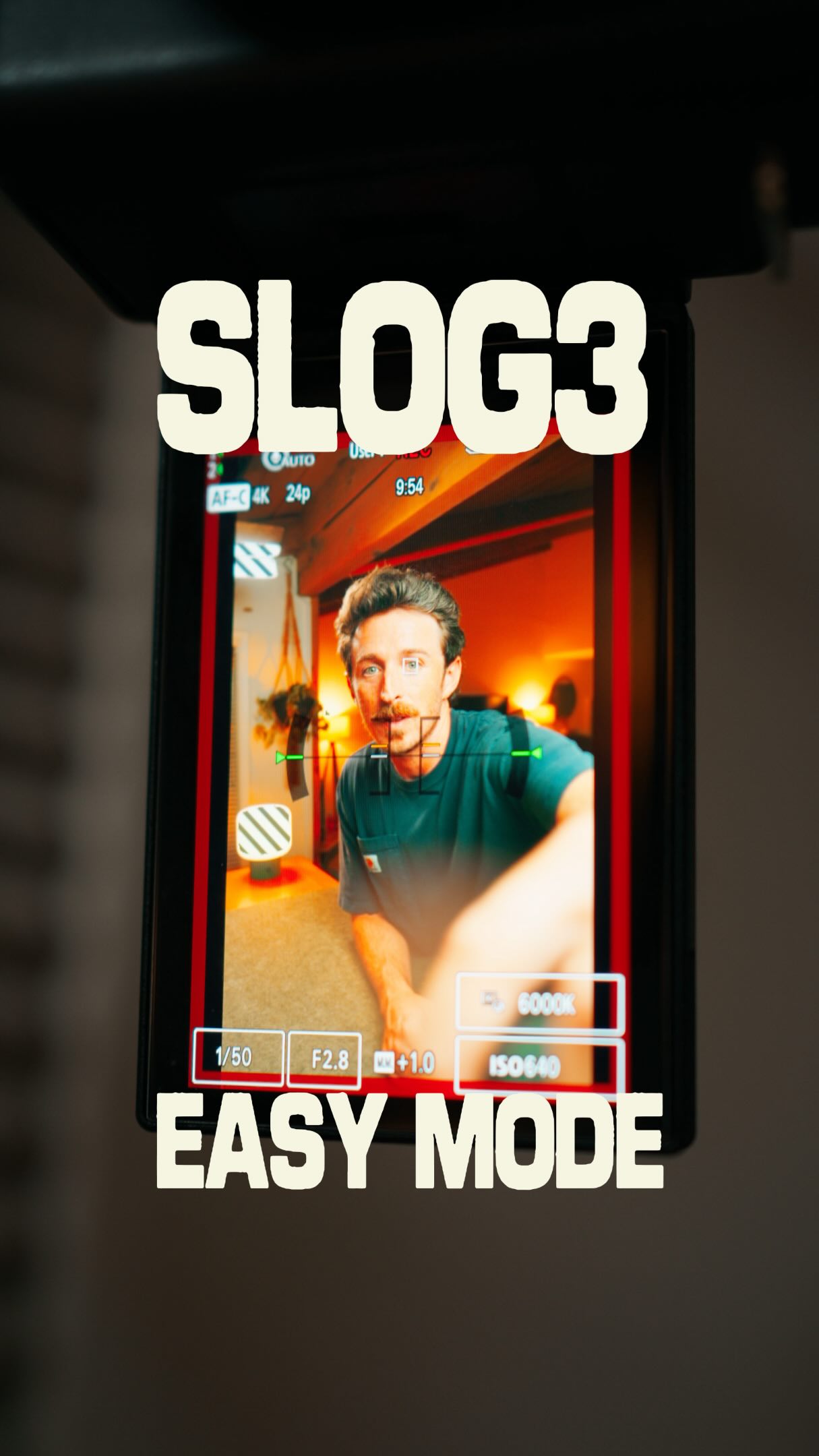
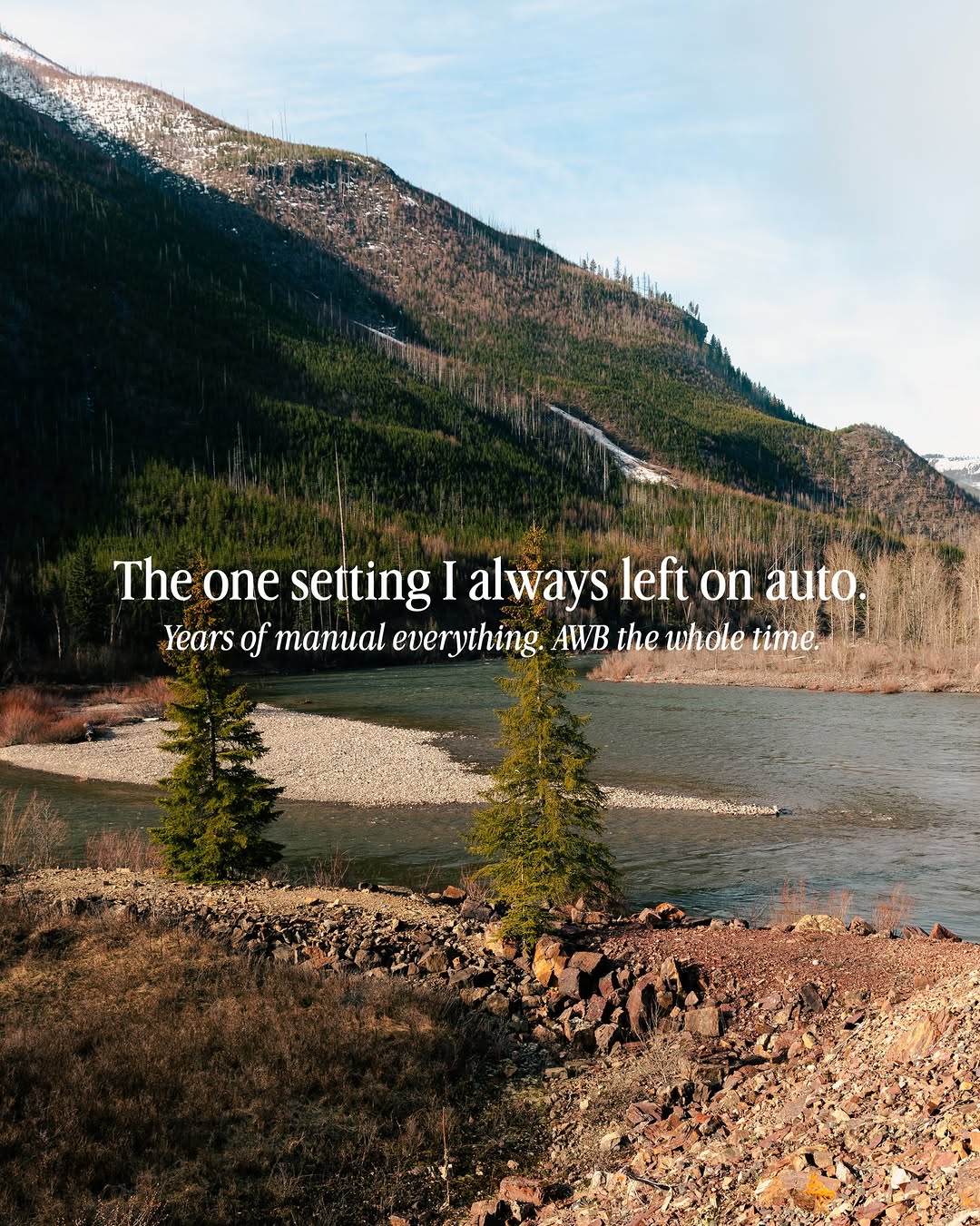
@jessy_barreto Let’s talk about white balance 💡 #TuesdayTips Most people leave it on auto because they think the camera knows best. But every time the light changes, your colors change with it. And you end up with way more work in the edit to match your colors. So I recommend doing it manually. Do you shoot in auto white balance? 👇🏽 #whitebalance #colorgrading #videography #filmmakingtips

View original on Instagram

The edit1 shot · 9 text
Shots Text1:07

Performance

Views
70.2K
Likes
3.6K
Comments
77
Engagement
5.2%
Length · 20 Oct 2026
1:07

Video #48923 · Talking Head Edit

Creator explains manual white balancefrom @jessy_barreto

[01]

Overview

The creator explains why videographers should stop using auto white balance (AWB) due to inconsistent colors that create more work in post-production. He uses a clone of himself to create a dialogue, demonstrating the problem and then explaining the solution: setting the white balance manually using the Kelvin scale. He provides a cheat sheet with specific Kelvin values for different lighting conditions (daylight, indoor, mixed) and concludes by teasing a future video about gray cards.

[02]

Simple outline

  1. 1State a common mistake
  2. 2Visualize negative consequence
  3. 3Present manual solution
  4. 4Provide actionable tool
  5. 5Tease future knowledge

[03]

Related videos

[04]

Classification

Concepts
Tutorial / How ToBreakdown
Elements
Clone EffectGraphic OverlayTitle Text HookCamera Viewfinder OverlayJump CutB-Roll CutawayVoiceoverText Overlay

[05]

Hook analysis

What stops the scroll in the first 3 seconds

Title hook · 45%

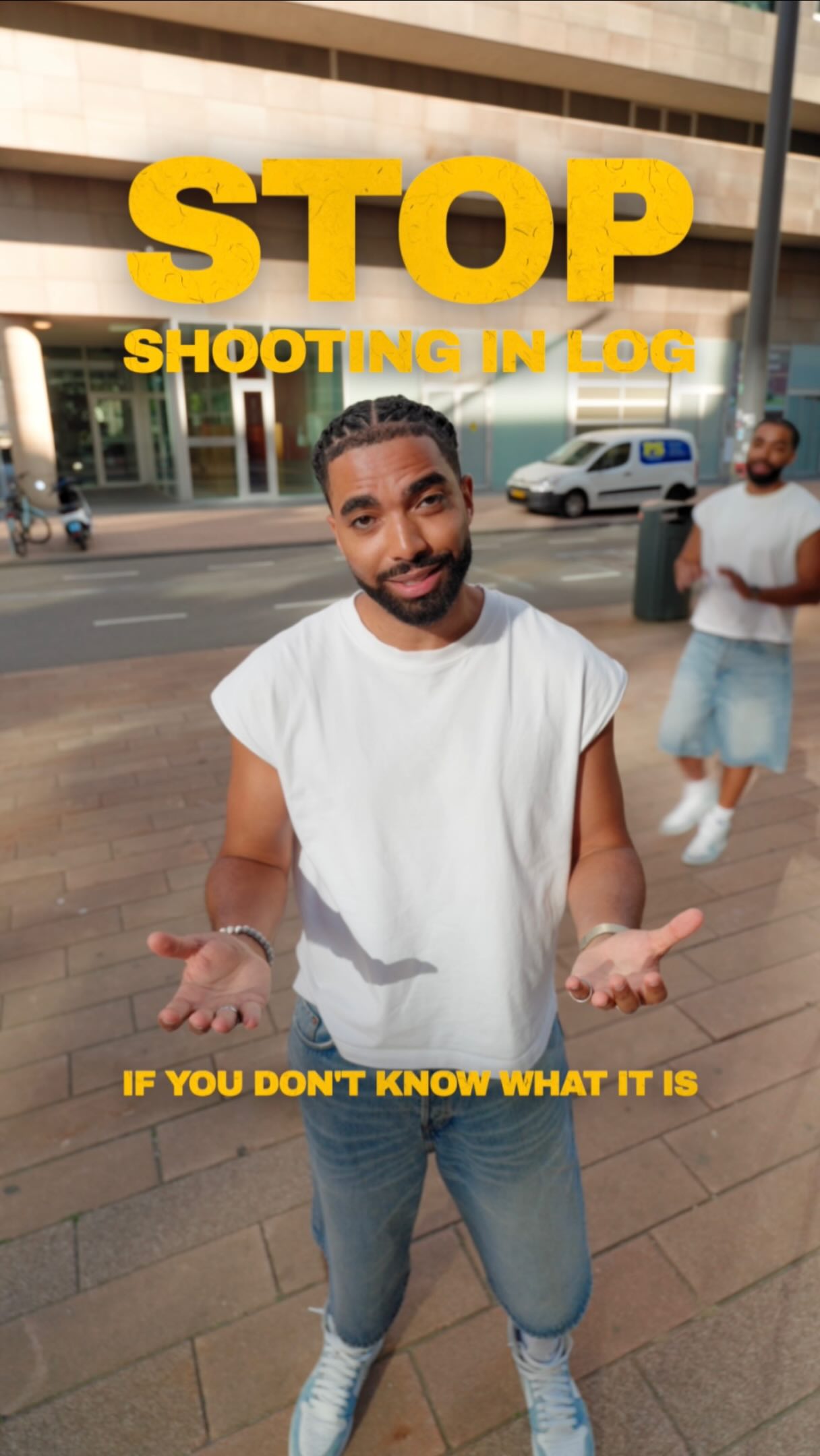
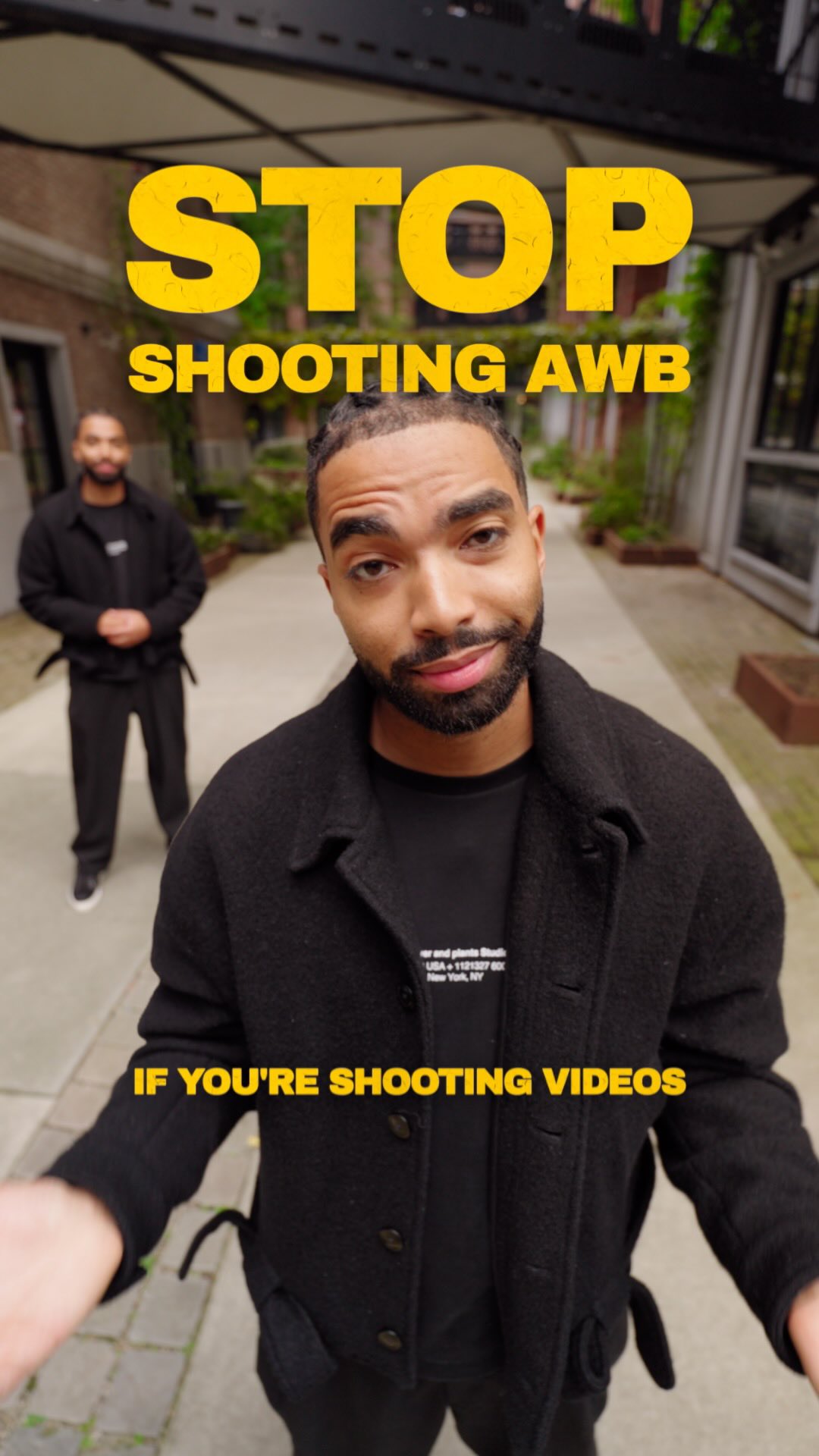
STOP SHOOTING AWB

Verbal hook · 40%

Stop shooting auto white balance, if you're shooting videos.

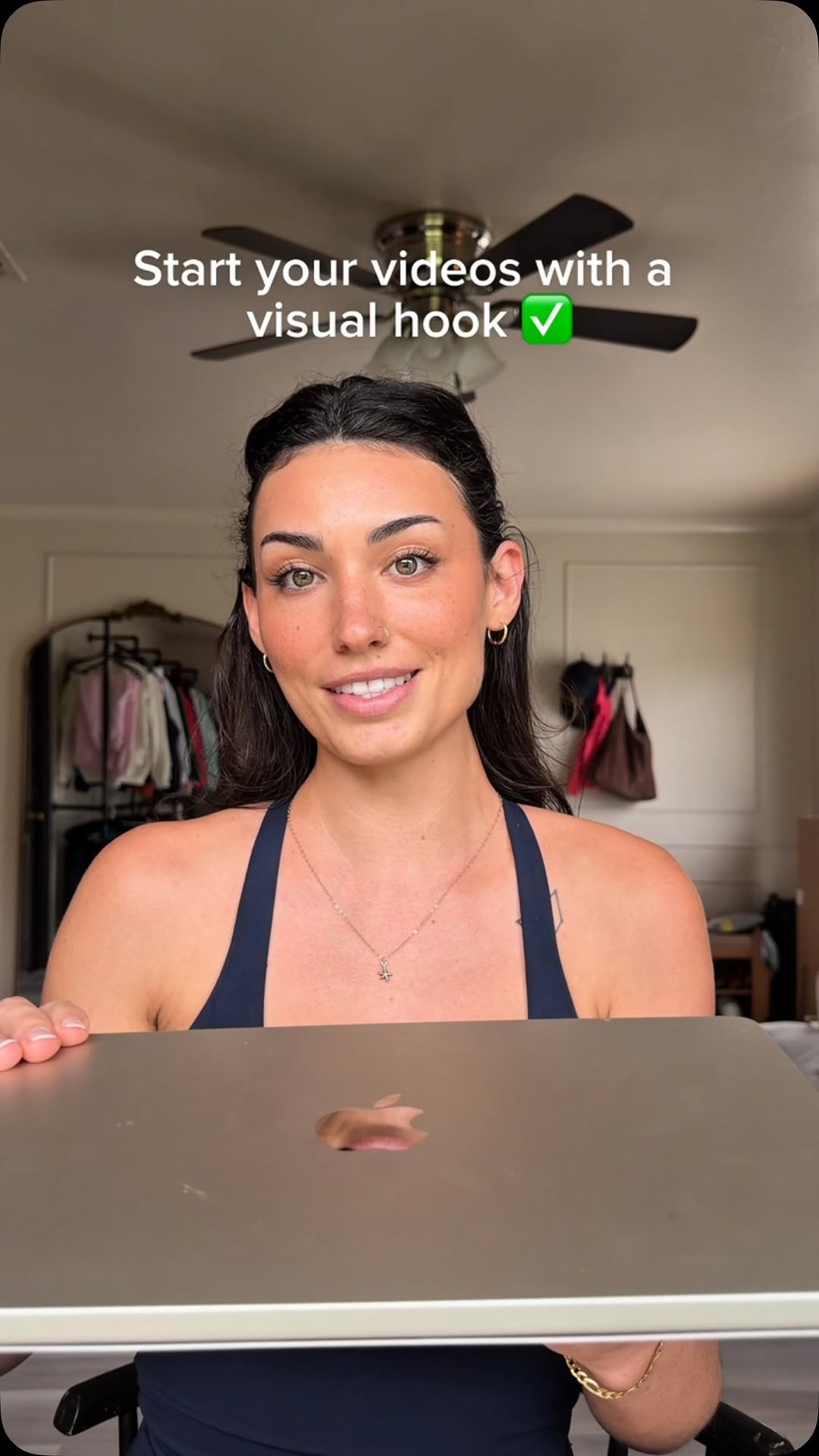
Visual hook · 15%

A wide-angle, low-angle shot of the creator looking directly at the camera and making a 'stop' gesture with both hands, combined with a large, bold yellow text overlay that says 'STOP'.

[06]

Hook template

Steal this for your own video

STOP [common habit or default setting]

  • — STOP SHOOTING AWB
  • — STOP BUYING GROCERIES ON AUTOPAY
  • — STOP STRETCHING BEFORE YOU LIFT

[07]

Hook and payoff

The promise the opener makes, and how the video pays it back

Hook

A direct, contrarian command that challenges a widely accepted practice within a niche, immediately establishing authority and curiosity.

Payoff

The creator provides a final, brief summary, empowering the viewer with their new knowledge and reinforcing the value of the lesson taught.

[08]

Narrative framework

The structural pattern this video runs on

Framework

The Expert Correction

A creator identifies a common mistake made by their audience, explains the negative consequences, and then provides a superior, manual method as the solution, complete with actionable tools and a personal endorsement.

  1. 1

    The Foundational Premise

    The creator defines the core concept and the 'default' or 'auto' method that is being challenged, ensuring the audience has the necessary baseline knowledge.

  2. 2

    The Pain Point Visualization

    The creator demonstrates the negative, inconsistent, or inefficient results of using the default method, making the problem tangible and relatable.

  3. 3

    The Audience Proxy Question

    A narrative device (like a second character or text on screen) is used to ask the question the audience is now thinking, creating a seamless transition to the solution.

  4. 4

    The Simple Solution Reveal

    The creator presents the 'correct' manual method as a simple, direct statement, offering immediate relief and clarity.

  5. 5

    The Technical Deep Dive

    The creator explains the underlying principles and terminology of the manual method, providing the 'how' and 'why' behind the solution.

  6. 6

    The Real-World Demonstration

    The creator provides specific, visualized examples of how to apply the manual method in different common scenarios, translating theory into practice.

  7. 7

    The Value-Add Handout

    The creator presents a concise, valuable piece of reference material (like a chart or list) and explicitly instructs the viewer to save it, increasing the video's utility and save-worthiness.

  8. 8

    The Learning Confirmation Loop

    The audience proxy returns to summarize their understanding of the new method, which the creator confirms, reinforcing the key takeaway for the viewer.

  9. 9

    The Expert's Proclamation

    The creator shares their personal workflow, endorsing the manual method as their own professional standard to build trust and credibility.

  10. 10

    The Open Loop Tease

    The creator intentionally leaves a related, more advanced question unanswered, promising to cover it in a future video to incentivize follows and create anticipation.

Themes

  • Education
  • Skill Improvement
  • Problem Solving

Techniques

  • Clone effect
  • Graphic overlays
  • Direct address to camera

Trends

  • Short-form educational content
  • Creator education

Post caption

Let’s talk about white balance 💡 #TuesdayTips Most people leave it on auto because they think the camera knows best. But every time the light changes, your colors change with it. And you end up with way more work in the edit to match your colors. So I recommend doing it manually. Do you shoot in auto white balance? 👇🏽 #whitebalance #colorgrading #videography #filmmakingtips

Text overlays

  • title · beginning

    STOP SHOOTING AWB

  • contextual · beginning

    IF YOU'RE SHOOTING VIDEOS

  • title · beginning

    WHITE BALANCE

  • title · beginning

    AUTO WHITE BALANCE

  • informational · middle

    SAME LOCATION COOLER (BLUE) WARMER (ORANGE)

  • informational · middle

    DAYLIGHT 5600K

  • informational · middle

    WARM INDOOR LIGHT 3200K

  • informational · middle

    MIXED LIGHT 4500K

  • informational · middle

    WHITE BALANCE CHEAT SHEET Colour temperature in Kelvin WARMER (ORANGE) ... COOLER (BLUE) Candle 1,900K Sunrise / sunset 2,500K Warm indoor light 3,200K Mixed light 4,500K Daylight 5,600K Overcast sky 6,500K Shade 7,500K Clear blue sky 10,000K Set your camera to the light you're in.

Transcript

Stop shooting auto white balance, if you're shooting videos. Let me explain. White balance is the setting that makes sure white looks white, so your colors look natural. Auto white balance or AWB means your camera does that for you. The problem is that it corrects every time something in the frame changes. Every clip ends up with a different color, and now you have to fix it during edit. Sounds familiar? Yeah. I have this issue a lot, so how do I stop that? Easy. Set it manually, where you can change the color temperature. The number you see is Kelvin, which describes how warm or cold the light is. You tell the camera what light you're standing in. A high number means cool light. For example, daylight. That's 5,600. And a low number means warm light. For example, warm indoor light. That's 3,200. Mixed light, like a window and a lamp, go for 4,500. Quick. Take a screenshot of this chart. No I just matched the numbers to the light conditions? Exactly. Personally, I never shoot auto white balance. I set the Kelvin per scene, so my colors stay consistent. Easy, right? Yeah. Better wait, I heard also something about a gray card. What's that? That's for another time. So now you know that you should