Viral Hooks
Trending short videosExplainer on when to use log
J

@jessy_barreto

Instagram · Skit

@jessy_barreto Let’s talk about LOG 🎨 Most people shoot it because they think it’s more professional. But sometimes you’re making your life harder than needed. Do you shoot in LOG? 👇🏽 #logfootage #colorgrading #videography #filmmakingtips #cameratips

View original on Instagram

The edit1 shot · 24 text
Shots Text1:21

Performance

Views
299.9K
Likes
13.7K
Comments
128
Engagement
4.6%
Outlier
24.9×
Length · 12 Aug 2026
1:21

Video #48675 · Skit

Explainer on when to use logfrom @jessy_barreto

[01]

Overview

The creator explains what 'log' footage is in videography, starting with a strong command to 'stop shooting in log.' He defines the term, shows what it looks like, and debunks the misconception that it's a color profile, clarifying it's about exposure and dynamic range. Using an alter-ego to ask common questions, he outlines the specific scenarios when shooting in log is necessary (grading, difficult light) and when it's not (quick turnarounds), and warns that simply applying a LUT is not a magic fix without proper exposure.

[02]

Simple outline

  1. 1Challenge a common belief
  2. 2Correct a core misunderstanding
  3. 3Provide a clear action framework
  4. 4Tease the next logical step

[03]

Related videos

[04]

Classification

Format
Concepts
BreakdownQ&A ResponseGood vs Bad
Elements
Clone EffectText OverlayJump CutRadial Zoom EffectB-Roll CutawayGraphic OverlayVoiceoverTitle Text Hook

[05]

Hook analysis

What stops the scroll in the first 3 seconds

Title hook

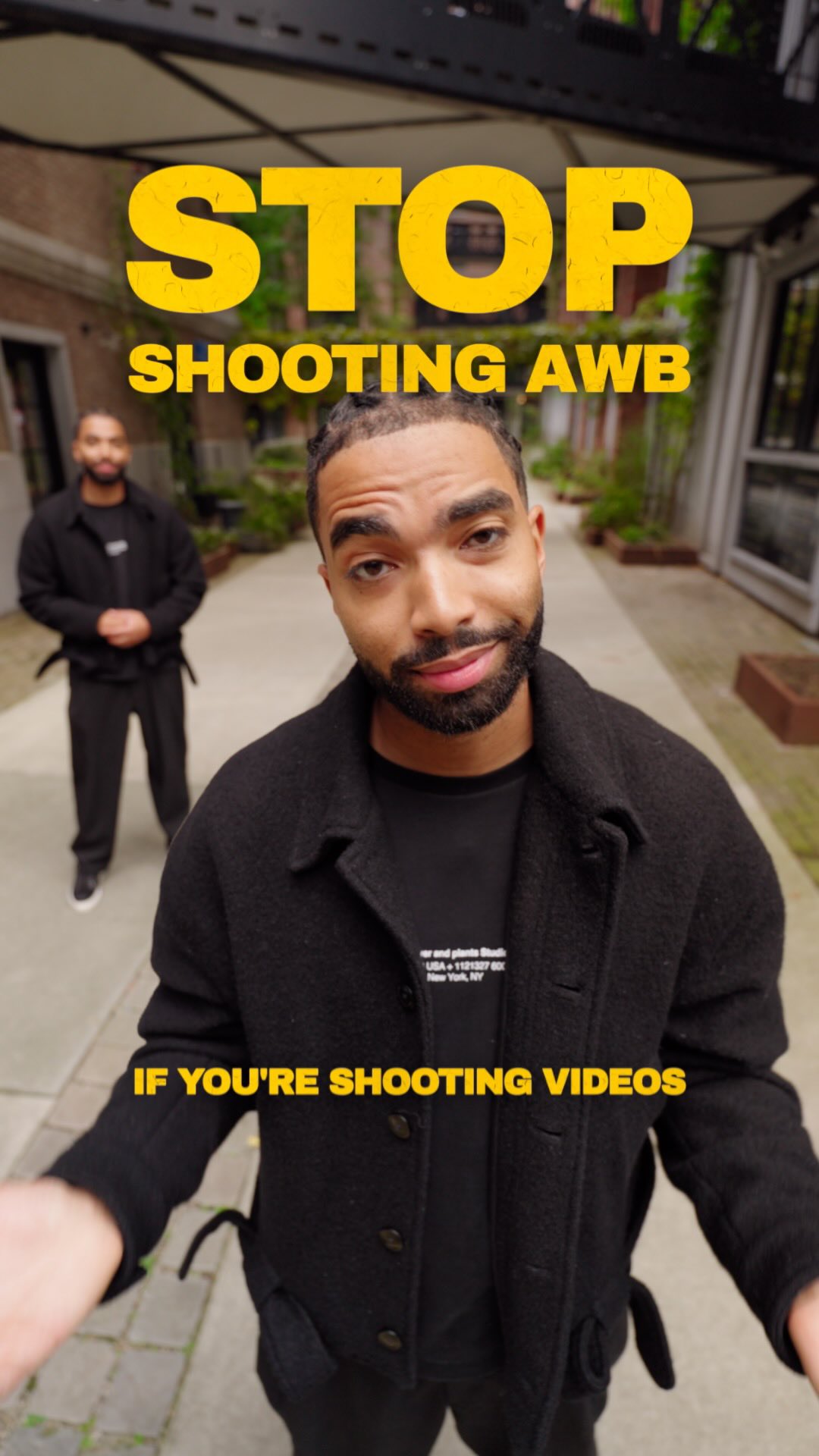
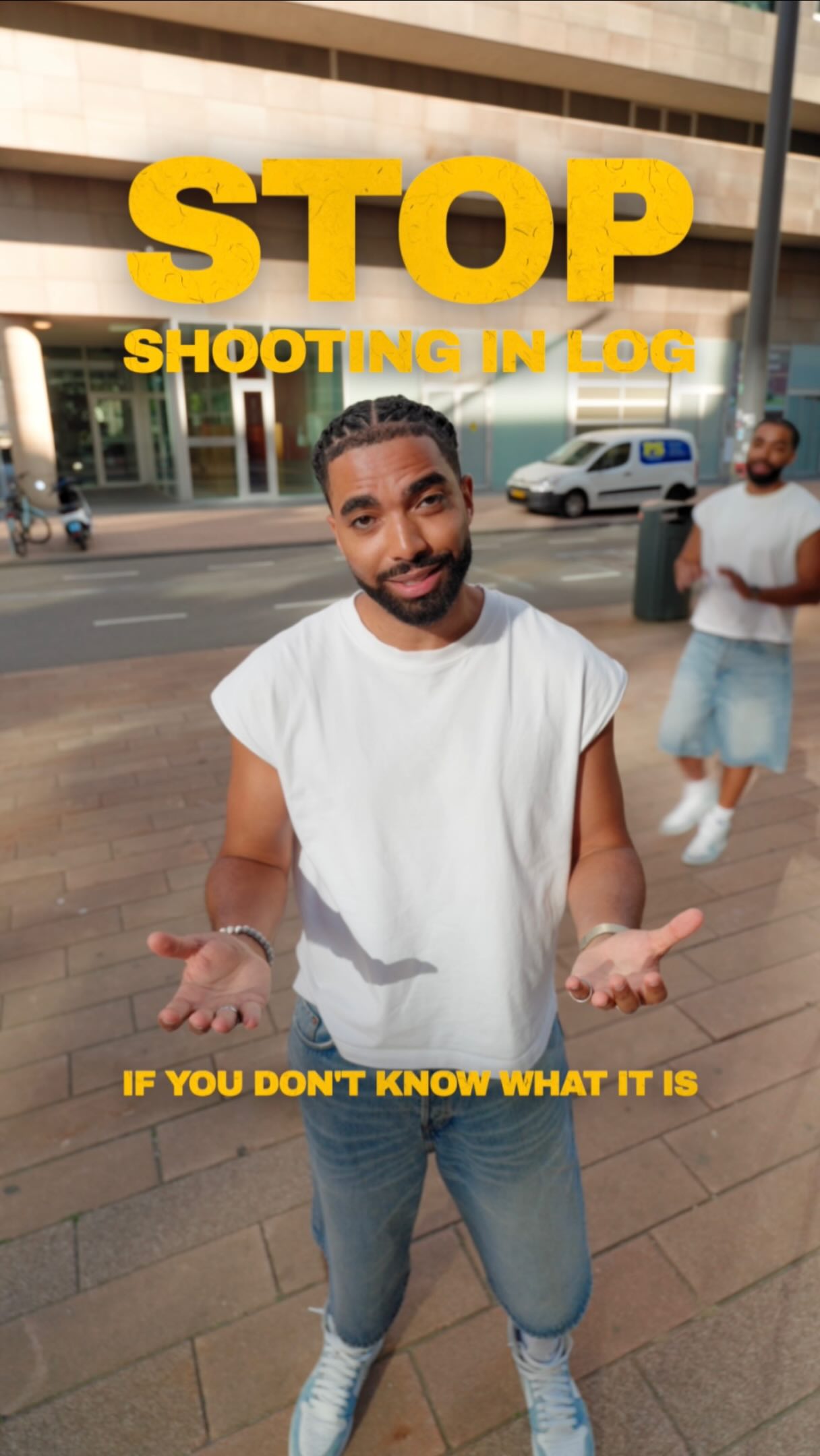
STOP

Verbal hook

Stop shooting in log.

Visual hook

A man stands in the center of a wide-angle shot on a city sidewalk, holding his hands up in a 'stop' gesture. The footage is intentionally desaturated and has a flat, grey look, visually representing the 'log' profile being discussed.

[07]

Hook and payoff

The promise the opener makes, and how the video pays it back

Hook

A bold, contrarian command that challenges a popular or 'professional' practice within a niche, forcing the target audience to stop and question their own methods.

Payoff

A value-based cliffhanger. The final, most practical question is raised but deliberately left unanswered, with a direct promise to provide the solution in a future piece of content, creating an open loop and incentivizing a follow.

[08]

Narrative framework

The structural pattern this video runs on

Framework

The Expert Debunk

A narrative structure that hooks the viewer with a contrarian statement, systematically breaks down a complex topic by correcting common misconceptions, provides a clear framework for application, and concludes with an open loop to drive follow-up engagement.

  1. 1

    The Expert's Promise

    Immediately follows the hook by promising to explain the reasoning behind the contrarian statement, framing the video as an educational guide.

  2. 2

    The Concept Definition

    Defines the core subject matter, showing visual examples of its raw, unappealing state to establish the 'problem' or point of confusion.

  3. 3

    The Audience Proxy Question

    An alter-ego or on-screen text voices the audience's primary objection or question, validating their confusion and setting up the main explanation.

  4. 4

    The 'Raw Potential' Reveal

    Provides the first major insight by explaining that the subject's unappealing state is intentional, as it preserves potential for later refinement.

  5. 5

    The Critical Distinction

    Corrects a fundamental and widespread misunderstanding about the topic, delivering a key 'aha' moment that reframes the viewer's perspective.

  6. 6

    The Visual Evidence

    Uses a direct visual comparison to prove the previously stated concept, contrasting the 'correct' method with the 'standard' one to make the benefits tangible.

  7. 7

    The Practicality Pivot

    The audience proxy asks the next logical question, shifting the focus from 'what it is' to 'how and when to use it'.

  8. 8

    The Counter-Intuitive Rule

    Delivers another surprising, contrarian insight by stating that the 'pro' technique is often unnecessary, which builds trust by advising restraint.

  9. 9

    The 'Use It If' Checklist

    Presents a simple, clear, and actionable set of rules or conditions under which the technique *should* be used, providing immense practical value.

  10. 10

    The Common Shortcut Fallacy

    The audience proxy introduces a popular but flawed shortcut, anticipating the viewer's next attempt to simplify the process.

  11. 11

    The 'No Magic Bullet' Correction

    Debunks the shortcut, explaining why it fails without proper foundational work, thereby preventing the viewer from making a new mistake.

Themes

  • Education
  • Debunking Myths
  • Videography Tips

Techniques

  • Direct-to-camera
  • Q&A format
  • Visual Demonstration

Trends

  • Creator Education

Post caption

Let’s talk about LOG 🎨 Most people shoot it because they think it’s more professional. But sometimes you’re making your life harder than needed. Do you shoot in LOG? 👇🏽 #logfootage #colorgrading #videography #filmmakingtips #cameratips

Text overlays

  • title · beginning

    STOP

  • title · beginning

    SHOOTING IN LOG

  • contextual · beginning

    IF YOU DON'T KNOW WHAT IT IS

  • informational · beginning

    LOG A CAMERA SETTING, SHORT FOR LOGARITHMIC.

  • informational · beginning

    S-LOG (SONY LOG)

  • informational · beginning

    P-LOG (PANASONIC LOG)

  • informational · beginning

    C-LOG (CANON LOG)

  • informational · beginning

    APPLE LOG ETC...

  • title · middle

    LOG FOOTAGE

  • contextual · middle

    LOOK 1 (AFTER GRADING)

  • contextual · middle

    LOOK 2 (AFTER GRADING)

  • informational · middle

    LOG ≠ COLOR ❌

  • informational · middle

    LOG → EXPOSURE ✅

  • title · middle

    FLEXIBILITY OF LOG (DURING GRADING)

  • contextual · middle

    ORIGINAL LOG FOOTAGE

  • informational · middle

    NORMAL SETTINGS (BAKED IN, CANNOT RESTORE HIGHLIGHTS OR SHADOWS)

  • title · middle

    ONLY SHOOT IN LOG IF:

  • informational · middle

    YOU ARE GOING TO GRADE

  • informational · middle

    DIFFICULT LIGHT CONDITIONS

  • informational · middle

    MATCHING MULTIPLE CAMERAS

  • contextual · end

    LOG FOOTAGE

  • contextual · end

    LUT 1 ❌

  • contextual · end

    LUT 2 ❌

  • contextual · end

    LUT 3 ❌

Transcript

Stop shooting in log. If you don't know what it is, let me explain. Log. You must have heard of it. Yes log, d log, c log, apple log. And, yeah, it looks like this. Flat, gray, Kinda ugly. Right? But why would anyone shoot like that? The colors are awful. Because it's not supposed to look good yet. Your camera saves everything it sees, so you can decide to look later. And about color? That's where most people get it wrong. Log is not a color profile. It's about exposure. It preserves the details in your highlights and shadows, and to fit it all in, it flattens the image. Your standard setting throws a lot of these away, so the image already looks good out of camera. When do I need to shoot in log? Honestly, most of the time you don't, and that's exactly where people make the mistake. You only need luck when you're actually going to grade your footage, especially when the light is difficult or when you're matching multiple cameras. But if you wanna send something to a client directly or create something quickly, then your standard color profile is more than good enough. So don't make your life way harder for no reason. Leave that for me. But Jesse, if I just apply a LUT, it's fine. Right? You rank, but it won't just magically work. You'll never get the look of the LUT you bought from your favorite creator if you didn't expose it properly or tweak it after. Okay. But how do I expose properly for LockDown? That, my friend, I'll explain in another video. So now you know that you should

Explainer on when to use log | Viral Hooks