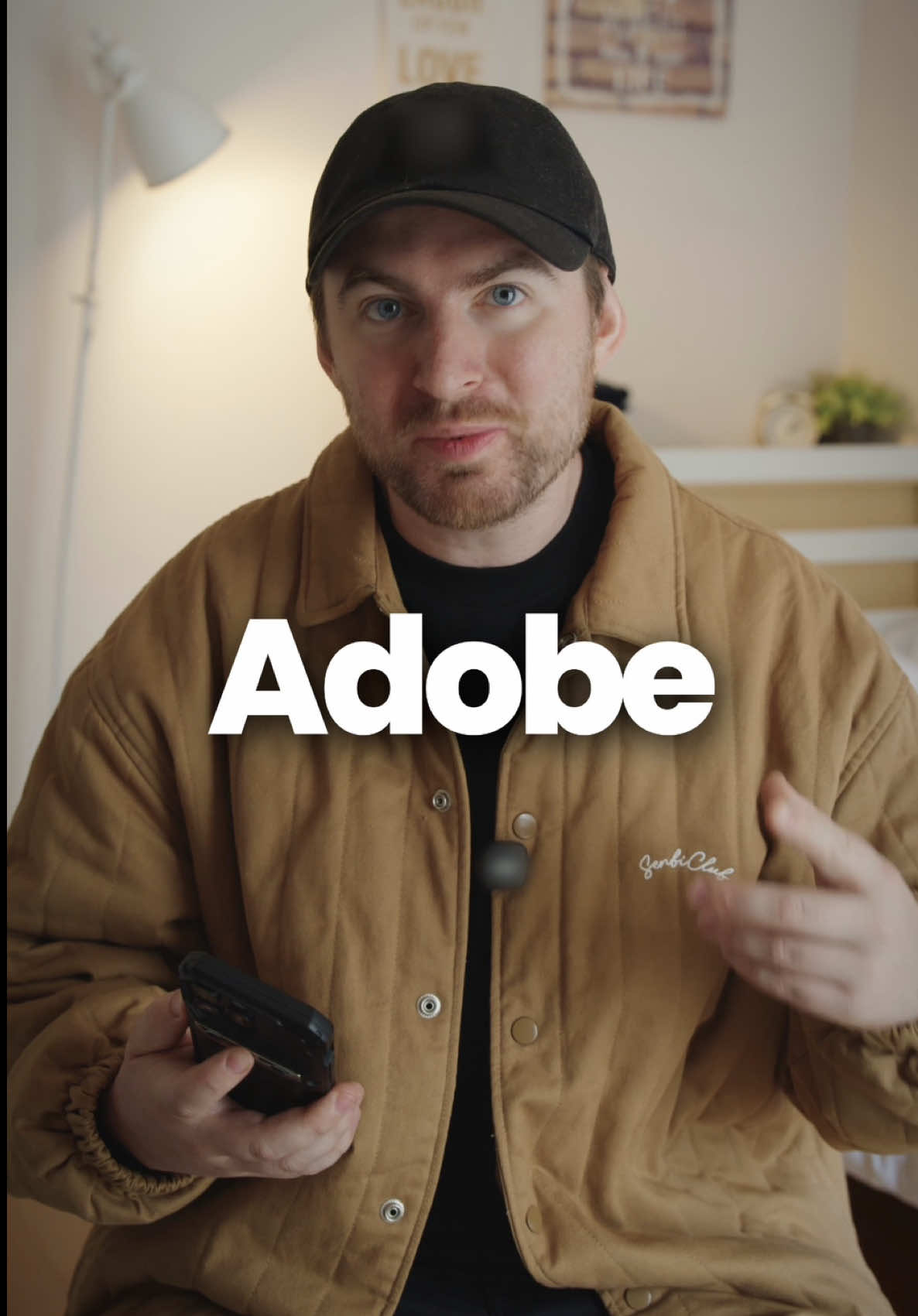
@ciggmedia Your videos aren't flopping because of bad ideas — it's the editing.
Most people don't have hours to learn it, and that's exactly where @captionsapp comes in.
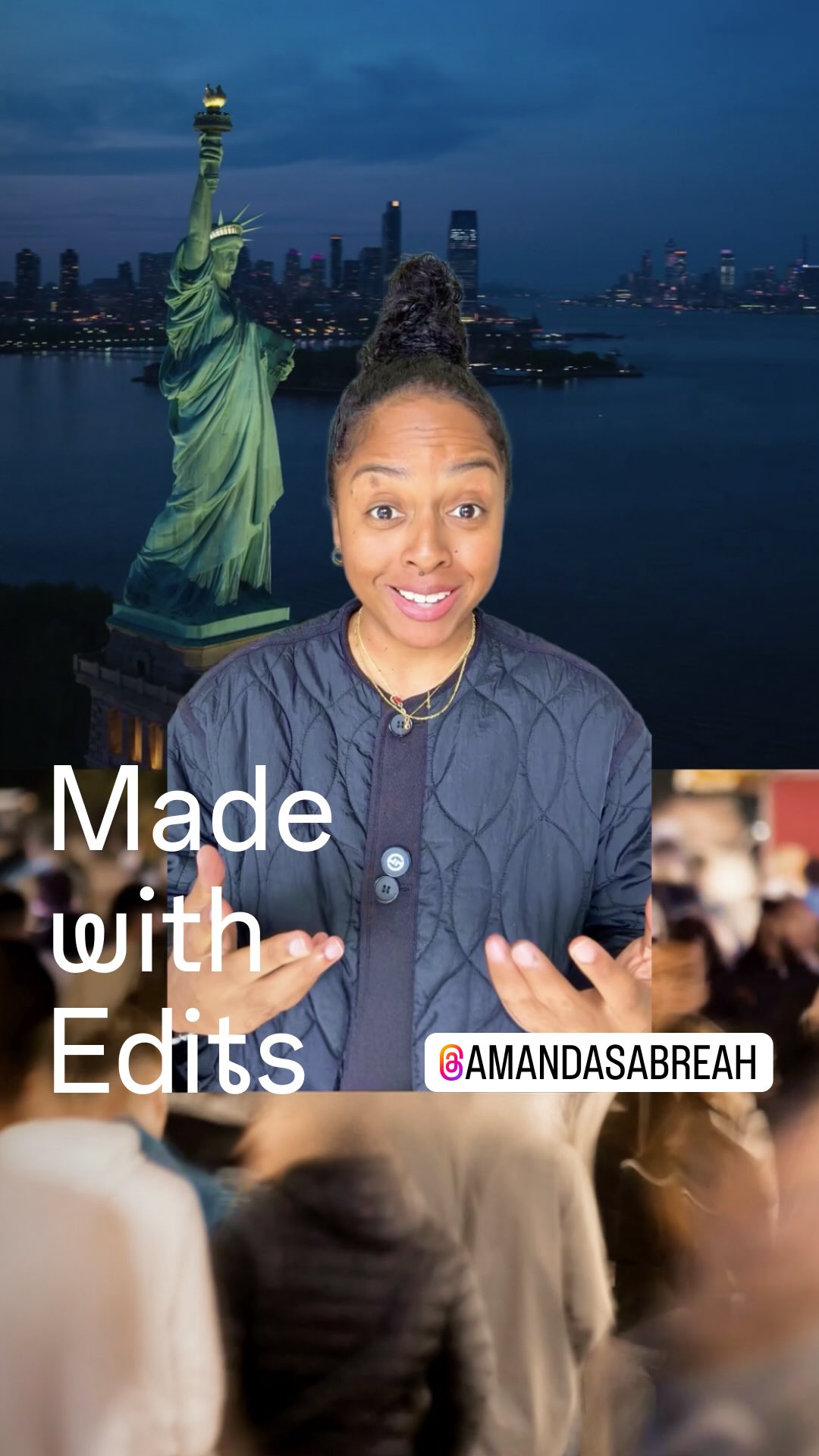
With AI Edit, you can import your video, pick a style, and it automatically adds b-roll, graphics, and sound effects.
You can even pull images straight from a website by pasting a link. And if you want full control? The timeline's right there.
No experience needed to get a professional result — just download Captions and try AI Edit today.
#captions #editor #videoediting #editingtips #videoeditor
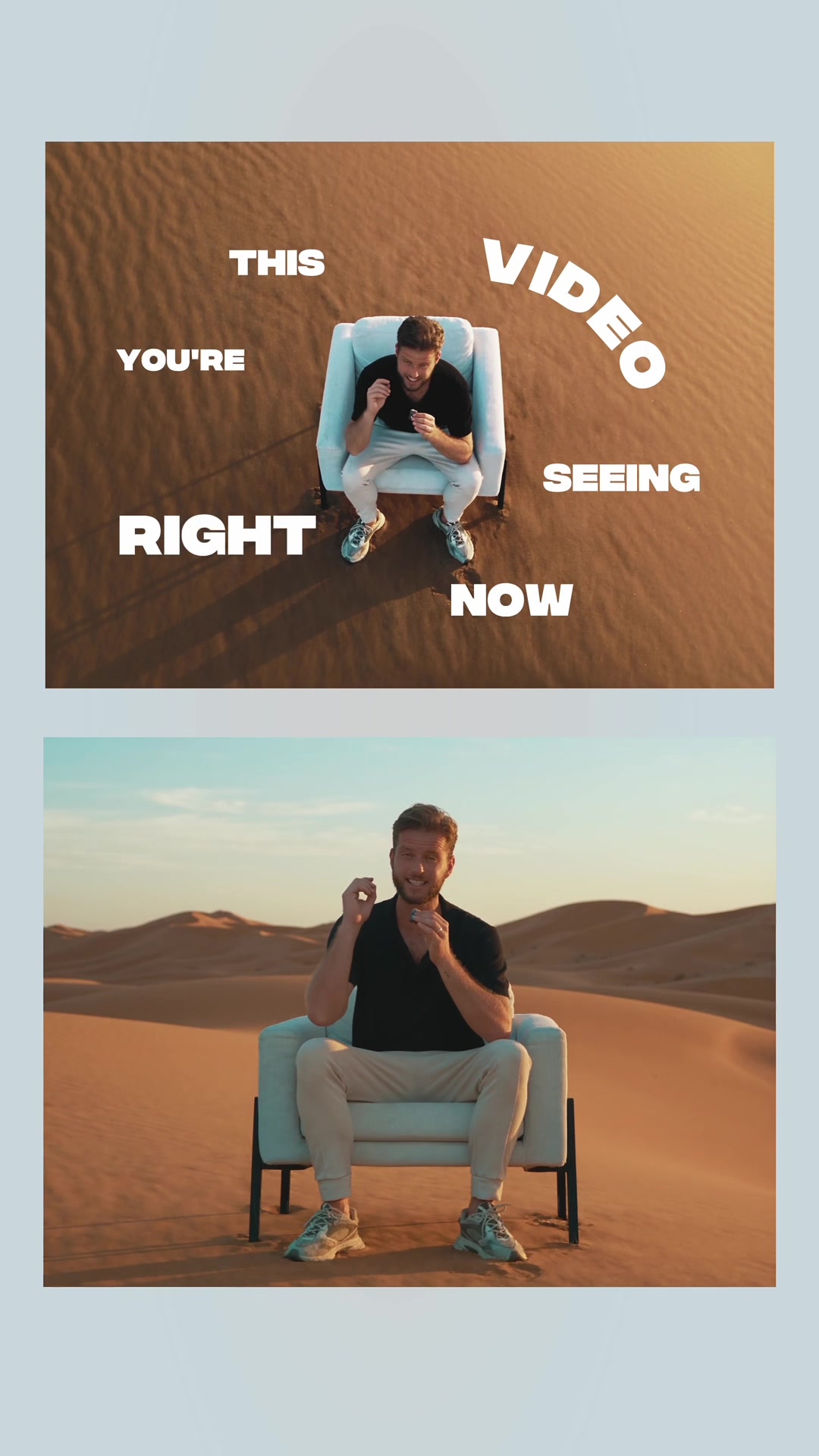
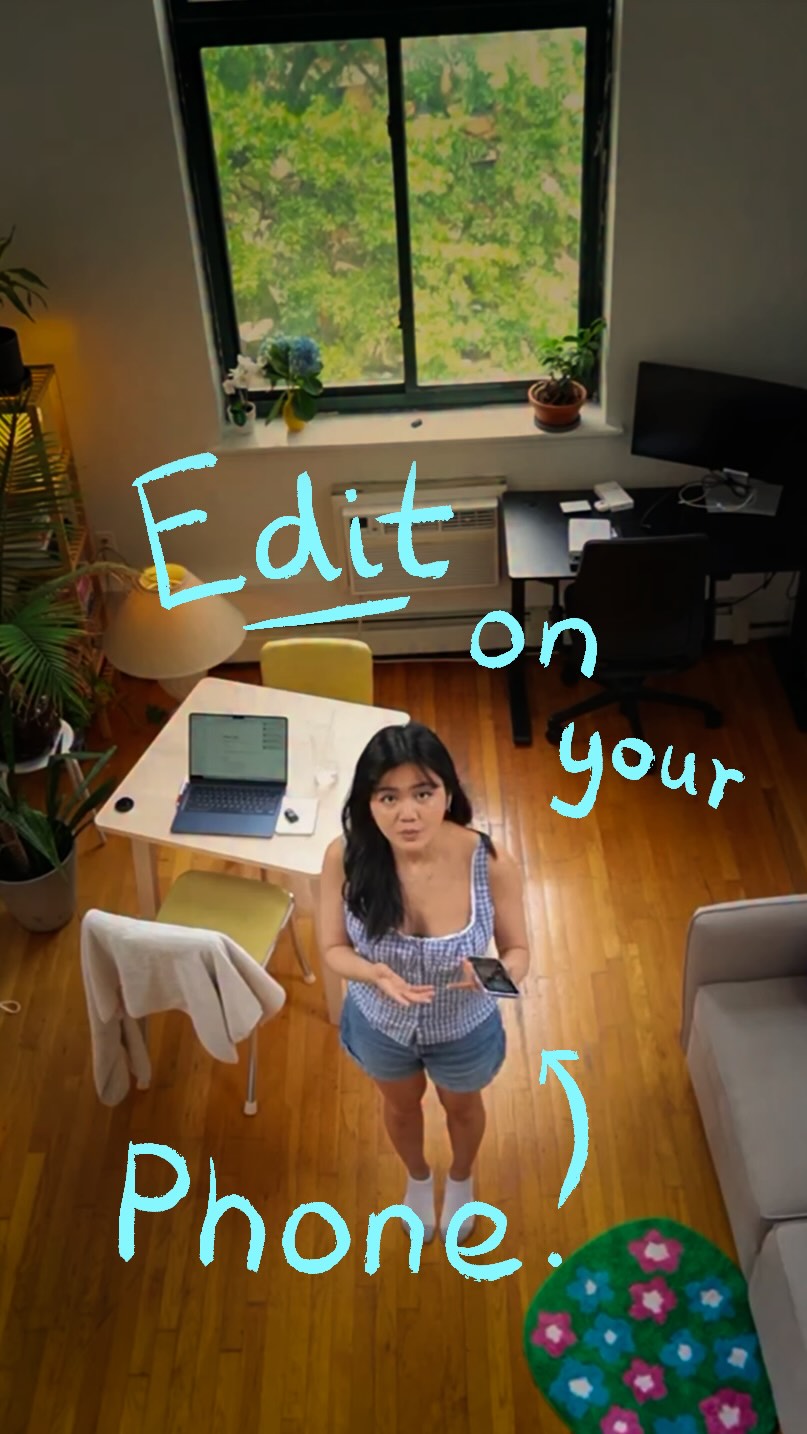
The creator identifies a common problem for content creators—videos flopping due to poor editing—and presents the Captions app as the solution. He shows a before-and-after comparison, provides a step-by-step tutorial on how to use the app's AI Edit feature via screen recording, and explains its benefits, such as automatically adding B-roll and graphics, while still allowing for manual control.
Everyone tells you to post more but nobody tells you why your video still flop.
Visual hook
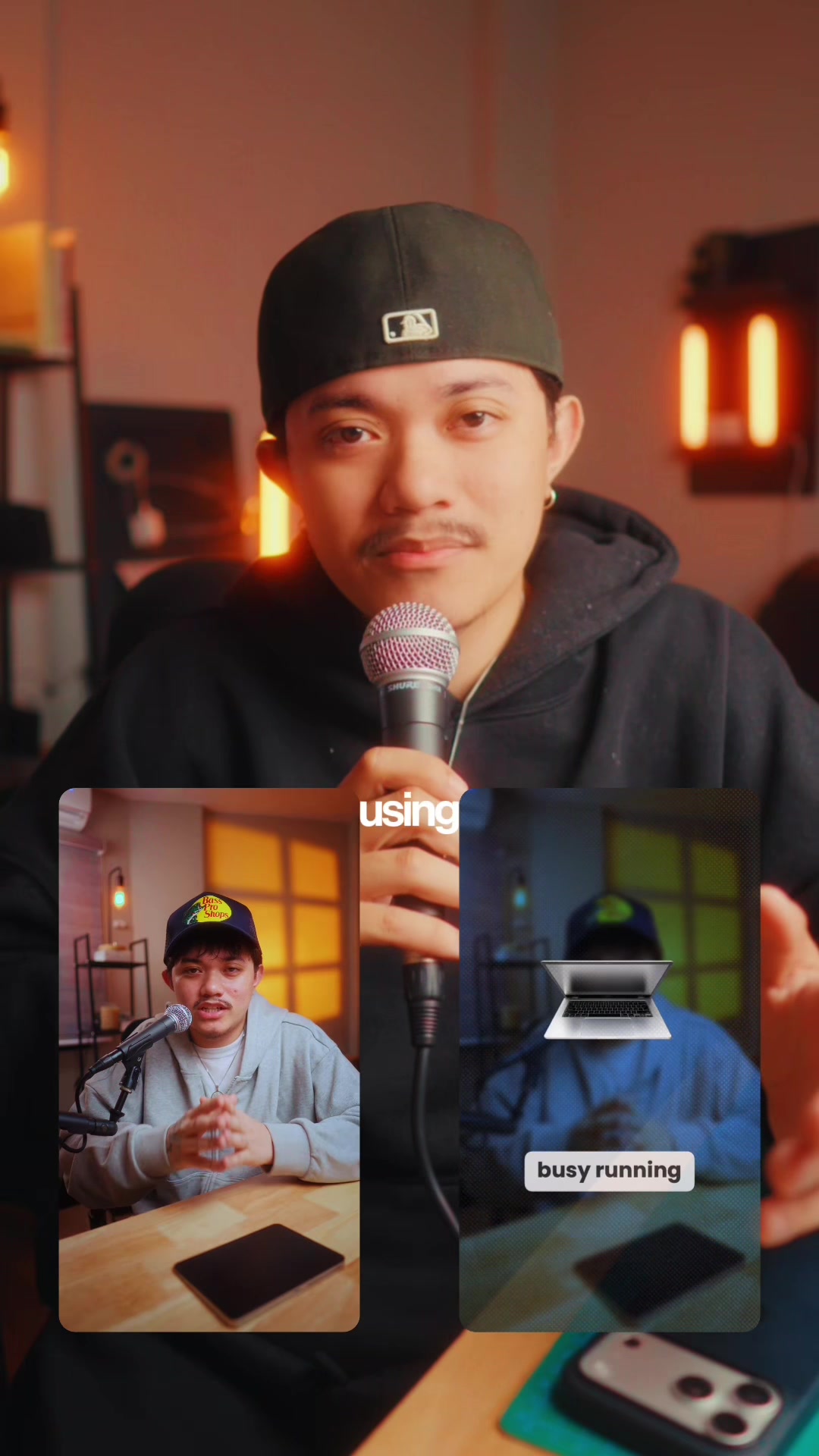
A medium close-up of the creator speaking directly into a microphone with warm, professional studio lighting and a stylized background, creating an intimate, podcast-like feel.
[07]
Hook and payoff
The promise the opener makes, and how the video pays it back
Hook
Validates a common audience frustration and promises a unique insight or solution that others have failed to provide.
Payoff
A direct and unambiguous Call to Action that instructs the viewer on the exact next step to take to solve their problem using the demonstrated solution.
[08]
Narrative framework
The structural pattern this video runs on
Framework
The Pain Point Solution
Identify a common audience frustration, reframe its cause, introduce a specific tool as the definitive solution, and provide a rapid, compelling demonstration of its ease and power to drive adoption.
1
The True Culprit Reveal
Reframes the audience's problem by identifying a specific, often-overlooked cause, establishing the narrator's authority and setting the stage for the solution.
2
The Solution Introduction
Presents a product or service as the direct, targeted solution to the newly defined problem and its associated pain points (e.g., lack of time, skill).
3
The 'Before & After' Proof
Provides immediate, tangible visual evidence of the solution's effectiveness by contrasting the raw input with the polished output, building desire and credibility.
4
The 'How-To' Walkthrough
Demystifies the process through a quick tutorial, demonstrating the solution's simplicity and ease of use to lower the barrier to entry.
5
The Objection Handle
Proactively addresses and neutralizes a key potential user concern or objection, building trust and removing a reason for hesitation.
6
The Value Proposition Reframed
Summarizes the core benefit in psychological terms, positioning the solution not as a replacement for skill but as an enabler that overcomes a primary creative block.
Themes
Problem-solving
Efficiency
Creator tools
AI technology
Techniques
Direct-to-camera address
Before-and-after comparison
Software demonstration
Trends
AI-powered content creation
Short-form video tutorials
Post caption
Your videos aren't flopping because of bad ideas — it's the editing.
Most people don't have hours to learn it, and that's exactly where @captionsapp comes in.
With AI Edit, you can import your video, pick a style, and it automatically adds b-roll, graphics, and sound effects.
You can even pull images straight from a website by pasting a link. And if you want full control? The timeline's right there.
No experience needed to get a professional result — just download Captions and try AI Edit today.
#captions #editor #videoediting #editingtips #videoeditor
Text overlays
branding · beginning
Captions app
contextual · middle
before
contextual · middle
edited
informational · middle
AI edit
informational · middle
import your video
informational · middle
tap AI edit
informational · middle
graphics
and sound effects
informational · end
staring
at the blank screen
call-to-action · end
download the
Transcript
Everyone tells you to post more better nobody tells you why your video still soft. A lot of the tier, it's not your ideas that's the problem, it's the way you edit. And most people don't have hours to learn how to edit. This is where captions app can help with that. This is what the video looks like before rank this is what it looks like after it was edited in the captions app using AI edit. I'm gonna show you exactly how you do it. Open the captions app, import your video, tap AI edit, pick a style that fits what you're going for. It adds tier roll, graphics, and sound effects on its own. You don't need to know anything about editing to get here. You can also add your own photos or clips or pull images from a website by just pasting the link. And if you wanna change something after, the timeline is right there. You have full control if you need it. Bad Edit gives you a starting point so you're not staring at a blank screen wondering where to begin. Download the captions app and try AI edit today.