Viral Hooks
Trending short videosCreator demos new desktop editor
C

@creators

Instagram · Graphic Yap
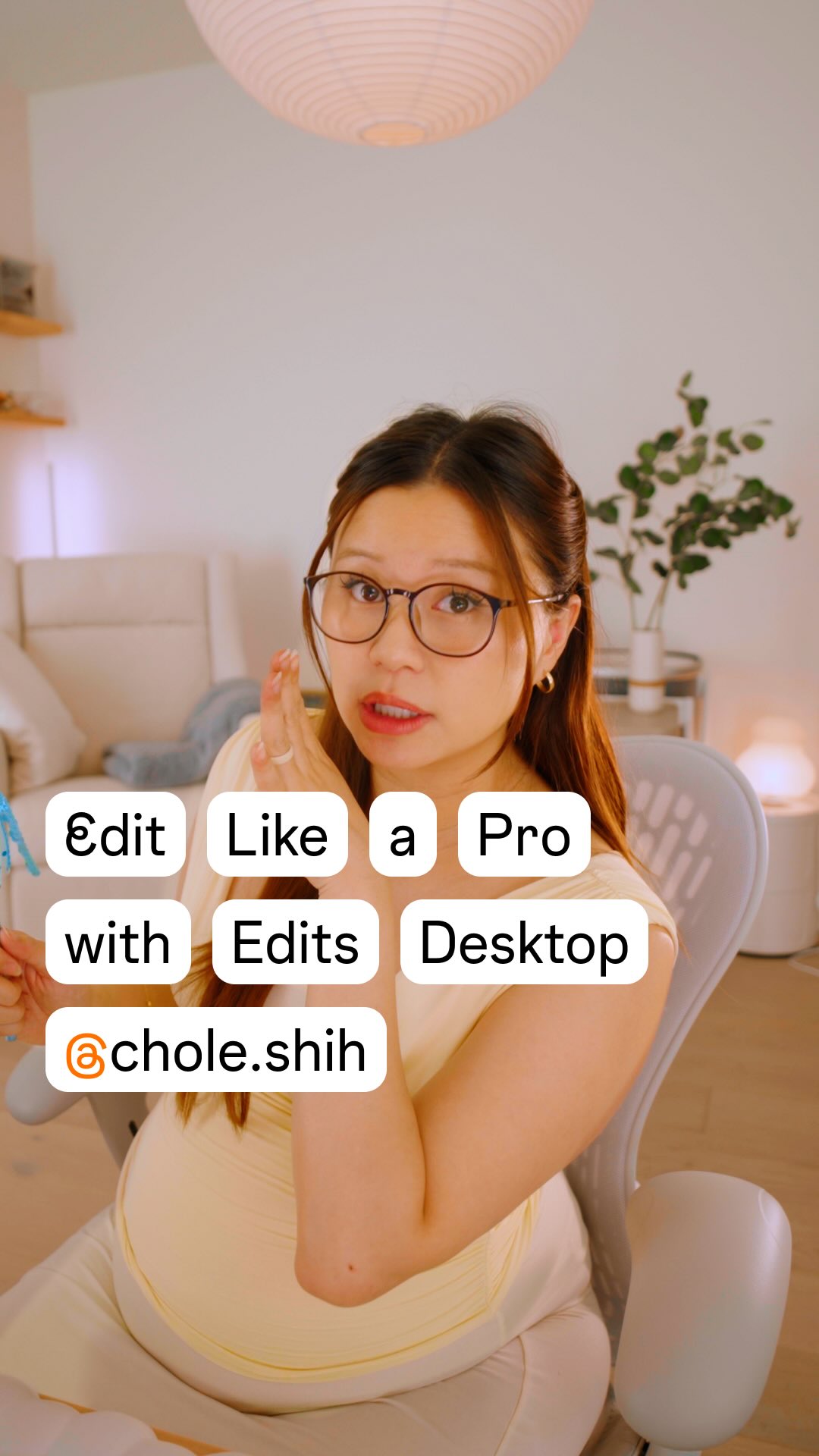
@creators Edits on desktop has officially launched, and Chloe is showing off how it works! 🎉 As part of the Edits Creator Council, Chloe (@chloe.shih) collaborated with the Edits team to help give feedback to make an editing tool that is easier, faster, and more powerful for creators. Here is a glimpse at what you can do on the desktop app: ⭐️ Utilize a multi-layer editing timeline to split, trim, and keyframe for the ✨drama✨ ⭐️Cut to the beat with automatic yellow beat-marking indicators on music tracks ⭐️ Access Instagram’s free audio library, including royalty-free songs ⭐️ Customize keyboard shortcuts, create cutouts, auto-generate captions, and use speed ramping ⭐️ Export in 4K with aspect ratios for any platform ⭐️ Publish directly to Instagram without needing to download or re-upload. ⭐️ Download Edits on Mac today at the link in bio, try it out, and leave your feedback so the team can keep making it even better. 💡

View original on Instagram

The edit1 shot · 3 text
Shots Text1:11

Performance

Views
13.4M
Likes
43.6K
Comments
754
Engagement
0.3%
Outlier
100.6×
Length · 5 Nov 2026
1:11

Video #49830 · Graphic Yap

Creator demos new desktop editorfrom @creators

[01]

Overview

A pregnant content creator introduces and demonstrates the features of the new, free 'Edits on desktop' application. She explains her involvement in its development as part of the Creator Council, then walks through key functionalities like the multi-layer timeline, beat-syncing, LUT support, customizable shortcuts, and direct publishing to Instagram, framing it as a powerful yet easy-to-use tool for creators.

[02]

Simple outline

  1. 1Present relatable struggle
  2. 2Reveal secret solution
  3. 3Establish unique authority
  4. 4Demonstrate key features
  5. 5Deliver value climax & CTA

[03]

Related videos

[04]

Classification

Concepts
Product DemoTutorial / How ToValue Vlog
Elements
Clone EffectSide-by-Side Visual AidJump CutTitle Text HookImage OverlayGraphic Overlay

[05]

Hook analysis

What stops the scroll in the first 3 seconds

Title hook · 45%

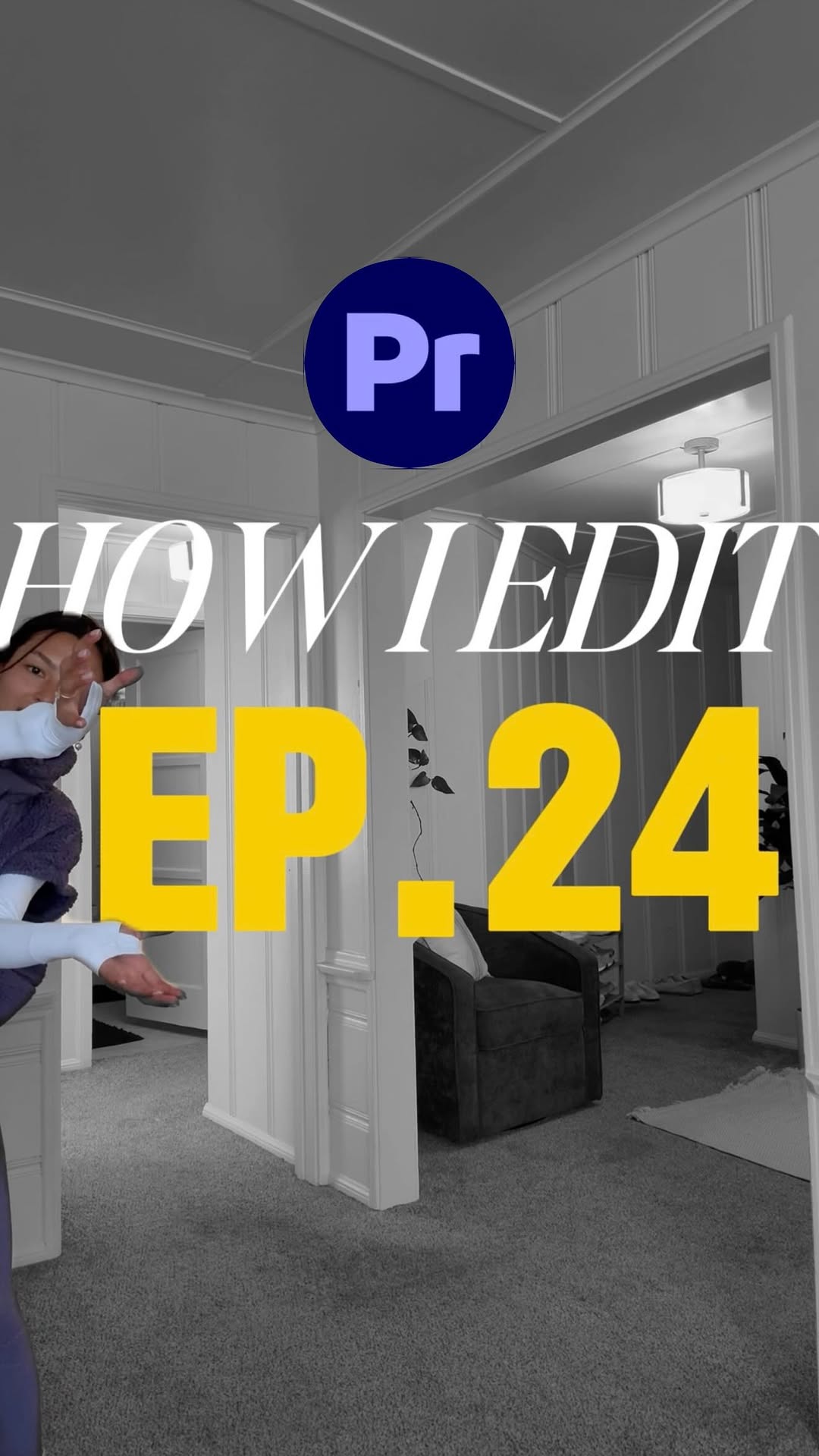
HOW TO EDIT

Verbal hook · 10%

What?

Visual hook · 45%

A pregnant woman struggles to bend down, then a second, 'cooler' version of her appears beside her using a clone effect, creating a surprising and humorous visual.

[06]

Hook template

Steal this for your own video

Open on [relatable struggle or awkward moment] in [setting], then a [cooler/better version of yourself] appears beside you via a clone effect, [doing the effortless thing you couldn't].

  • — Open on me wrestling a giant stack of laundry in my cramped apartment hallway, then a cooler, calmer clone of me appears beside me via a clone effect, folding everything perfectly in two seconds.
  • — Open on me fumbling a heavy barbell during a rushed gym session, then a stronger, confident clone of me appears beside me via a clone effect, lifting it with one hand while sipping a smoothie.
  • — Open on me drowning in a mess of spreadsheets at my cluttered office desk, then a sharper, well-dressed clone of me appears beside me via a clone effect, closing the files with a single click.

[07]

Hook and payoff

The promise the opener makes, and how the video pays it back

Hook

A moment of feigned struggle or confusion that establishes a common, relatable pain point for the target audience.

Payoff

A final, empowering call to action that states the solution's core mission and invites the viewer to not just use it, but to participate in its future, fostering a sense of community.

[08]

Narrative framework

The structural pattern this video runs on

Framework

The Insider's Solution

Establish a relatable problem, reveal you were part of developing the perfect solution, and then walk the audience through its game-changing features, culminating in a high-value reveal and an empowering call to action.

  1. 1

    The Confident Reversal

    Abruptly pivot from struggle to confidence, introducing the name of the solution as a 'secret weapon'.

  2. 2

    The Personal Stakes

    Ground the problem in a personal, human context to build empathy and justify the need for the solution.

  3. 3

    The Authority Claim

    Establish unique credibility by revealing personal involvement in the solution's creation, framing the review as an insider's perspective.

  4. 4

    The Guided Tour

    Transition into a systematic walkthrough of the solution's capabilities, presented as a demonstration rather than a sales pitch.

  5. 5

    The Core Mechanics Demo

    Showcase the foundational, most-used features to prove the solution's basic competence and power.

  6. 6

    The Smart Feature Demo

    Highlight an intelligent, time-saving feature that demonstrates the solution is not just powerful, but also intuitive.

  7. 7

    The Pro-Level Customization Demo

    Display advanced features that appeal to expert users, proving the solution's high ceiling for skill and creativity.

  8. 8

    The 'Yes' Gauntlet

    Use a rapid-fire sequence to confirm the existence of multiple, highly-requested secondary features, quickly overcoming potential user objections.

  9. 9

    The Value Proposition Climax

    After demonstrating immense capability, reveal the most compelling value point (e.g., price, accessibility) for maximum impact.

  10. 10

    The Seamless Workflow Payoff

    Demonstrate the final step of the process to show how the solution simplifies the entire workflow from start to finish, resolving the initial pain point.

  11. 11

    The Technical Superiority Proof

    List professional-grade specifications to solidify the solution's position as a high-quality, industry-standard tool.

Themes

  • Productivity
  • Creator economy
  • Technology
  • Ease of use

Techniques

  • Product demonstration
  • Direct-to-camera address
  • Problem-solution narrative

Trends

  • Creator education
  • Software launch announcement

Post caption

Edits on desktop has officially launched, and Chloe is showing off how it works! 🎉 As part of the Edits Creator Council, Chloe (@chloe.shih) collaborated with the Edits team to help give feedback to make an editing tool that is easier, faster, and more powerful for creators. Here is a glimpse at what you can do on the desktop app: ⭐️ Utilize a multi-layer editing timeline to split, trim, and keyframe for the ✨drama✨ ⭐️Cut to the beat with automatic yellow beat-marking indicators on music tracks ⭐️ Access Instagram’s free audio library, including royalty-free songs ⭐️ Customize keyboard shortcuts, create cutouts, auto-generate captions, and use speed ramping ⭐️ Export in 4K with aspect ratios for any platform ⭐️ Publish directly to Instagram without needing to download or re-upload. ⭐️ Download Edits on Mac today at the link in bio, try it out, and leave your feedback so the team can keep making it even better. 💡
Text overlays

  • title · beginning

    HOW TO EDIT

  • informational · end

    $0

  • branding · end

    Edits

Transcript

What? I'm just kidding. Of worse, I can do this and so can you because edits on desktop just launched. I'm known for going a little wild when editing my videos better this content creation thing needs to be easier because your girls good to sleep. So I joined the edit better council to give feedback directly to the team on making editing easier yes still powerful for us all. Let me show you what it looks like. Here is your timeline. You can add many, many layers, split and trim, and key frame for the drama. When you add music, these yellow dots appear, which mark the better so you can cut right to them. Edison desktop is intentionally designed for creators with the full creative studio. You can access Instagram's free music library, including royalty free songs. Use your own LUTs for that buttery color graded good, and set up shortcuts tier way you're used to or the way yes like it. Best. You can yes. Yes. You can generate yes. Yes. You can speed ramp. And yes. It's all for free. When you're done, publish directly to Instagram. No need to download or reupload. You have all the aspect ratios you need for any platform and you can export in four k. Edison desktop is made to help you create your most ambitious work. Download it today and tell us what you think because the team, they really wanna make it even better for you, you no?

Creator demos new desktop editor | Viral Hooks