Viral Hooks
Trending short videosEdits app effects tutorial
O

@omgadrian

Instagram · Talking Head Edit

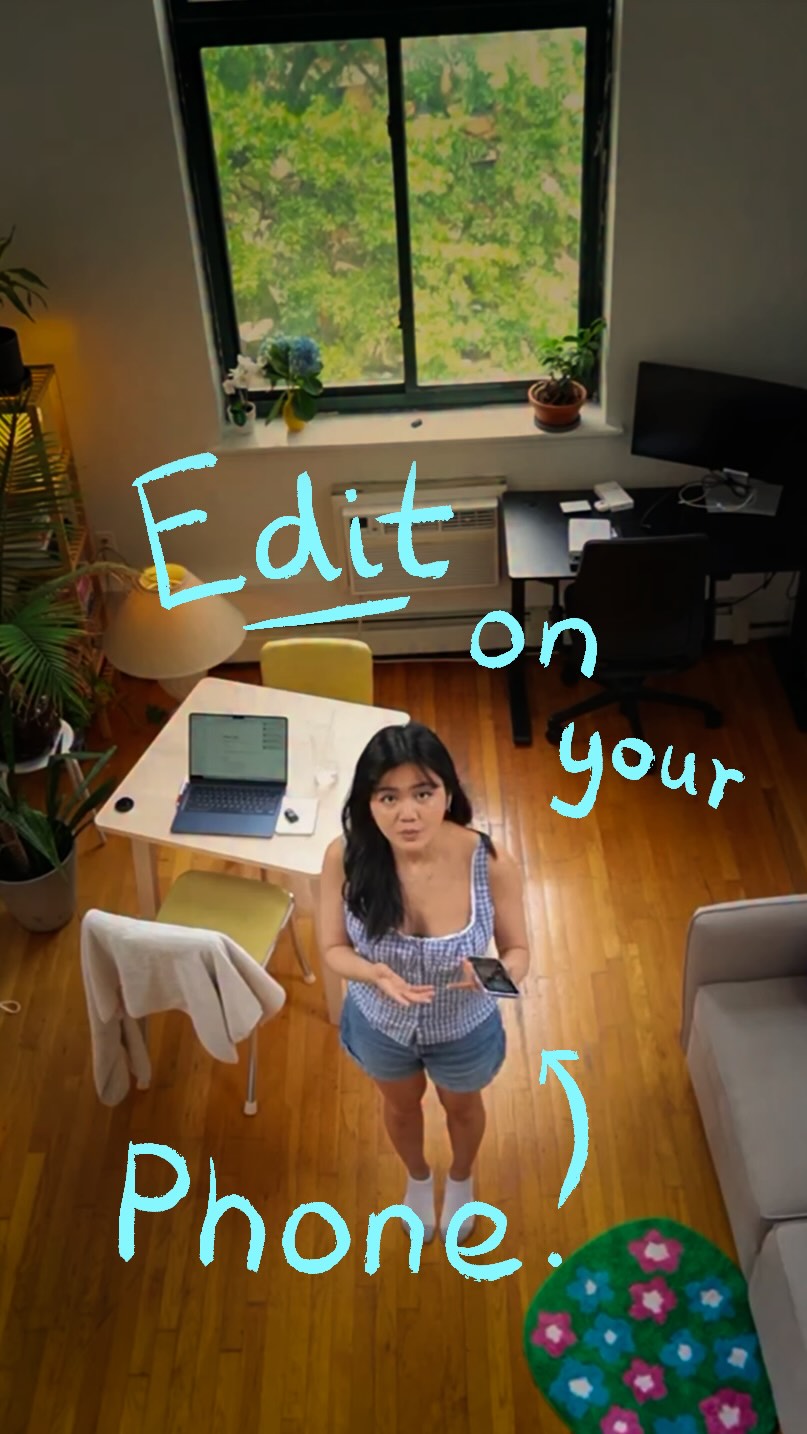
@omgadrian Today, I’m breaking down how to use one of my favorite new effects on Edits. Using the Tag effect, we can add another layer of detail visually on our video. There’s infinite ways to use this on your content, & I can’t wait to see how you all do!

View original on Instagram

The edit1 shot · 45 text
Shots Text0:52

Performance

Views
5.1M
Likes
44.1K
Comments
554
Engagement
0.9%
Outlier
6.2×
Length · 17 Dec 2025
0:52

Video #12317 · Talking Head Edit

Edits app effects tutorialfrom @omgadrian

[01]

Overview

The video demonstrates how to use the tag effect in the Edits app to add details to videos. The speaker introduces the app, shows examples of the effect, and provides a step-by-step tutorial on how to use it. The video concludes by highlighting the benefits of the effect and encouraging viewers to use it.

[02]

Simple outline

  1. 1Introduce feature
  2. 2Show feature benefits
  3. 3Tutorial: feature usage

[03]

Related videos

[04]

Classification

Concepts
Tutorial / How To
Elements
Text OverlayScreen RecordingB-Roll Cutaway

[05]

Hook analysis

What stops the scroll in the first 3 seconds

Title hook · 35%

ANNOUNCING NEW EFFECTS IN EDITS

Verbal hook · 60%

Contrary to popular belief, you actually don't need fancy software to make your video stand out anymore.

Visual hook · 5%

Bright yellow text overlay on a shot of the speaker sitting at a desk in a well-lit room.

[06]

Hook template

Steal this for your own video

Contrary to popular belief, you don’t need [expensive tool or resource] to make your [desired result] stand out anymore.

  • — Contrary to popular belief, you don’t need a fancy camera to make your food videos stand out anymore.
  • — Contrary to popular belief, you don’t need a huge ad budget to make your local business stand out anymore.
  • — Contrary to popular belief, you don’t need expensive gym equipment to make your workouts stand out anymore.

[07]

Hook and payoff

The promise the opener makes, and how the video pays it back

Hook

States that fancy software is not needed for video editing.

Payoff

Encourages viewers to use the feature in their own content.

[08]

Narrative framework

The structural pattern this video runs on

Framework

Feature Demonstration with Tutorial

Demonstrates a new feature in a video editing app and provides a tutorial on how to use it.

  1. 1

    App Introduction

    Introduces the video editing app and its capabilities.

  2. 2

    Feature Teaser

    Showcases the new feature with examples of its use.

  3. 3

    Problem Statement

    Highlights the difficulty of achieving similar effects without the app.

  4. 4

    Tutorial Introduction

    Introduces the tutorial segment.

  5. 5

    Step-by-Step Guide

    Provides a step-by-step guide on how to use the feature within the app.

  6. 6

    Feature Benefits

    Explains the benefits of using the feature for content creation.

Themes

  • video editing
  • tutorial
  • app features

Techniques

  • text overlays
  • screen recording
  • B-roll footage

Trends

  • short-form video
  • mobile editing

Post caption

Today, I’m breaking down how to use one of my favorite new effects on Edits. Using the Tag effect, we can add another layer of detail visually on our video. There’s infinite ways to use this on your content, & I can’t wait to see how you all do!

Text overlays

  • title · beginning

    ANNOUNCING NEW EFFECTS IN EDITS

  • informational · beginning

    Contrary to popular belief,

  • informational · beginning

    need fancy software

  • informational · middle

    your entire creative process

  • informational · middle

    Using these free effects in Edits

  • informational · middle

    your videos

  • informational · middle

    pop has never been easier.

  • informational · middle

    You can apply an effect

  • informational · middle

    to a specific object

  • informational · middle

    in the video in seconds.

  • informational · middle

    Because usually

  • informational · middle

    would have to be done

  • informational · middle

    frame by frame.

  • contextual · middle

    @mosseri

  • informational · middle

    This is the Tag Effect.

  • informational · middle

    Let me show you how to do this.

  • informational · middle

    scroll down to the bottom

  • informational · middle

    until you see Effects.

  • informational · middle

    Select that and click on Tag.

  • informational · middle

    Just click right here.

  • informational · middle

    Then add the proper tag,

  • informational · end

    And what I love so much about this

  • informational · end

    is that it's made it way

  • informational · end

    easier for your viewers to know

  • informational · end

    which companies,

  • informational · end

    brands, or products

  • informational · end

    you're using in your video

  • informational · end

    as they're watching it.

  • contextual · end

    @omgadrian

  • informational · end

    what kind of content you make,

  • informational · end

    whether it's lifestyle,

  • informational · end

    or fashion, or tech like me,

  • informational · end

    every creator can find a lot of

  • informational · end

    use out of these effects.

  • contextual · end

    Shoes

  • contextual · end

    Collared Tee

  • contextual · end

    Zip Tank

  • contextual · end

    Cargo Shorts

  • contextual · end

    Camera Rig

  • contextual · end

    Tablet

  • contextual · end

    Ski Jacket

  • contextual · end

    Camera

  • contextual · middle

    Sweater

  • contextual · middle

    White Tshirt

  • contextual · middle

    Jeans
Transcript

Contrary to popular belief, you actually don't need fancy software to make your video stand out anymore. Edit supports your entire creative process no you can make great videos. Using these free effects and edits to help your videos pop has never been easier. You can apply an effect to a specific object in the video in seconds because usually this kind of thing would have to be done frame by frame. This is the tug effect. Let me show you how to do this. In your video edit, scroll down to the bottom navigation bar until you see effects. Select that rank click on tag. Just click right tier, then add the proper tag, and there we go. And what I love so much about this is that it's made it way easier for your viewers to know which companies, brands, or products you're using in your video as they're watching it. No matter what kind of content you make, whether it's lifestyle or fashion or tech like me, every creator can find a lot of muse out of these effects.

Edits app effects tutorial | Viral Hooks