Viral Hooks
Trending short videosCreator reviews new video editing app.
J

@joshglavinfilms

TikTok · Talking Head Edit

@joshglavinfilms I've been hesitant of mobile editing apps but Adobe may have just changed the game with Premiere on iPhone! There are a ton of standout features but the thing I really love is how user friendly it is. Premiere on iPhone has been such a helpful tool for my on the go edits and when I want to finish it on Premiere desktop, my project is right there waiting for me. It's free on the App Store so why not check it out! @Adobe Video #adobe #mobileeditingapp #videoediting #adobepartner

View original on TikTok

The edit1 shot · 6 text
Shots Text0:59

Performance

Views
149.7K
Likes
2.3K
Comments
11
Engagement
1.6%
Length · 11 May 2026
0:59

Video #49903 · Talking Head Edit

Creator reviews new video editing app.from @joshglavinfilms

[01]

Overview

The creator introduces the new Adobe Premiere app for iPhone, positioning it as a superior alternative to CapCut. He demonstrates key features like multi-track editing, color grading, AI speech enhancement, and auto-captions through screen recordings. He then shares his personal frustrations with CapCut's user interface and explains how Premiere's design, such as its drag-and-drop functionality and expandable timeline, provides a better editing experience, before ending with a call-to-action to download the free app.

[02]

Simple outline

  1. 1Challenge the incumbent
  2. 2Identify specific pain point
  3. 3Demonstrate direct solution
  4. 4Provide zero-risk CTA

[03]

Related videos

[04]

Classification

Concepts
Product DemoReviewThis or That
Elements
B-Roll CutawayScreen RecordingJump CutVoiceover

[05]

Hook analysis

What stops the scroll in the first 3 seconds

Title hook

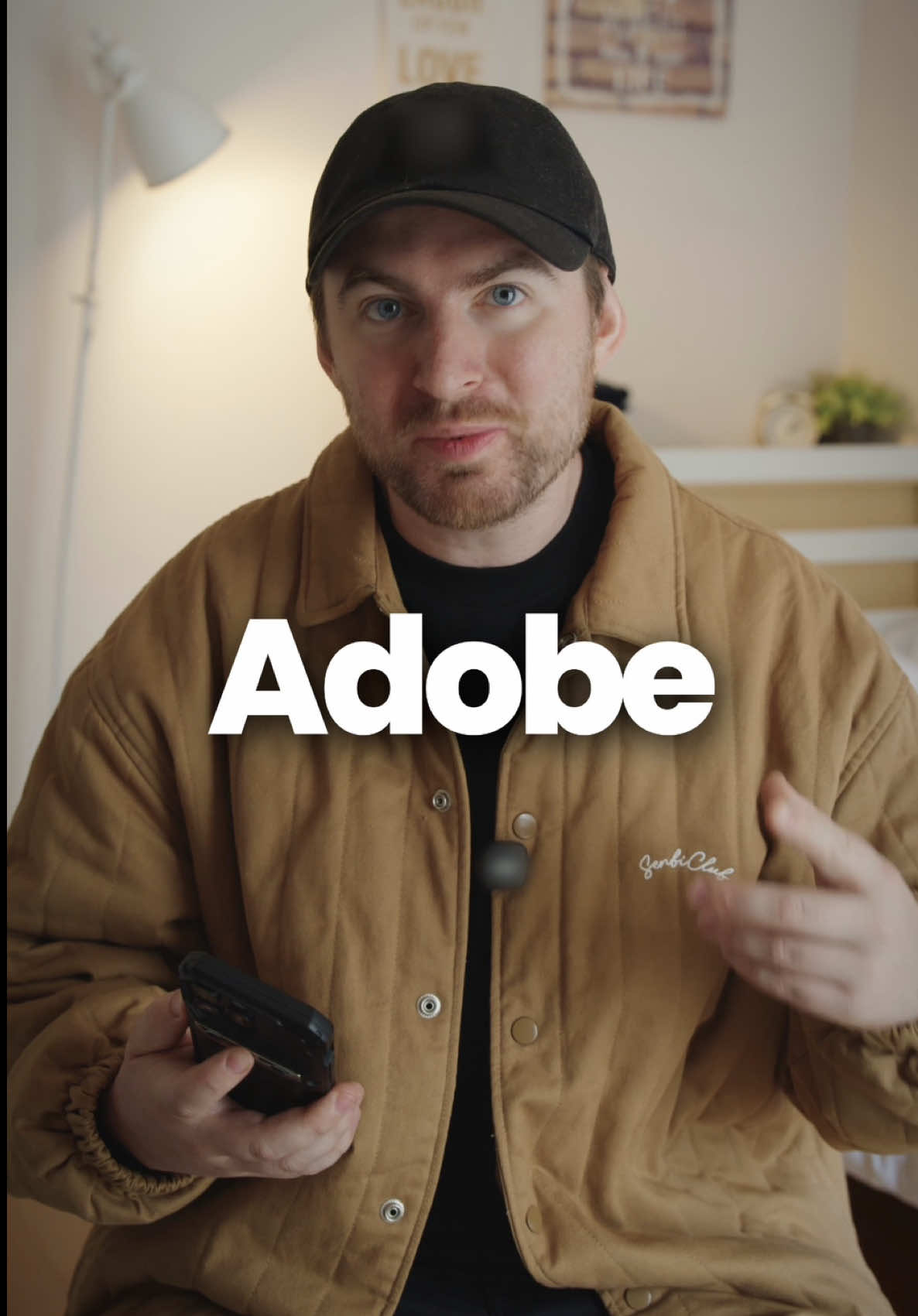
Adobe

Verbal hook

Guys, Adobe just put Premiere on your iPhone, and after trying it, you may not go back to CapCut.

Visual hook

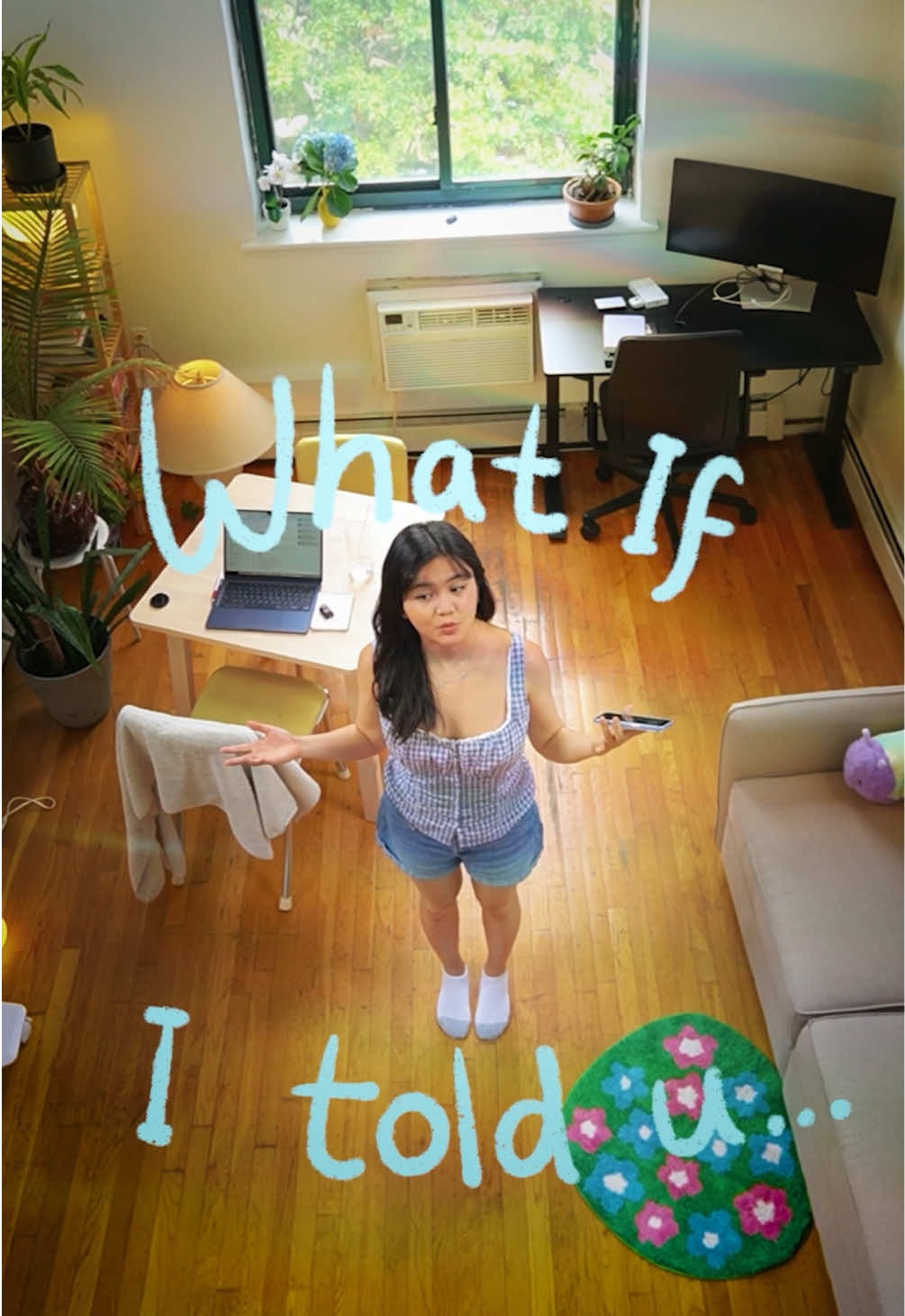
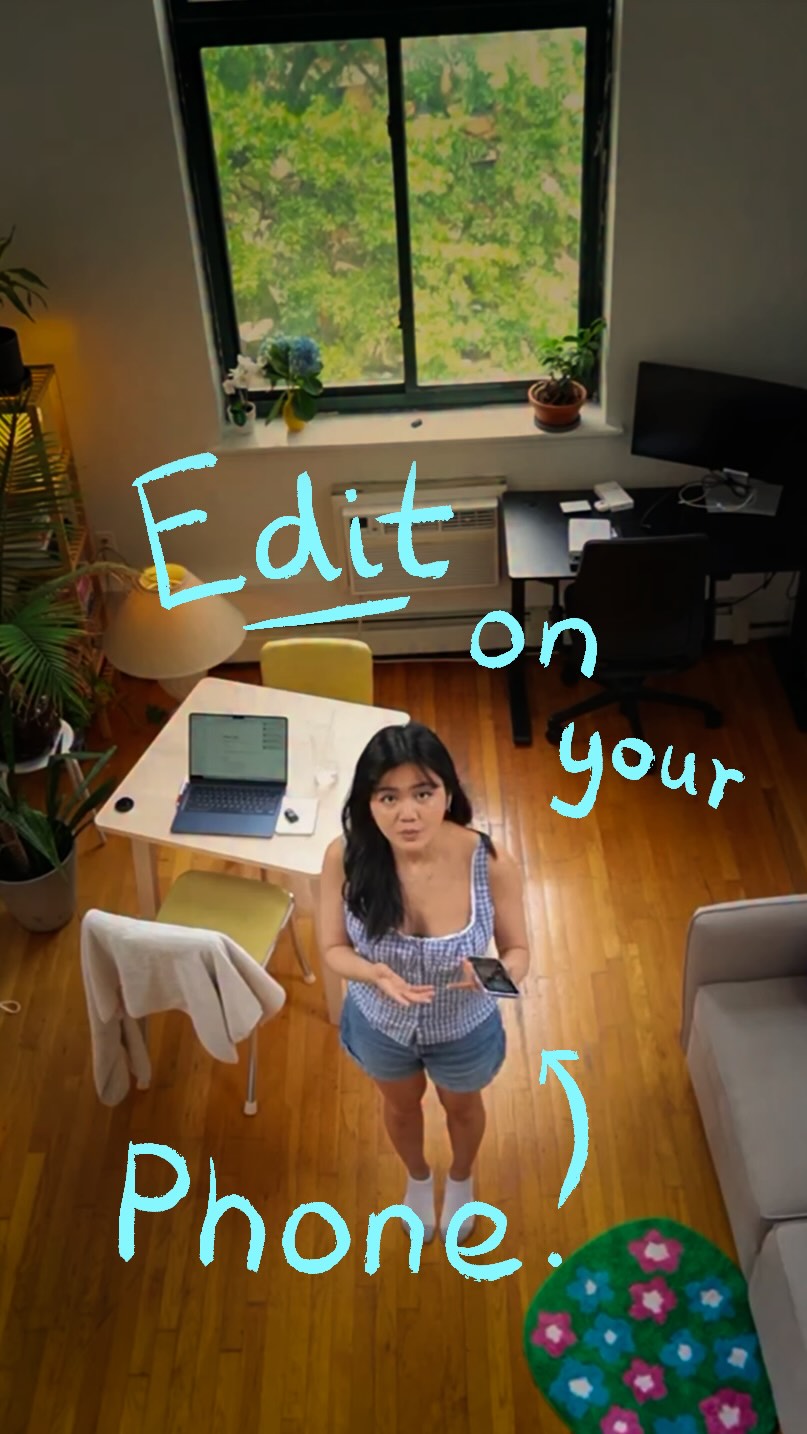
A creator speaks directly to the camera with an expressive face and energetic hand gestures, establishing an immediate personal connection while holding a smartphone.

[07]

Hook and payoff

The promise the opener makes, and how the video pays it back

Hook

A bold, comparative statement that challenges a widely-used incumbent product, creating immediate conflict and a reason to watch.

Payoff

A personal endorsement from the creator confirming their switch, followed by a strong call to action that emphasizes a low or zero-risk barrier to entry (e.g., 'it's free').

[08]

Narrative framework

The structural pattern this video runs on

Framework

The Challenger's Gambit

To persuade an audience to switch from an established product to a new one by identifying a specific, relatable flaw in the incumbent and demonstrating how the new product directly and elegantly solves it.

  1. 1

    The Rapid Value Proposition

    Quickly lists key features and benefits to establish the new product's credibility and inherent value, often using on-screen demonstrations.

  2. 2

    The Ecosystem Advantage

    Highlights a unique selling proposition related to integration or synergy with other platforms/products, a feature the competitor likely lacks.

  3. 3

    The 'Real Talk' Pivot

    A deliberate tonal shift to signal authenticity and introduce a relatable problem or frustration with the incumbent product.

  4. 4

    The Specific Pain Point

    Drills down on the general problem by providing a concrete, frustrating user-experience example with the competitor's product.

  5. 5

    The Direct Solution Showcase

    Visually demonstrates how the new product specifically and elegantly solves the exact pain point just described, creating a satisfying resolution.

Themes

  • Technology
  • Content Creation
  • Productivity
  • Creator Economy

Techniques

  • Product Demonstration
  • Comparative Analysis
  • Direct-to-camera

Trends

  • Mobile-first video editing
  • AI-powered creative tools

Post caption

I've been hesitant of mobile editing apps but Adobe may have just changed the game with Premiere on iPhone! There are a ton of standout features but the thing I really love is how user friendly it is. Premiere on iPhone has been such a helpful tool for my on the go edits and when I want to finish it on Premiere desktop, my project is right there waiting for me. It's free on the App Store so why not check it out! @Adobe Video #adobe #mobileeditingapp #videoediting #adobepartner

Text overlays

  • title · beginning

    Adobe

  • title · beginning

    CapCut.

  • title · beginning

    multi-track

  • title · beginning

    captions.

  • title · middle

    Premiere

  • title · middle

    fixes

Transcript

Guys, Adobe just put Premiere on your iPhone, and after trying it, you may not go back to CapCut. You get real multitrack editing, frame accurate trimming, and a whole bunch of tools that, in my opinion, make mobile editing so much faster. It has free AI powered enhanced speech and unlimited free auto captions. This is basically a powerful and precise social video editor designed for your pocket, perfect if you're a creator on the go. And when you get home, you can open up the exact same project in Premiere on desktop and start editing right where you left off. Okay. Real talk. The reason why CapCut frustrates me so much is that, in my opinion, it's not that user friendly. For example, when I simply wanna add an overlay or another video track, not only do I have to touch multiple buttons, but it's also frustratingly annoying to see the whole timeline. Premiere on iPhone completely fixes that with features that are easier for me like drag and drop gestures, and I can expand the timeline to see everything to be able to edit cleanly. I've made the switch to Premiere on iPhone for on the go edits, and you should check it out too, especially if you make content for social media. It's free on the App Store, so why not download it and check it out for yourself?

Creator reviews new video editing app. | Viral Hooks