@mmivia
TikTok · Vlog
@mmivia my secret is out 🤭 save & try this editing hackk #meitu #photoediting #editinghacks #howto #tutorial #editing #aesthetic #foryou #fyp #photography

@mmivia
TikTok · Vlog
@mmivia my secret is out 🤭 save & try this editing hackk #meitu #photoediting #editinghacks #howto #tutorial #editing #aesthetic #foryou #fyp #photography
Performance
Video #1752 · Vlog
[01]
The creator demonstrates a photo editing tutorial using the Meitu app to fix harsh camera flash effects. They begin by showing a photo with a 'flashback' issue, then transition to a screen recording to guide viewers through a step-by-step process involving tone selection, intensity and temperature adjustments, and using the manual eraser tool to isolate the effect. The tutorial concludes by showing how to balance the face and body skin tones, finishing with a clear before-and-after comparison to showcase the final result.
[02]
[03]
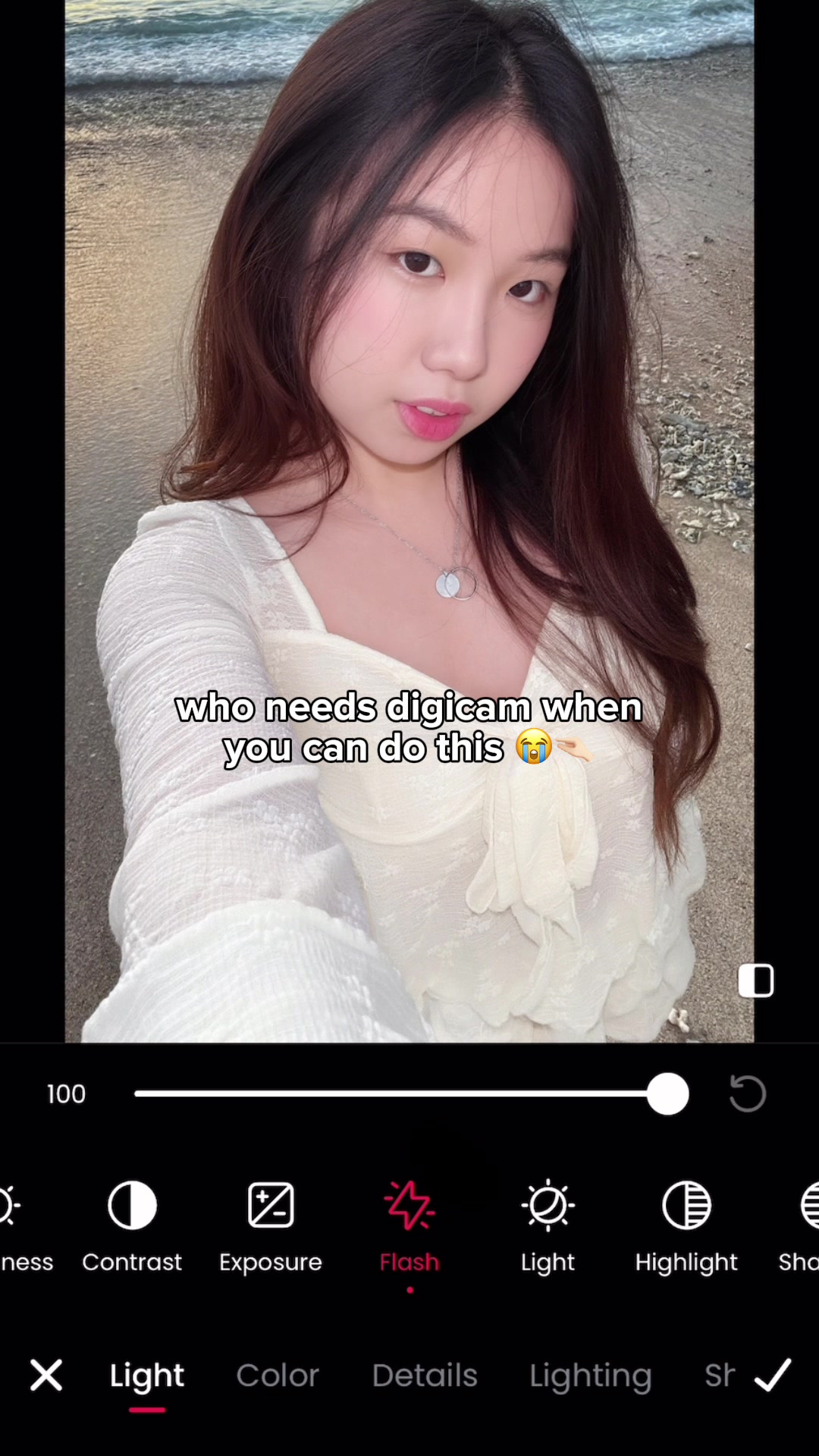 11.1M205.8×Photo editing app digicam hack@mmivia · Tutorial / How To
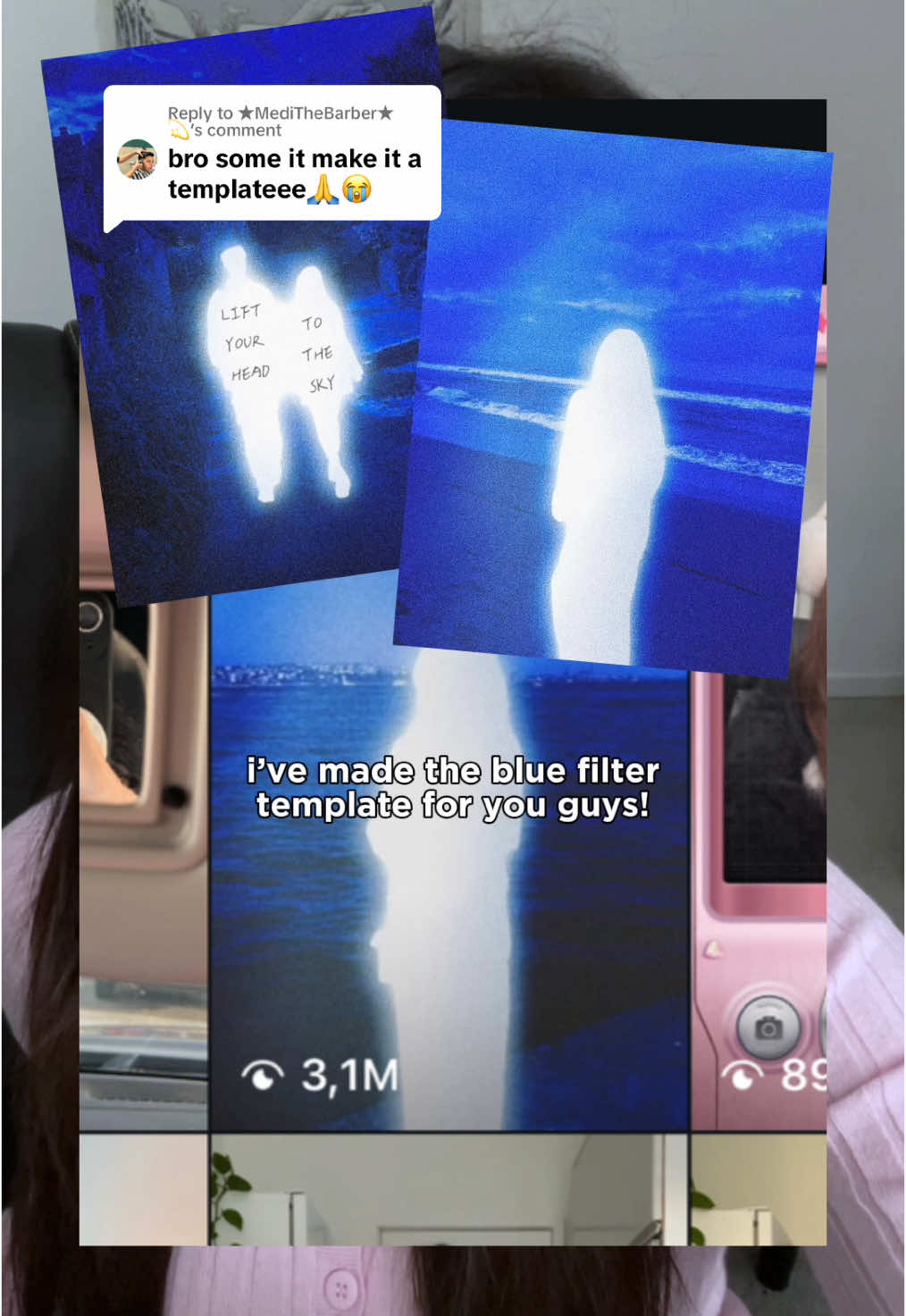 540.4KHow to get the glowing blue filter effect in Meitu@mmivia · Tutorial / How To
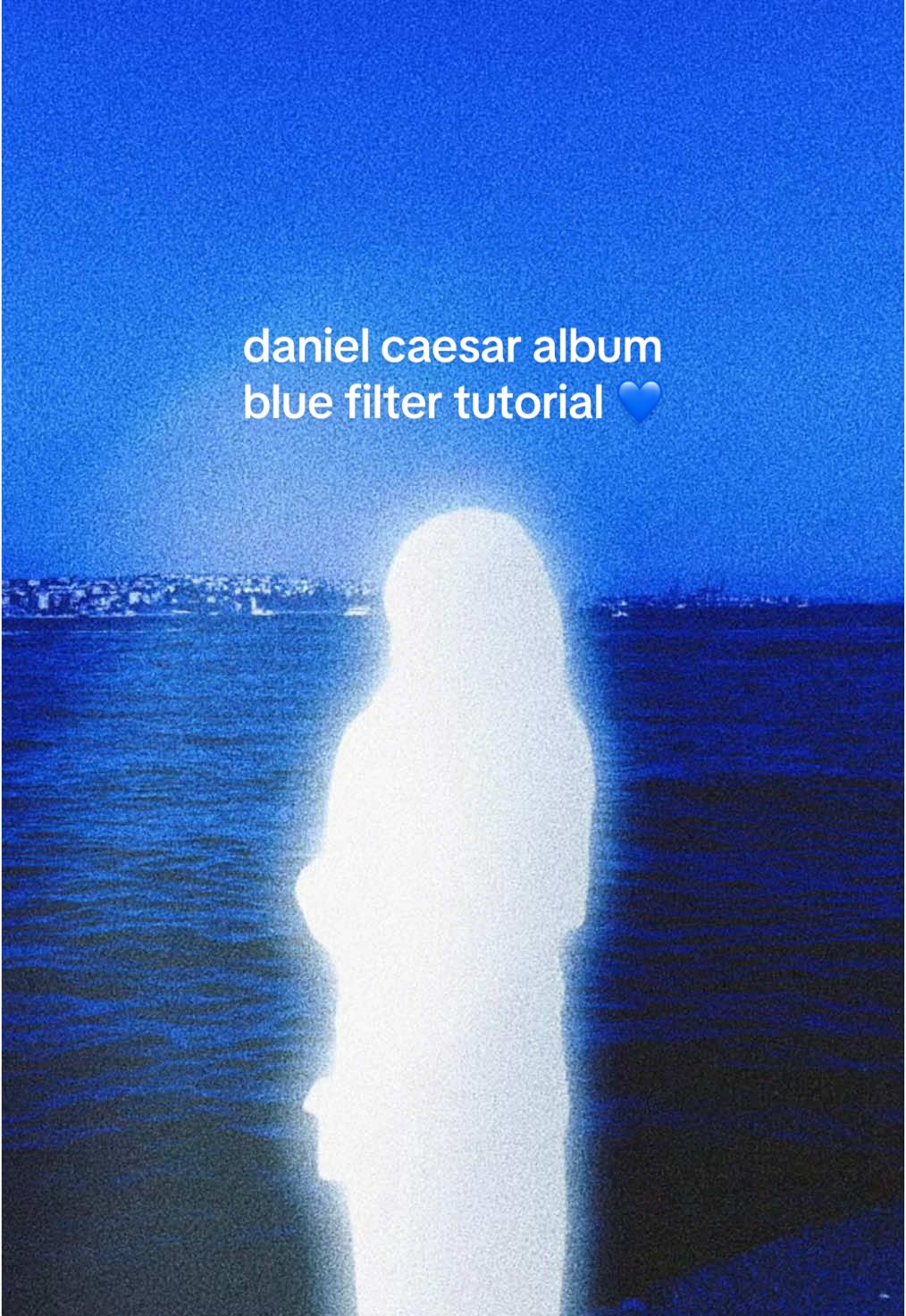 6.4M7.1×Recreating Daniel Caesar album cover aesthetic in Meitu@mmivia · Tutorial / How To
 259.3K2.4×Boyfriend photo editing tutorial guide@googlephotos · Tutorial / How To
 4MBefore and after flash photography@godox_global · Tutorial / How To
 825K125.5×Demonstrates before and after lighting@claireliz_ · Before/After Transformation
 367.6K36.6×Do this not that video tips@ugc.withrach · Good vs Bad
 2.9M7×Tutorial for TikTok voice filter@misscarolineflett · Tutorial / How To
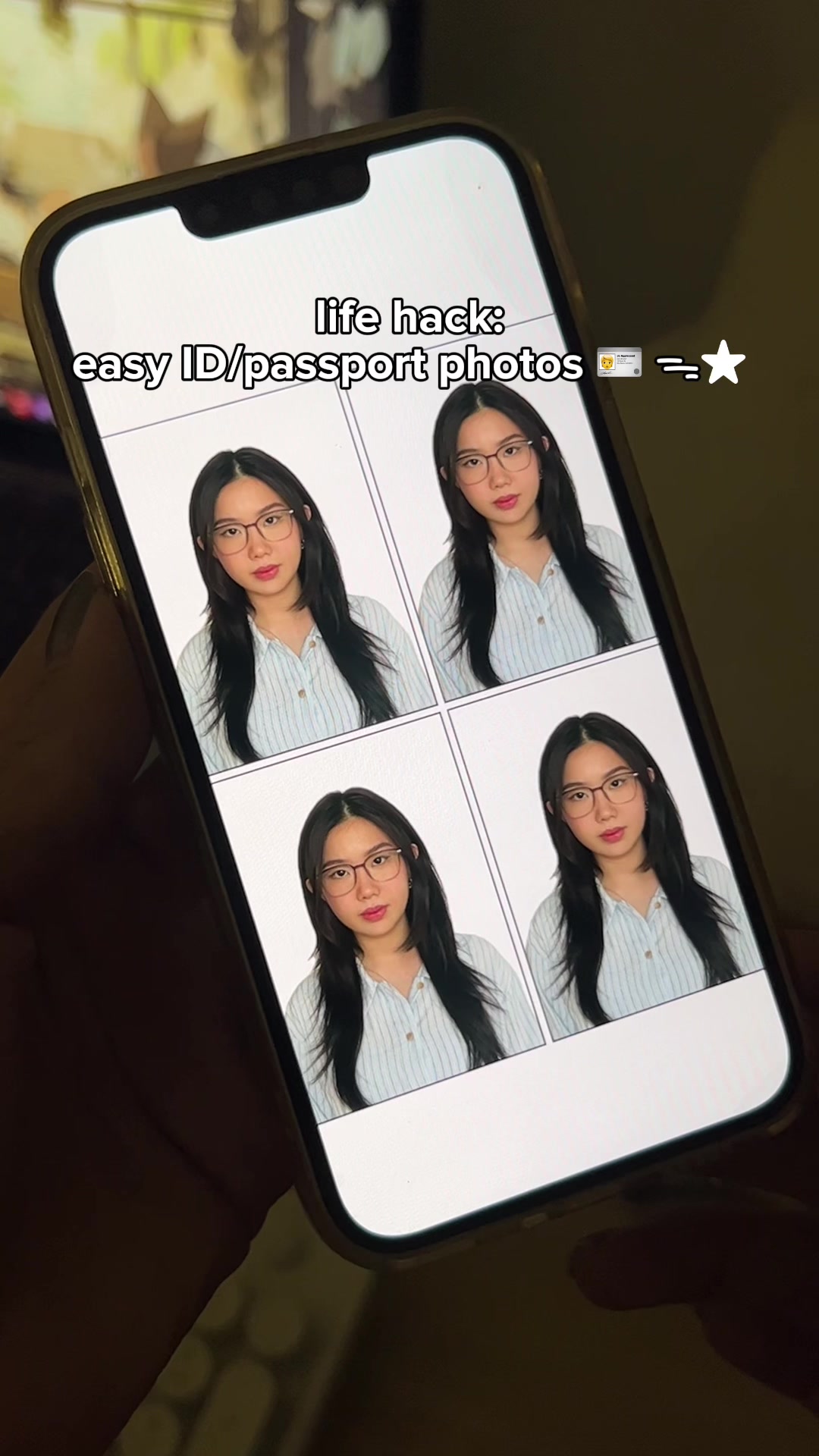 2.1M2.3×How to make ID and passport photos using the Cutout Pro app@mmivia · Tutorial / How To
 67.8KRecreating a cool video effect@byrvm_contentcreation · Tutorial / How To
 5.7M23.2×Creator demos new video app@covacut · Tutorial / How To
 234.7KApp tutorial for digicam photos@mmivia · Tutorial / How To
[04]
[05]
What stops the scroll in the first 3 seconds
Title hook · 65%
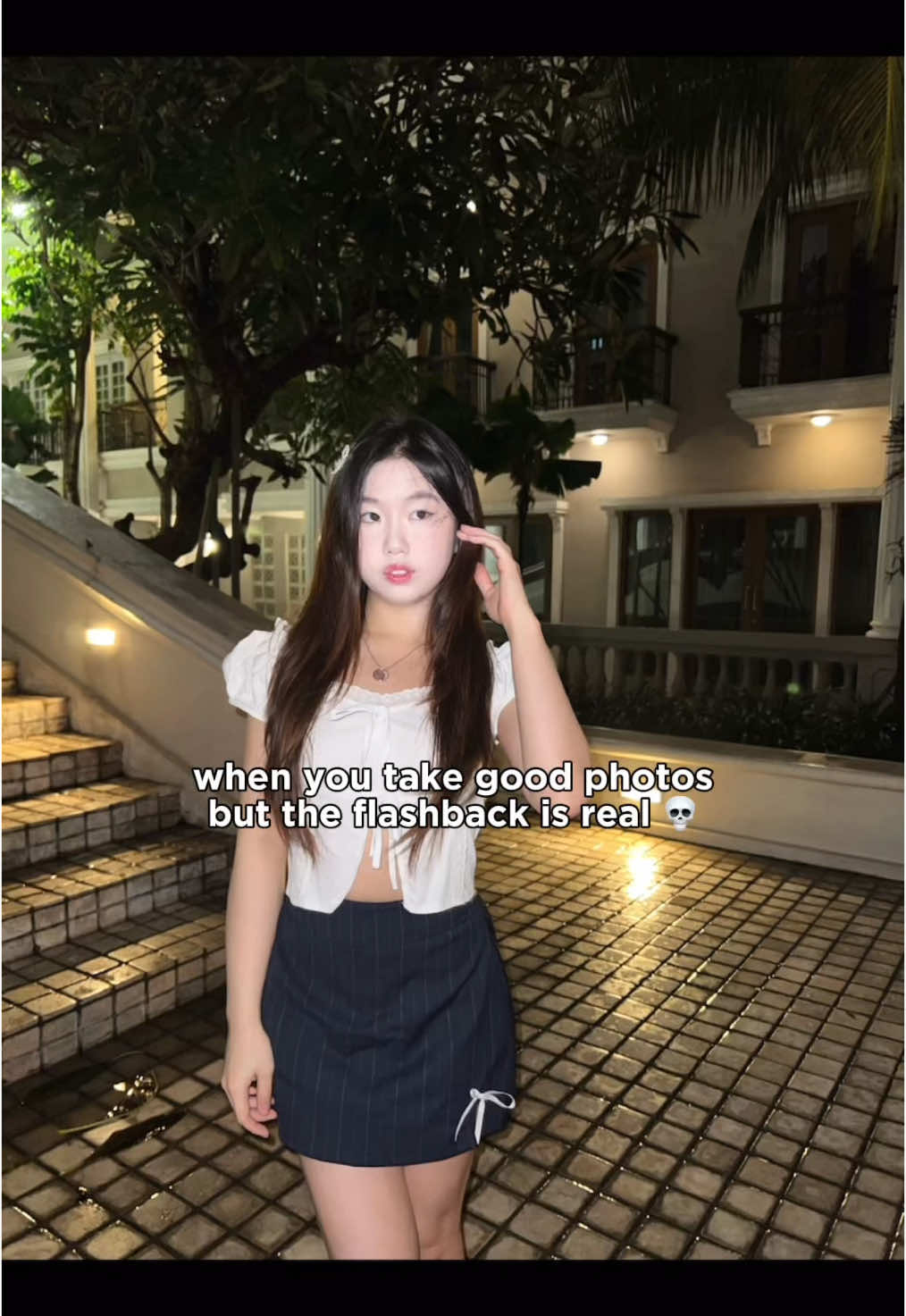
when you take good photos but the flashback is real 💀
Visual hook · 35%
A full-body shot of a young woman posing at night in an aesthetically pleasing outdoor setting with cobblestone ground and well-lit architecture. The direct, harsh light from the camera's flash is visible on her, immediately illustrating the 'flashback' problem mentioned in the title hook.
[06]
Steal this for your own video
when your but the is real 💀
[07]
The promise the opener makes, and how the video pays it back
Hook
Visually present a common, relatable aesthetic problem with a text overlay that explicitly names the frustration.
Payoff
Conclude with a direct, quick-cut comparison of the 'before' state and the perfected 'after' state to provide a satisfying resolution and prove the method's efficacy.
[08]
The structural pattern this video runs on
Framework
The 'Secret Fix' Tutorial
To solve a common, visually-driven problem by revealing a step-by-step process using a specific tool, culminating in a dramatic before-and-after transformation.
The Tool Reveal
Immediately cut to identify the specific tool or product and the primary function that will be used to solve the problem.
The Foundational Step
Demonstrate the first, most impactful action or setting change within the tool that begins the transformation.
The Refinement Process
Show a series of quick, fine-tuning adjustments using secondary options to demonstrate nuance and control over the outcome.
The Pro-Tip Application
Introduce a more advanced or non-obvious technique, such as manual selection or isolation, that elevates the solution from basic to expert-level.
The Final Polish
Demonstrate one last adjustment that unifies the previous edits and perfects the final result.
my secret is out 🤭 save & try this editing hackk #meitu #photoediting #editinghacks #howto #tutorial #editing #aesthetic #foryou #fyp #photography
title · beginning
when you take good photos but the flashback is real 💀
informational · middle
open Meitu & select “Beautify”
informational · middle
select “Tone” -> Light Brown
informational · middle
adjust intensity & temperature
informational · middle
go to “Manual” -> use eraser on body
informational · middle
adjust more with Balance
contextual · end
before:
contextual · end
after ✨