@ginyboi
Instagram · Skit
@ginyboi How J-cut and L-cuts can save your videos. Shoutout to @daniel.does.ads for original idea

@ginyboi
Instagram · Skit
@ginyboi How J-cut and L-cuts can save your videos. Shoutout to @daniel.does.ads for original idea
Performance
Video #41509 · Skit
[01]
The creator plays two roles, a novice editor and a pro, to explain a video editing concept. The novice complains about choppy videos, and the pro explains that the solution is to use J-cuts and L-cuts, demonstrating the techniques within their dialogue before showing graphical examples of the editing timelines.
[02]
[03]
 2.3M30.4×Tutorial on seamless video editing.@omgadrian · Tutorial / How To
 2M9×Fast-paced video editing tutorial@johnbucog · Tutorial / How To
 151.3KVideo editing tutorial with quick cuts@johnbucog · Tutorial / How To
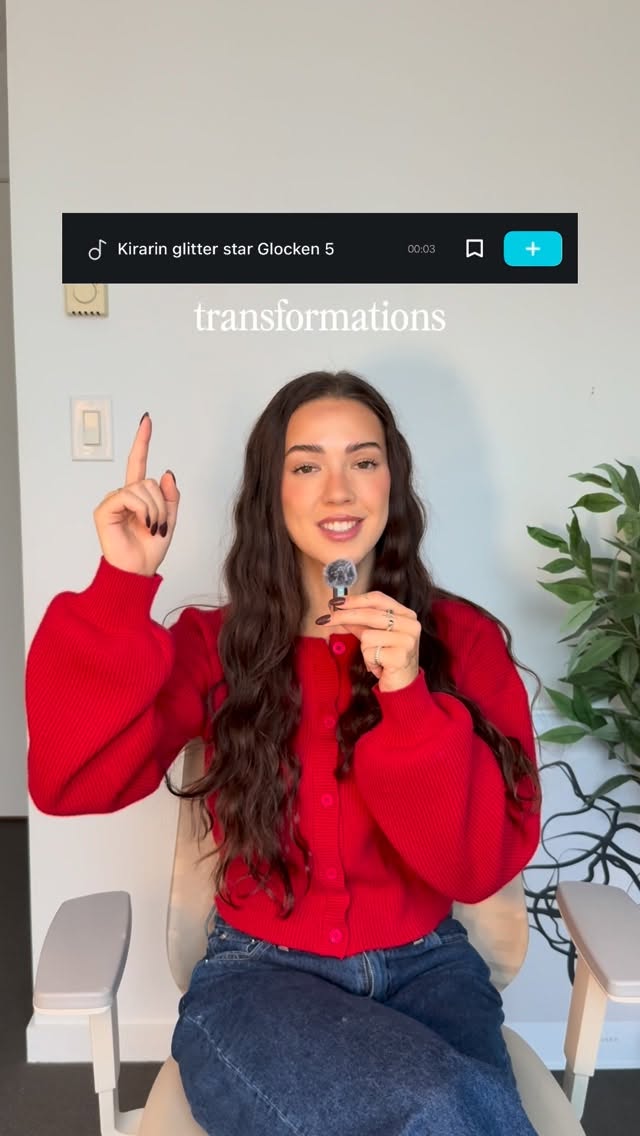 86.8K19.1×Rapid fire sound effect tips@itsashleyboston · Rapid Fire Listicle
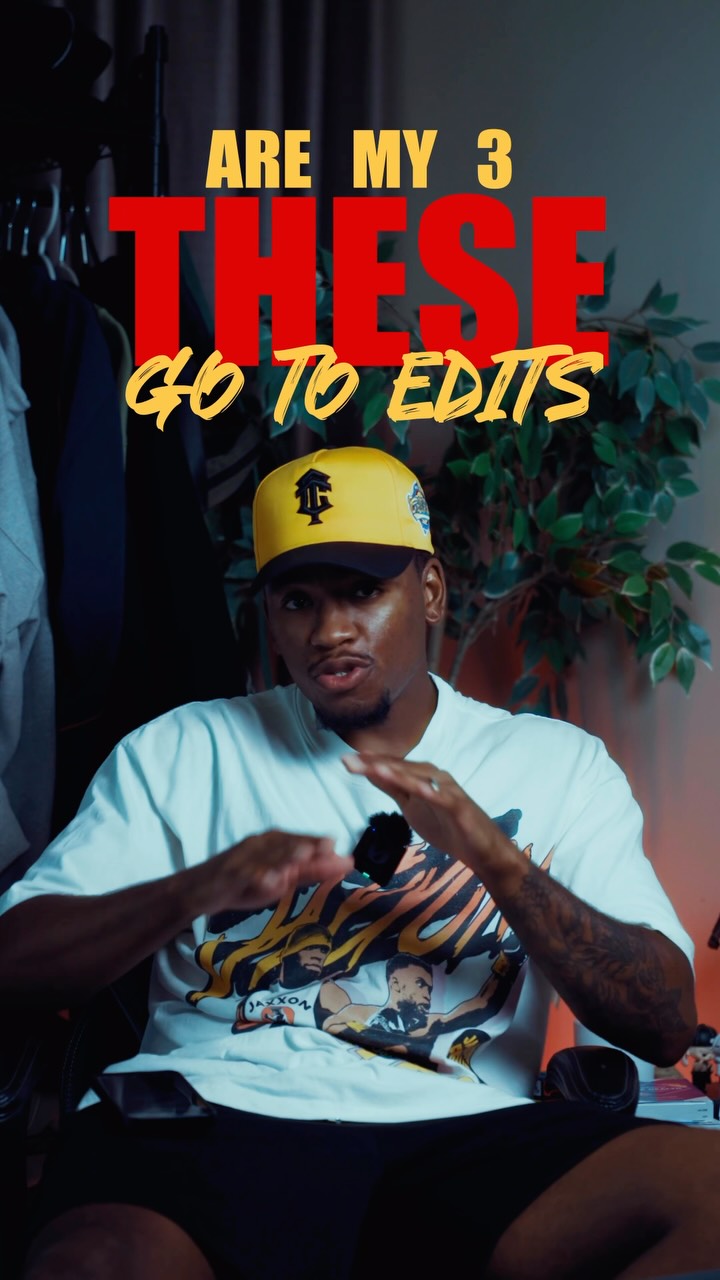 659.8KCreator shares three favorite edits@kalylsfilms · Tutorial / How To
 478K9.8×How to make frame jump effect@artzenmedia · Tutorial / How To
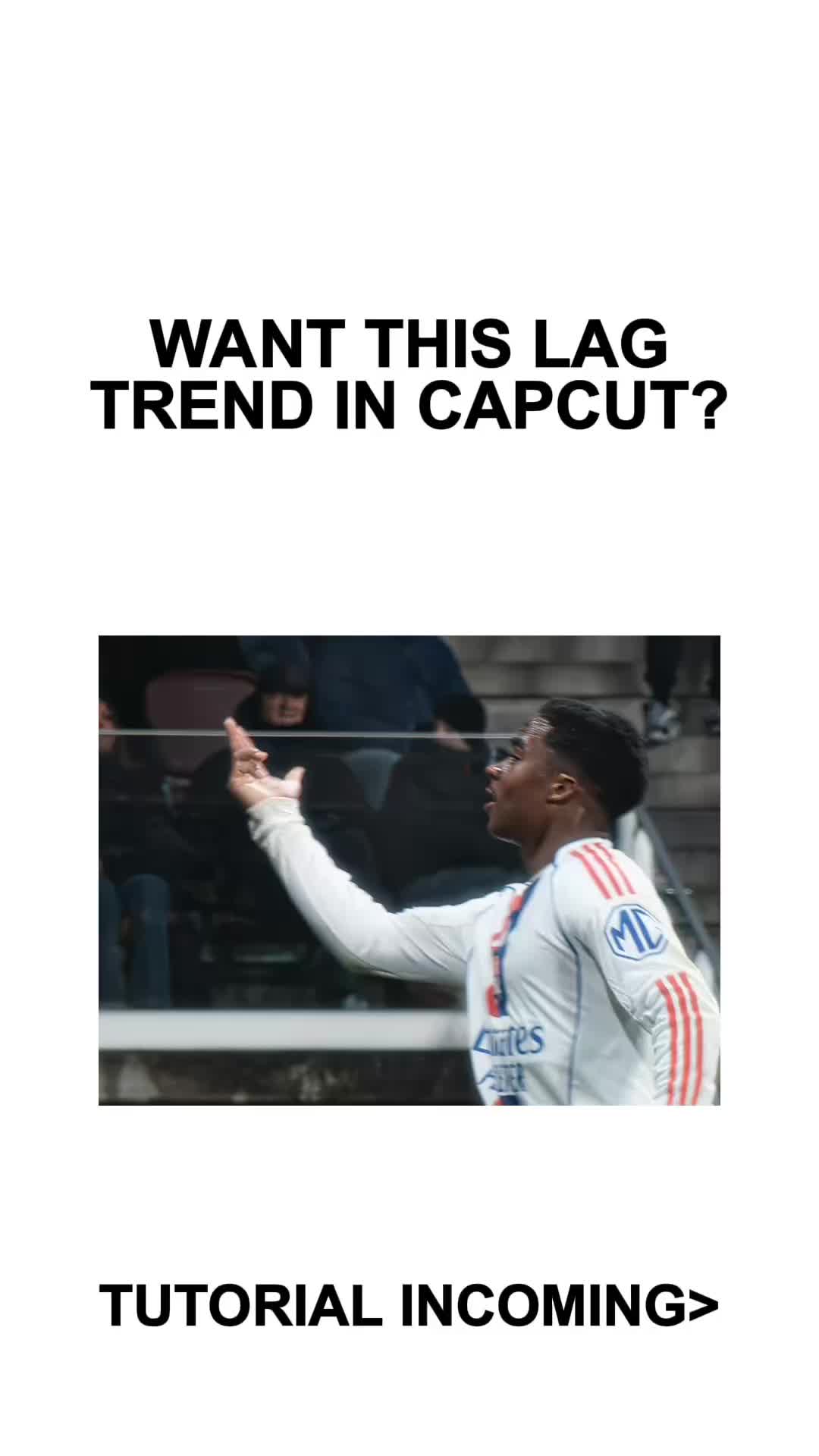 410.3KCapCut lag trend editing tutorial@mxtstutorials · Tutorial / How To
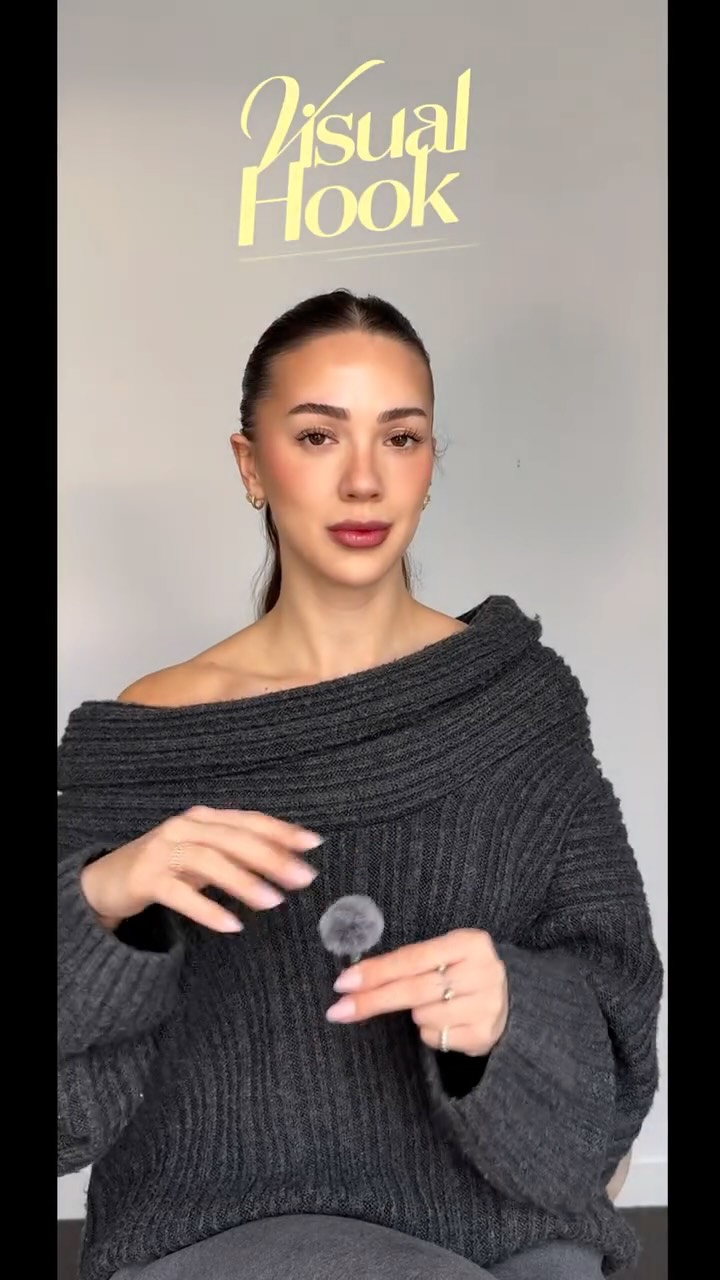 214.3K251.9×CapCut visual hook editing tutorial@itsashleyboston · Tutorial / How To
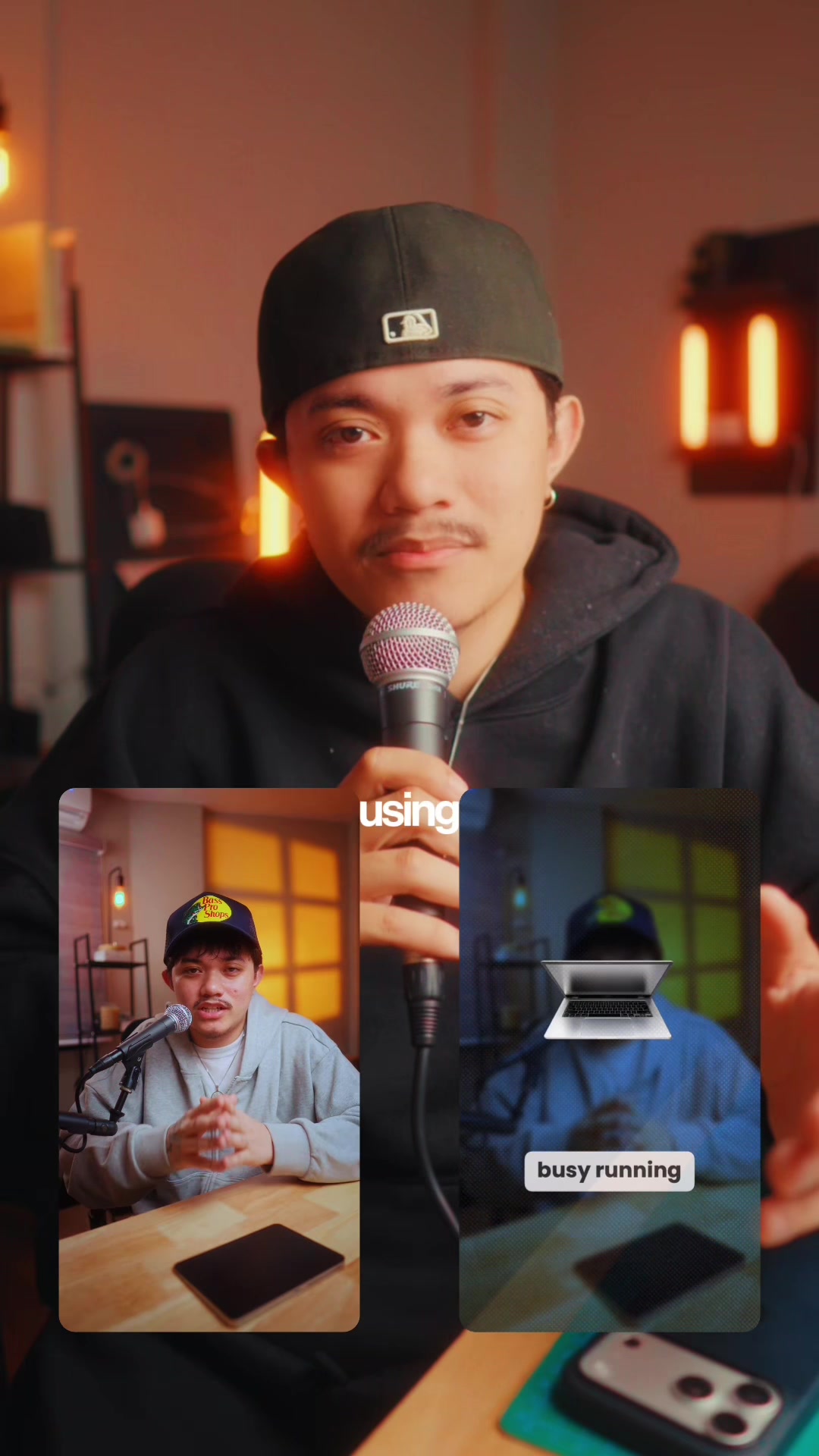 83.2KExplains editing problem, demos app solution.@ciggmedia · Product Demo
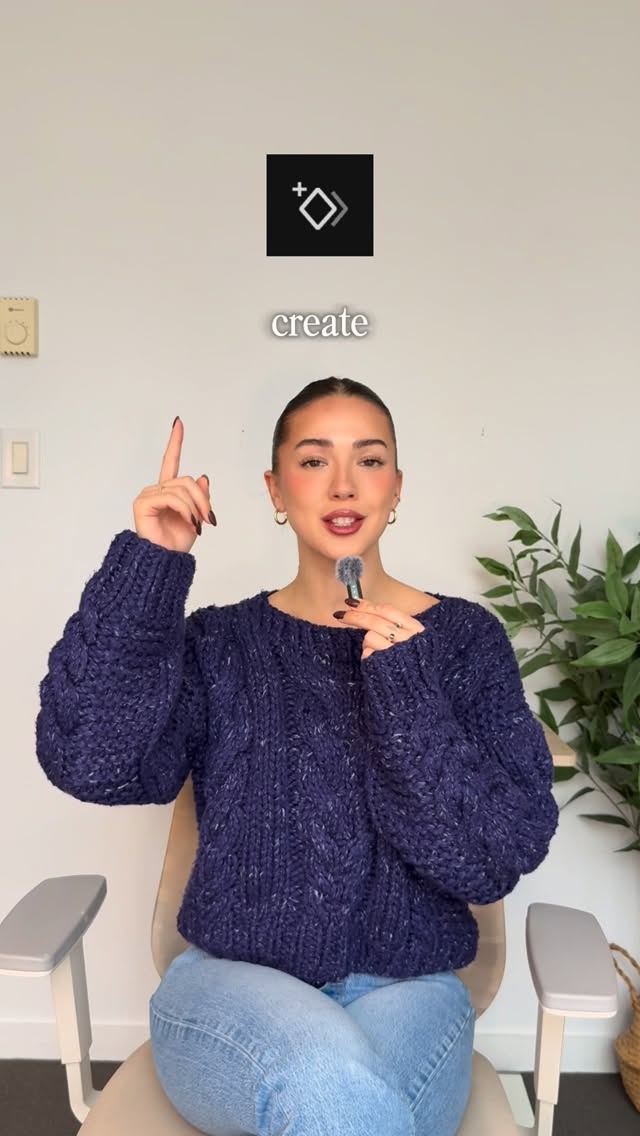 220.7K40.8×Rapid fire video editing tips@itsashleyboston · Rapid Fire Listicle
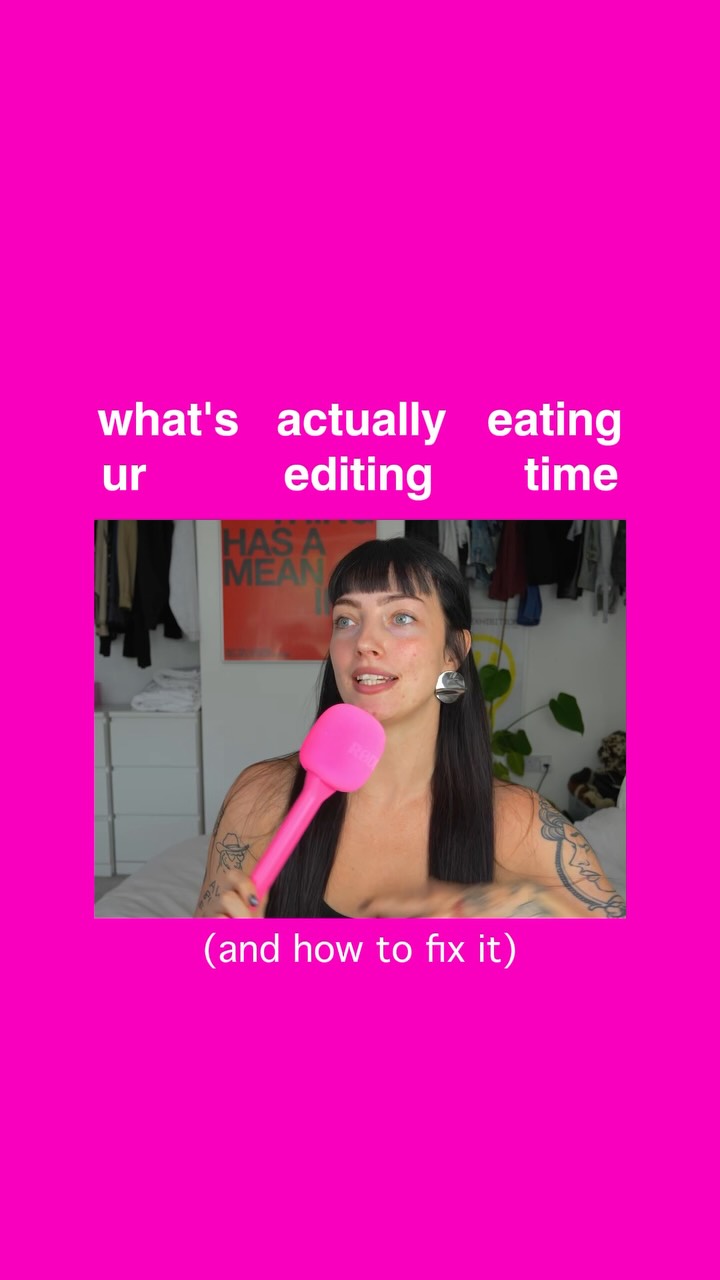 126.4K33.6×Three-step guide for faster editing@floofysocials · Tutorial / How To
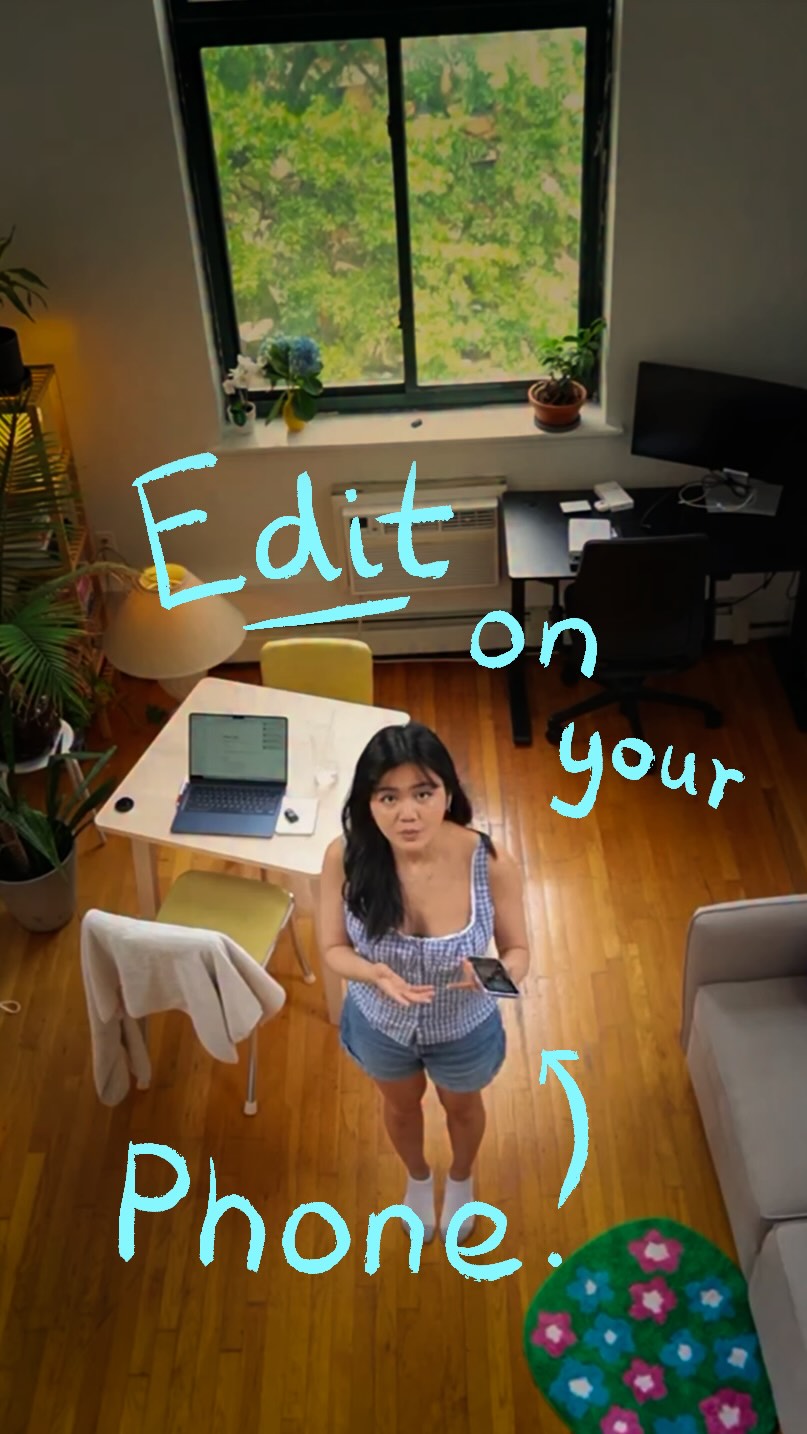 5.7M23.2×Creator demos new video app@covacut · Tutorial / How To
[04]
[05]
What stops the scroll in the first 3 seconds
Title hook · 15%
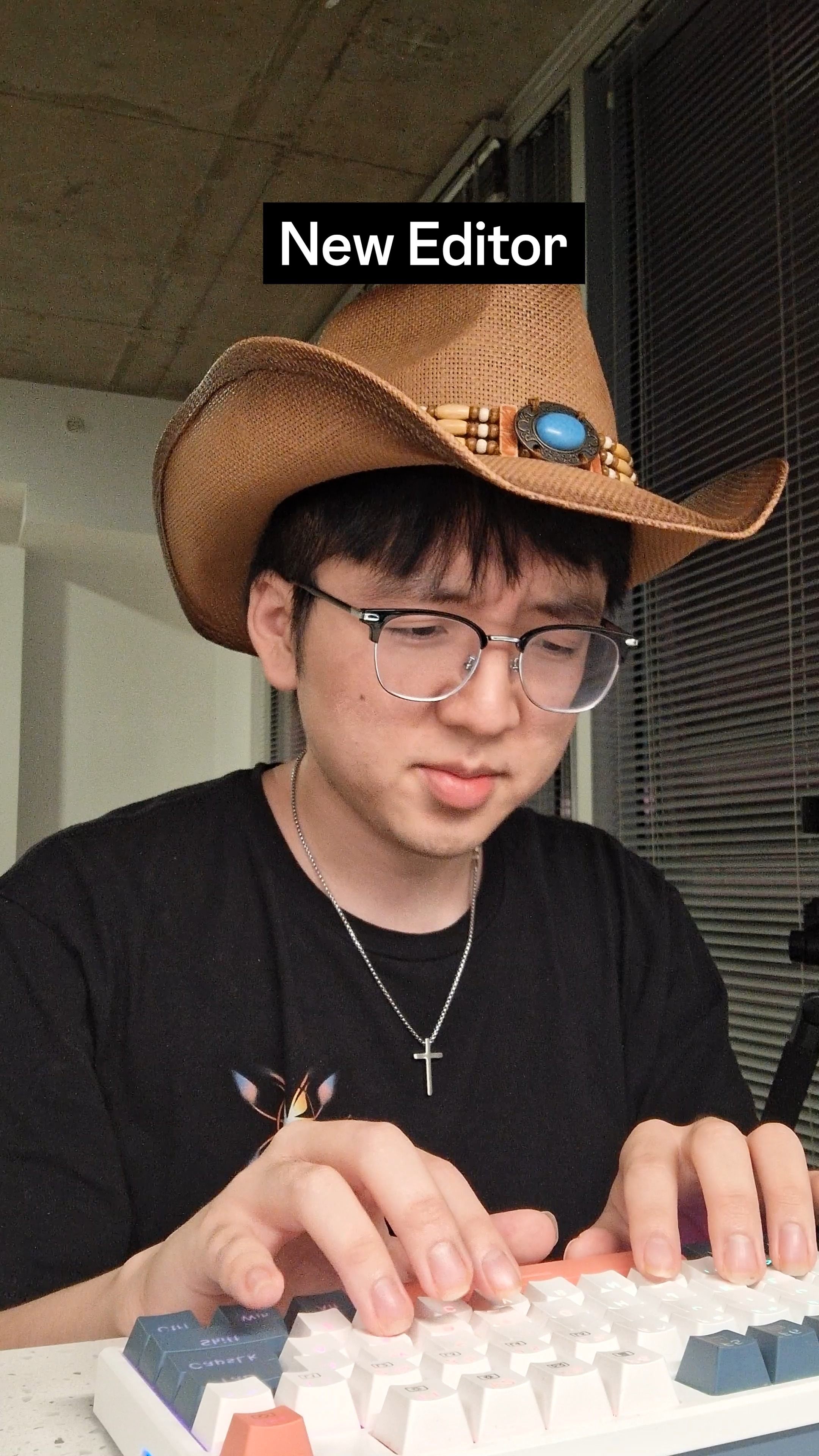
New Editor
Verbal hook · 60%
Why does my videos look so choppy?
Visual hook · 25%
A person wearing a cowboy hat while typing on a colorful mechanical keyboard, creating an unexpected and visually distinct character.
[06]
Steal this for your own video
Why does my always look so ?
[07]
The promise the opener makes, and how the video pays it back
Hook
A novice character, representing the viewer, asks a direct question about a common and frustrating problem, immediately hooking anyone who shares that pain point.
Payoff
The expert gives the techniques formal names, summarizes their core benefit with a visual aid, and delivers a concluding sign-off, leaving the viewer with a clear, named, and demonstrated solution to their initial problem.
[08]
The structural pattern this video runs on
Framework
The Expert Dialogue
A dialogue between a novice and an expert to identify a common problem, debunk a flawed solution, and reveal a superior method through explanation and live demonstration.
The Expert Diagnosis
An expert character provides a concise, authoritative diagnosis of the problem's root cause, establishing credibility and promising a solution.
The Flawed Assumption
The novice voices a common but incorrect assumption about how to solve the problem, making the audience feel understood and validating their likely mistakes.
The First Corrective Principle
The expert introduces the first part of the correct solution, explaining a new technique and its specific benefit to the audience.
The 'Show, Don't Tell' Demo
The expert introduces a second, related technique and simultaneously executes it within the video's edit, making an abstract concept tangible and impressive.
The Audience Surrogate Reaction
The novice character reacts with surprise and understanding, mirroring the desired 'aha!' moment for the viewer and confirming the technique's effectiveness.
How J-cut and L-cuts can save your videos. Shoutout to @daniel.does.ads for original idea
contextual · beginning
New Editor
contextual · beginning
Pro
informational · middle
J cut
informational · middle
L cut
Why does my videos look so choppy? Because they're cutting them incorrectly. Ow, there's nothing hard about it. All I need to do Is cut whenever the next person is talking? Yeah, so what should I do instead? Well, you can cut to the other person before I finish talking. No the audience can see my reaction. Exactly. Or I can start talking before you cut to me, just like how I did it right now. Woah, I didn't see that. This is called the j cut and the l cut. It helps you cut more smoothly. God bless you.