@johnbucog
Instagram · Speaker address
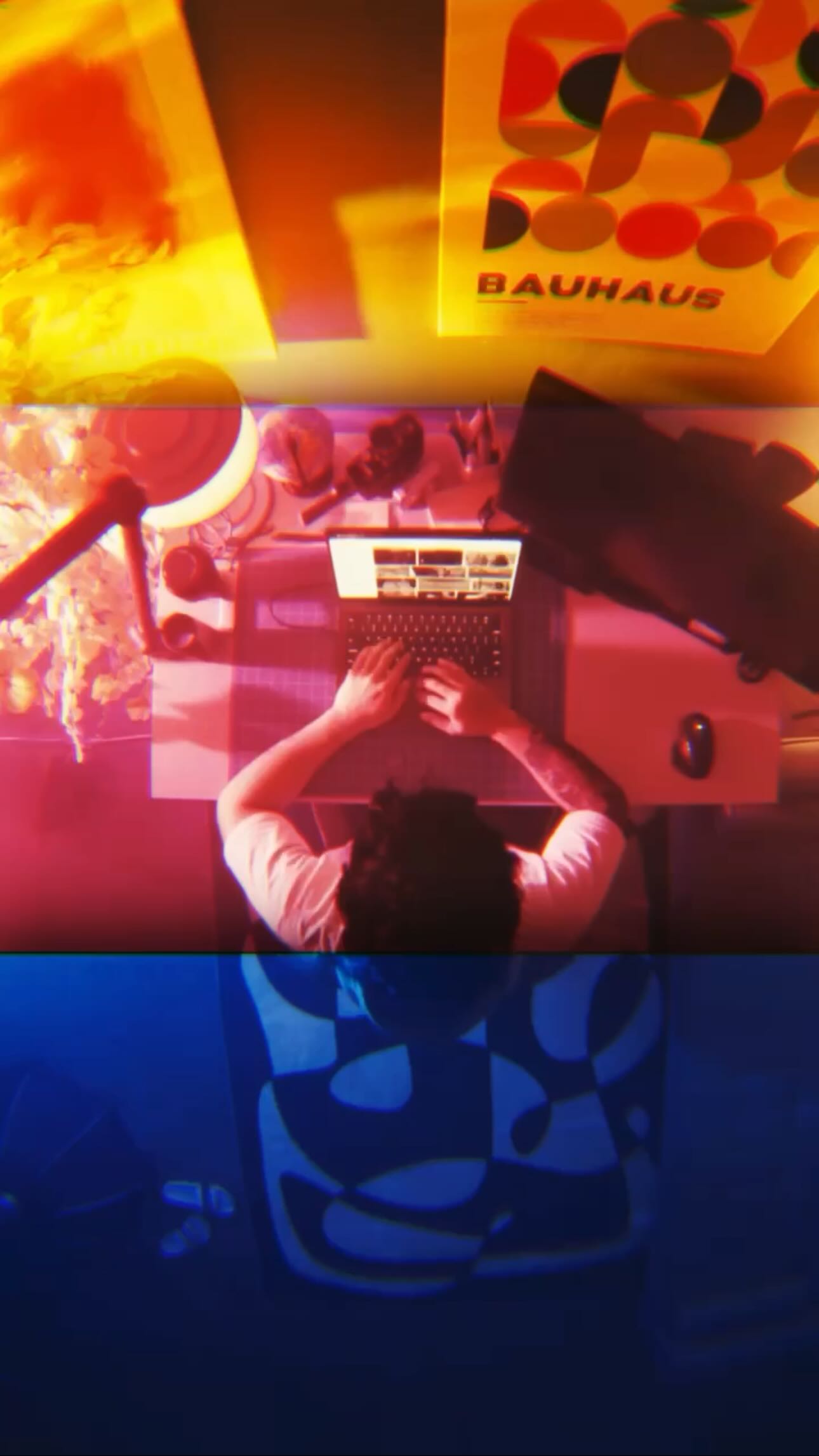
@johnbucog Viral Transition Tutorial 🤝🏽 #content #editing #creative

@johnbucog
Instagram · Speaker address
@johnbucog Viral Transition Tutorial 🤝🏽 #content #editing #creative
Performance
Video #12558 · Speaker address
[01]
The creator explains how to create a viral video transition using only three shots. He breaks down the process into shooting the initial clip, shooting the falling clip, and shooting a close-up of the eye. He then demonstrates how to edit the clips together using After Effects, including masking, adding a sun effect, and camera tracking.
[02]
[03]
 478K9.8×How to make frame jump effect@artzenmedia · Tutorial / How To
 67.8KRecreating a cool video effect@byrvm_contentcreation · Tutorial / How To
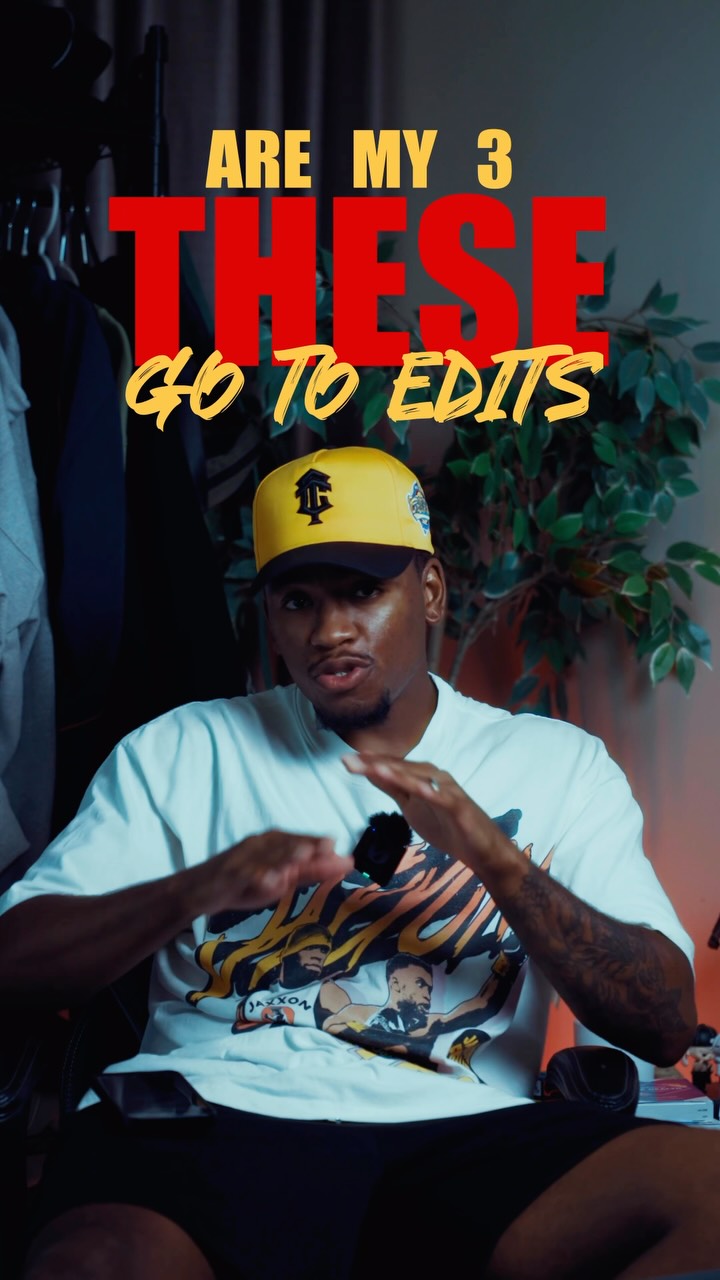 659.8KCreator shares three favorite edits@kalylsfilms · Tutorial / How To
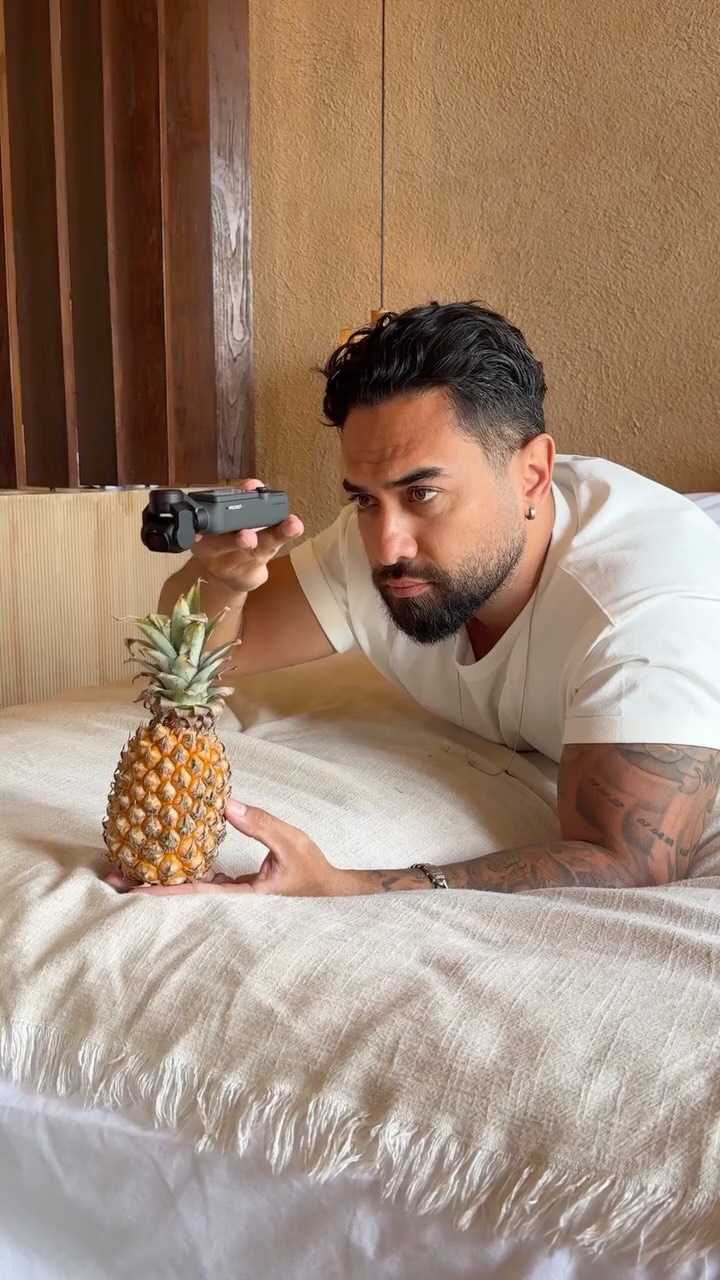 121.8M4711.6×Behind the scenes pineapple transition@osmo_global · Behind The Scenes
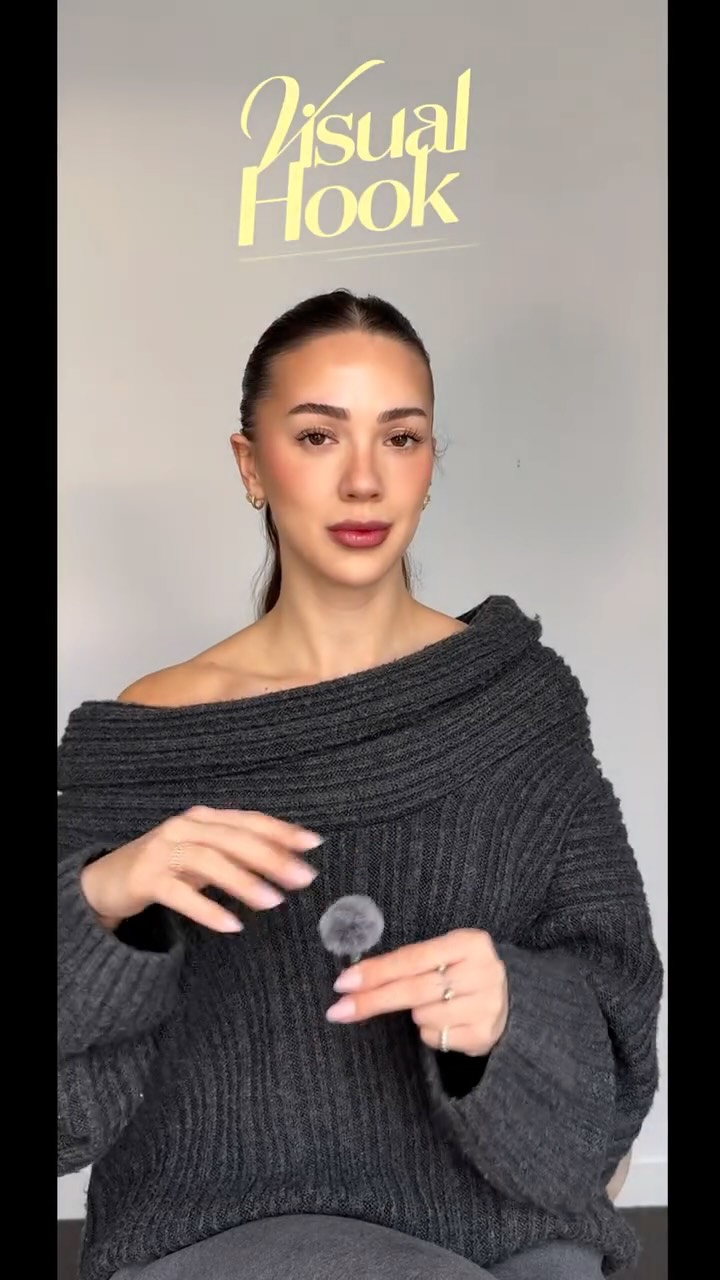 214.3K251.9×CapCut visual hook editing tutorial@itsashleyboston · Tutorial / How To
 2M9×Fast-paced video editing tutorial@johnbucog · Tutorial / How To
 58.1KCinematic video production step-by-step@johnbucog · Breakdown
 151.3KVideo editing tutorial with quick cuts@johnbucog · Tutorial / How To
 2.4M2.3×DIY film setup vs result@citizen_theartist · Behind The Scenes
 116.9KHow to make 3D photos@joshglavinfilms · Tutorial / How To
 2.3M30.4×Tutorial on seamless video editing.@omgadrian · Tutorial / How To
 889.1K4.2×Creator explains video editing trick@chloe.shih · Tutorial / How To
[04]
[05]
What stops the scroll in the first 3 seconds
Title hook · 45%
Viral Transition Tutorial 🤝🏽
Verbal hook · 50%
This is how I pulled off that crazy viral transition with just three shots.
Visual hook · 5%
The video opens with a shot of the creator on a rooftop with a city skyline in the background, making a hand gesture towards the camera.
[07]
The promise the opener makes, and how the video pays it back
Hook
Showcase a visually impressive transition to immediately grab attention.
Payoff
Reiterate the simplicity of the starting point to encourage viewers to try it themselves.
[08]
The structural pattern this video runs on
Framework
Viral Transition Deconstruction
A tutorial breaking down a complex video transition into simple, repeatable steps.
The Teaser
Present the final product of the transition to establish credibility and pique interest.
The Shot Breakdown
Explain the number of shots required, setting expectations for simplicity.
First Shot: The Fall
Detail the initial shot, emphasizing the importance of matching movements.
Second Shot: Empty Canvas
Explain the second shot, highlighting the need for a matching pose and angle.
Third Shot: The Eye
Introduce the close-up eye shot and its role in selling the effect.
Editing: The Mask
Describe the editing process, starting with masking in After Effects.
Editing: The Sun
Explain adding a sun effect and Gaussian blur for visual appeal.
Editing: The Match
Detail lining up the first and second shots, adding a flash and rotation.
Editing: The Pupil
Describe masking the pupil, adding 3D layers, and camera tracking.
Viral Transition Tutorial 🤝🏽 #content #editing #creative
informational · beginning
crazy viral transition, with just
informational · beginning
3
informational · beginning
let me
title · middle
First
informational · middle
just sit on a
title · middle
CHAIR
informational · middle
THE IMPORTANT PART HERE,
informational · middle
remember your
informational · middle
You gotta match
title · middle
NEXT UP,
informational · middle
Find an empty
title · middle
Background.
informational · middle
Do that
title · middle
SAME POSE,
title · middle
SAME ANGLE,
informational · middle
And nail that
title · middle
FRAME.
informational · middle
that's how you make the
title · middle
MATCH CUT
informational · middle
fall.
title · middle
Then,
informational · middle
Get a close up of
informational · middle
It's quick, but it makes
title · middle
THE TRANSITION
informational · middle
This shot
informational · middle
Now in the
title · middle
EDIT,
informational · middle
Pause that first shot,
informational · middle
right before
informational · middle
mask yourself
informational · middle
drop that sun
informational · middle
and hit it with
informational · middle
Now,
informational · middle
we line up
informational · middle
Match the pose,
informational · middle
Throw in a
informational · middle
Maybe a bit
title · middle
THIS
title · middle
TRICKS THE
title · middle
EYE.
informational · middle
it's super
informational · middle
Last move,
informational · middle
Mask out the
informational · middle
Add some
title · middle
3D layers
informational · middle
And Camera Track it.
informational · middle
That way,
informational · middle
it looks like we're flying
title · middle
THROUGH THE
informational · end
And all of this?
informational · end
Started with just
title · end
ONE
title · end
SHOT.
informational · end
Just me,
This is how I pulled off that crazy viral transition with just three shots. Let me break it down. Worst shot is easy. Just sit on a chair and try to fall like this. The important part here, remember your movements. You better match those later. Next up, find an empty background. Do that same pose, same angle, and nail that frame. That's how you make the match count fall. Then better close-up of your eye. It's quick, but it makes you transition. This shot sells the effect. Now in the edit, pause that first shot right before you fall. Mask yourself in better effects, drop that sun behind it, and hit it with a light gaussian blur. No, we line up that first and second shot. Match the pose, throw in a flash, maybe a bit of a rotation. This tricks the eye. It's super smooth. Last move, not stop the people, add some three d layers, and camera rank it. That way, it looks like we're flying through the eye. And all of this started with just one shot. Just me in a chair, falling like.