Post caption
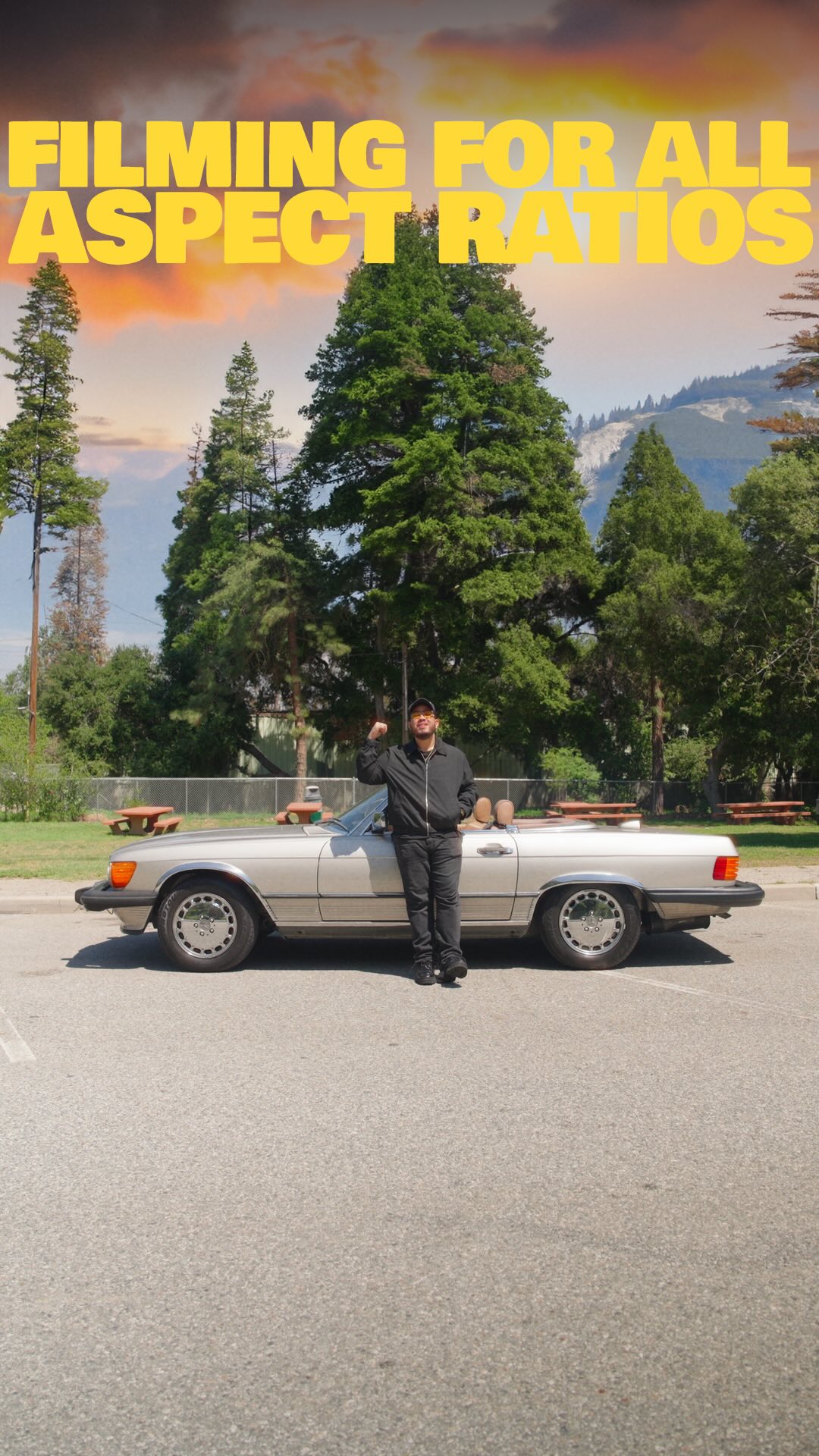
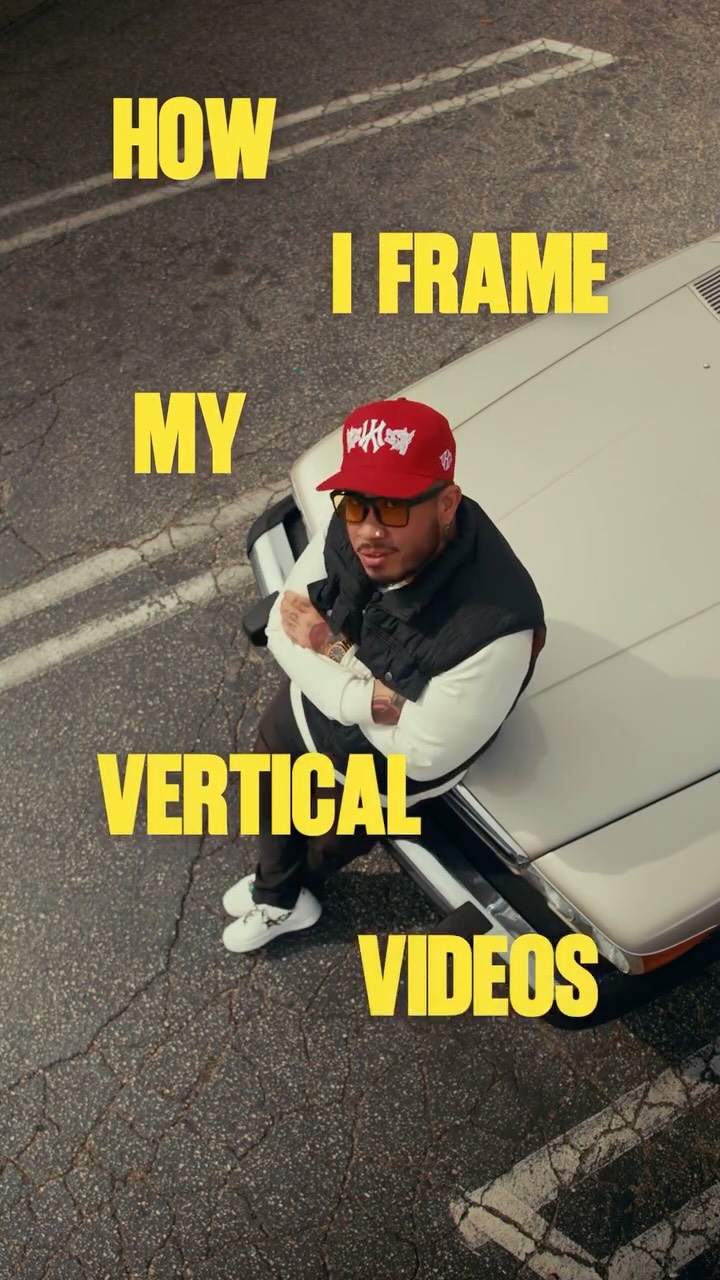
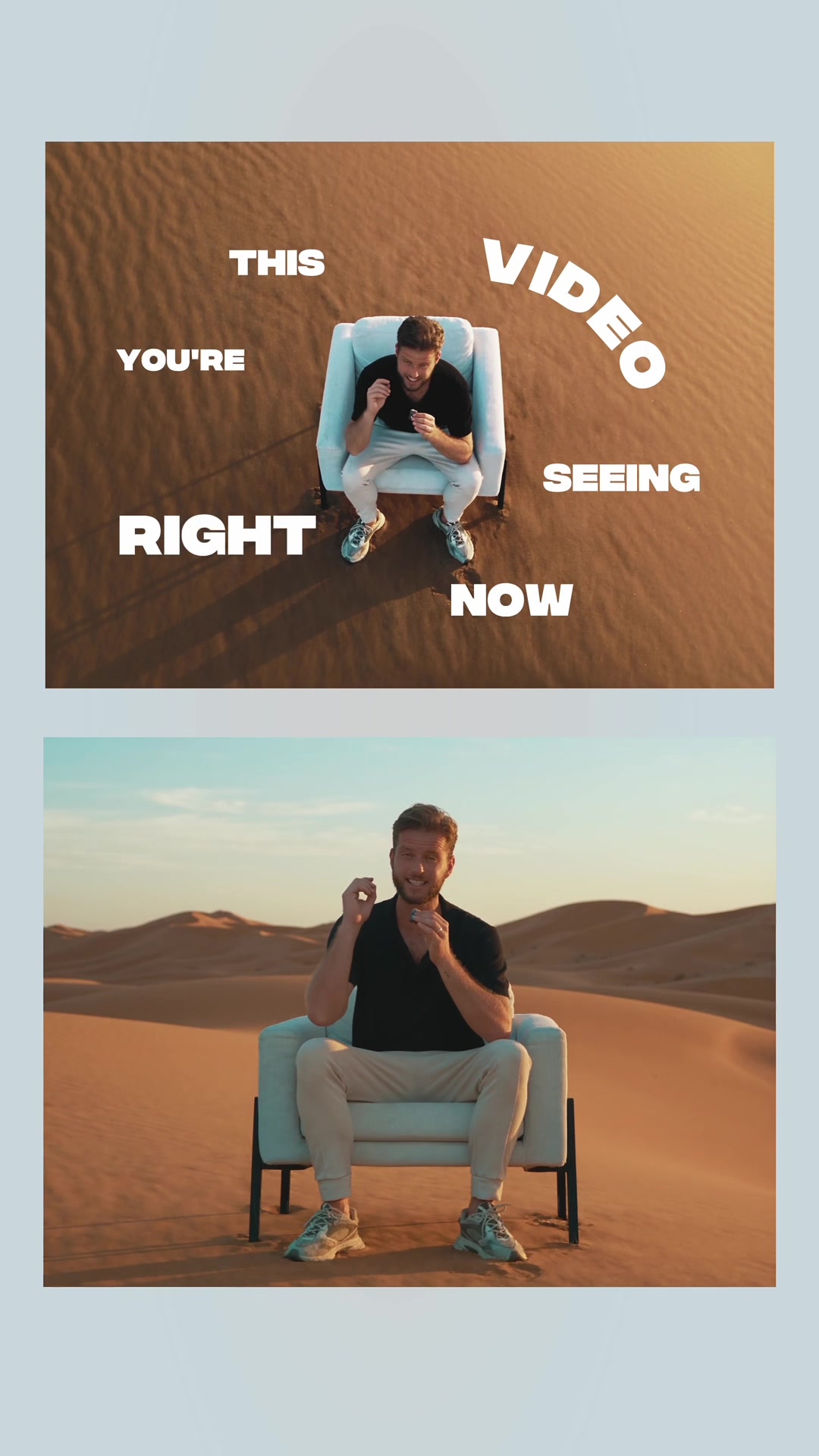
In today’s age where we need to deliver content in every aspect ratio, I’ll be showing you how I can take my one horizontal video and make it fit for vertical and so much more. Using Adobe Premiere Pro and Photoshop together with the Generative Fill tool, I’m able to fill in the blank space that horizontal video leaves within the vertical aspect ratio. Both applications are in @adobecreativecloud. Check it out to give yourself the tools you need to take your content to the next level
#AdobePartner #tutorial #filmmaking
Transcript
Pretty sick backdrop. Right? Well, what if I told y'all all of this was fake? What if I also told you that I filmed this horizontally? Because in today's age, we need to deliver content in every aspect ratio. But when using Adobe Photoshop and Premiere Pro better, which both are included in Creative Cloud, they gotcha covered. Okay, so worst, let's take our horizontally filmed clip in Premiere Pro, export a screen rank, and now we're going to open it in Photoshop and select everything up tier, click Generative Fill, type in whatever you want, hit Generate, and boom. Pretty sick, right? And now we're gonna import it back into Premiere Pro. Let's put it on a track right above our footage. And there we go. Just like that, we turned our horizontal video and made it fit for vertical. You can check it out now to give yourself the tools you need to take your content to the next level.