@cariwilliamson
Instagram · Speaker address
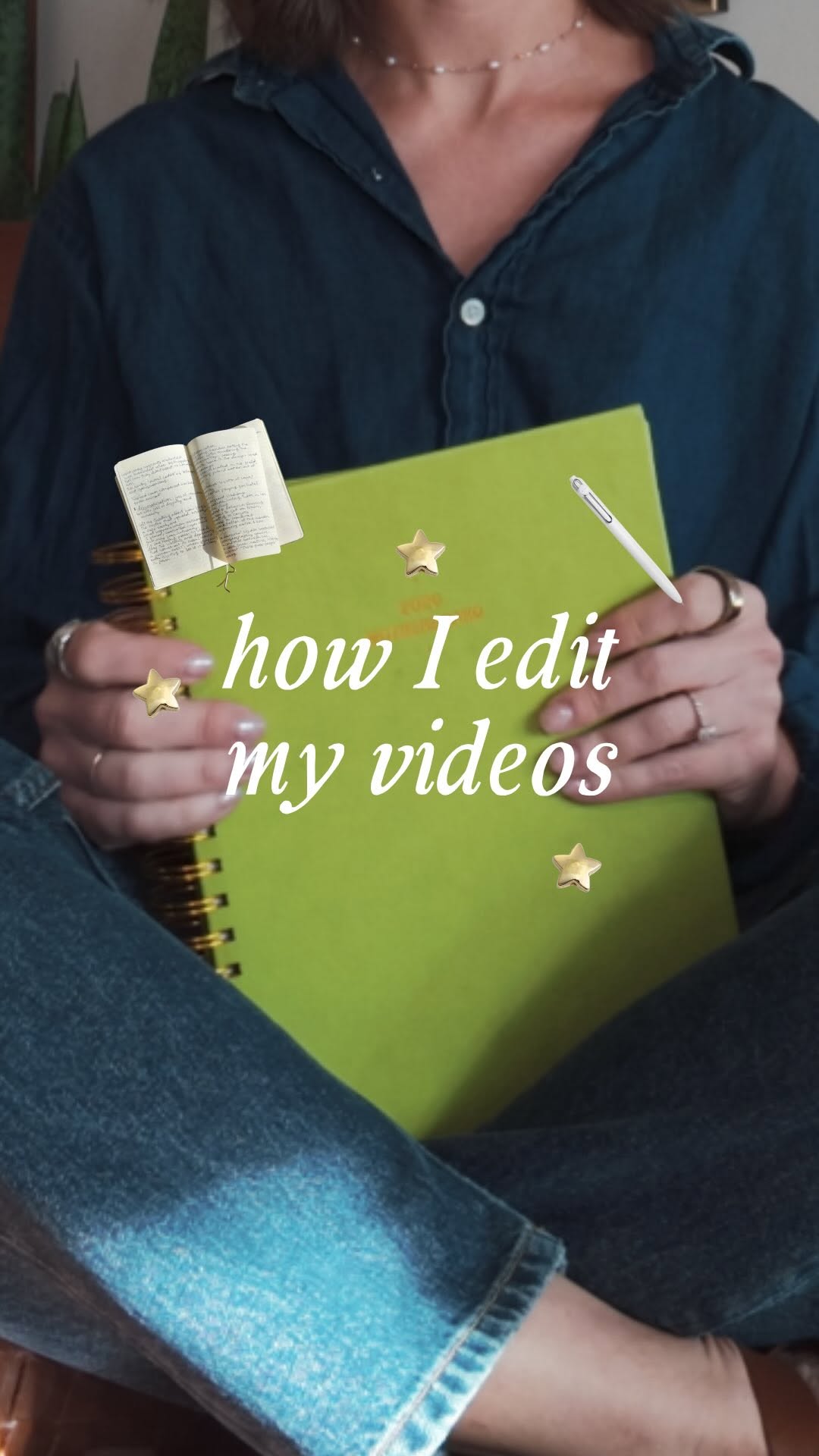
@cariwilliamson stop motion forever ♾️💖 !!

@cariwilliamson
Instagram · Speaker address
@cariwilliamson stop motion forever ♾️💖 !!
Performance
Video #30821 · Speaker address
[01]
The creator provides a detailed tutorial on her video editing process for creating a stop-motion animation effect. She begins by showing how she films a journal being flipped through, then demonstrates taking screenshots of individual frames. Next, she explains how to use Canva to remove the background from each image and export them as transparent PNGs, before finally showing how she layers these images in CapCut to create the floating animation over her main video.
[02]
[03]
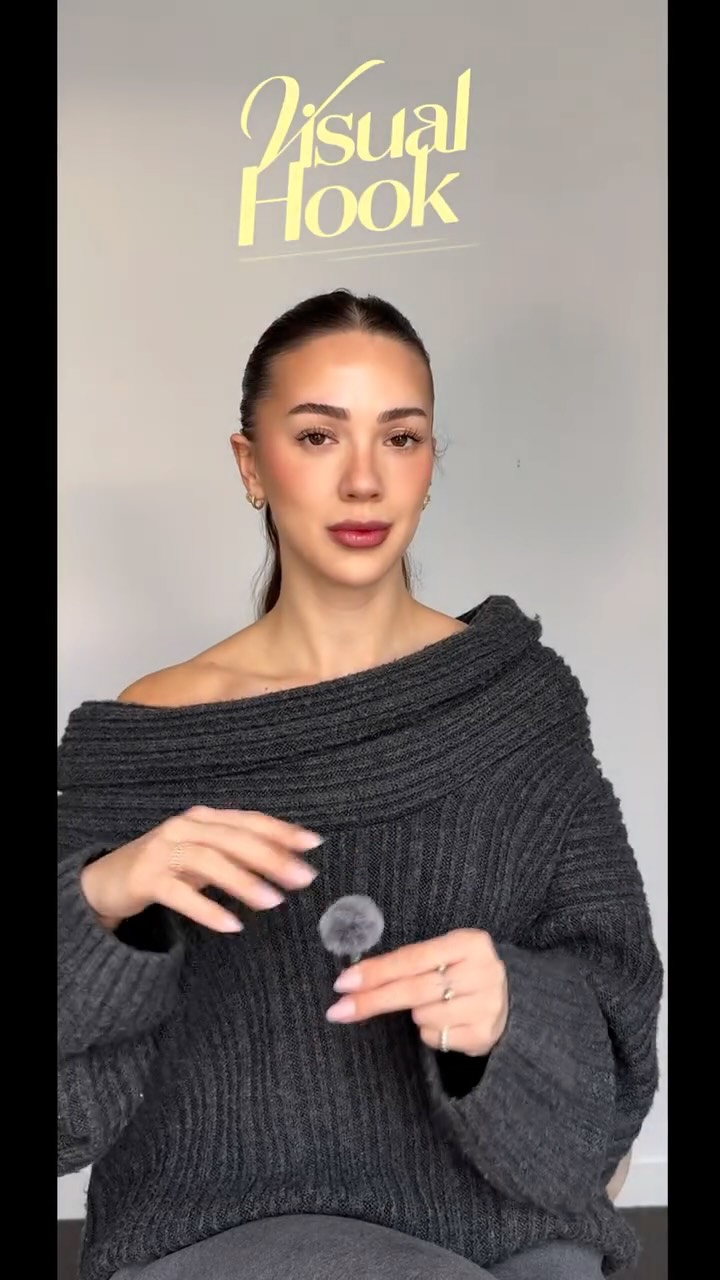 214.3K251.9×CapCut visual hook editing tutorial@itsashleyboston · Tutorial / How To
 253.2KCapCut twitch shake editing tutorial@mxtstutorials · Tutorial / How To
 410.3KCapCut lag trend editing tutorial@mxtstutorials · Tutorial / How To
 67.8KRecreating a cool video effect@byrvm_contentcreation · Tutorial / How To
 129.5KTutorial for animating paintings with AI@byrvm_contentcreation · Tutorial / How To
 1MHow to animate text tutorial@happywithmeg · Tutorial / How To
 478K9.8×How to make frame jump effect@artzenmedia · Tutorial / How To
 151.3KVideo editing tutorial with quick cuts@johnbucog · Tutorial / How To
 217.7KAI video editing tutorial showcase@byrvm_contentcreation · Tutorial / How To
 121.8M4711.6×Behind the scenes pineapple transition@osmo_global · Behind The Scenes
 607.6K3.1×Tutorial for using two effects@misscarolineflett · Tutorial / How To
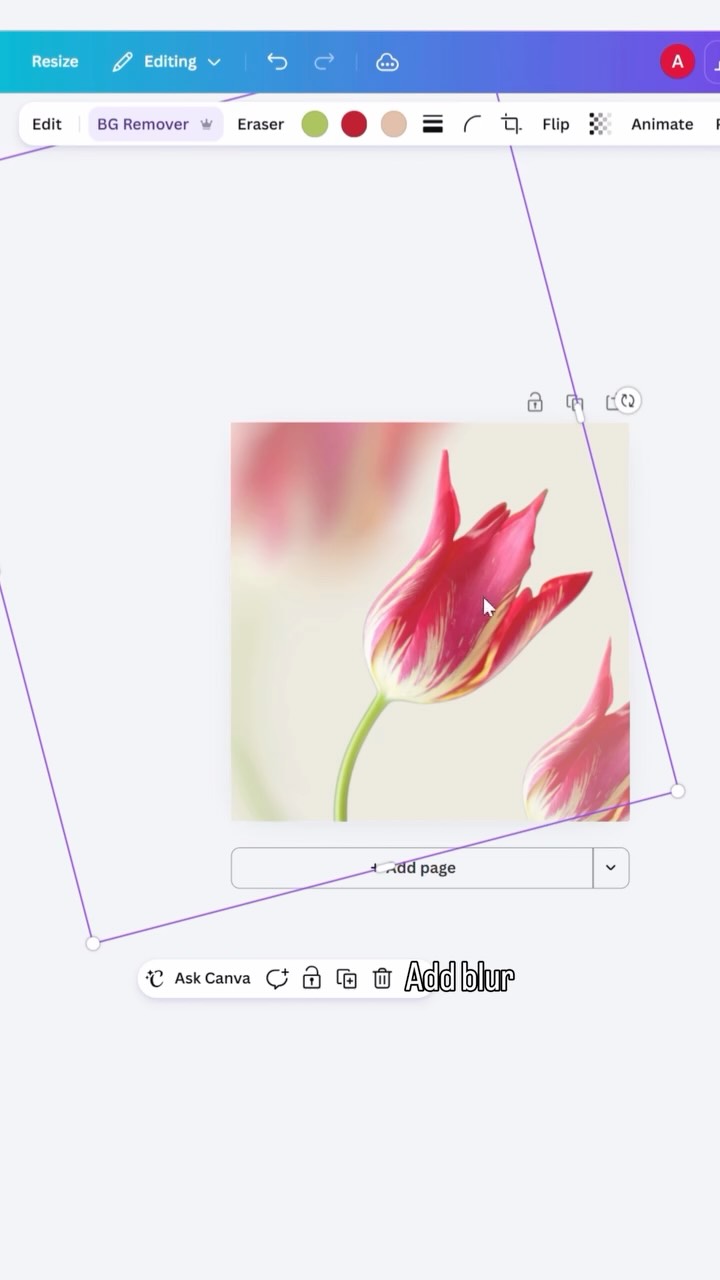 433.9K1.8×Step-by-step graphic design tutorial@createwithalena · Tutorial / How To
[04]
[05]
What stops the scroll in the first 3 seconds
Title hook · 25%
how I edit my videos
Verbal hook · 15%
I've been getting a lot of questions about how to edit my videos like this, so I will show you.
Visual hook · 60%
Creator sits in a chair while animated books, a pen, and stars float and spin around her head, creating a dynamic and magical visual effect.
[06]
Steal this for your own video
Sit in frame while spin around you to hint at the tutorial you are about to reveal.
[07]
The promise the opener makes, and how the video pays it back
Hook
Directly addresses a common question from the audience, immediately establishing value and promising to reveal a sought-after technique.
Payoff
Concludes by summarizing the value delivered and offering a warm, community-focused sign-off, solidifying the creator's role as a helpful guide.
[08]
The structural pattern this video runs on
Framework
The Demystification Tutorial
A step-by-step breakdown of a seemingly complex creative or technical process, presented as the answer to a frequently asked question. The structure demystifies the 'how-to' by breaking it into simple, replicable stages.
The Foundation Capture
Explains the initial, raw data or material gathering stage, providing a practical starting point and often including a pro-tip to optimize this first step.
The Motion Deconstruction
Details the method for breaking down the initial raw capture into its constituent parts or key moments, preparing it for the main transformation.
The Digital Cutout
Reveals the central 'magic' step of the process, where the key element is isolated or transformed using a specific tool or technique. This is the core of the tutorial.
The Asset Preparation
Outlines the necessary technical step to prepare the transformed elements for final assembly, ensuring they are in the correct format.
The Re-Animation
Demonstrates how to combine the prepared assets with the original or a new base layer, showing the final effect coming together.
The Customization Cue
Empowers the viewer by encouraging them to personalize the technique, adding their own creative flair and demonstrating the flexibility of the process.
stop motion forever ♾️💖 !!
title · beginning
how I edit my videos
I've been getting a lot of questions about how to edit my videos like this, so I will show you. The first thing I do is just take a video on my phone, just flipping through my journal. I yes, like, this random toy from my kids. It's just like a metal stick to flip the pages, but you could use anything, any sort of stick. Just kinda wanna keep your hand out of the frame as much as possible because you're going to edit that out better, take it out of the background. So I have my video on my iPhone, then what I'll do is I'll go through best screenshot frames. You just wanna show the progression of motion. Then all I do, push those screenshot images into Canva and remove the background on each image. Then I just export those with a transparent background. Then in CapCut, I highly recommend the desktop version. It's much, much, much easier to edit on. Just saying. So then I just I just pull those vector images, add them as a layer on my video, splice them up into different frames. And I don't no. I play with, like, the length of the frame and the position of the frame no you can make it however you want. Hopefully, this has been helpful to someone. Okay. Bye.