Viral Hooks
Trending short videosStep-by-step graphic design tutorial
C

@createwithalena

Instagram · Screen Recording
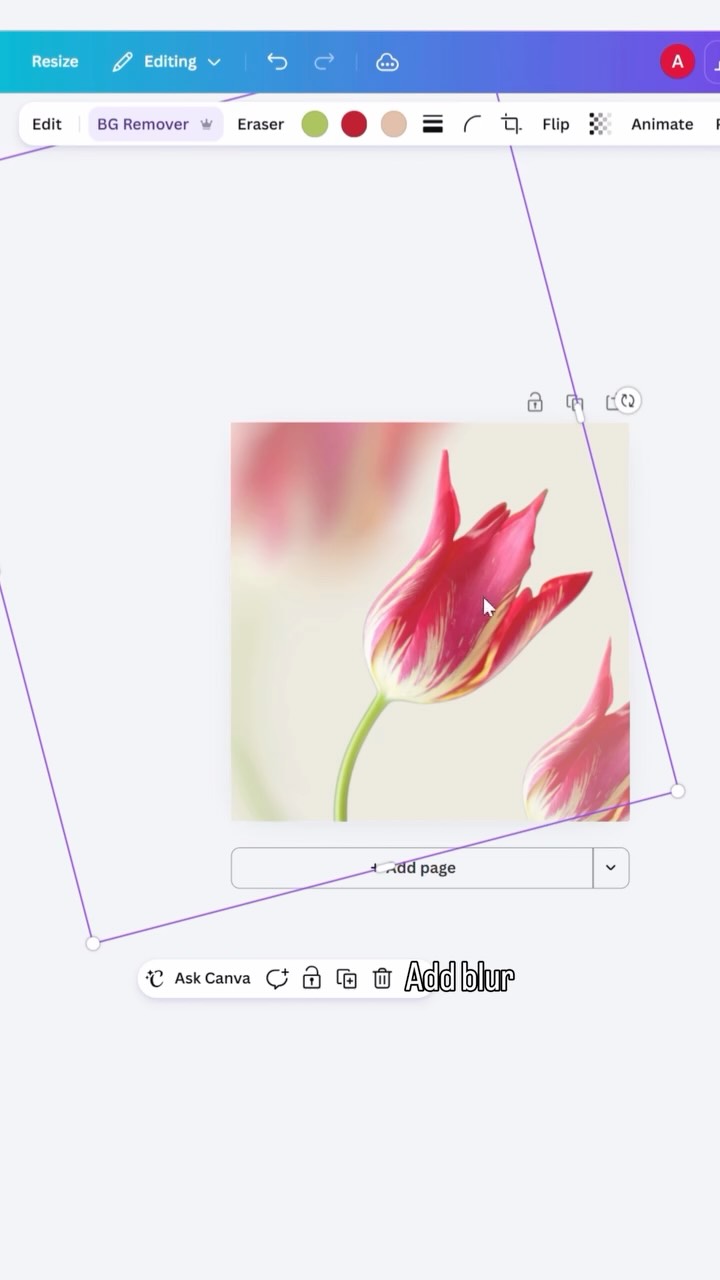
@createwithalena 10 minutes in Canva no fancy software ✨ someone asked for the flower + blur combo specifically so here’s exactly how it’s built! stock image from @envato then blur, transparency, grain and haze. (not an ad, any software with those four effects will do it. I just used @canva ) do u want to see more tutorials from design combos? [graphic design tutorial, canva tips, design combos, blur effect, graphic designer]
View original on Instagram

The edit1 shot · 8 text
Shots Text0:34

Performance

Views
433.9K
Likes
21.1K
Comments
71
Engagement
4.9%
Outlier
1.8×
Length · 4 Sept 2026
0:34

Video #42153 · Screen Recording

Step-by-step graphic design tutorialfrom @createwithalena

[01]

Overview

The creator demonstrates how to create a trendy, blurred flower graphic using Canva. She starts by introducing the aesthetic, then walks through a fast-paced screen recording tutorial showing how to layer flower images, apply blur and transparency effects, add grain and haze for texture, and finish by adding text. The video concludes by showcasing the final design variations and offering a positive sign-off.

[02]

Simple outline

  1. 1Present desirable aesthetic
  2. 2Reveal step-by-step process
  3. 3Showcase final result
  4. 4Offer encouraging send-off

[03]

Related videos

[04]

Classification

Concepts
Tutorial / How ToProcess
Elements
Screen RecordingText Overlay

[05]

Hook analysis

What stops the scroll in the first 3 seconds

Title hook · 50%

Flowers

Verbal hook · 45%

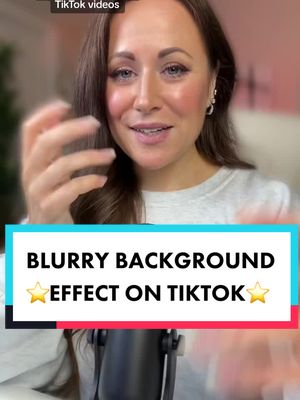
Flowers and blur effect are so lovely.

Visual hook · 5%

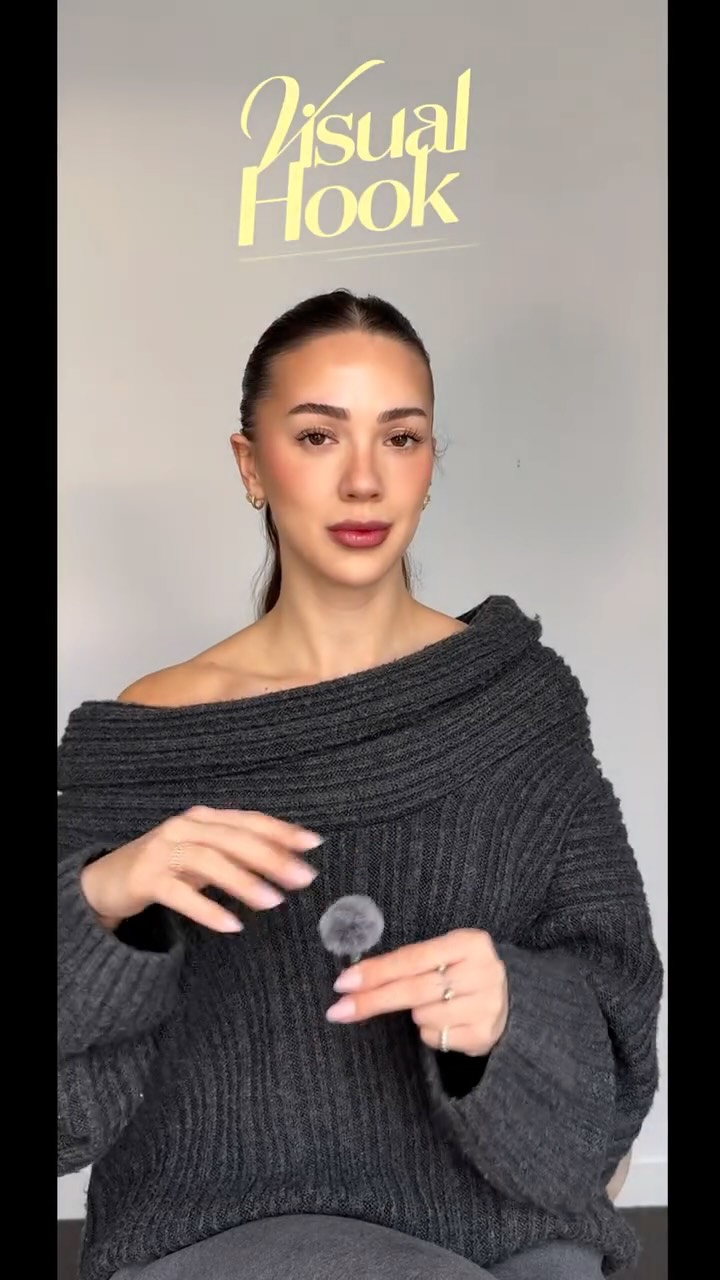
The creator points up to a vibrant image of colorful flowers, immediately establishing the visual theme and directing the viewer's focus.

[06]

Hook template

Steal this for your own video

[Trendy result] in [tool or app] 🌸 (it takes [short timeframe])

  • — Blurred flower graphic in Canva 🌸 (it takes 2 minutes)
  • — Bakery-style sourdough scoring in your home oven 🌸 (it takes 10 minutes)
  • — Cinematic color grade in CapCut 🌸 (it takes 60 seconds)

[07]

Hook and payoff

The promise the opener makes, and how the video pays it back

Hook

A direct-to-camera statement of an appealing aesthetic concept, immediately establishing the video's value proposition and showing the beautiful end result.

Payoff

A return to the creator who showcases multiple examples of the finished product and offers a positive, empowering closing statement, reinforcing the viewer's newfound capability.

[08]

Narrative framework

The structural pattern this video runs on

Framework

The Aesthetic Deconstruction

Presenting a desirable aesthetic outcome and then revealing the simple, step-by-step process to achieve it using accessible tools, transforming an abstract idea into a replicable technique.

  1. 1

    The Foundational Layer

    Demonstrates the initial setup and selection of the core visual element, establishing the base for the transformation through a screen-recorded process.

  2. 2

    The Core Technique Application

    Shows the primary manipulation or effect being applied (e.g., blur, transparency), revealing the central 'secret' of the tutorial through a series of rapid, clear actions.

  3. 3

    The Aesthetic Polish

    Adds secondary effects and textures (e.g., grain, haze) that elevate the design from basic to professional, demonstrating nuance and refinement.

  4. 4

    The Contextual Finish

    Applies a final element (like text) to show a practical use case for the created asset, completing the composition and demonstrating its utility.

Themes

  • DIY design
  • Creative skills
  • Aesthetic trends

Techniques

  • Screen recording
  • Layering
  • Blur effect
  • Transparency adjustment

Trends

  • Canva tutorials
  • Aesthetic graphic design

Post caption

10 minutes in Canva no fancy software ✨ someone asked for the flower + blur combo specifically so here’s exactly how it’s built! stock image from @envato then blur, transparency, grain and haze. (not an ad, any software with those four effects will do it. I just used @canva ) do u want to see more tutorials from design combos? [graphic design tutorial, canva tips, design combos, blur effect, graphic designer]
Text overlays

  • title · beginning

    Flowers

  • informational · middle

    Find image u like

  • informational · middle

    Adjust layout

  • informational · middle

    Adjust transparency

  • informational · middle

    Add blur

  • informational · middle

    Adjust transparency and blur

  • informational · middle

    Adjust grain and haze

  • informational · middle

    Add text

Transcript

Flowers and blur effect are so lovely. Happy designing.

Step-by-step graphic design tutorial | Viral Hooks