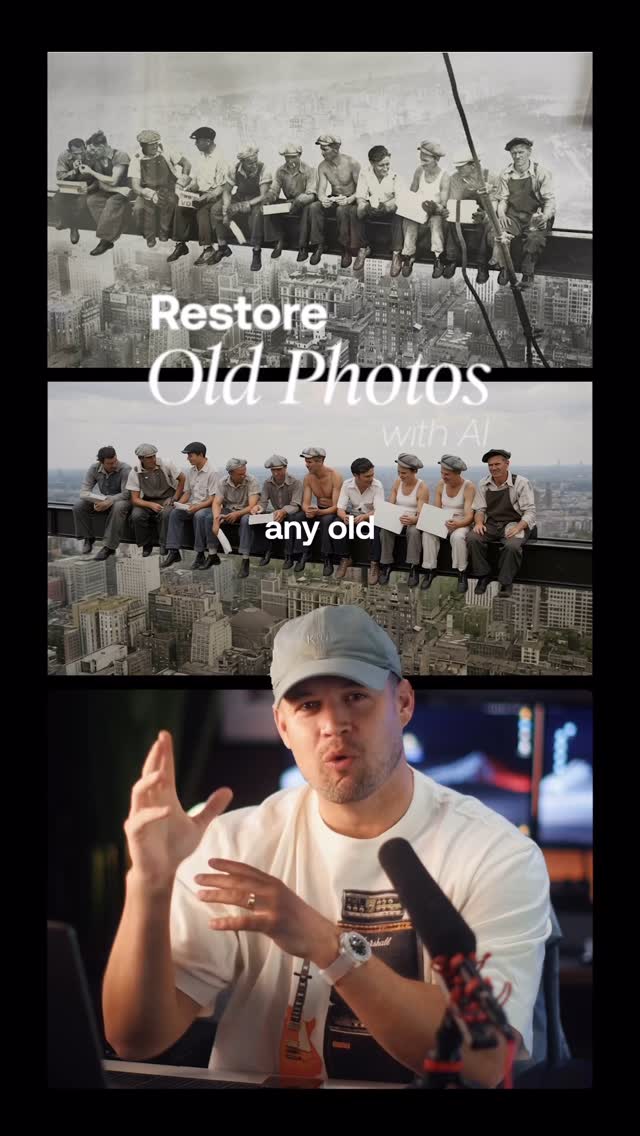
Video #43144 · Split screen
AI video tool tutorial showcasefrom @rourke.heath
The creator demonstrates how to use a combination of AI tools (Magnific Spaces and Claude) to transform low-quality CCTV footage into cinematic scenes. He first showcases two compelling before-and-after examples, then provides a step-by-step tutorial on uploading reference materials, generating a detailed prompt with timecoded camera angles, and producing the final stylized video, ending with a call-to-action.
- 1Showcase impossible result
- 2Deconstruct required components
- 3Reveal multi-step process
- 4Offer access via CTA
ConceptsTutorial / How ToBefore/After TransformationProduct Demo
ElementsScreen RecordingDM / Comment-for-Info CTAArchival FootageSlow Motion
[05]
Hook analysis
What stops the scroll in the first 3 seconds
Title hook · 25%
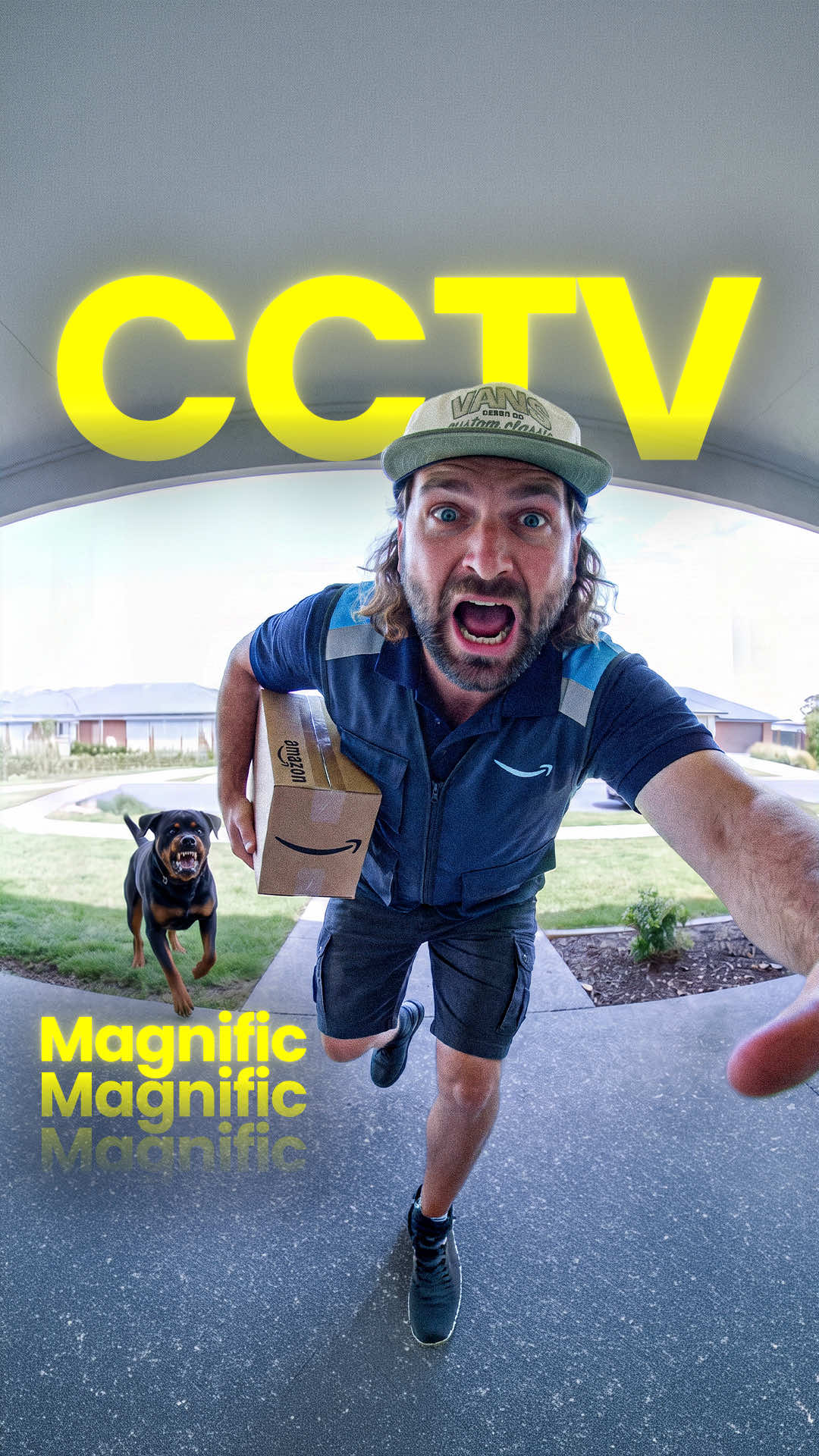
Cinema from CCTV
Verbal hook · 5%
Upload your original video and the new cinematic look that you want to change the video into.
Visual hook · 70%
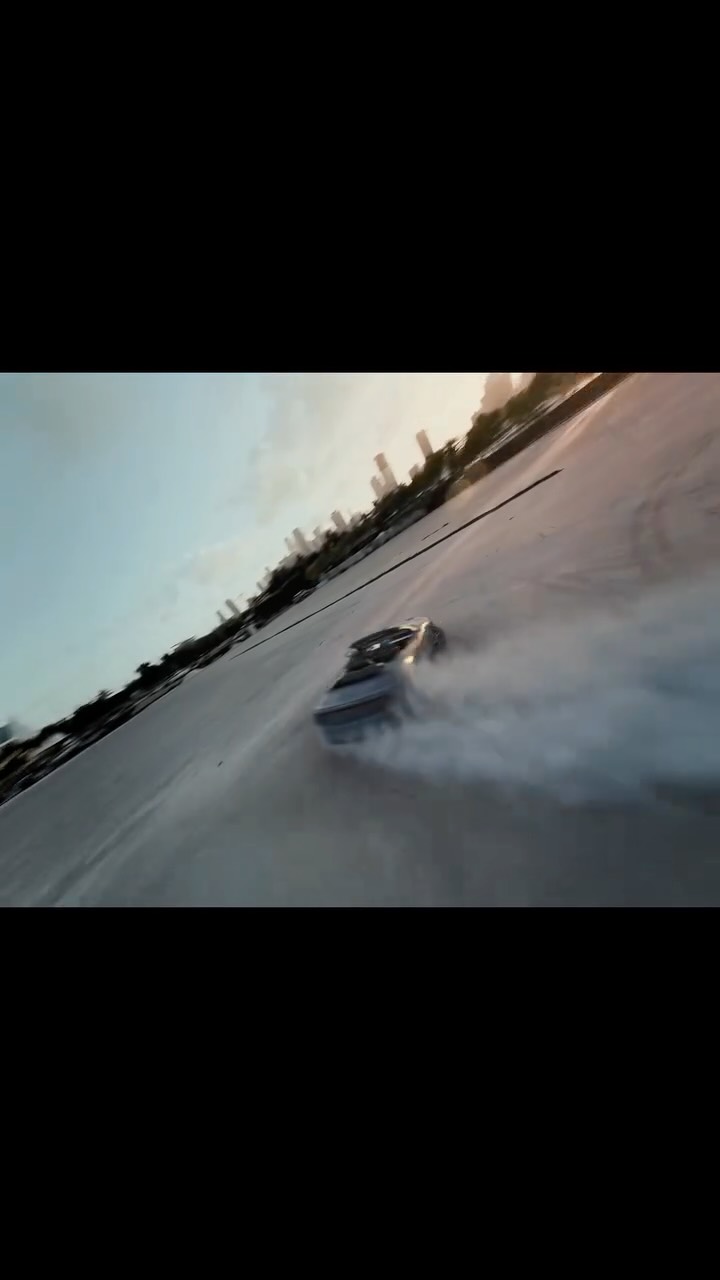
A dramatic split-screen comparison showing low-quality, static CCTV footage on the bottom and a high-quality, cinematic AI-generated version on top, creating immediate visual contrast and demonstrating the tool's power.
[06]
Hook template
Steal this for your own video
Open on a split-screen of the same [subject]: a rough, unpolished [starting version] on the bottom and a striking [improved version] on top, so the transformation is clear before any explanation.
- — Open on a split-screen of the same street scene: grainy security-camera footage on the bottom and a cinematic AI-rendered version on top, so the transformation is clear before any explanation.
- — Open on a split-screen of the same room: a cluttered space on the bottom and a styled redesign on top, so the transformation is clear before any explanation.
- — Open on a split-screen of the same portrait: a flat, unedited photo on the bottom and a polished edit on top, so the transformation is clear before any explanation.
[07]
Hook and payoff
The promise the opener makes, and how the video pays it back
Hook
A high-impact, side-by-side comparison of a low-quality 'before' state and a high-quality 'after' state to instantly establish a powerful value proposition and create a strong curiosity gap.
Payoff
A direct and simple call to action that gates access to the tool or resource, converting viewer interest into a measurable engagement metric.
[08]
Narrative framework
The structural pattern this video runs on
Framework
The Transformation Blueprint
Demonstrating a complex, multi-tool process to achieve a seemingly impossible 'before and after' result, framed as an accessible step-by-step tutorial.
- 1
The Asset Assembly
Systematically lists and explains the foundational components or inputs required to begin the transformation process, setting the stage for the subsequent steps.
- 2
The Strategic Blueprint
Introduces a secondary tool or method used to organize the inputs and define the desired outcome with specific parameters, framing it as a crucial planning phase.
- 3
The Technical Catalyst
Reveals a key, non-obvious technical command or 'secret' that must be generated or used to enable the core transformation, positioning it as the magic ingredient.
- 4
The Final Synthesis
Guides the user on how to combine all the previously gathered assets and the technical catalyst within the primary tool, including a final 'pro-tip' or parameter tweak before execution.
Themes
- AI transformation
- Creative technology
- Filmmaking
- Upscaling video
Techniques
- Before and after
- Software tutorial
- Product demonstration
Trends
Post caption
Turn any CCTV footage into a cinematic movie 😂🔥
Try it out on @Magnific (formerly Freepik)
Using Seedance 2.5 inside Magnific Spaces, with Claude helping build out the story and shots, grainy security footage gets rebuilt into a fully cinematic scene. There are so many cool creative opportunities with this for filmmakers, editors and storytellers. What famous moment caught on CCTV would you turn into a movie?
#MagnificAI #Seedance #AIFilmmaking #CCTV #CreativeAI
Text overlays
title · beginning
Cinema from CCTV
branding · throughout
Magnific AI
contextual · beginning
CCTV
branding · middle
Magnific Spaces
branding · middle
Claude
informational · middle
00:00 Low-angle dolly push
01:12 Slow-motion hero close up
02:12 Rack-focus close up
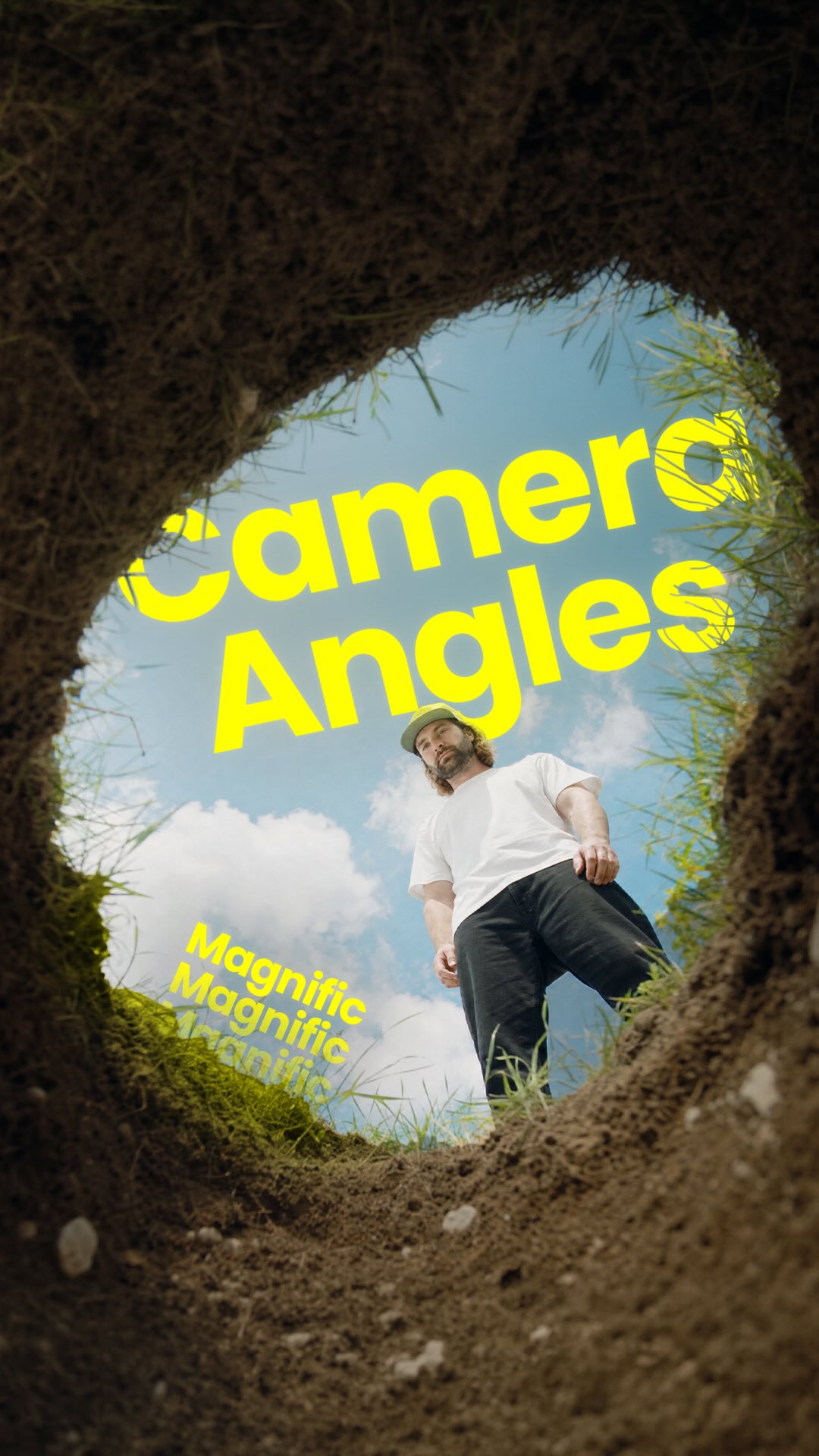
03:16 Worm's-eye view
05:18 Profile medium shot
06:17 Wide establishing shot
07:22 Floor-level aftermath shot
informational · middle
Write a Seedance 2.5 Prompt
call-to-action · end
Comment "AI"
Transcript
Upload your original video and the new cinematic look that you want to change the video into. You can also upload character references and prop references to help support the video. Upload all of those references into Claude and write out the time codes for each part of the scene and write out the new camera angle that you want the camera to cut to. Then you can ask it to write a SeaDance 2.5 prompt. Copy this prompt and bring it back to magnificent spaces. Change of tier video no be one second longer than your original reference video. Then when you hit generate, you'll get your result. If you wanna try it out for yourself, type AI in the comments and I'll send you a link.