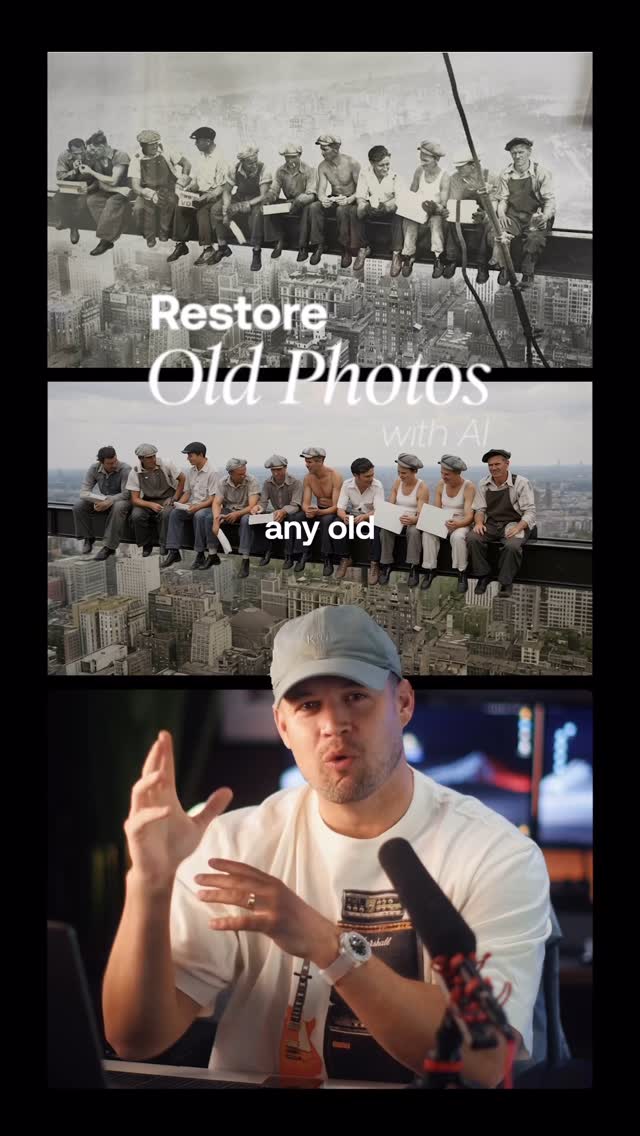
@rpn How to restore an old photo and turn it into a modern video:
I’ve found that the best model for this is Flux Kontext (Pro or Max) which is available on @freepik
1. Go to their AI image generator, upload the photo and select the model. Enter a simple prompt like “Restore this photo into a new state”
2. Once you have a result you’re happy with, use Kling 2.1 (I find it’s the best image-to-video model, although Midjourney and Hailuo are right up there) enter a prompt detailing camera movement and other desired details and hit generate.
That’s it 🙏
Follow @eluna.ai for more AI tutorials, news and analysis.
The creator demonstrates a two-step process for restoring and animating old photos using AI. He begins by sharing a personal story of restoring a photo of his mother and showing her emotional reaction as social proof. He then provides a step-by-step tutorial on using Freepik's AI tools, first showing how to restore an image with the Flux Kontext model, and then how to turn that restored image into a video using the Kling 2.1 model. To conclude, he showcases another impressive example of restoring the first-ever photo of a human and turning it into a drone video, before encouraging viewers to try the tool themselves.
You can now take any old photo and turn it into a modern video.
Visual hook · 25%
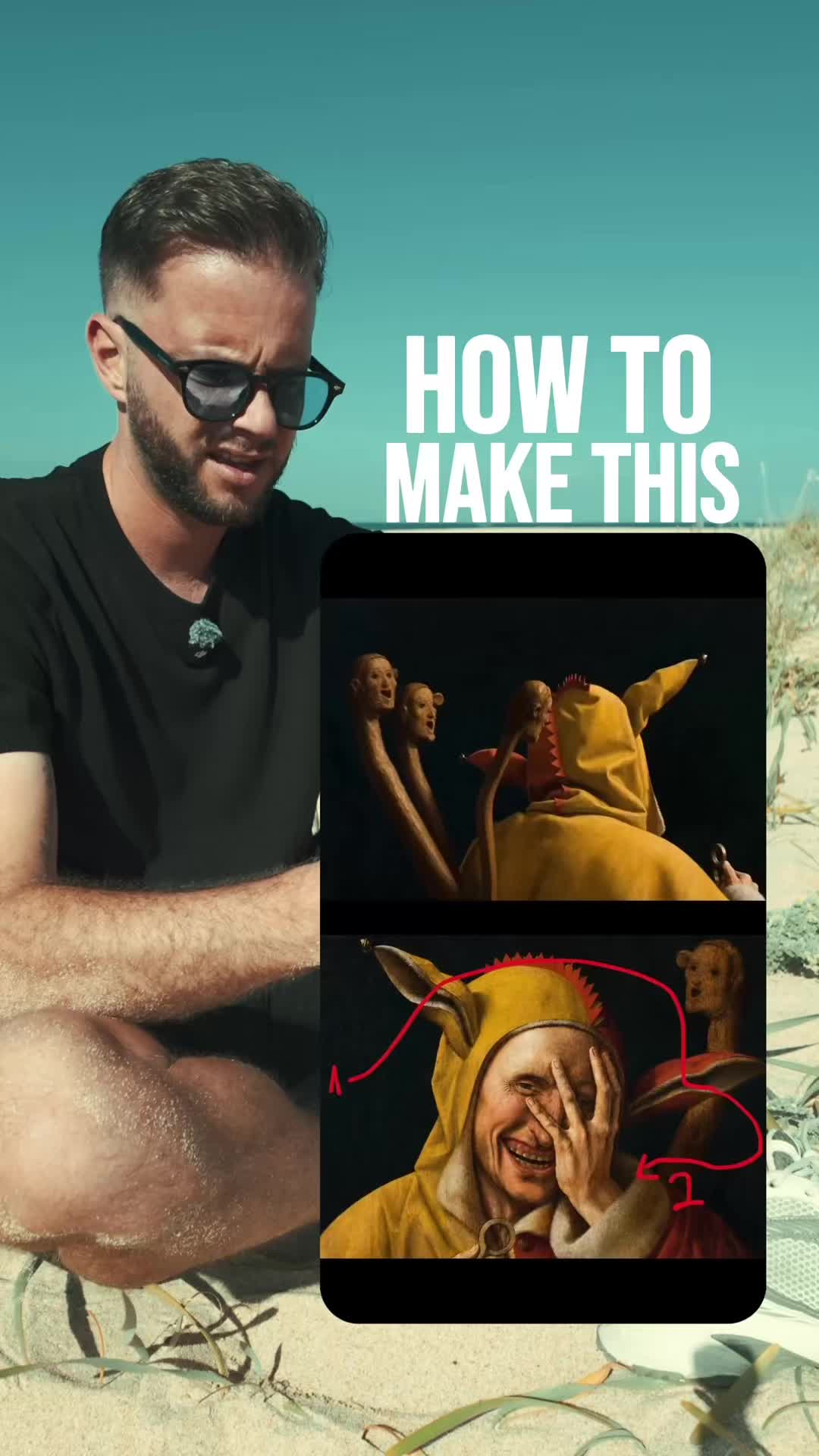
The video opens with a split-screen layout featuring the iconic historical photo "Lunch atop a Skyscraper" in the top frame and an energetic speaker in the bottom frame, creating immediate visual interest and context.
[07]
Hook and payoff
The promise the opener makes, and how the video pays it back
Hook
A bold, high-concept claim of a new, almost unbelievable capability, immediately visualized with a dramatic before-and-after example to establish the stakes.
Payoff
A direct call to action that encourages the viewer not just to watch, but to participate and try the method for themselves, closing the loop from inspiration to action.
[08]
Narrative framework
The structural pattern this video runs on
Framework
The Modern Miracle Tutorial
Demonstrating a seemingly complex or magical technological capability by first grounding it in a powerful, emotional human story, then revealing its surprising simplicity through a quick tutorial, and finally showcasing its extreme potential to inspire awe.
1
The Heartstring Proof
The creator personalizes the abstract capability by applying it to a relatable, emotional scenario (e.g., a family memory). This beat culminates in authentic, positive human feedback, serving as powerful social proof that creates desire.
2
The Accessibility Bridge
A quick, direct-to-camera statement that frames the incredible result as surprisingly fast and easy to achieve, promising to reveal the secret and lowering the perceived barrier to entry.
3
The Methodical Blueprint
A clear, step-by-step screen recording that walks the viewer through the exact process. It breaks down the 'magic' into simple, actionable steps, empowering the viewer by transferring knowledge.
4
The 'God Mode' Demonstration
The creator applies the same technique to an extreme or historically significant example, pushing the capability to its logical limit to create a final moment of awe and solidify the tool's power and versatility.
Themes
Artificial Intelligence
Nostalgia
Technology
Content Creation
Techniques
Split-screen editing
Screen recording
Emotional appeal
Social proof
Trends
AI video generation
AI photo editing
Post caption
How to restore an old photo and turn it into a modern video:
I’ve found that the best model for this is Flux Kontext (Pro or Max) which is available on @freepik
1. Go to their AI image generator, upload the photo and select the model. Enter a simple prompt like “Restore this photo into a new state”
2. Once you have a result you’re happy with, use Kling 2.1 (I find it’s the best image-to-video model, although Midjourney and Hailuo are right up there) enter a prompt detailing camera movement and other desired details and hit generate.
That’s it 🙏
Follow @eluna.ai for more AI tutorials, news and analysis.
Text overlays
title · beginning
Restore
Old Photos
with AI
Transcript
Can now take any old photo and turn it into a modern video. I actually did this with an old photo of my mom and I and I sent it to her and her reaction was classic. Oh my good. It took me two minutes. Let me show you how. Head over to freepic.com. Go to the AI image generator and choose flux context as the model. I find this works the best. Upload your image as a reference and then enter the prompt, restore this photo to a modern state. Voila. Then in free pic, go to the AI video tab, choose Cling 2.1 as the model, choose the image you just restored, you can enter a specific prompt if you wish, and then hit generate. And now you've turned an old photo into a modern video that looks like it was shot on an iPhone with perfect consistency. And it works incredibly well. I actually restored the first picture ever ever taken of a human being from 1838 in Paris and turned it into a modern drone video. It's insane. Give it a try rank let me know what you think.