Viral Hooks
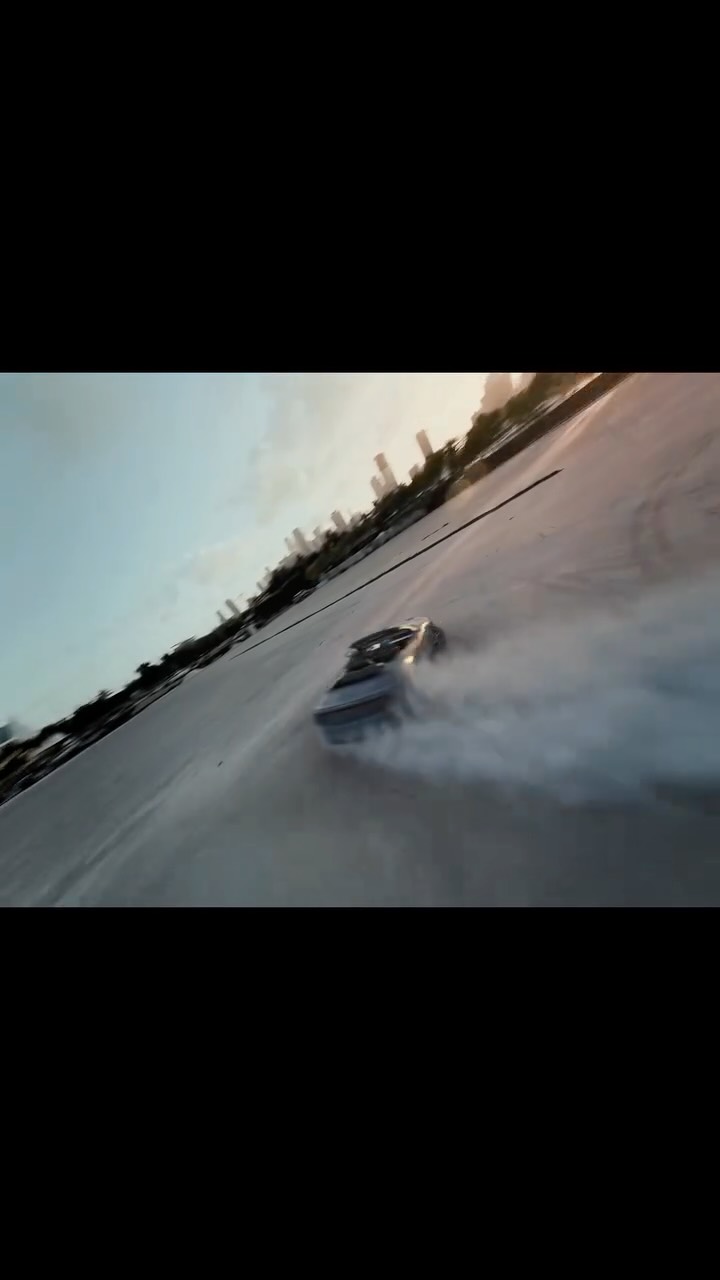
Trending short videosAI filmmaking tutorial impossible shots
J

@johnbucog

Instagram · Speaker address

@johnbucog How to Create Camera Movements with AI As a solo creator it’s difficult getting camera movements but with this tool it’s super easy to add natural motion to your footage! @higgsfield.ai #editing #creator #creative

View original on Instagram

The edit1 shot · 50 text
Shots Text0:43

Performance

Views
271.2K
Likes
17.4K
Comments
5.6K
Engagement
8.5%
Outlier
2.5×
Length · 28 Nov 2025
0:43

Video #12551 · Speaker address

AI filmmaking tutorial impossible shotsfrom @johnbucog

[01]

Overview

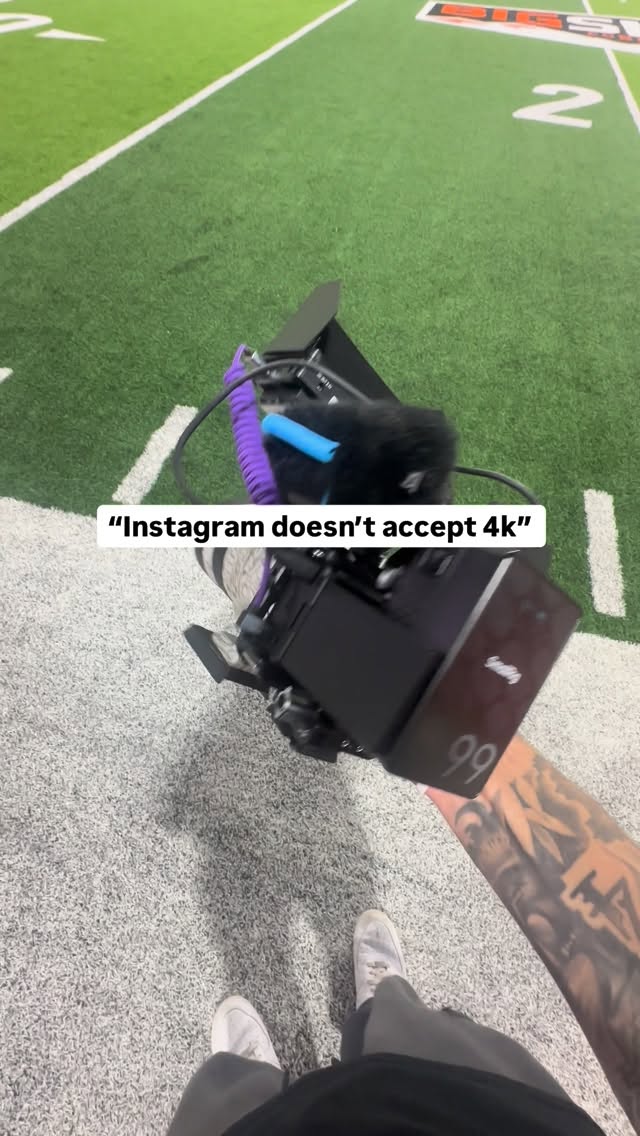
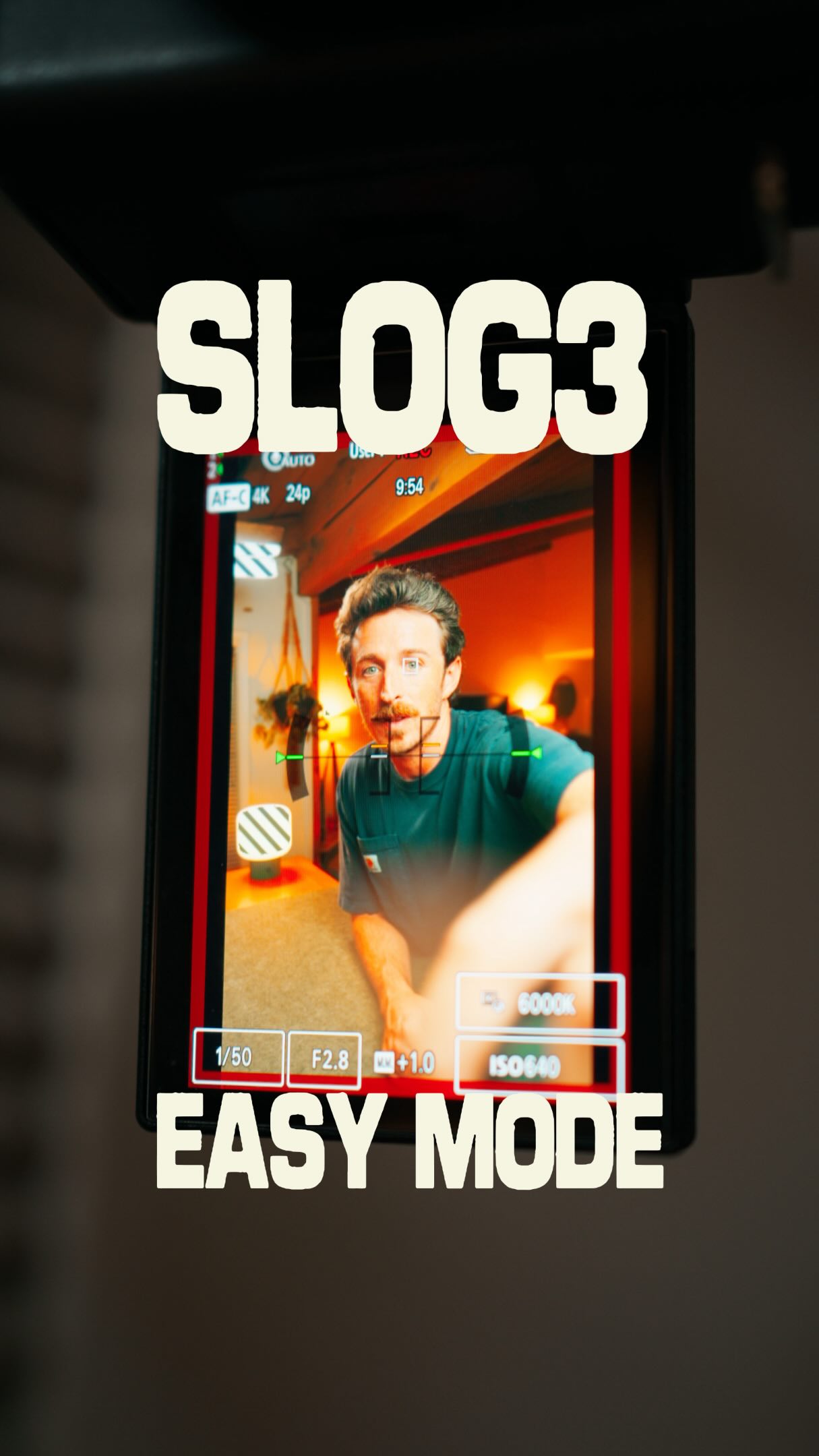
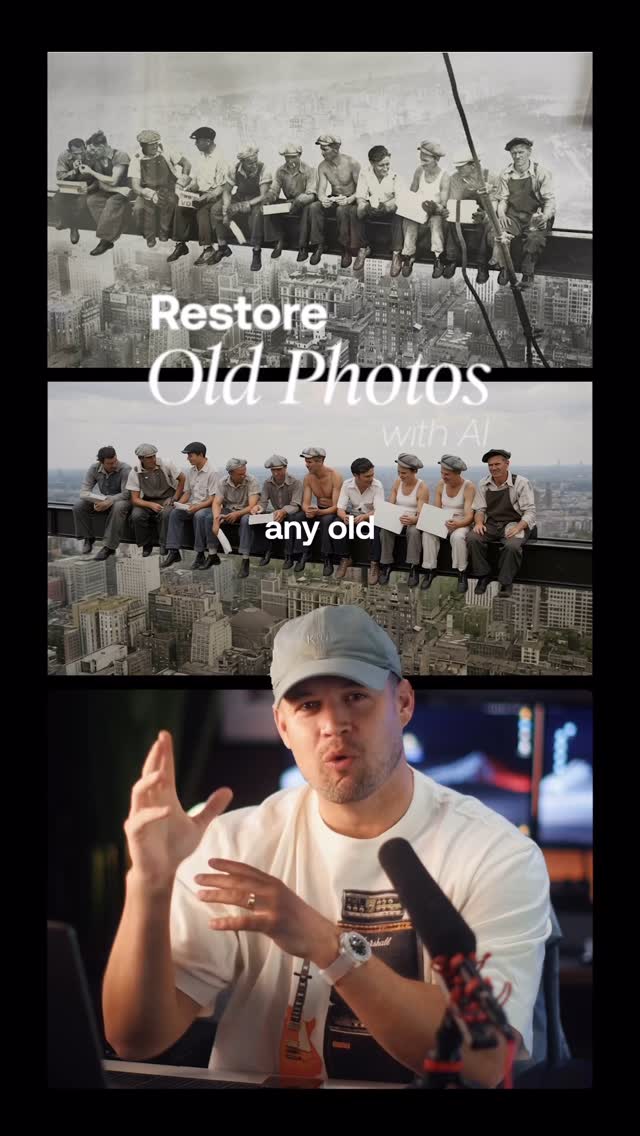
The speaker explains how to create impossible shots using AI. He outlines a four-step process: shooting start and end frames, color grading, using Higgsfield AI to render camera motion, and matching the color in an editor. He also provides a bonus tip on creating combos in Higgsfield and encourages viewers to comment 'shot' for a full tutorial.

[02]

Simple outline

  1. 1State common problem
  2. 2Introduce step one
  3. 3Demonstrate step
  4. 4Bonus tip reveal

[03]

Related videos

[04]

Classification

Concepts
Tutorial / How To
Elements
Text OverlaySpeed Ramping

[05]

Hook analysis

What stops the scroll in the first 3 seconds

Title hook · 45%

You've been asking, how

Verbal hook · 50%

You've been asking, how do I create these impossible shots?

Visual hook · 5%

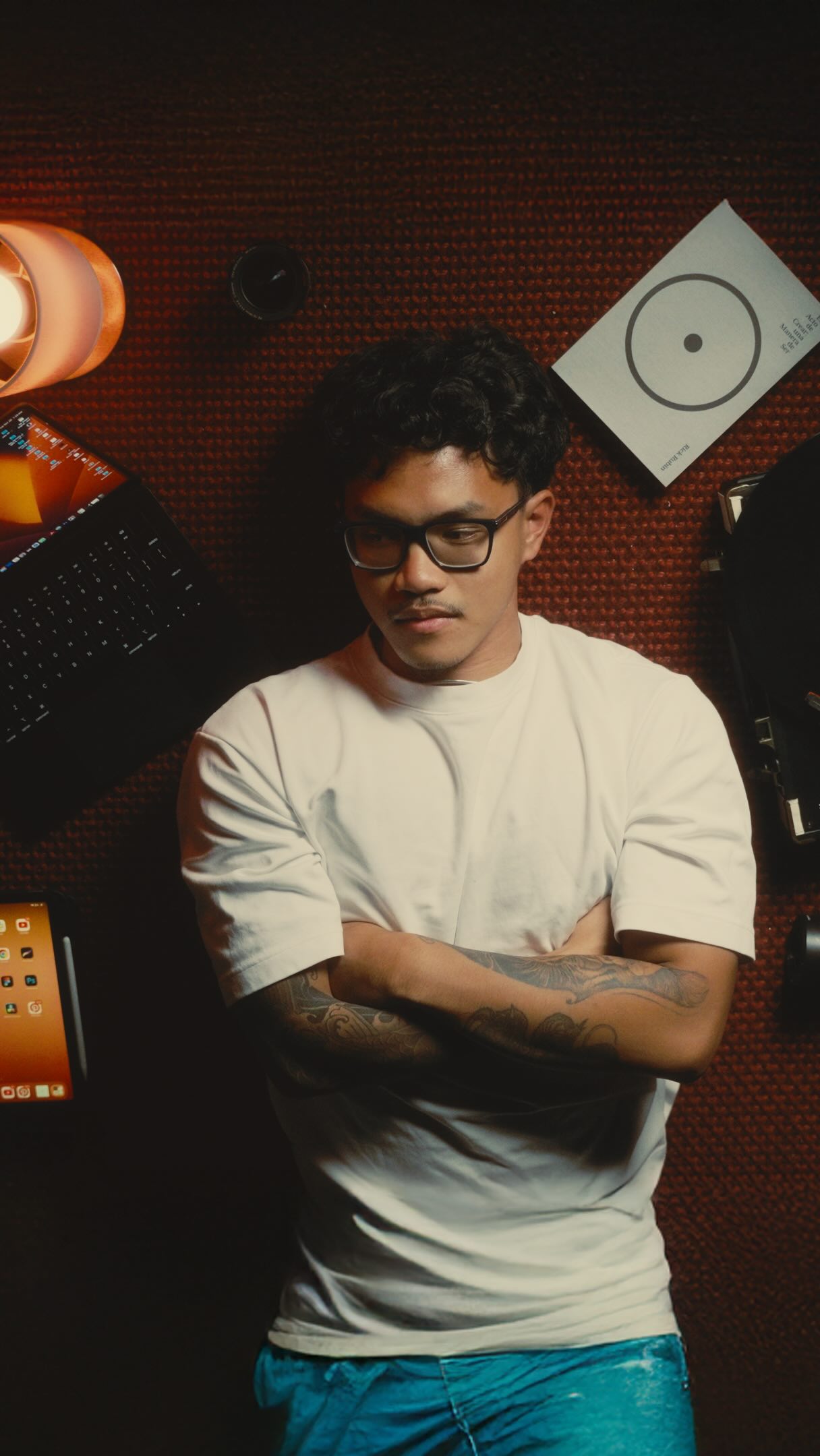
Close-up shot of the speaker with a direct, engaging expression.

[06]

Hook template

Steal this for your own video

You've been asking how to create [impressive result] — here's the [number]-step process.

  • — You've been asking how to create those cinematic drone transitions — here's the 4-step process.
  • — You've been asking how to create viral-looking food photography — here's the 3-step process.
  • — You've been asking how to create professional-sounding podcast audio at home — here's the 5-step process.

[07]

Hook and payoff

The promise the opener makes, and how the video pays it back

Hook

Presents the video as a solution to a common problem (creating impossible shots).

Payoff

Encourages engagement by offering a full tutorial in exchange for a comment.

[08]

Narrative framework

The structural pattern this video runs on

Framework

AI-Powered Video Editing Tutorial

A step-by-step guide on creating impossible shots using AI, presented as a numbered list with a bonus tip.

  1. 1

    Problem Introduction

    Establishes the viewer's pain point by showcasing desired video effects.

  2. 2

    Step 1: Frame Setup

    Introduces the first step: shooting start and end frames, emphasizing movement planning.

  3. 3

    Step 2: Color Grading

    Explains the importance of color grading for consistency and exporting key frames.

  4. 4

    Step 3: AI Integration

    Details how to use AI (Higgsfield) to generate camera motion.

  5. 5

    Step 4: Color Matching

    Instructs on matching colors in the editor and adding speed ramps.

  6. 6

    Bonus Tip: Combo Creation

    Reveals a bonus tip about creating combos within Higgsfield.

Themes

  • AI
  • Filmmaking
  • Creativity

Techniques

  • Color grading
  • Speed ramping
  • AI rendering

Trends

  • AI filmmaking
  • Short-form tutorials

Post caption

How to Create Camera Movements with AI As a solo creator it’s difficult getting camera movements but with this tool it’s super easy to add natural motion to your footage! @higgsfield.ai #editing #creator #creative

Text overlays

  • title · beginning

    You've been asking

  • title · beginning

    how

  • title · beginning

    IMPOSSIBLE

  • title · beginning

    SHOTS

  • title · beginning

    top

  • title · beginning

    macro

  • title · beginning

    LET ME SHOW YOU

  • title · beginning

    THE FULL

  • title · beginning

    PROCESS.

  • title · beginning

    STEP 1:

  • contextual · beginning

    Start frame

  • title · middle

    STEP 2:

  • title · middle

    consistancy

  • title · middle

    Then export

  • title · middle

    first and last

  • title · middle

    this is

  • title · middle

    what

  • title · middle

    STEP 3:

  • title · middle

    Drop

  • title · middle

    into

  • title · middle

    Pick your

  • title · middle

    camera

  • title · middle

    motion

  • title · middle

    and

  • title · middle

    STEP 4:

  • title · middle

    go back

  • title · middle

    to

  • title · middle

    your

  • title · middle

    editor

  • title · middle

    and

  • title · middle

    make sure

  • title · middle

    to add

  • title · middle

    speed

  • title · middle

    And

  • title · middle

    You

  • title · middle

    can

  • title · middle

    actually

  • title · middle

    create

  • title · middle

    This

  • title · middle

    will

  • title · middle

    IMPOSSIBLE

  • title · middle

    shots

  • title · end

    If

  • title · end

    Comment

  • title · end

    SHOT

  • title · end

    NO CREW

  • title · end

    No

  • title · end

    EXCUSES

  • title · end

    just

  • title · end

    creativity

Transcript

You've been asking, how do I create these impossible shots? Top down cranes, macro moves, shots like this. Let me show you the full process. Step one, shoot your start and end frames. Think about the movement, that's your blueprint. Step two, color grade your clips worst. Is key. Then export your first and best frames. This is what you will input to the AI. Step three, drop them into Higgs Field, pick your camera motion, and render. Step four, go back to your editor and match the color. Make sure to add some speed rank. That will refine the cut. And here's a bonus tier. You can actually create combos in Higgs field. This will create impossible shots like this. If you want the best combos, comment shot, and I'll send you a full tutorial with the list. That's it. No crew. No excuses. Just creativity and the right tools.