Video #31311 · Talking Head Edit
Create consistent AI video charactersfrom @rourke
The creator demonstrates and provides a step-by-step tutorial on how to use a combination of AI tools, RunwayML and Luma Labs, to generate videos with a consistent character. He first showcases several impressive examples, then walks through the process of creating a reference image in RunwayML using a photo, a location, and a sketch, and finally shows how to animate that image in Luma Labs using a source video for motion.
- 1Showcase impossible outcome
- 2Promise achievable secret
- 3Reveal step-by-step process
- 4Offer gated access
ConceptsTutorial / How ToShowcase
ElementsScreen RecordingPicture-in-PictureSplit ScreenDM / Comment-for-Info CTA
[05]
Hook analysis
What stops the scroll in the first 3 seconds
Verbal hook · 35%
This might be the craziest AI update we've ever seen
Visual hook · 65%
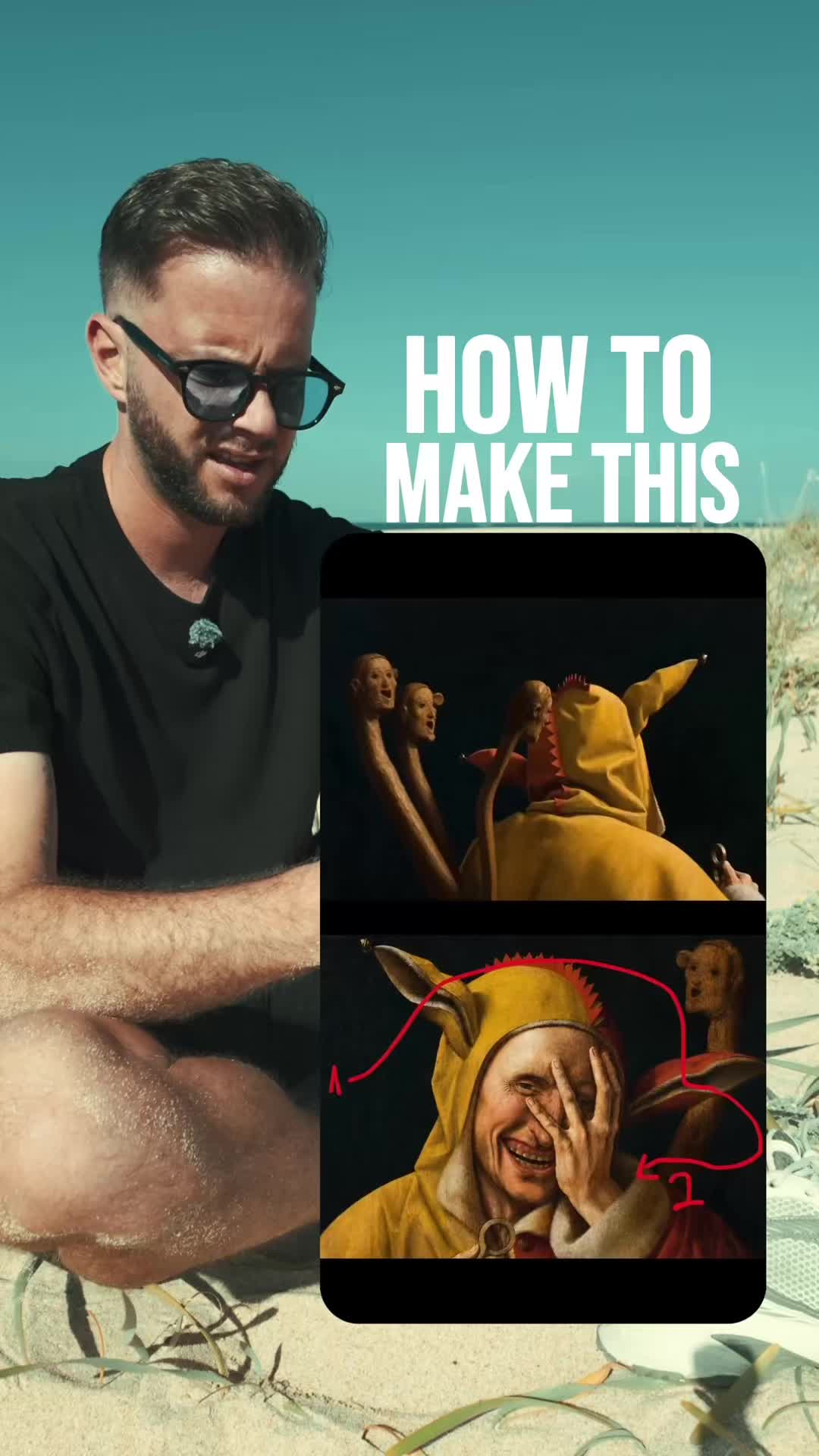
An immediate three-panel split screen showing a sketch, a realistic AI-generated video, and the original source video of a person, all moving in sync.
[06]
Hook template
Steal this for your own video
Open with a three-panel split screen: [rough input], [polished transformation], and [real-world reference] all moving in sync.
- — Open with a three-panel split screen: a room sketch, a photorealistic interior render, and a walkthrough video of the finished space all moving in sync.
- — Open with a three-panel split screen: a handwritten recipe, a plated restaurant-style dish, and a video of the cooking process all moving in sync.
- — Open with a three-panel split screen: a product wireframe, a finished app interface, and a screen recording of the app in use all moving in sync.
[07]
Hook and payoff
The promise the opener makes, and how the video pays it back
Hook
A superlative claim ('craziest update') paired with immediate visual proof of an extraordinary outcome, creating a strong curiosity gap between the result and the method.
Payoff
The Engagement Gate. The conclusion requires a specific action from the viewer (commenting 'AI') in exchange for the final piece of value (the links), converting passive consumption into active, measurable engagement.
[08]
Narrative framework
The structural pattern this video runs on
Framework
The Revelation Tutorial
Demonstrating a seemingly magical or complex result and then breaking down the surprisingly simple, step-by-step process to achieve it, gating the final tools or resources behind an engagement action.
- 1
The Accessibility Promise
Lowering the perceived barrier to entry by framing the solution as simple or affordable ('just $30 a month'), which retains viewer attention by making the outcome feel attainable.
- 2
The Foundational Step
Breaking down the first distinct stage of the process (Tool 1), providing the necessary components or setup required for the final transformation. This delivers the first piece of the promised knowledge.
- 3
The Transformation Step
Detailing the second distinct stage of the process (Tool 2), showing how to use the foundational elements from the previous beat to achieve the final, impressive outcome. This completes the knowledge transfer.
Themes
- AI innovation
- Content creation tools
- Democratization of technology
Techniques
- Split-screen comparison
- Screen recording tutorial
- Picture-in-picture
Trends
- AI video generation
- Comment-for-info CTA
Post caption
Luma’s new AI video update is wild 🔥
Comment “AI” for a link!
#LumaAI #ModifyVideo #StyleTransferAI #RunwayGen4 #ConsistentCharacters #AIVideoEditing #GenerativeAI #CreativeAI #AIForCreators #AIMagic #AIContentCreation #SmartAI #NextGenVisuals #DigitalCreators #InnovativeAI #TechForCreators #AIVisualEffects #AIStorytelling #FutureOfContent #CreatorEconomy
Text overlays
branding · middle
lumalabs.ai
Transcript
This might be the craziest AI update we've ever seen because you can now create yourself as a consistent character moving through any scene and all I bad to do was film a simple video on my iPhone and draw out a sketch on a piece of paper. So I'm gonna show you how you can achieve the same results for just $30 a month. So here's how to do it. On runway.ml, you can upload a photo of yourself, upload a photo of the location, and then upload a simple sketch mapping out the composition. Now you can write in a text prompt and when you select on the images, it will use those images as a reference to build out your image. Now when you hit generate you'll have the location, worse, and the reference for the composition. Now you can take that image and we can go to Luma Labs where you can upload a video of yourself remapping out that whole scene. Now you can hit the modify button and upload the photo that we just created as the style reference. Write in a basic prompt like man flying the plane and if you want access to the tools type AI in the comments and I'll send you the links.