Viral Hooks
Trending short videosBehind the scenes mobile filmmaking
E

@edwardleefilms

TikTok · Talking Head Edit

@edwardleefilms BTS of creating a video featuring one of my fav sandwiches — the Kimchi Cheesesteak at my brother's cafe @thirdspacetacoma. I challenged myself to shoot + edit the entire video with my iPhone and Adobe Premiere Mobile. Posting the final result tomorrow morning! @Adobe Live #AdobePartner #PremiereMobile #madeinpremieremobile

View original on TikTok

The edit1 shot · 5 text
Shots Text1:12

Performance

Views
760.4K
Likes
841
Comments
66
Engagement
0.1%
Length · 5 Jun 2026
1:12

Video #49910 · Talking Head Edit

Behind the scenes mobile filmmakingfrom @edwardleefilms

[01]

Overview

The creator provides a behind-the-scenes look at his process for creating a promotional video for his brother's cafe. He explains the project's constraint—shooting and editing entirely on an iPhone using Adobe Premiere Mobile—then walks through the production steps: filming an interview (A-roll), capturing supplementary footage of the cafe and food preparation (B-roll), and demonstrating the editing process within the mobile app. He concludes with a call-to-action to download the app and to view the final video on his profile.

[02]

Simple outline

  1. 1Present a compelling subject
  2. 2Define the creative challenge
  3. 3Show the step-by-step process
  4. 4Tease the final outcome

[03]

Related videos

[04]

Classification

Concepts
Behind The ScenesValue VlogTutorial / How To
Elements
VoiceoverB-Roll CutawayScreen Recording

[05]

Hook analysis

What stops the scroll in the first 3 seconds

Title hook

here is

Verbal hook

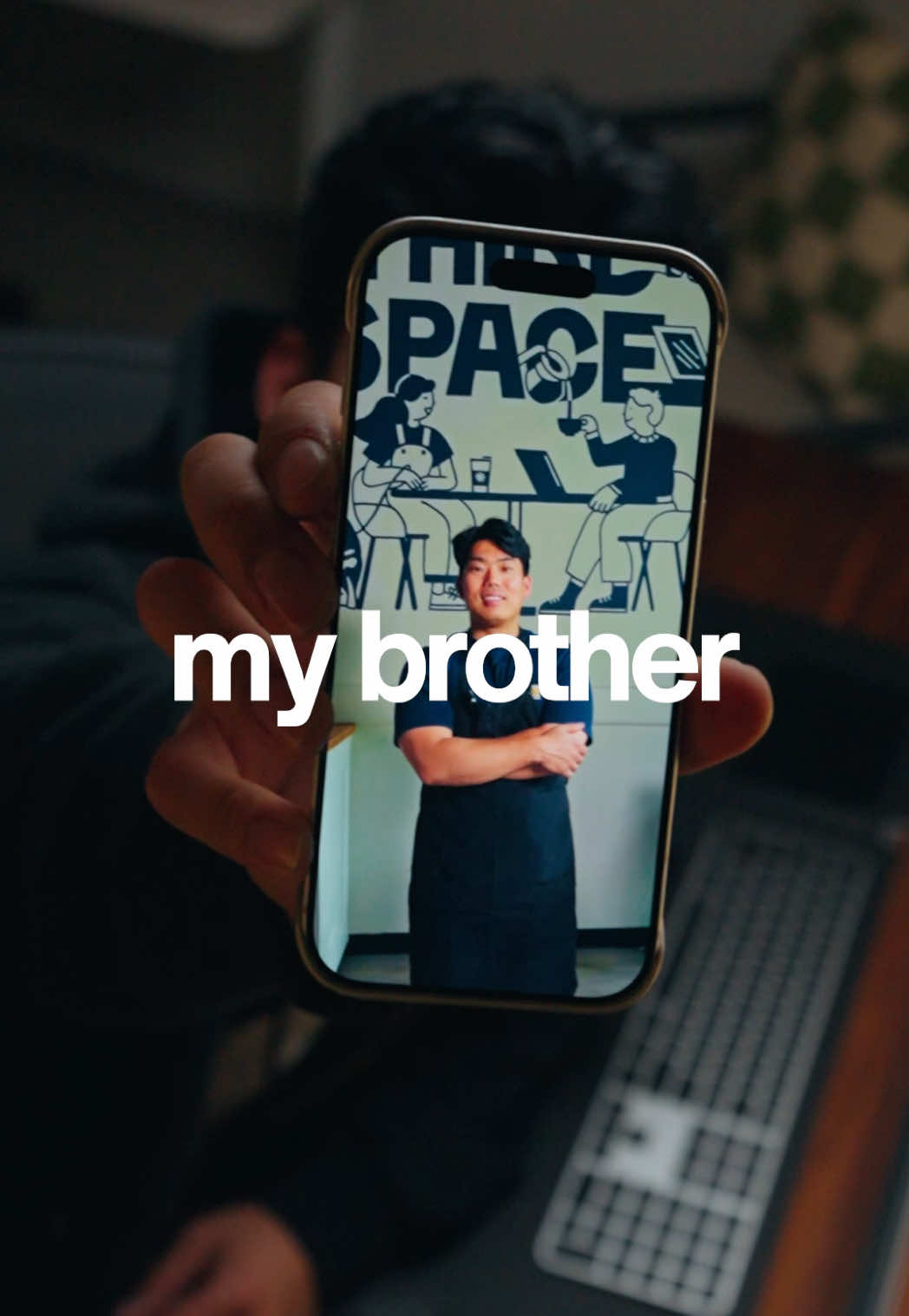
This right here is my brother Kevin, and he owns a cafe in Tacoma, Washington called Third Space.

Visual hook

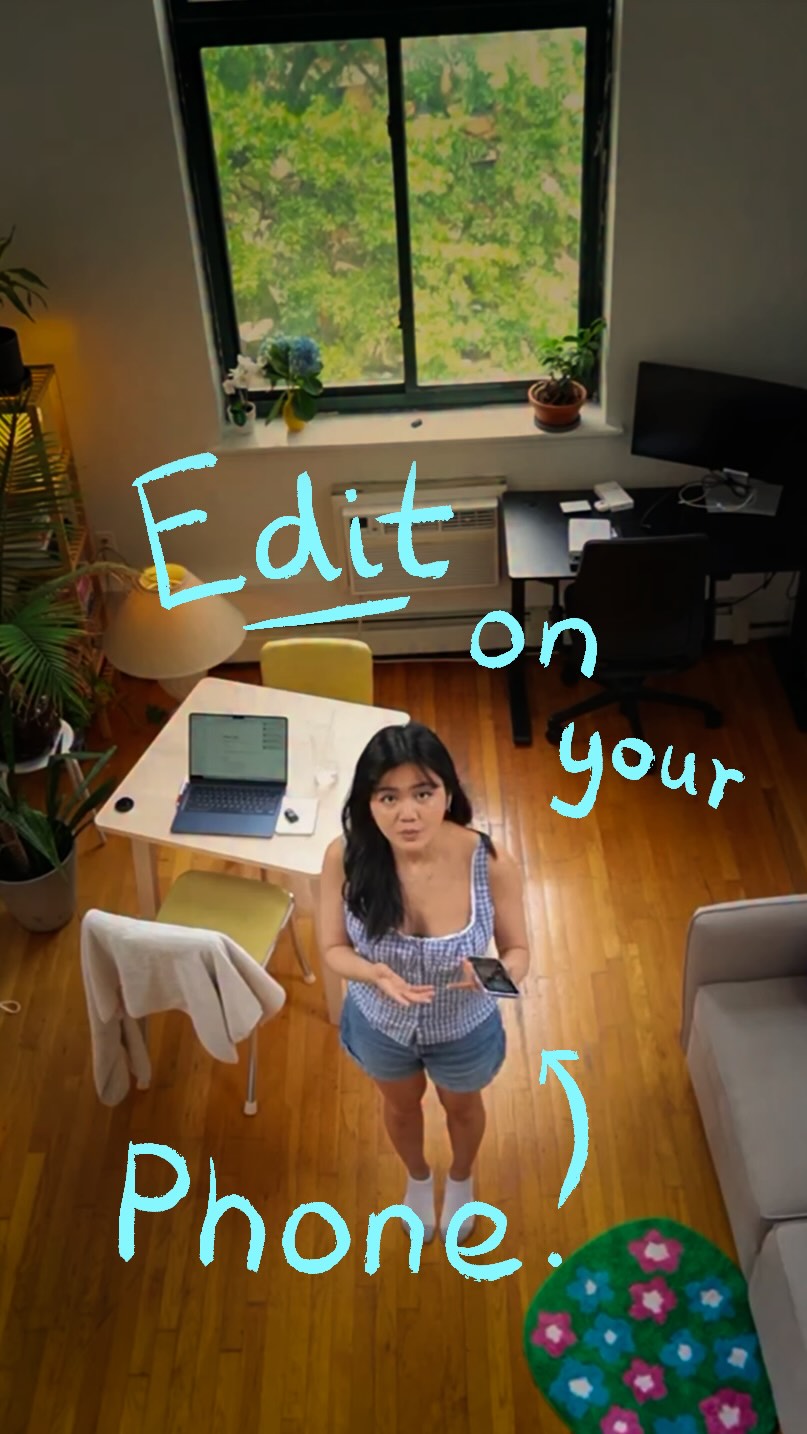
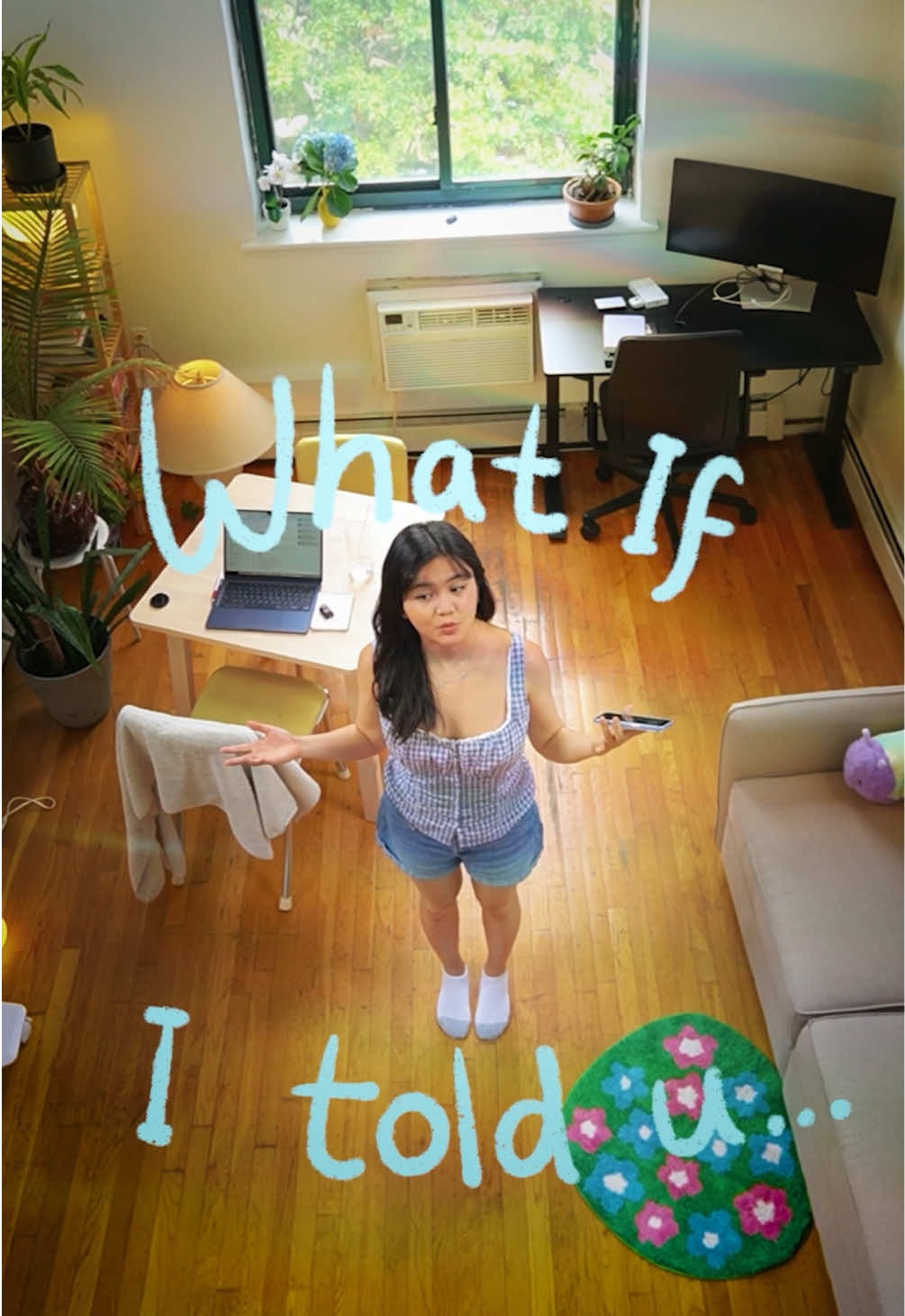
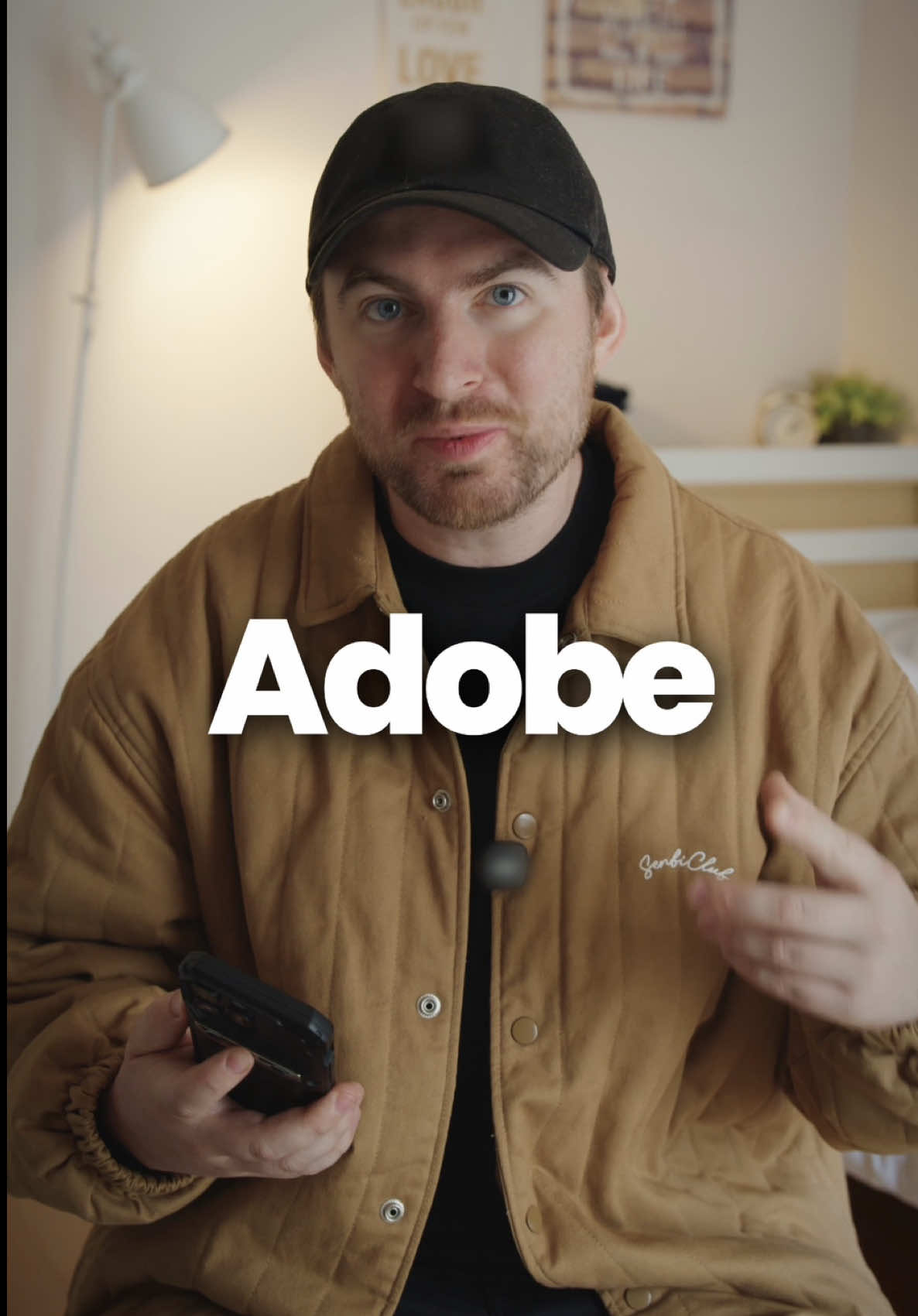
A high-angle, cinematic shot of the creator at his desk, holding a phone up directly to the camera, creating an engaging and personal introduction.

[07]

Hook and payoff

The promise the opener makes, and how the video pays it back

Hook

Establishes a personal, relatable connection to a subject and then introduces an intriguing element or concept to create a curiosity gap.

Payoff

The Content Cliffhanger: Deliberately withholds the final result of the project and directs the audience to a different piece of content to see the finished product, creating an open loop to drive further engagement.

[08]

Narrative framework

The structural pattern this video runs on

Framework

The BTS Process Reveal

To showcase a creative process from start to finish, using the journey itself as a tutorial and a vehicle to feature a specific tool or method, culminating in a cliffhanger that directs traffic to a separate 'final result' video.

  1. 1

    The Mission Statement

    Clearly defines the project's goal, the constraints or challenge involved, and the specific tools that will be used to overcome it.

  2. 2

    Process Breakdown: Phase One

    Walks through the first major stage of the creative process, often focusing on narrative capture, while providing a practical tip to add value.

  3. 3

    Process Breakdown: Phase Two

    Walks through the second major stage of the creative process, typically focusing on capturing action or supporting visuals.

  4. 4

    The Tool Demonstration

    Provides a visual walkthrough of the key tool being used, highlighting specific features that solve problems encountered in the process.

  5. 5

    The Access CTA

    Provides a direct call to action for the audience to acquire or learn more about the featured tool or resource.

Themes

  • Creativity
  • Small Business
  • Family
  • Mobile Technology

Techniques

  • Voiceover
  • B-Roll
  • Screen Recording
  • Cinematic Lighting

Trends

  • Behind-the-scenes content
  • Mobile-first creation

Post caption

BTS of creating a video featuring one of my fav sandwiches — the Kimchi Cheesesteak at my brother's cafe @thirdspacetacoma. I challenged myself to shoot + edit the entire video with my iPhone and Adobe Premiere Mobile. Posting the final result tomorrow morning! @Adobe Live #AdobePartner #PremiereMobile #madeinpremieremobile

Text overlays

  • contextual · beginning

    here is

  • contextual · beginning

    my brother Kevin

  • title · beginning

    kimchi cheesesteak

  • informational · middle

    in Adobe Premiere Mobile.

  • call-to-action · end

    for more details.

Transcript

This right here is my brother Kevin, and he owns a cafe in Tacoma, Washington called Third Space. And basically, he has this insane sandwich called the kimchi cheesesteak. And since I create videos for a living, I partnered up with Adobe to try to figure out a way where we could document my brother's recipe, his restaurant, and then I could film the whole thing, which means I'll be shooting the entire thing on my phone and then editing the video in Adobe Premiere mobile. So first, we need his story. So I decided to film a little a roll of my brother speaking about how we came up with the recipe. Now, the key here was to use an external mic and good lighting to ensure a high quality clip. Now the second step is I got some b roll footage of him actually making this sandwich. After importing all the footage, you're able to edit your video in a multitrack timeline in that stacked view. So it's really easy to make precise cuts. From there, you can go ahead and also add soundtracks or titles or captions all within the app. It's completely free to download in the App Tier, and you can go ahead and click the link in my bio or read the description for more details. If you wanna watch the final video and no see how it turned out, go ahead and click my profile, and it'll be the next video right after this one.

Behind the scenes mobile filmmaking | Viral Hooks