@mxtstutorials
TikTok · Screen Recording
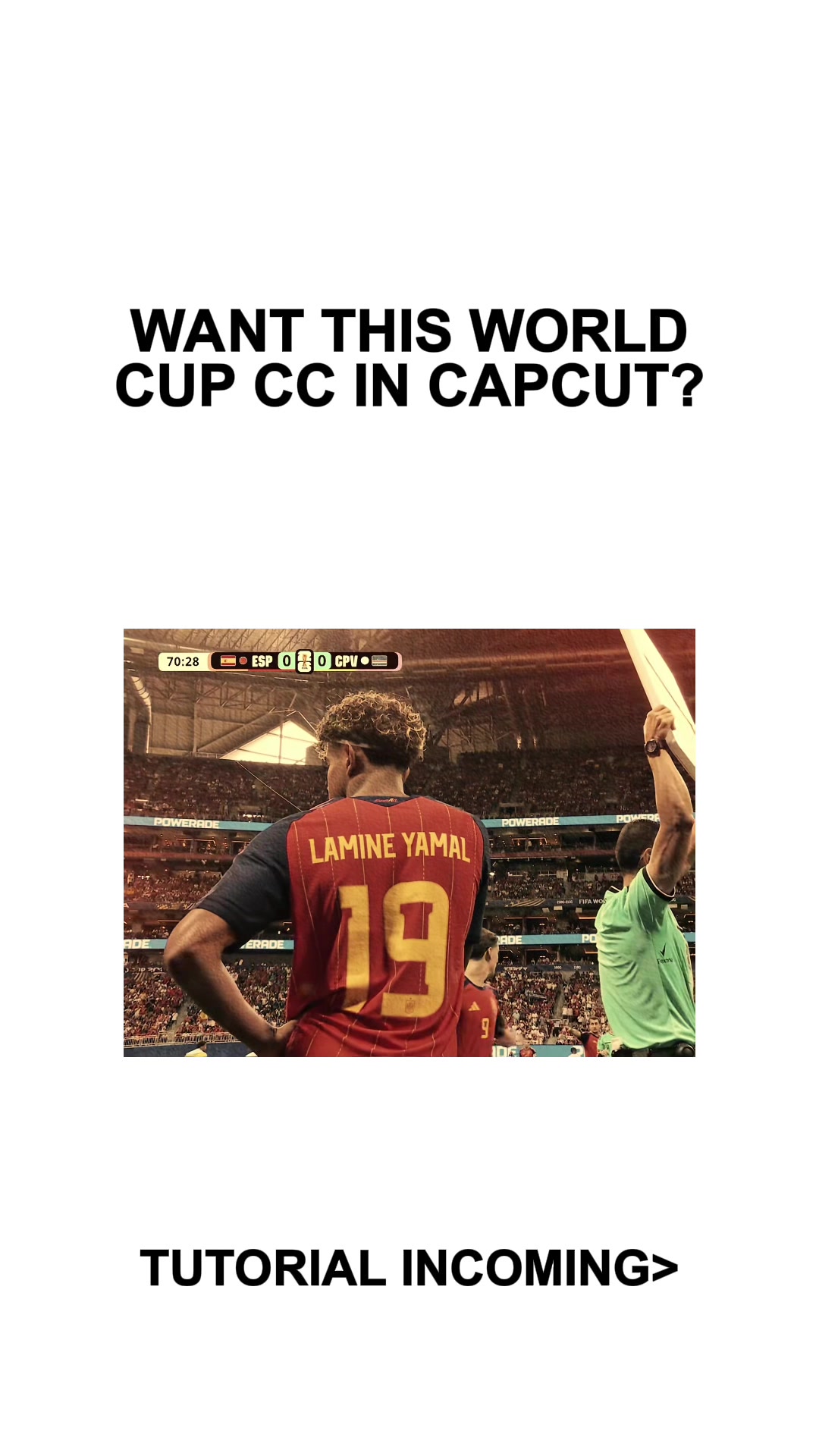
@mxtstutorials World Cup CC Tutorial CapCut #CapCut #mxtstutorial #capcuttutorial #capcuthelp #capcutpioneer

@mxtstutorials
TikTok · Screen Recording
@mxtstutorials World Cup CC Tutorial CapCut #CapCut #mxtstutorial #capcuttutorial #capcuthelp #capcutpioneer
Performance
Video #49865 · Screen Recording
[01]
The creator first showcases a video edit with a specific warm, vintage-style color correction applied to soccer clips. They then transition to a screen recording of the CapCut app to provide a step-by-step tutorial on how to achieve this "World Cup CC" effect, demonstrating which video effects and filters to apply and what settings to use.
[02]
[03]
 410.3KCapCut lag trend editing tutorial@mxtstutorials · Tutorial / How To
 607.6K3.1×Tutorial for using two effects@misscarolineflett · Tutorial / How To
 253.2KCapCut twitch shake editing tutorial@mxtstutorials · Tutorial / How To
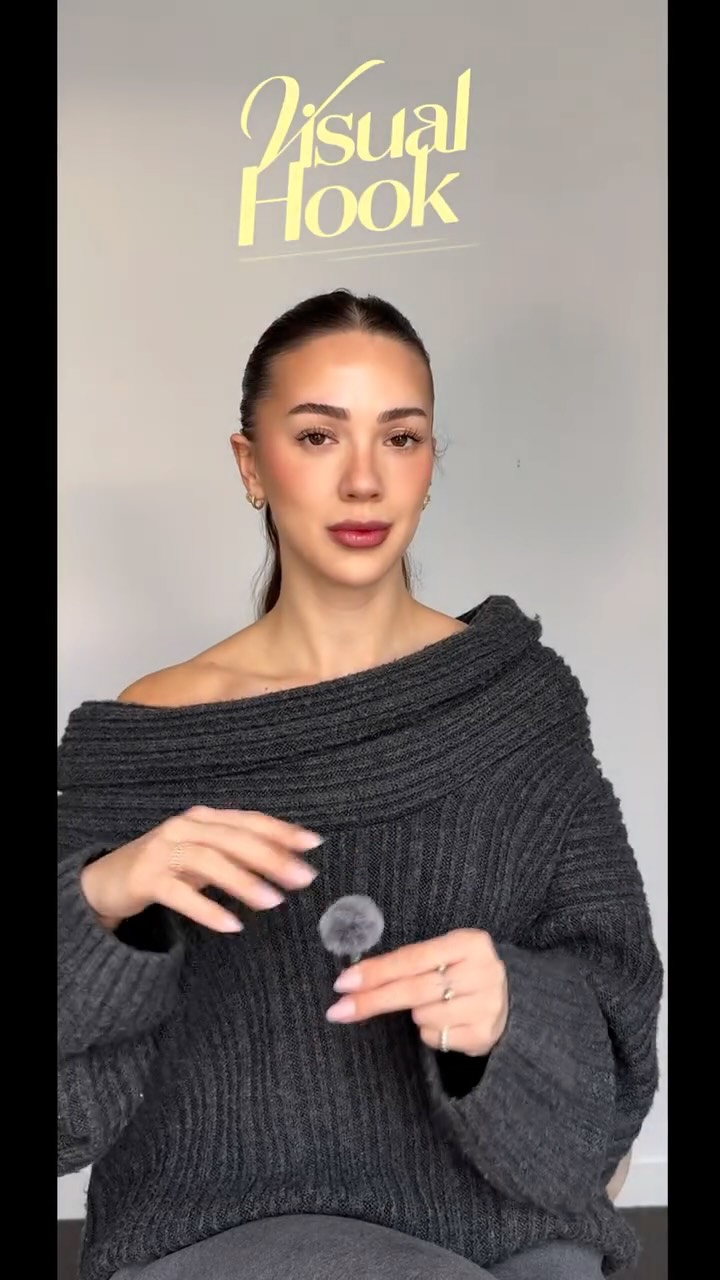 214.3K251.9×CapCut visual hook editing tutorial@itsashleyboston · Tutorial / How To
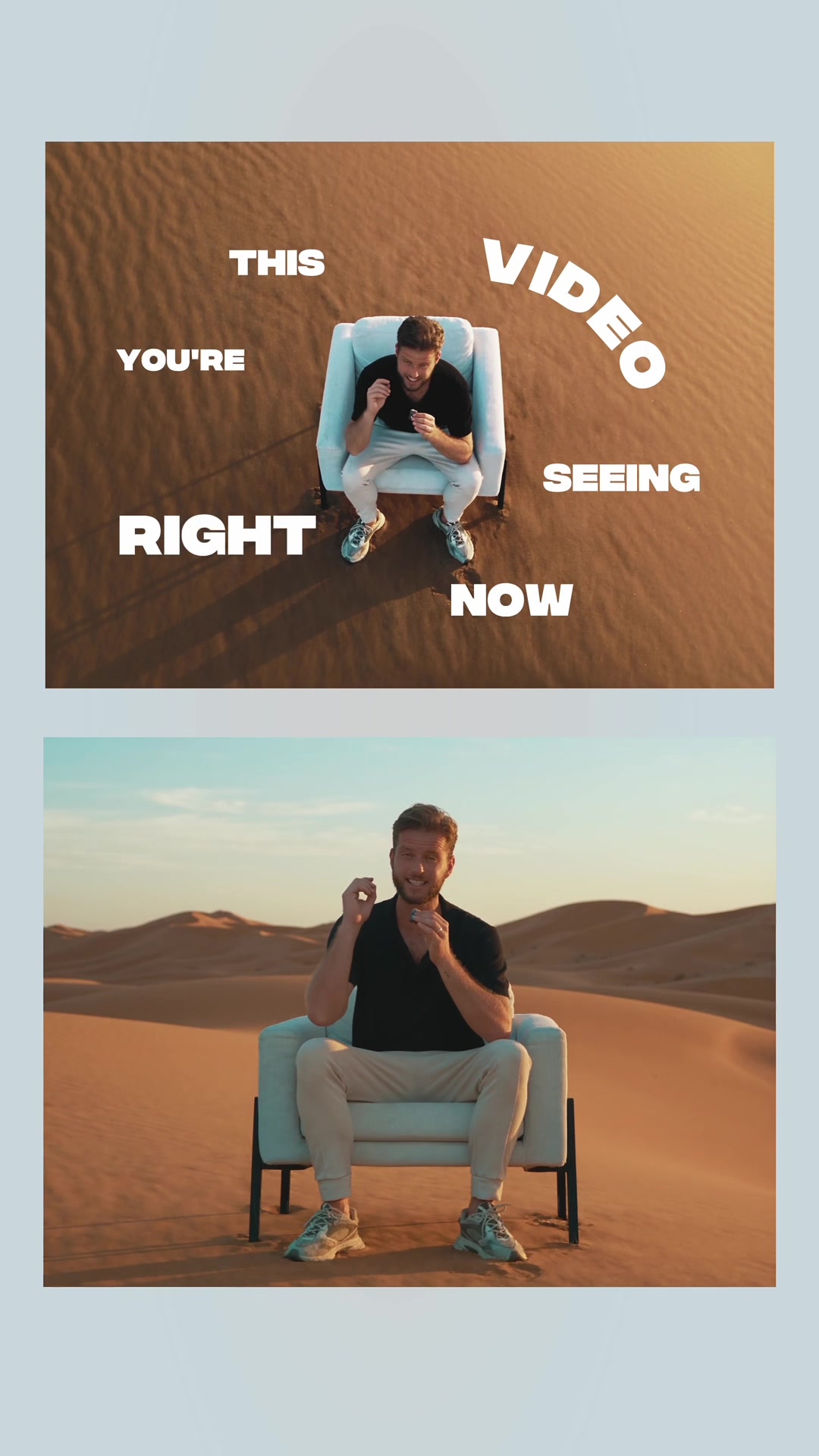 217.7KAI video editing tutorial showcase@byrvm_contentcreation · Tutorial / How To
 67.8KRecreating a cool video effect@byrvm_contentcreation · Tutorial / How To
 478K9.8×How to make frame jump effect@artzenmedia · Tutorial / How To
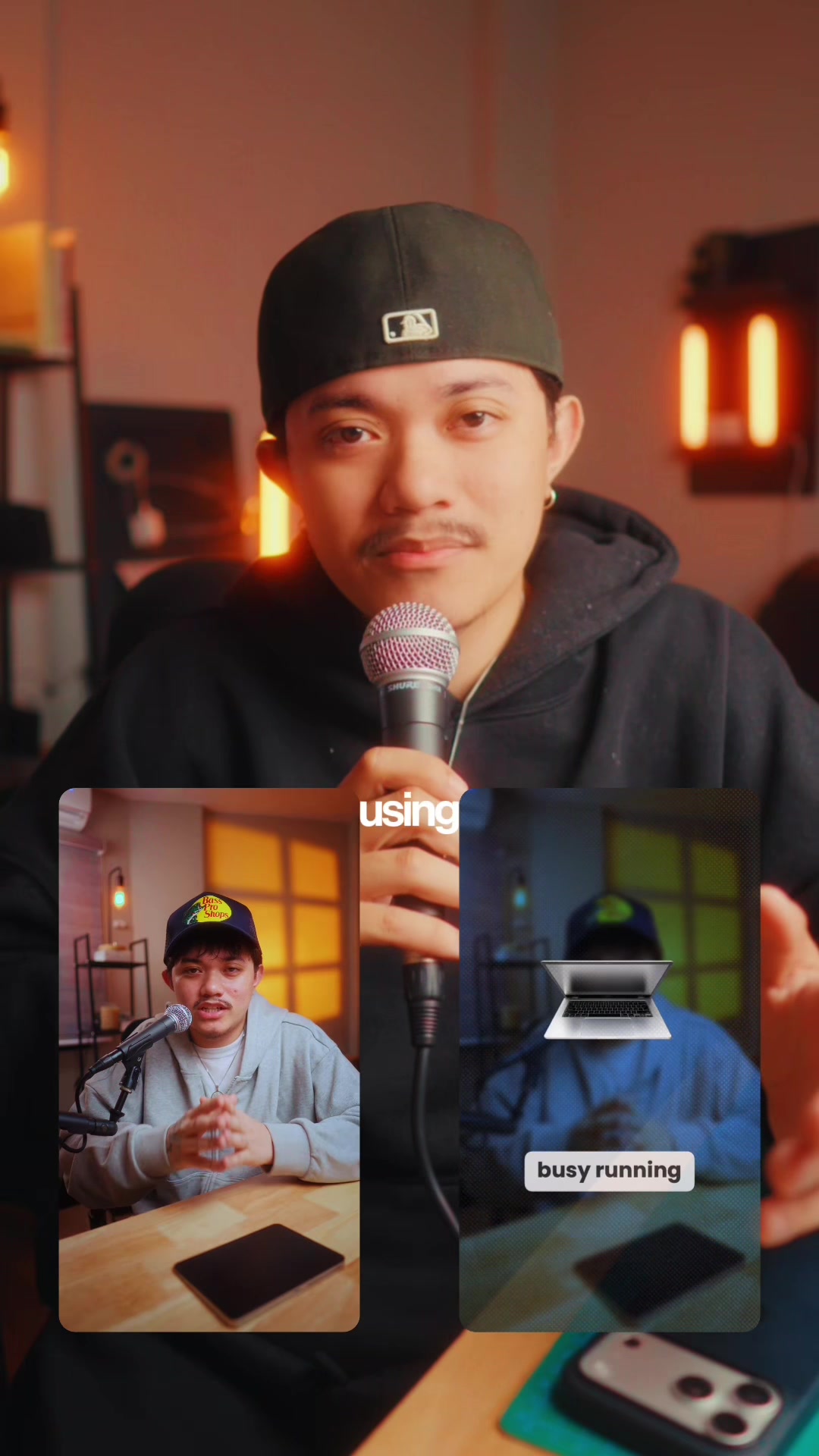 83.2KExplains editing problem, demos app solution.@ciggmedia · Product Demo
 151.3KVideo editing tutorial with quick cuts@johnbucog · Tutorial / How To
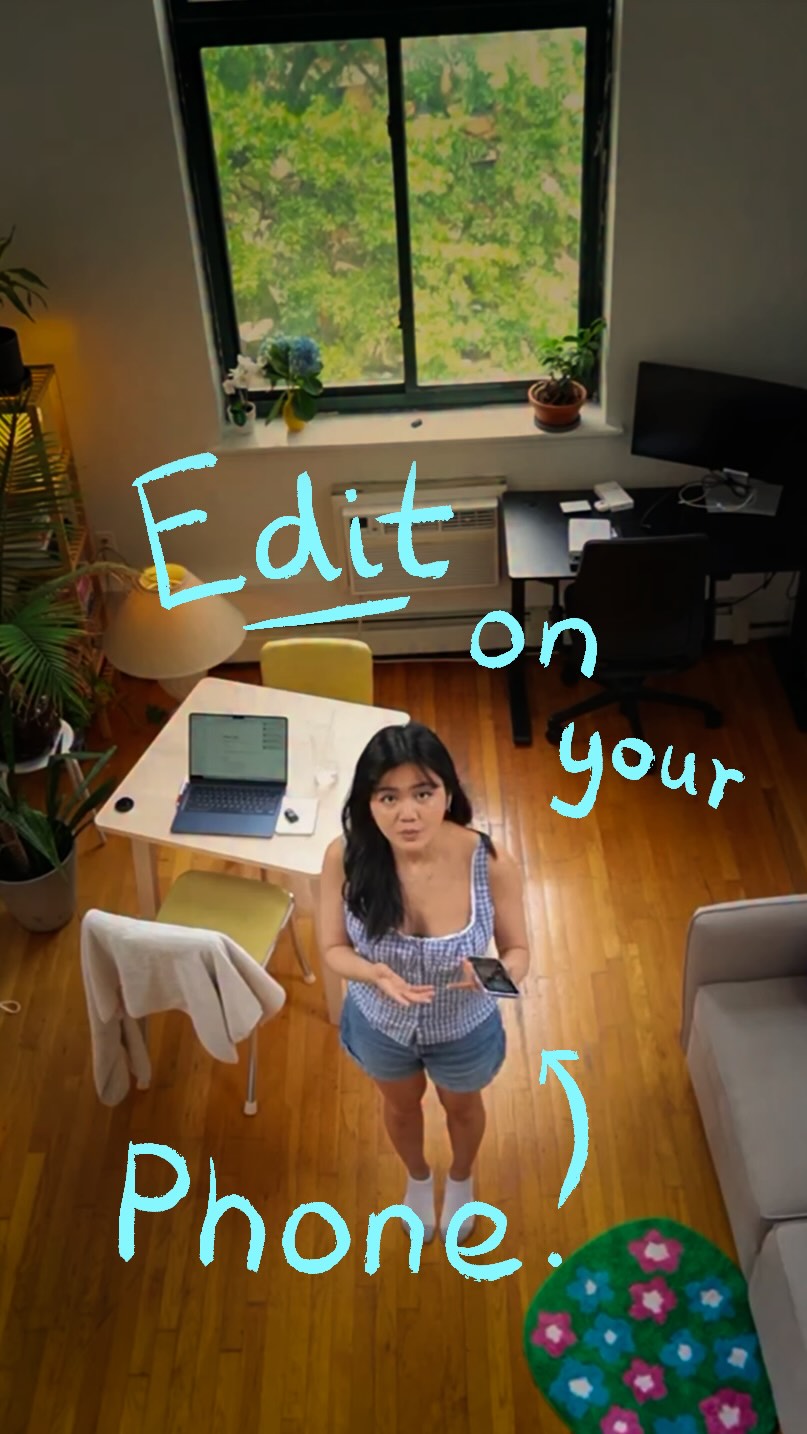 5.7M23.2×Creator demos new video app@covacut · Tutorial / How To
 58.1KCinematic video production step-by-step@johnbucog · Breakdown
 409.7K16.1×AI video tool tutorial showcase@rourke.heath · Tutorial / How To
[04]
[05]
What stops the scroll in the first 3 seconds
Title hook
WANT THIS WORLD CUP CC IN CAPCUT?
Visual hook
The video opens with aesthetically pleasing, color-graded clips of a soccer player in a stadium. The warm, vintage-style color correction itself serves as the primary visual hook, showcasing a desirable final product.
[07]
The promise the opener makes, and how the video pays it back
Hook
The Aspirational Preview - Presents a visually appealing final product and directly asks the viewer if they want to learn the method, creating immediate buy-in and setting clear expectations for a tutorial.
Payoff
The Replicated Proof - The video concludes by playing the final, edited result, confirming that the steps provided successfully recreate the outcome promised in the hook, delivering satisfaction and validating the tutorial's effectiveness.
[08]
The structural pattern this video runs on
Framework
The 'Secret Recipe' Tutorial
To deconstruct a desirable, complex-looking outcome into a series of simple, replicable steps, making the viewer feel like they are gaining exclusive knowledge.
Instruction 1: Locate the Core Effect
The first command is given via on-screen text, directing the user to find a specific, named tool or effect within the software interface.
Instruction 2: Define the Application Scope
The second command instructs the user on how to apply the chosen effect universally across all media clips in the project.
Instruction 3: Reveal the Secret Settings
The third command reveals the precise numerical parameters needed to calibrate the core effect, providing the 'secret' numbers that make the look work.
Instruction 4: Add the Finishing Layer
The final command directs the user to add and apply a secondary effect or filter, completing the formula for the desired outcome.
World Cup CC Tutorial CapCut #CapCut #mxtstutorial #capcuttutorial #capcuthelp #capcutpioneer
title · beginning
WANT THIS WORLD CUP CC IN CAPCUT?
contextual · beginning
TUTORIAL INCOMING>
informational · middle
GO TO VIDEO EFFECTS> BRIGHT SUN
informational · middle
GO TO OBJECT> PUT IT ON ALL
informational · middle
ADJUST TO 10 65
informational · middle
GO TO FILTER> DUNE 1 (100)
no